How to Publish a Book on Amazon
Finalize your book.. Create a Kindle Direct Publishing account.. Choose your preferred publication format.
Steps
1
Finalize your book.
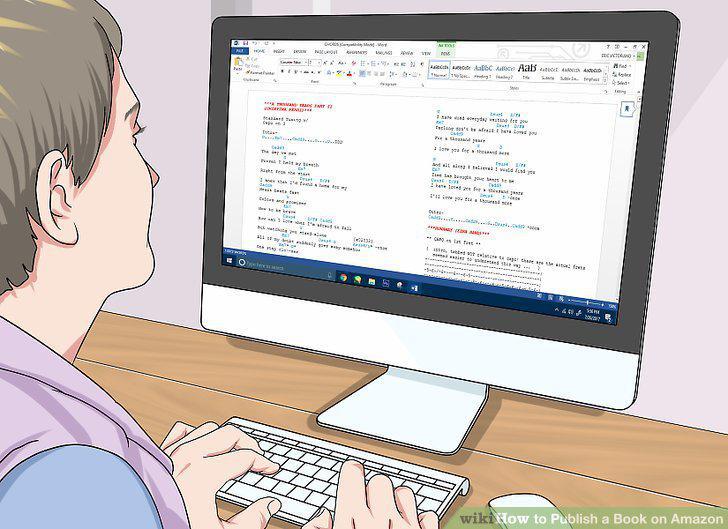
Finalize your book.
2
Create a Kindle Direct Publishing account.
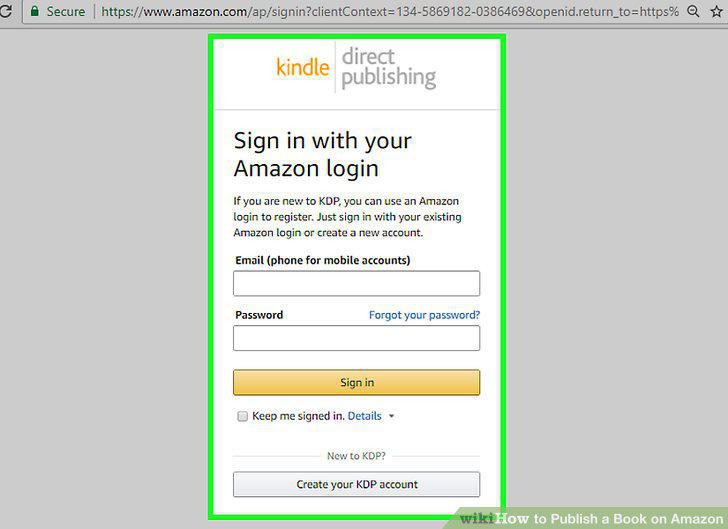
Create a Kindle Direct Publishing account.
3
Choose your preferred publication format.
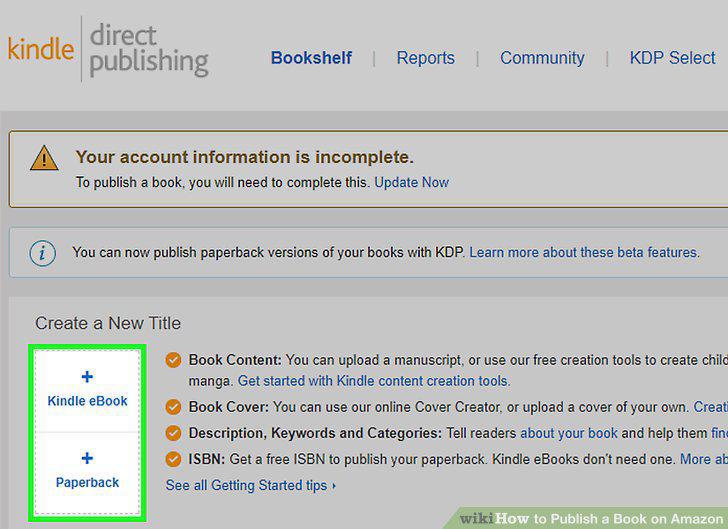
Choose your preferred publication format.
4
Get your book formatted properly.
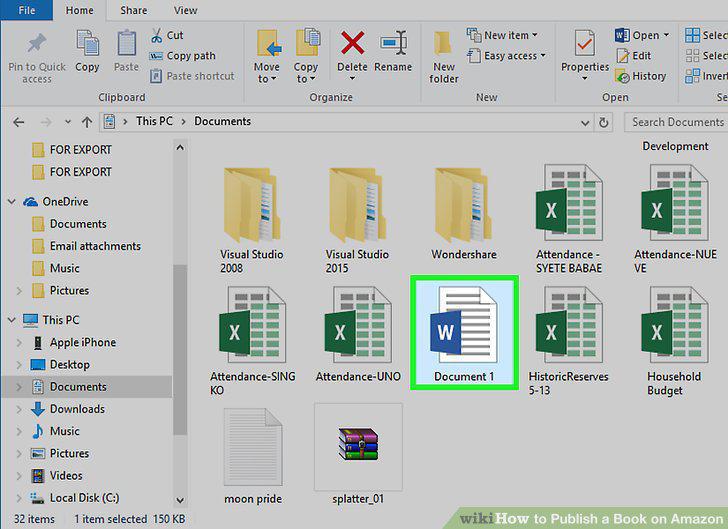
Get your book formatted properly.
5
Go to your Bookshelf in your KDP account.
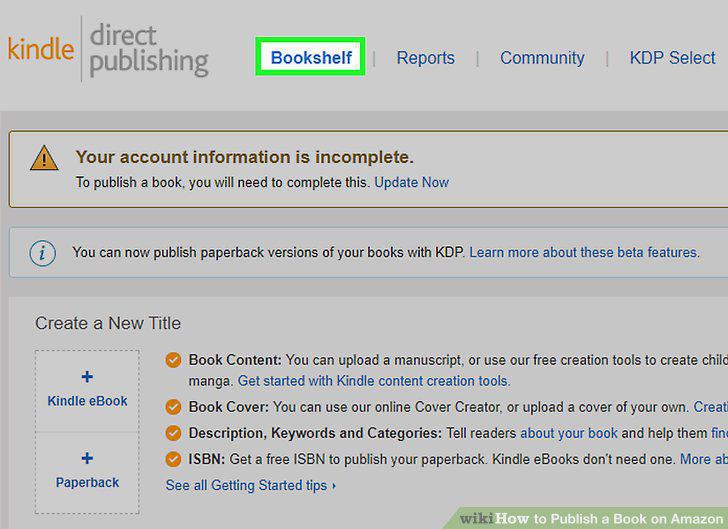
Go to your Bookshelf in your KDP account.
6
Enter your book details.
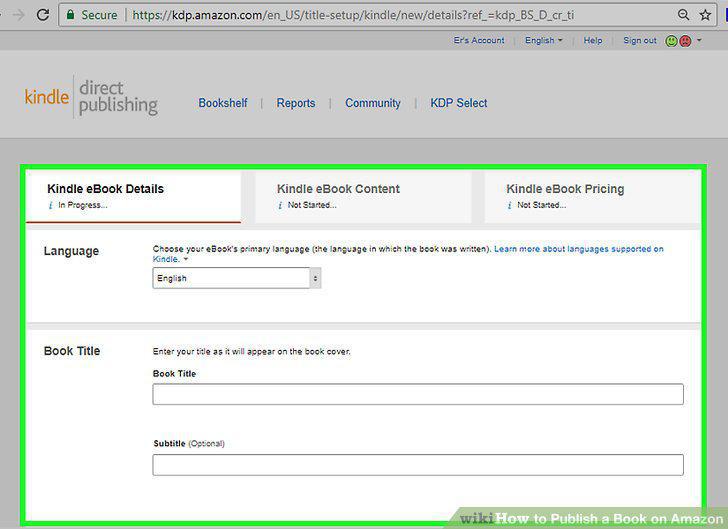
Enter your book details.
7
Choose or create the cover art for your book.
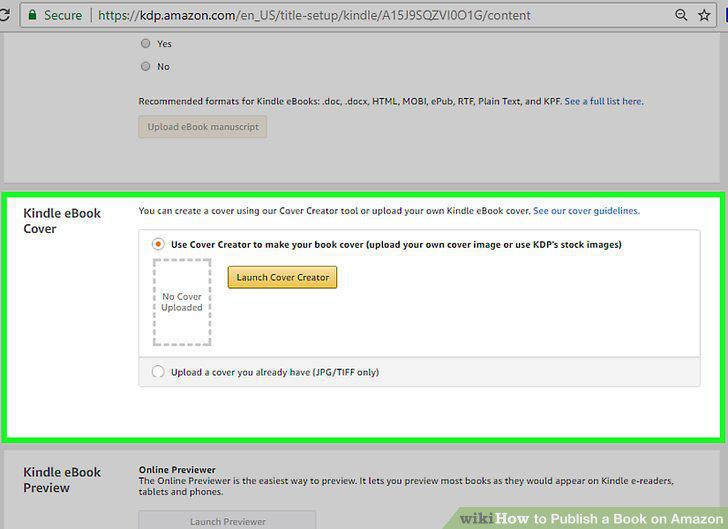
Choose or create the cover art for your book.
8
Upload your book.
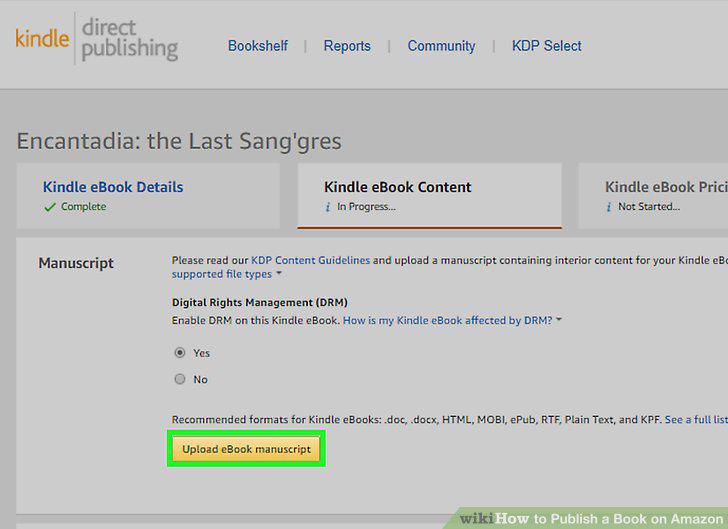
Upload your book.
9
Preview your cover design and page layout.
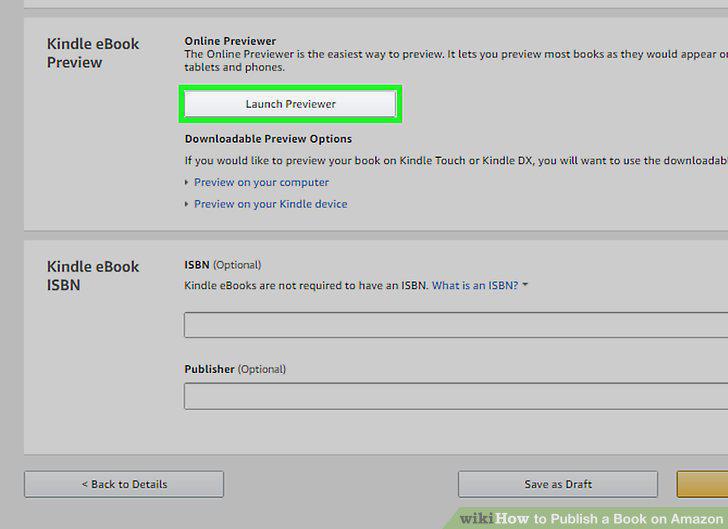
Preview your cover design and page layout.
10
Set a price for your book.
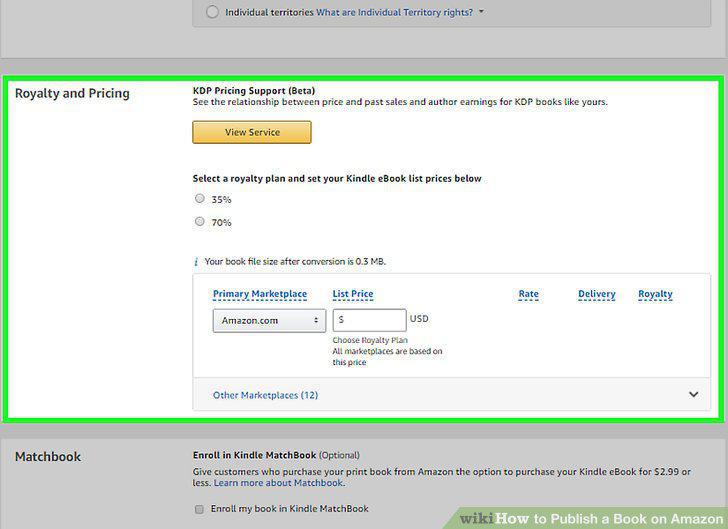
Set a price for your book.
11
Publish your book.
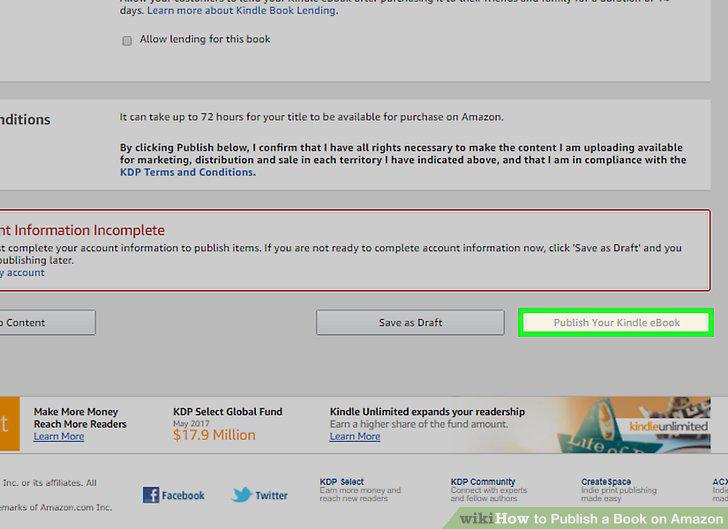
Publish your book.
12
Check your sales, feedback and other stats through your KDP account.
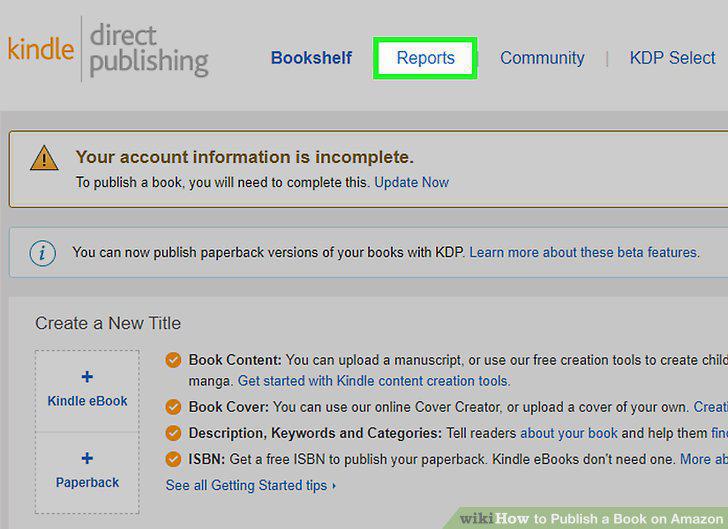
Check your sales, feedback and other stats through your KDP account.
Comments (0)
No comments yet. Be the first to share your thoughts!