How to Check Your Driver's License Status
Have your driver's license handy before you check the status.. Find the website for your state's department of motor vehicles.. Enter your information to find your license record.
Steps
Have your driver's license handy before you check the status.
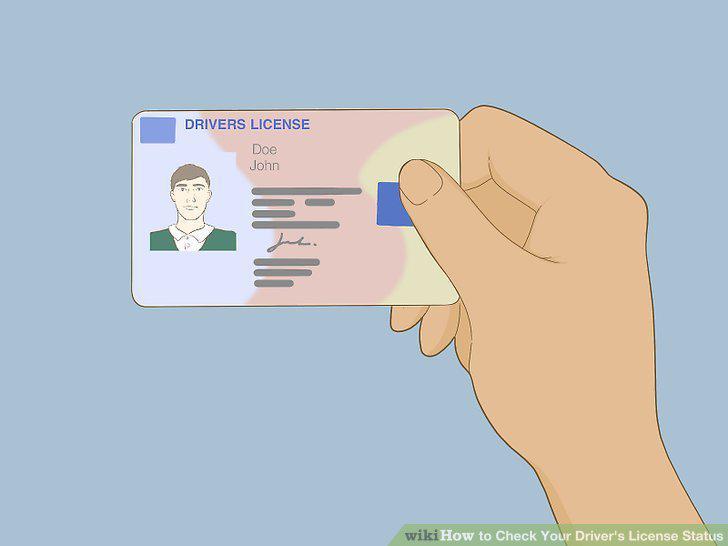
Have your driver's license handy before you check the status.
Find the website for your state's department of motor vehicles.
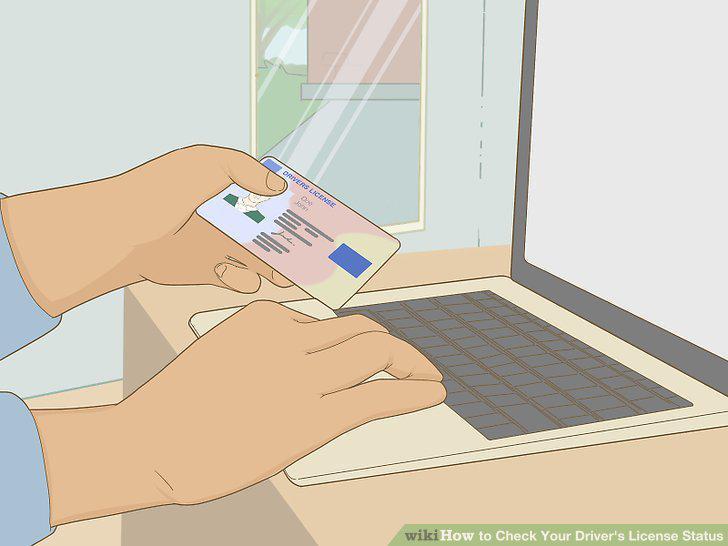
Find the website for your state's department of motor vehicles.
Enter your information to find your license record.
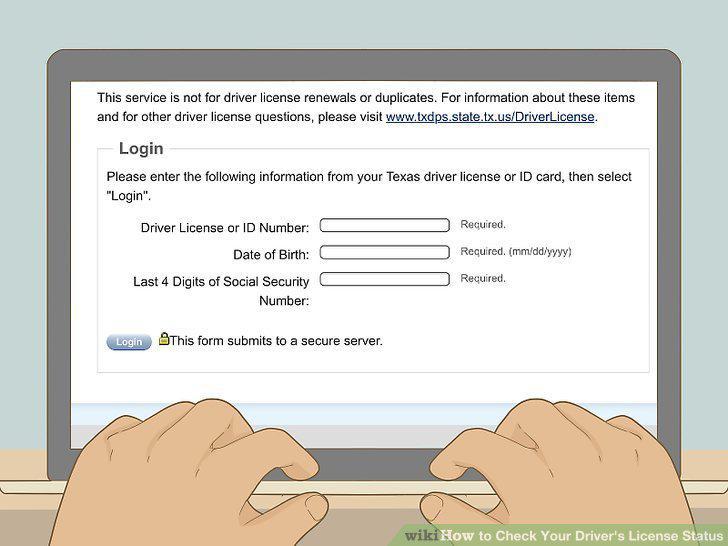
Enter your information to find your license record.
Review the results for your license status.
Review the results for your license status.
Access your license information online.
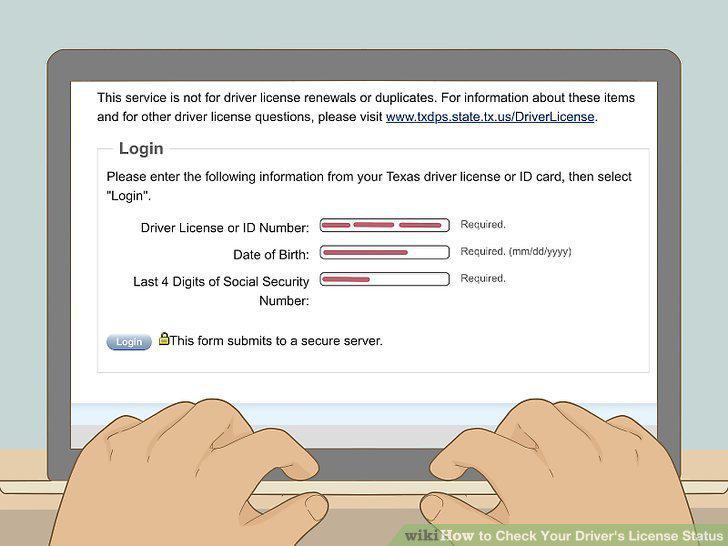
Access your license information online.
Read through the list of holds on your license.
Read through the list of holds on your license.
Gather documents to prove that you've met the required conditions.
Gather documents to prove that you've met the required conditions.
Pay all fines and reissue fees.
Pay all fines and reissue fees.
Attend a reinstatement hearing if required.
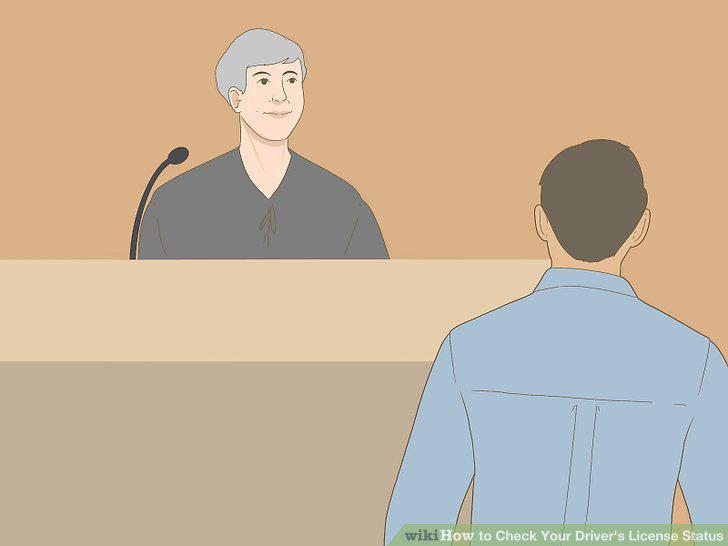
Attend a reinstatement hearing if required.
Look up your record online.
Look up your record online.
Choose the type of official record you want to order.
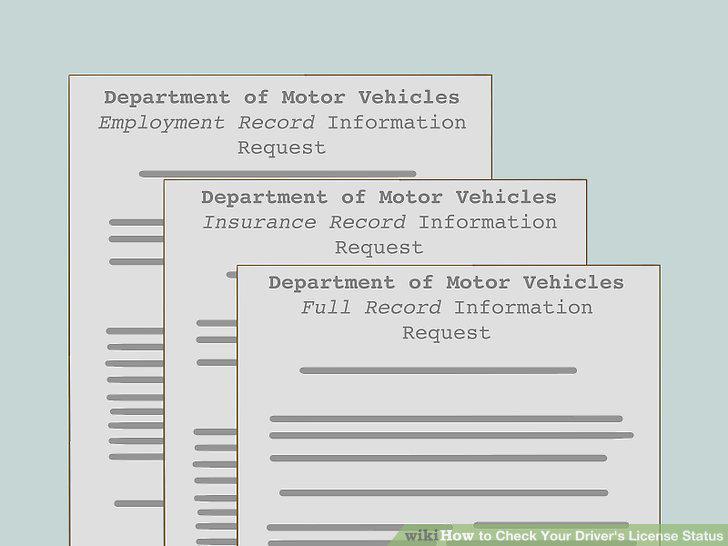
Choose the type of official record you want to order.
Buy an official copy of your driving record online.
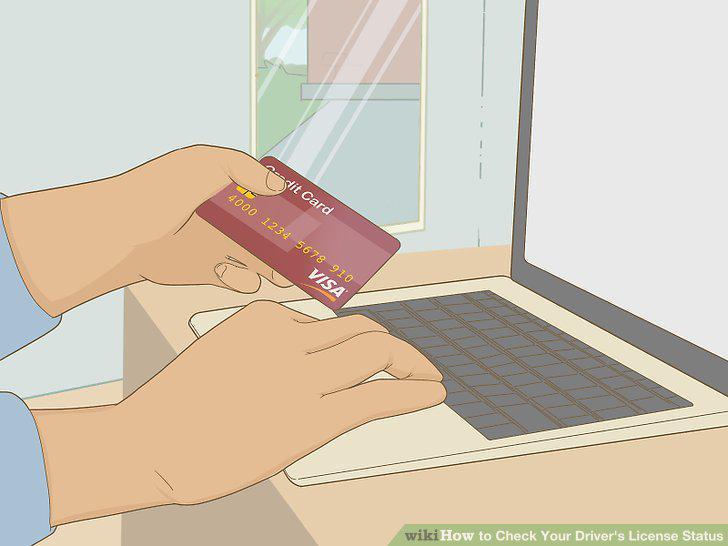
Buy an official copy of your driving record online.
Fill out a paper order form if you don't want to order online.
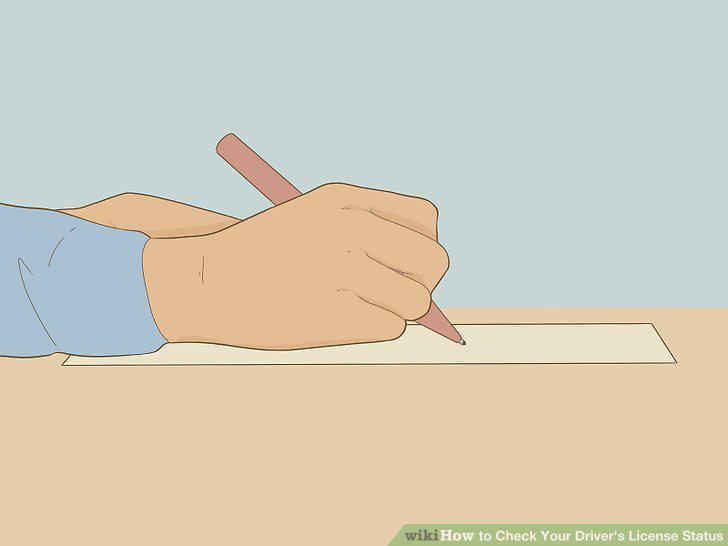
Fill out a paper order form if you don't want to order online.
Comments (0)
No comments yet. Be the first to share your thoughts!