How to Change Your Xbox Account Name
Press the Xbox button to open the guide.. Select your picture in the upper left corner of the screen.. Press the A button.
Steps
1
Press the Xbox button to open the guide.
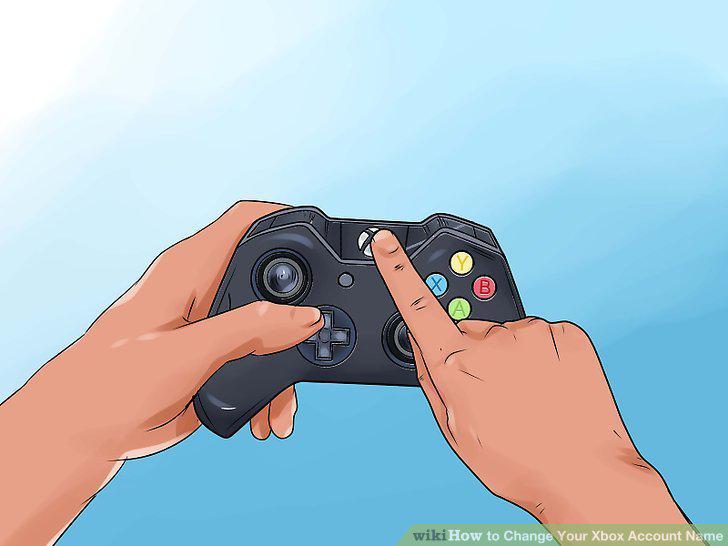
Press the Xbox button to open the guide.
2
Select your picture in the upper left corner of the screen.
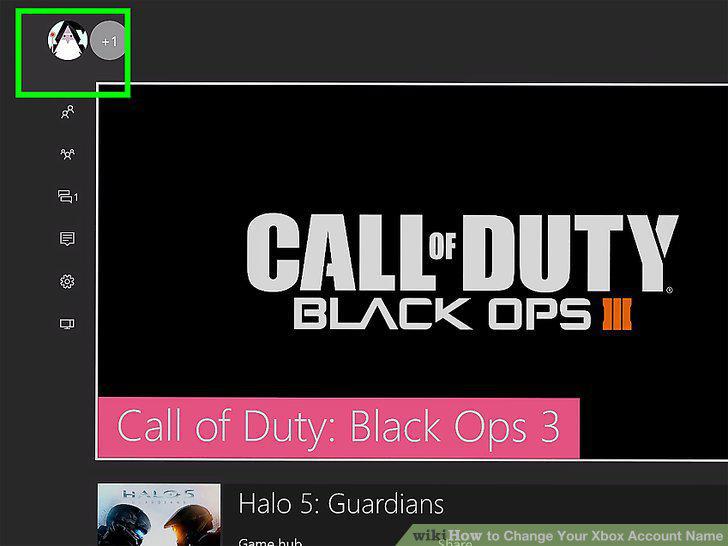
Select your picture in the upper left corner of the screen.
3
Press the A button.
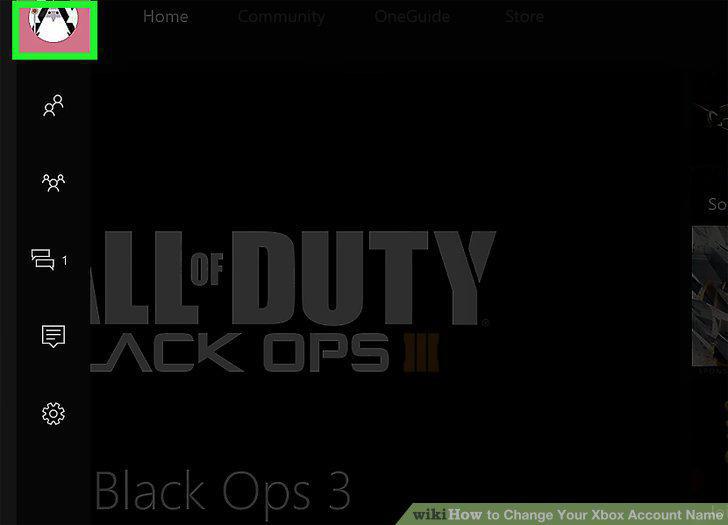
Press the A button.
4
Select My Profile and press A.
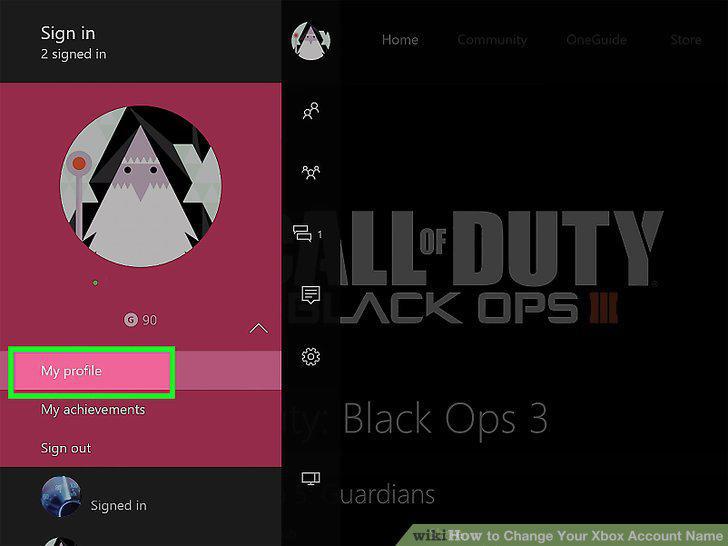
Select My Profile and press A.
5
Select Customize profile and press A.
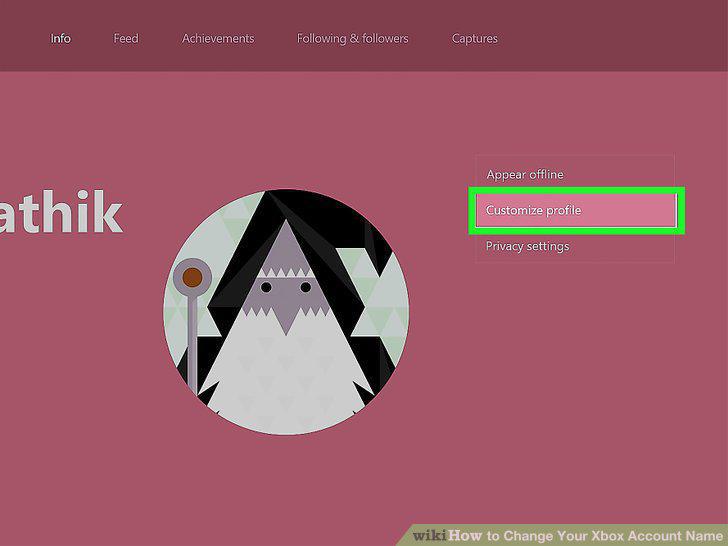
Select Customize profile and press A.
6
Select Make my own and press A.
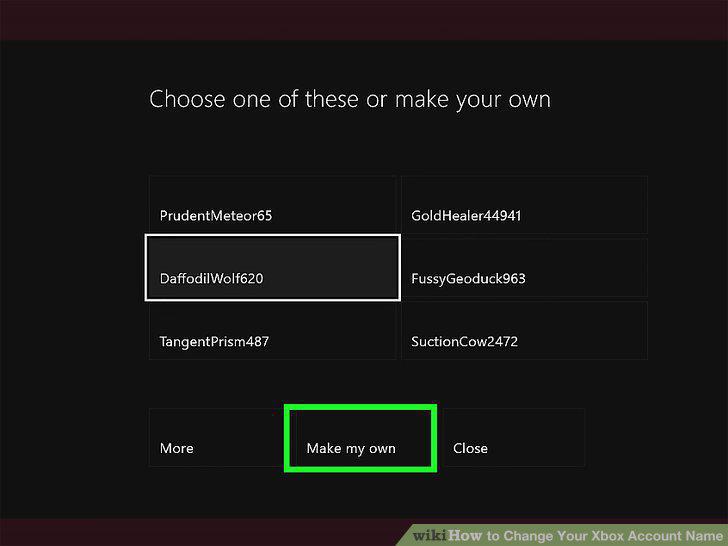
Select Make my own and press A.
7
Select Claim it and press A when you find an acceptable gamertag.
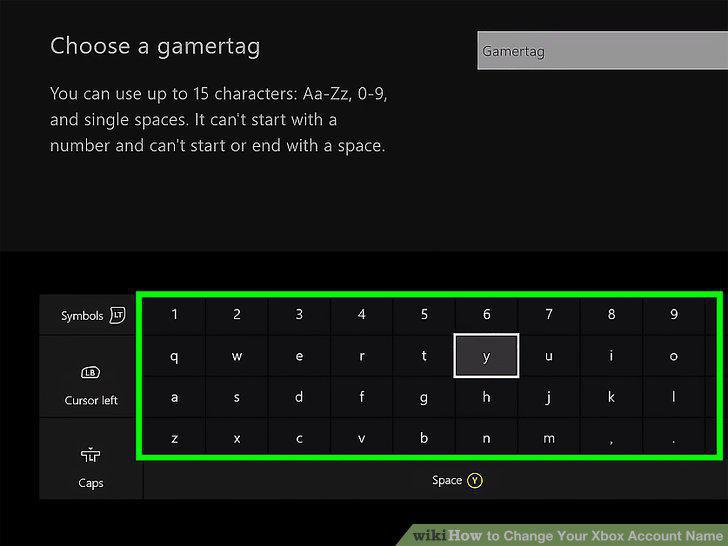
Select Claim it and press A when you find an acceptable gamertag.
8
Select Sounds good and press A.
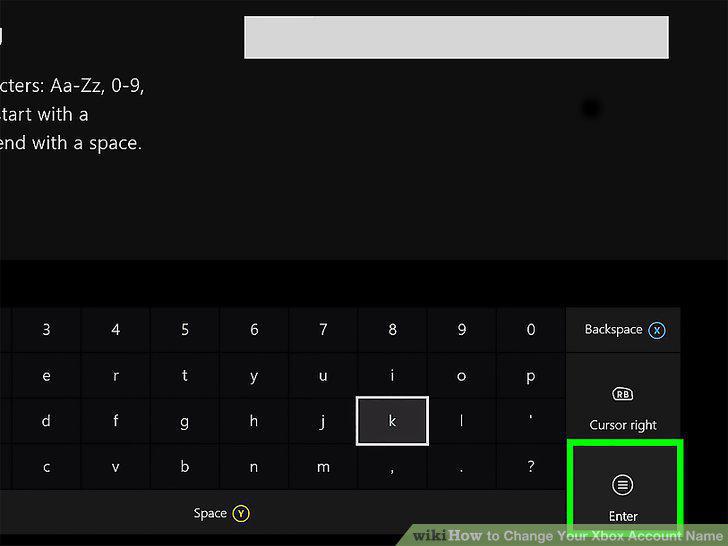
Select Sounds good and press A.
Comments (0)
No comments yet. Be the first to share your thoughts!