How to Contact PayPal Canada
Search for a solution at PayPal Canada's help page.. Ask PayPal's direct message bot for help if you can't find your issue.. Transfer your question to a representative if the bot can't help you.
Steps
Search for a solution at PayPal Canada's help page.
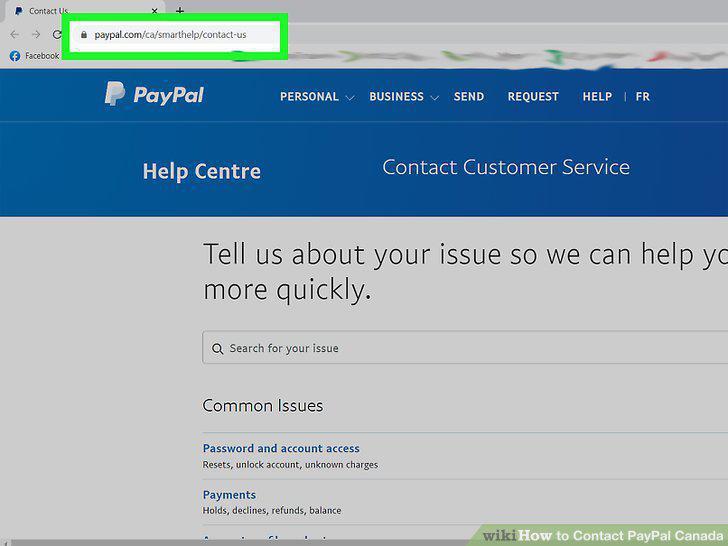
Search for a solution at PayPal Canada's help page.
Ask PayPal's direct message bot for help if you can't find your issue.
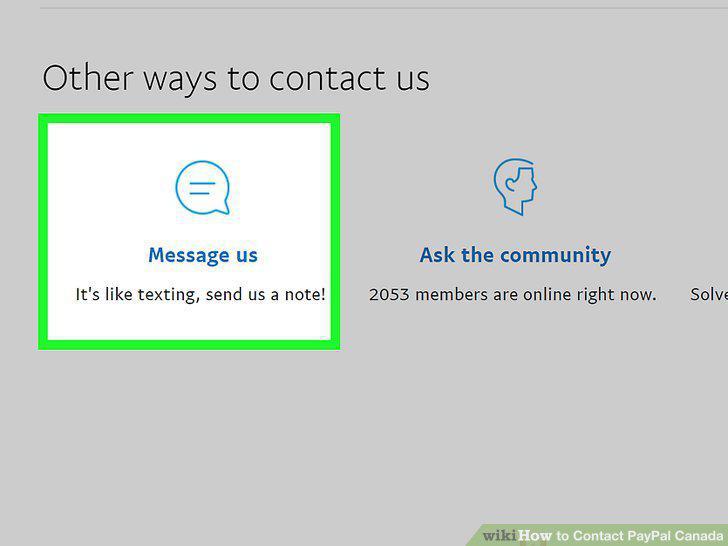
Ask PayPal's direct message bot for help if you can't find your issue.
Transfer your question to a representative if the bot can't help you.
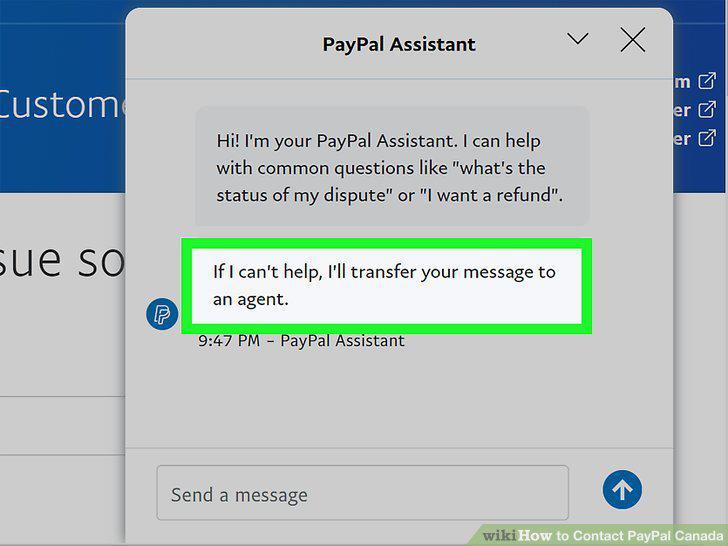
Transfer your question to a representative if the bot can't help you.
Check the PayPal community page while you wait for a response.
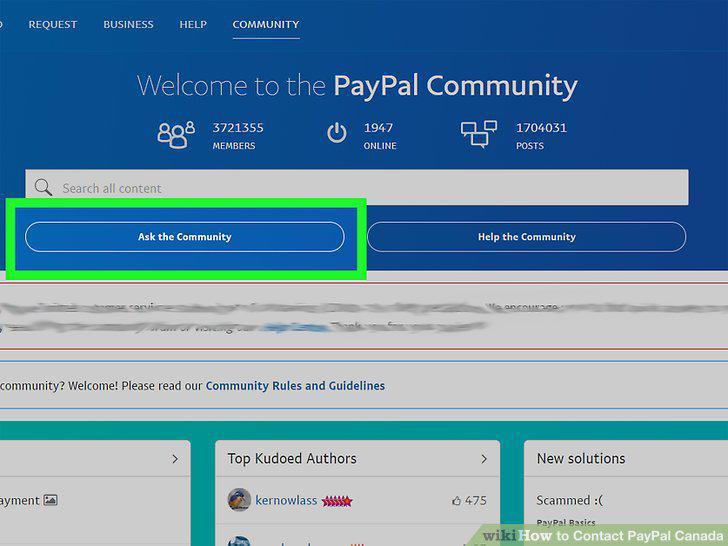
Check the PayPal community page while you wait for a response.
Open a case in the Resolution Center for transaction problems.
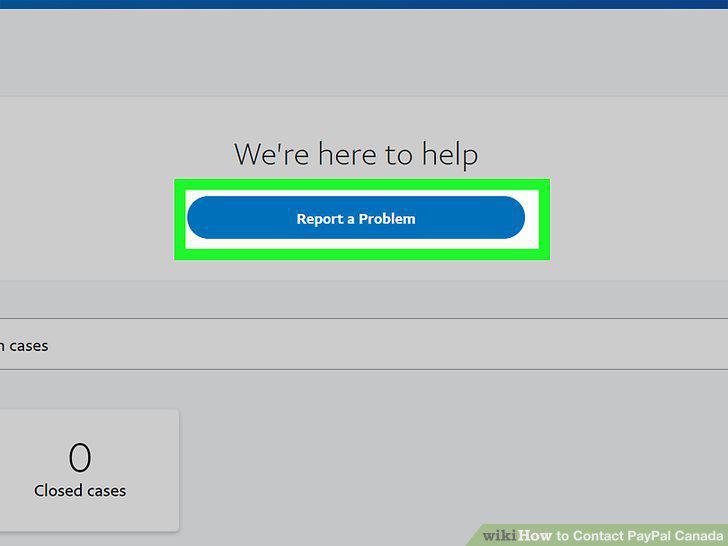
Open a case in the Resolution Center for transaction problems.
Send an email through the email system if you don't have an account.
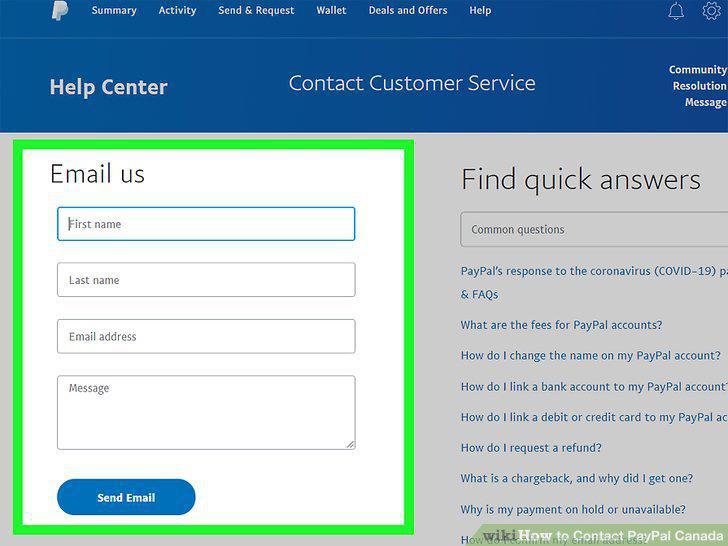
Send an email through the email system if you don't have an account.
Call the Merchant Support Center if you run a business.
Call the Merchant Support Center if you run a business.
Email PayFlow support if you're a merchant having account problems.
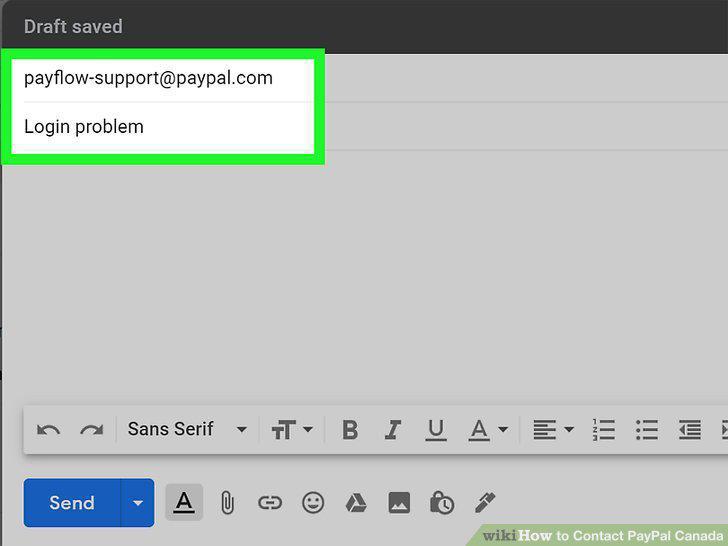
Email PayFlow support if you're a merchant having account problems.
Send a message to PayPal Support's Twitter page if you can't get help.
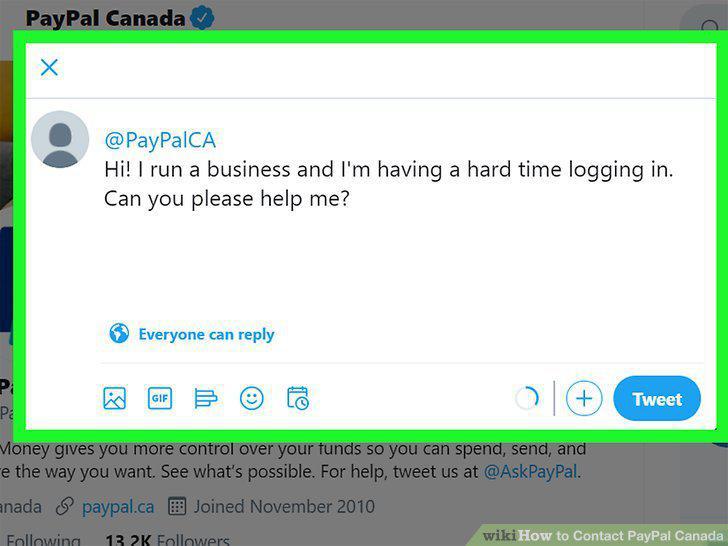
Send a message to PayPal Support's Twitter page if you can't get help.
Comments (0)
No comments yet. Be the first to share your thoughts!