How to Buy Postage Online
Go to the United States Postal Service website.. Click the Register/Sign-In tab.. Enter your security information.
Steps
Go to the United States Postal Service website.
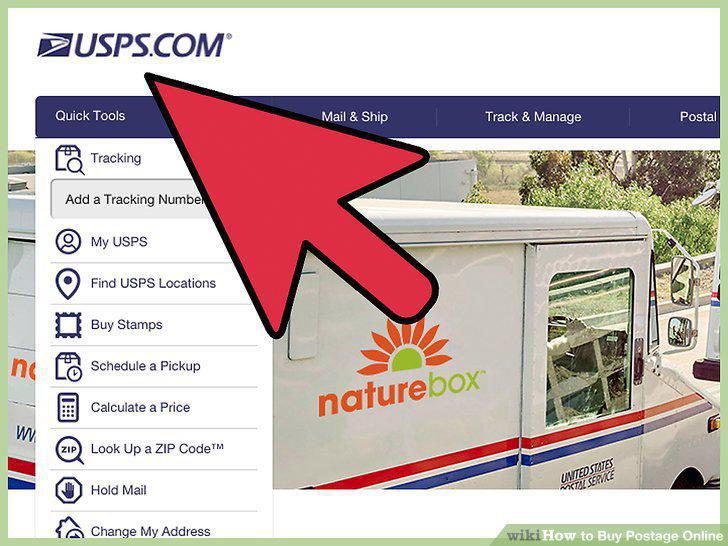
Go to the United States Postal Service website.
Click the Register/Sign-In tab.
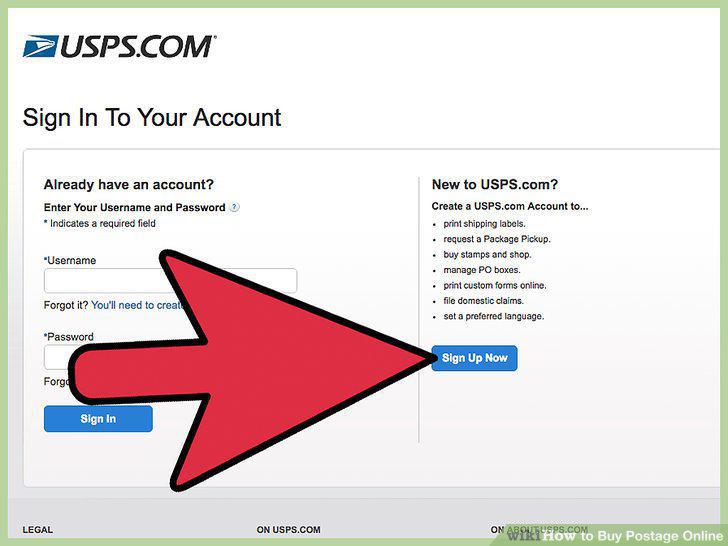
Click the Register/Sign-In tab.
Enter your security information.
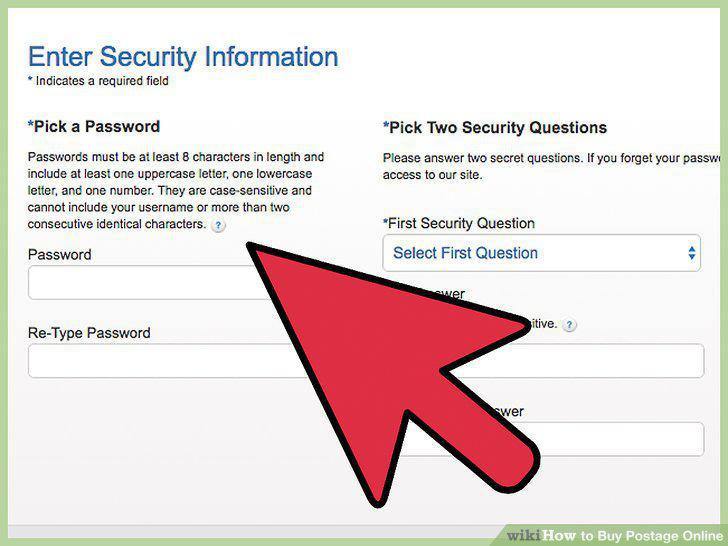
Enter your security information.
Choose account type.
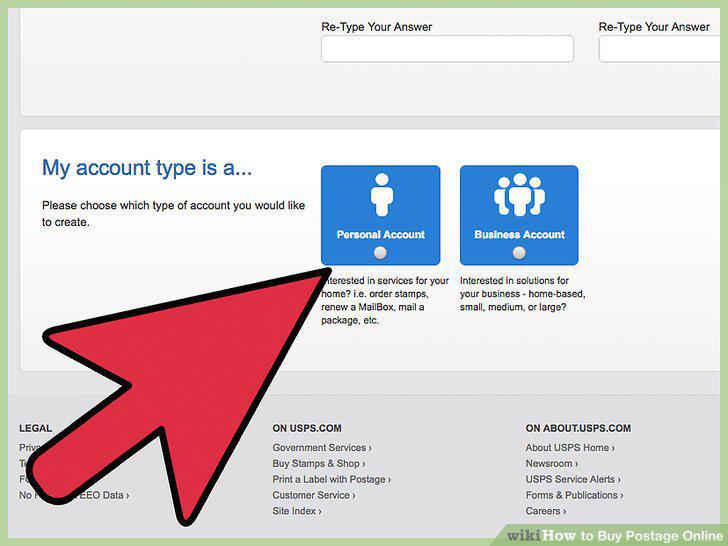
Choose account type.
Enter your contact information.
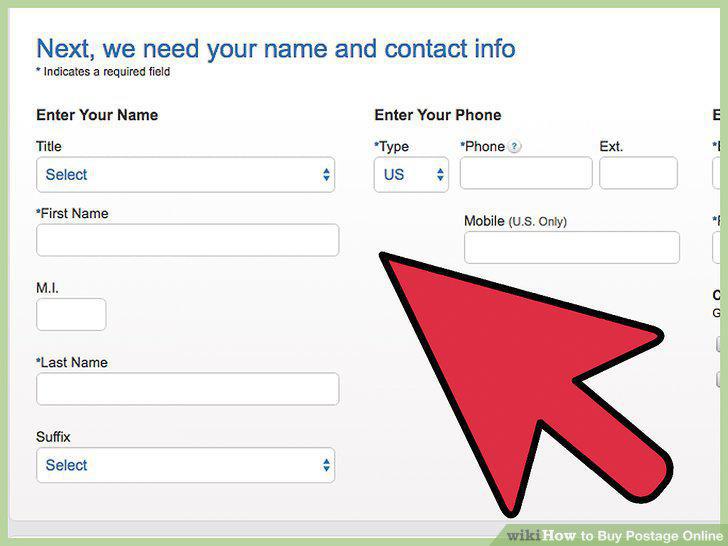
Enter your contact information.
Click the Stamps link.
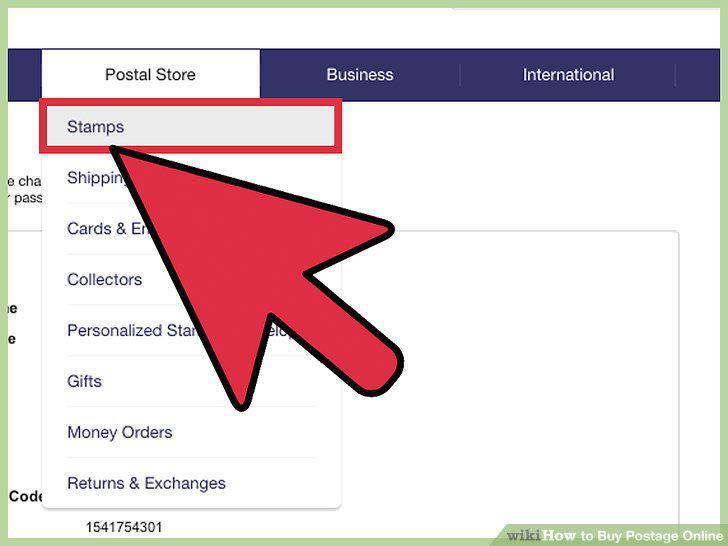
Click the Stamps link.
Select your stamps and add to the cart.
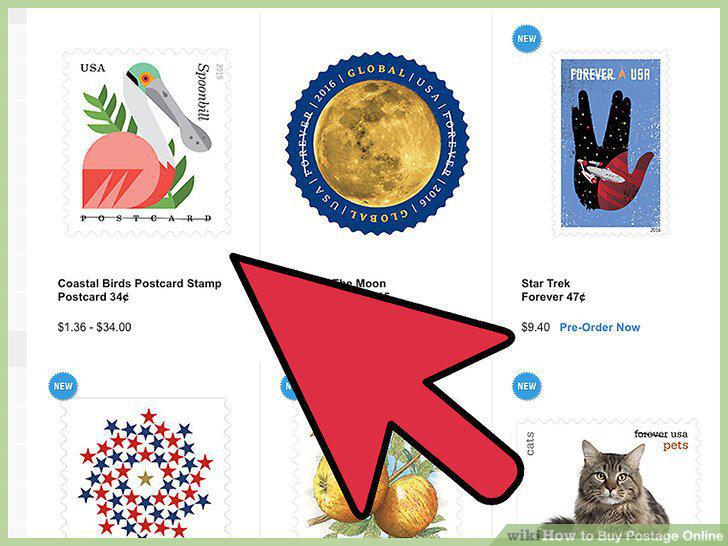
Select your stamps and add to the cart.
Enter your payment information to purchase.
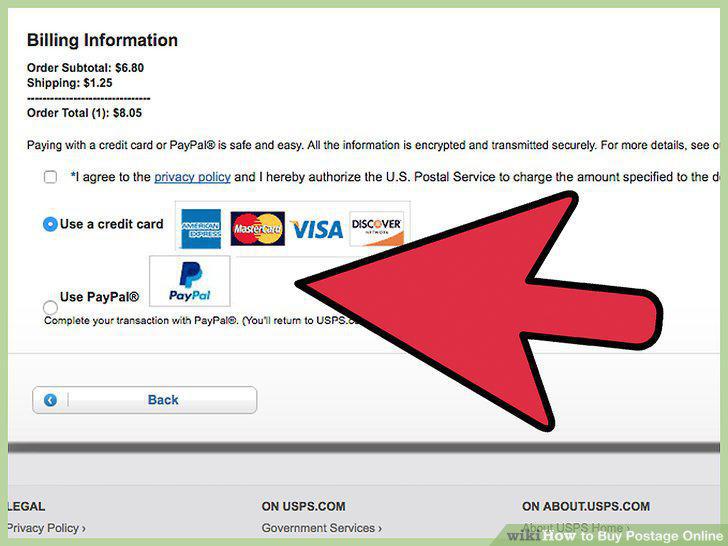
Enter your payment information to purchase.
Wait for your stamps to arrive in the mail.
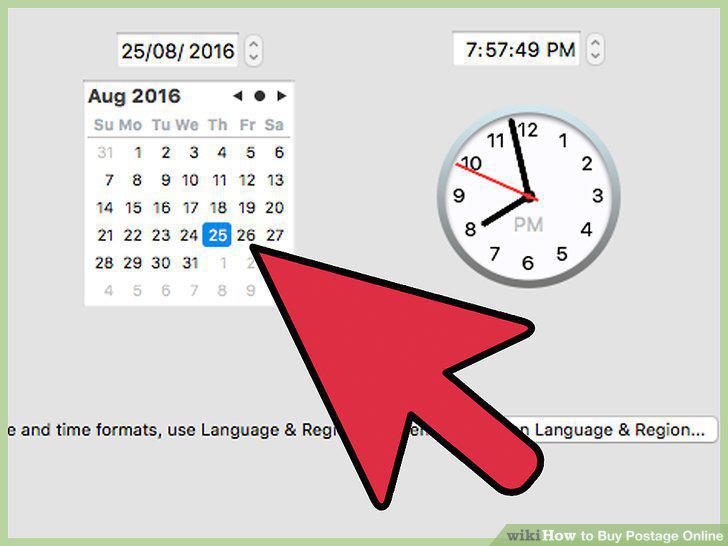
Wait for your stamps to arrive in the mail.
Weigh your item.
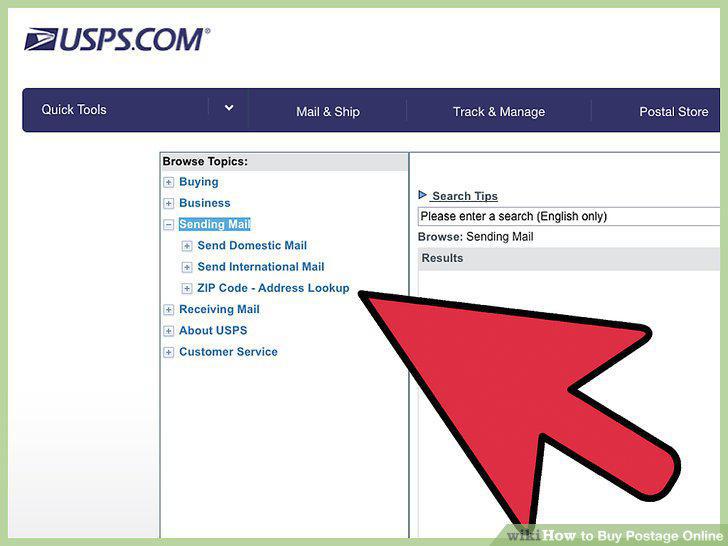
Weigh your item.
Follow the Click-N-Ship link.
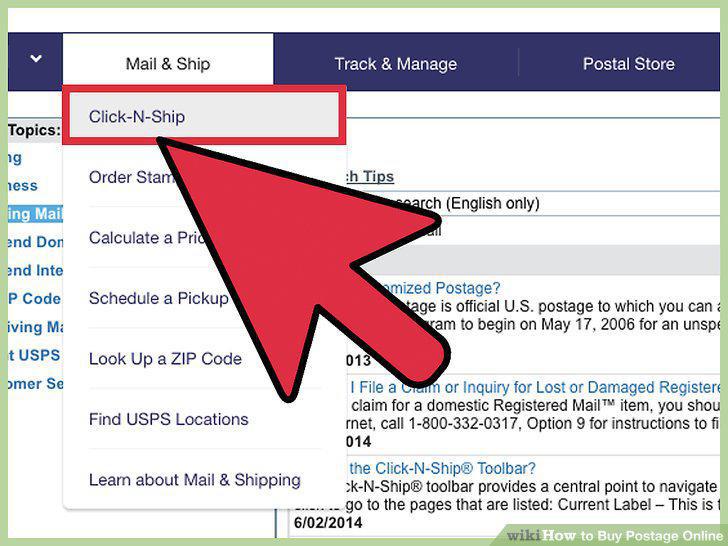
Follow the Click-N-Ship link.
Select a return address.
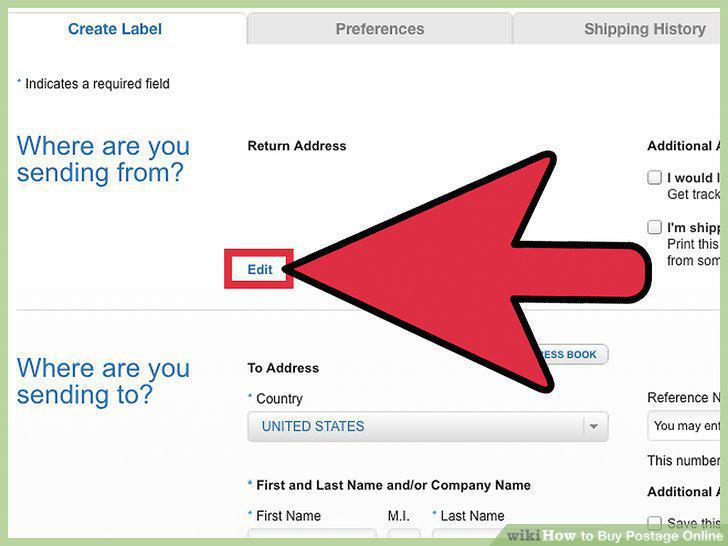
Select a return address.
Add a delivery address.
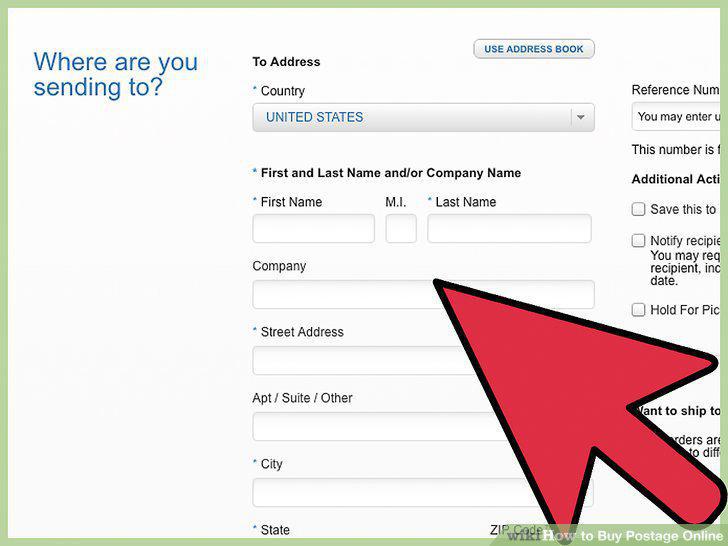
Add a delivery address.
Enter the item's weight.
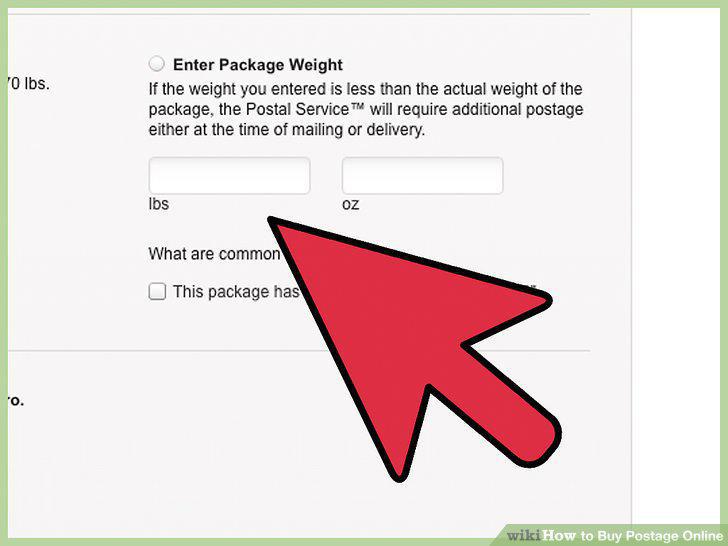
Enter the item's weight.
Choose a service and package type.
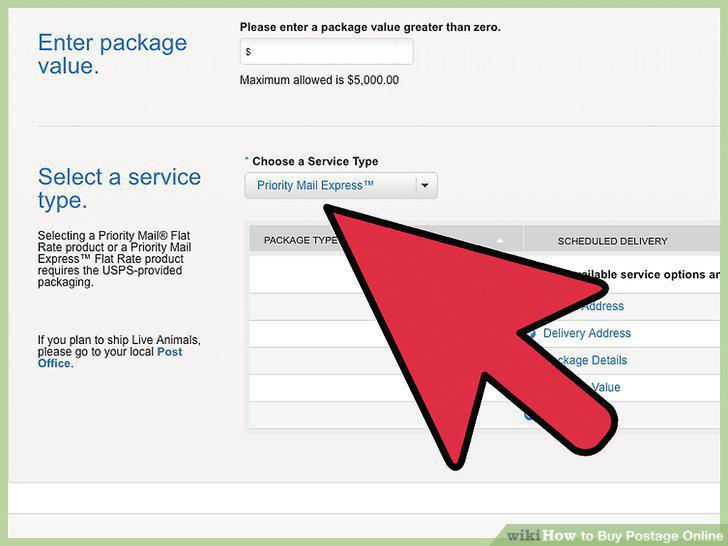
Choose a service and package type.
Enter payment info and complete purchase.
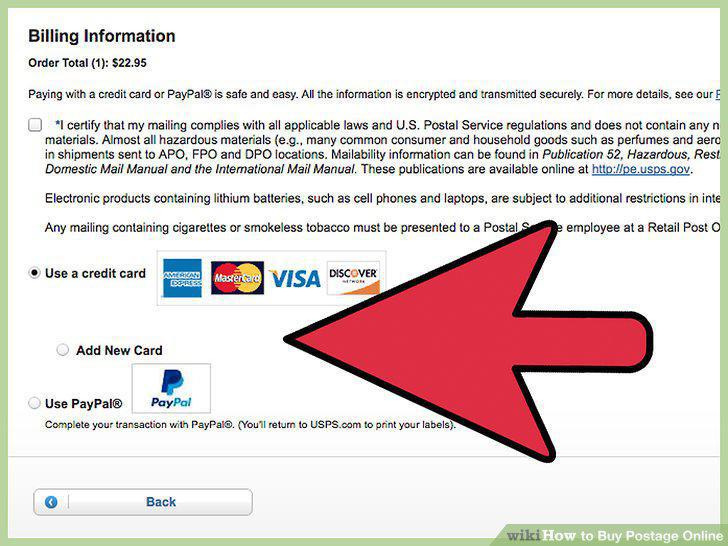
Enter payment info and complete purchase.
Print labels.
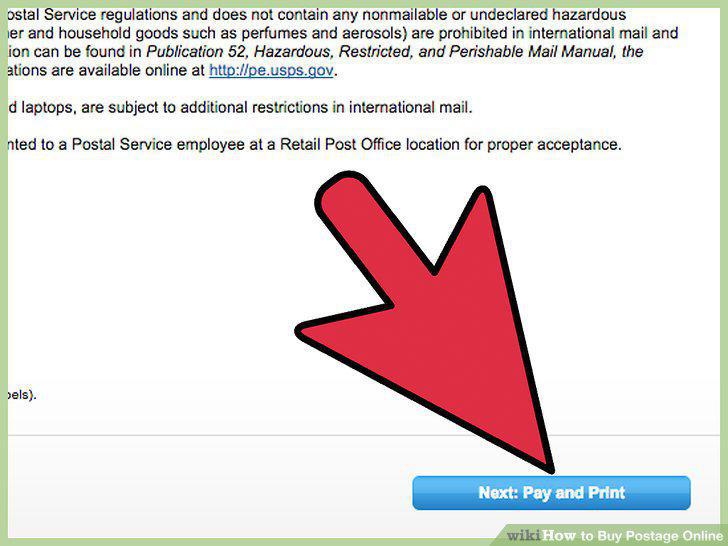
Print labels.
Create a Stamps.com account.
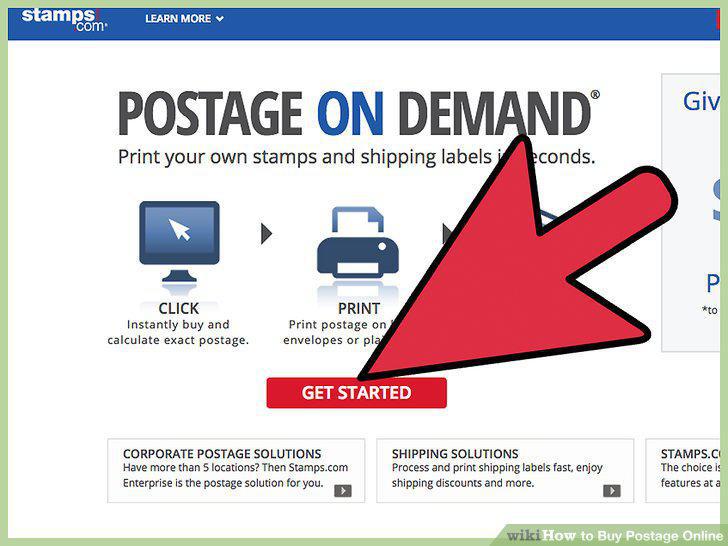
Create a Stamps.com account.
Download the Stamps.com software.
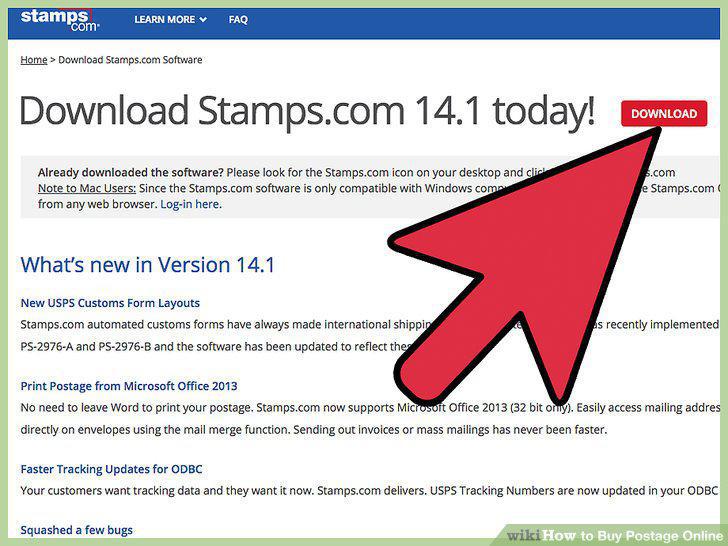
Download the Stamps.com software.
Choose a delivery address.
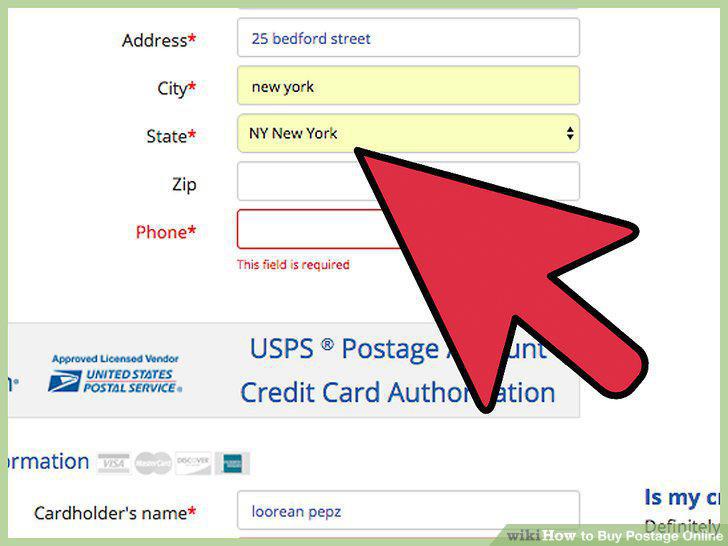
Choose a delivery address.
Enter the item's weight.
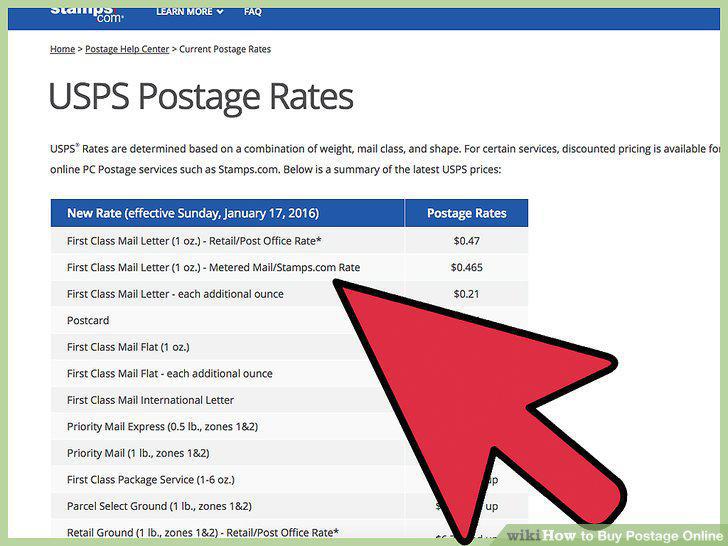
Enter the item's weight.
Choose a postage service.
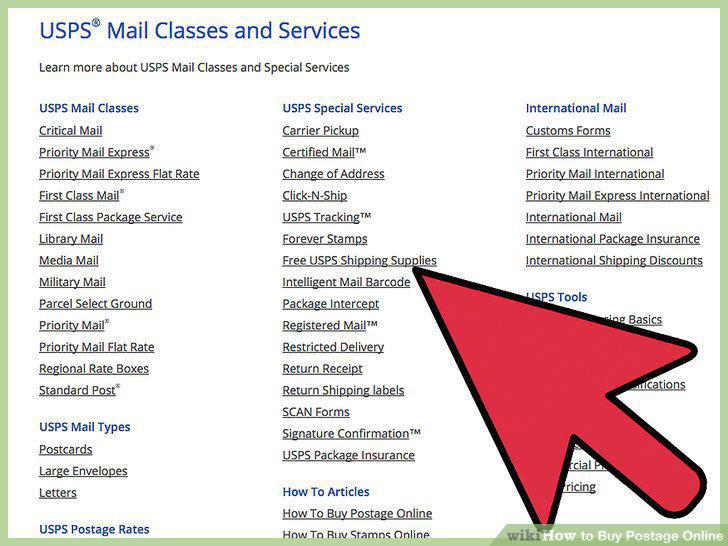
Choose a postage service.
Pay and print labels.
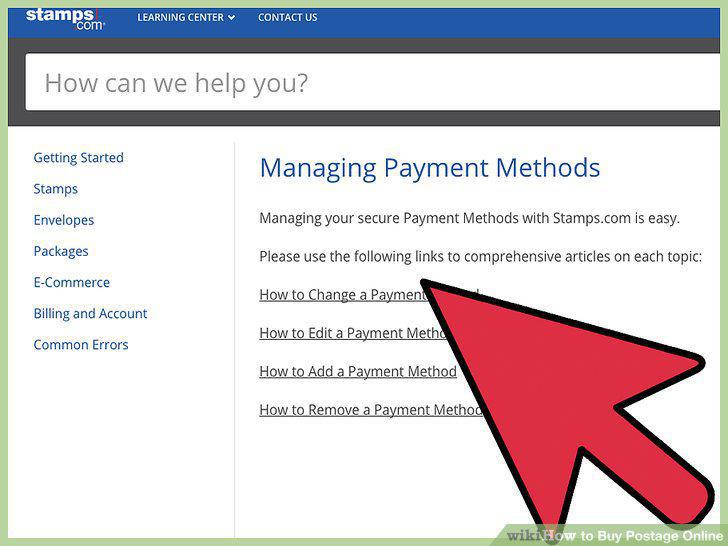
Pay and print labels.
Comments (0)
No comments yet. Be the first to share your thoughts!