How to Hide Your Real Name on PayPal
Create a new email address for your business.. Sign in to https://www.paypal.com.. Click the gear icon.
Steps
1
Create a new email address for your business.
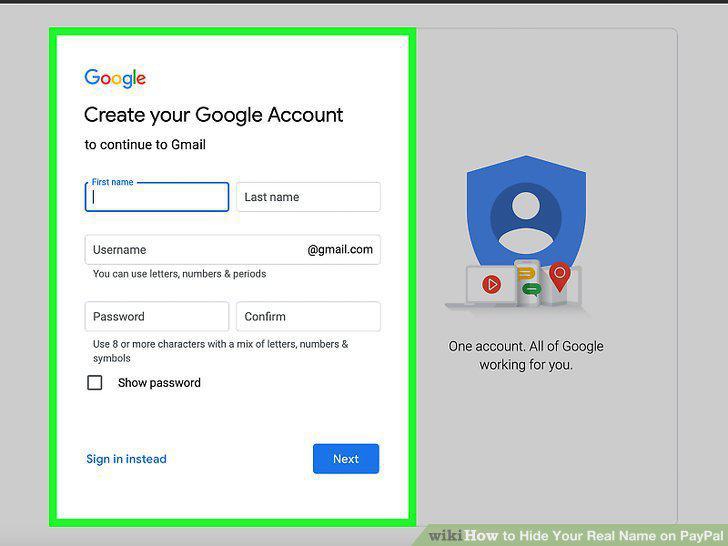
Create a new email address for your business.
2
Sign in to https://www.paypal.com.
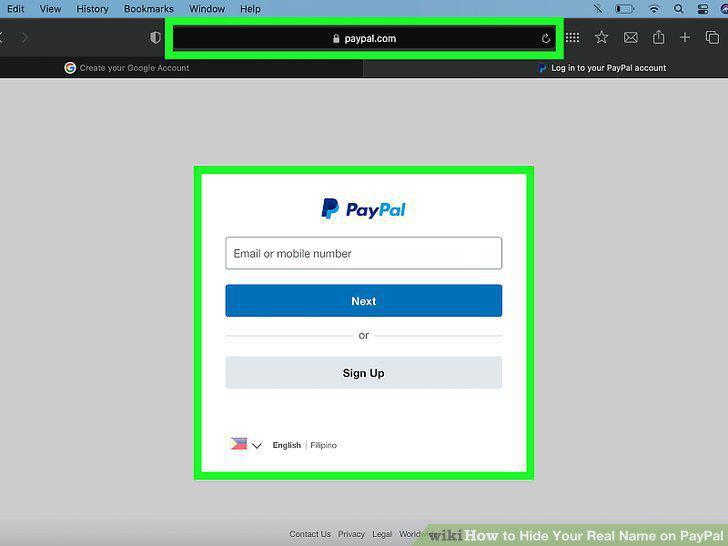
Sign in to https://www.paypal.com.
3
Click the gear icon.
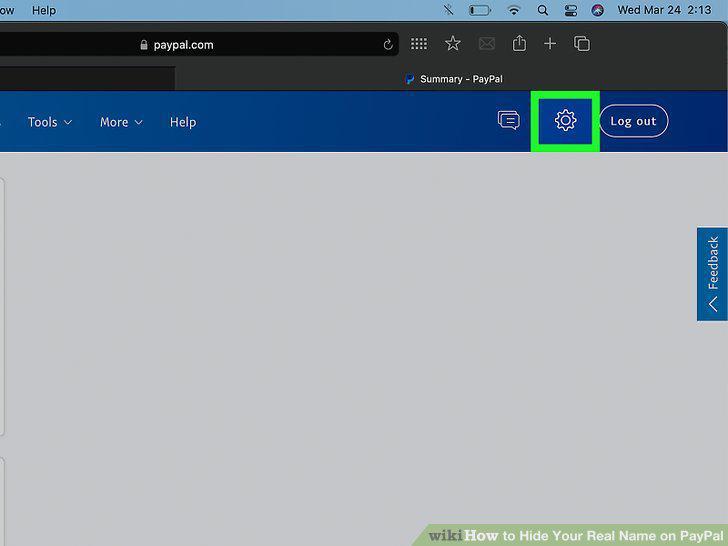
Click the gear icon.
4
Click Upgrade to a Business account.
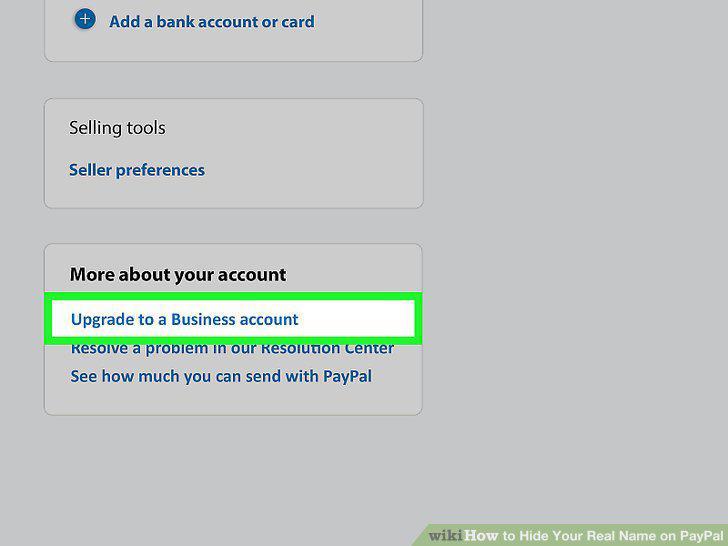
Click Upgrade to a Business account.
5
Select Use a new email with your business account.
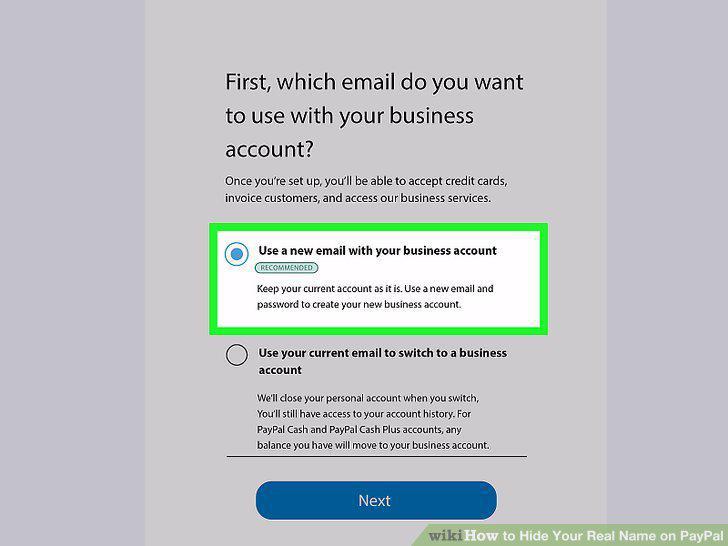
Select Use a new email with your business account.
6
Click the blue Next button.
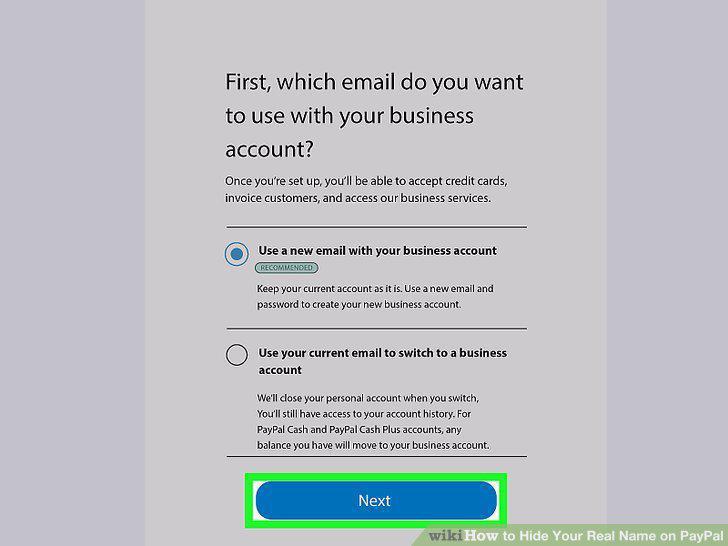
Click the blue Next button.
7
Enter your email address and click Continue.
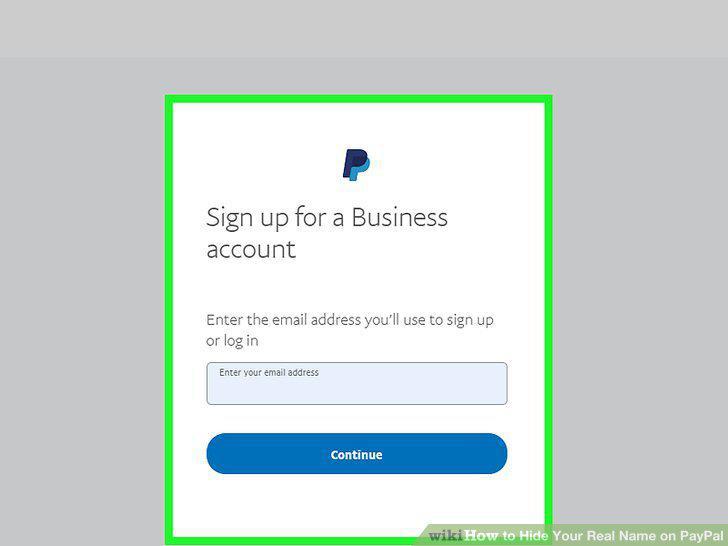
Enter your email address and click Continue.
8
Follow the on-screen instructions to create your business account.
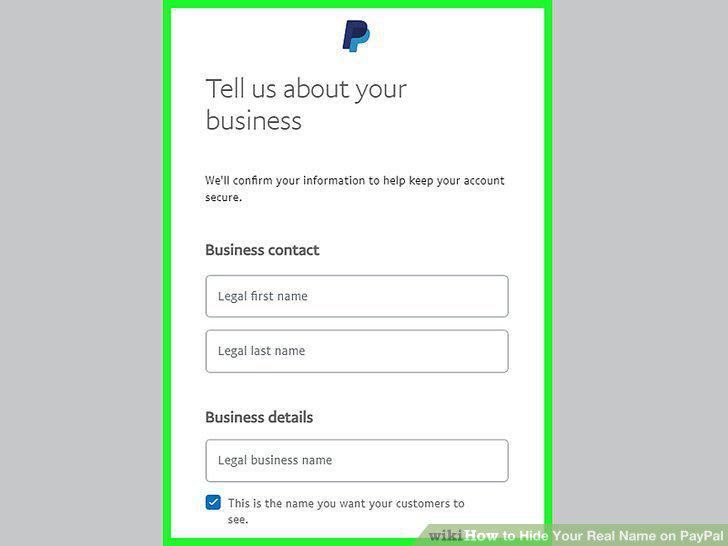
Follow the on-screen instructions to create your business account.
Comments (0)
No comments yet. Be the first to share your thoughts!