How to Buy a Computer
Consider a desktop computer.. Choose a Chromebook for basic usage.. Buy a laptop multitasking on the go.
Steps
Consider a desktop computer.
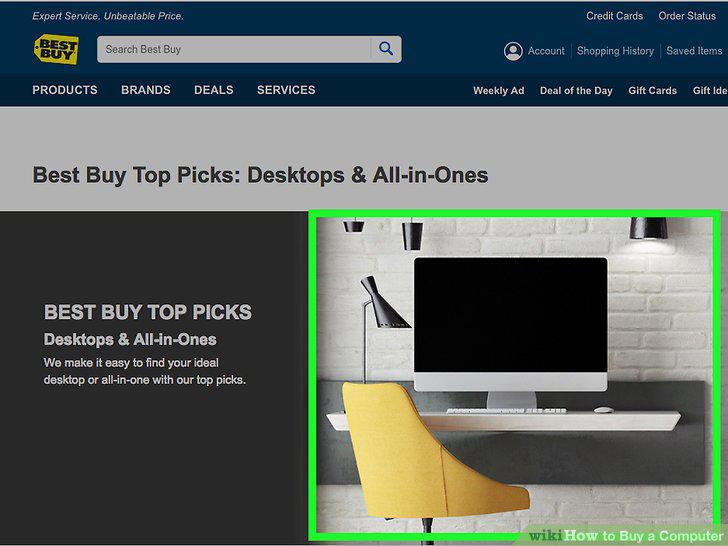
Consider a desktop computer.
Choose a Chromebook for basic usage.
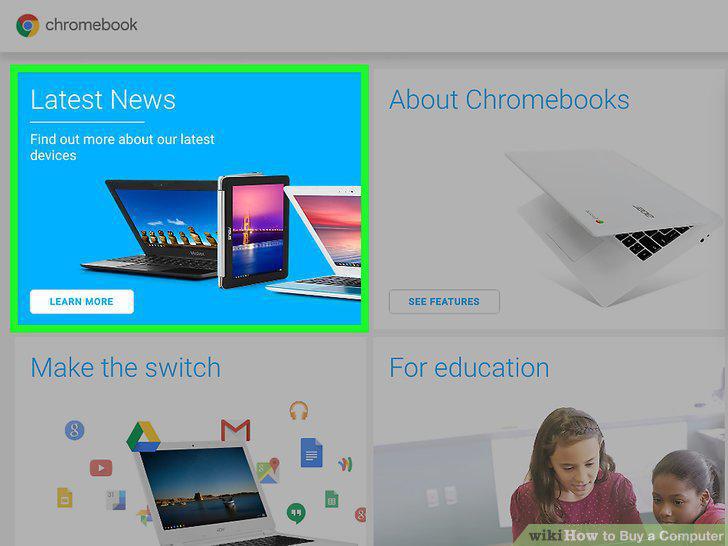
Choose a Chromebook for basic usage.
Buy a laptop multitasking on the go.
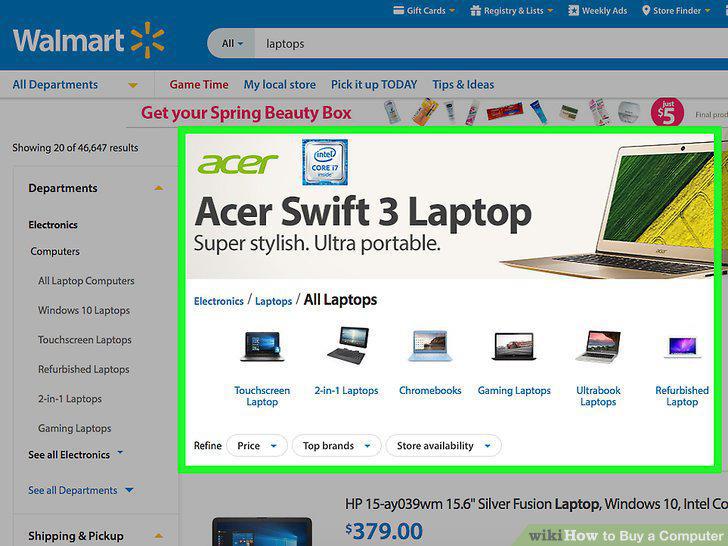
Buy a laptop multitasking on the go.
Choose a tablet for maximum portability.
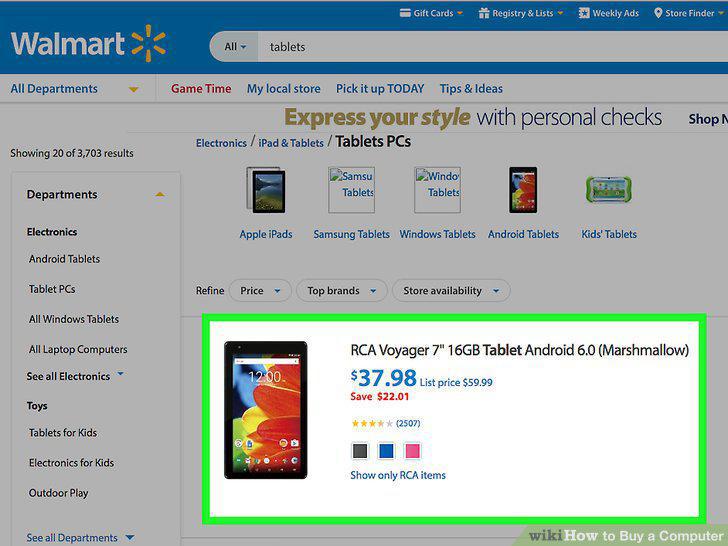
Choose a tablet for maximum portability.
Seek customers' opinions.
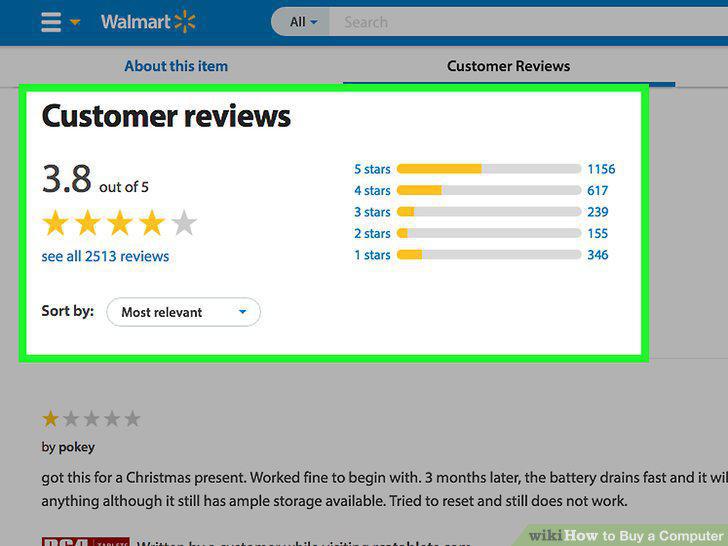
Seek customers' opinions.
Choose your drive.
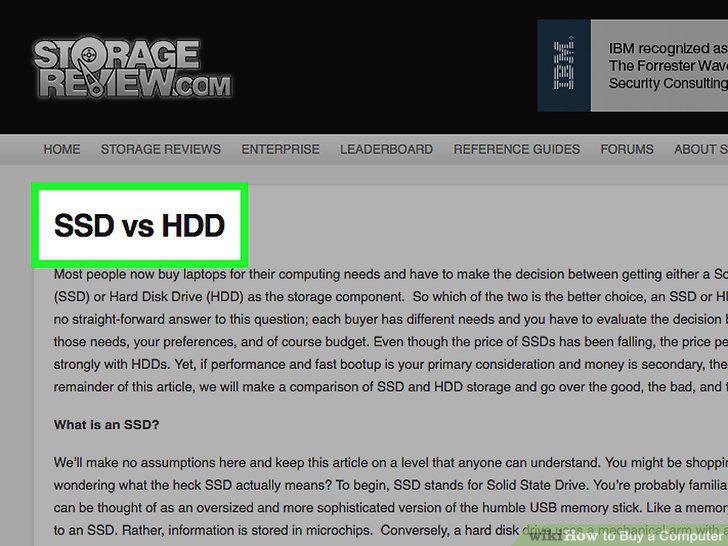
Choose your drive.
Determine how much storage space you'll need.
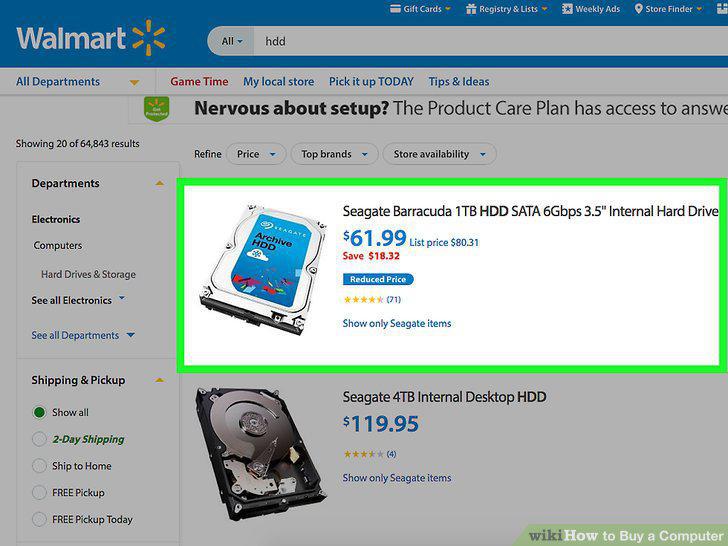
Determine how much storage space you'll need.
Figure out how much memory you'll need.
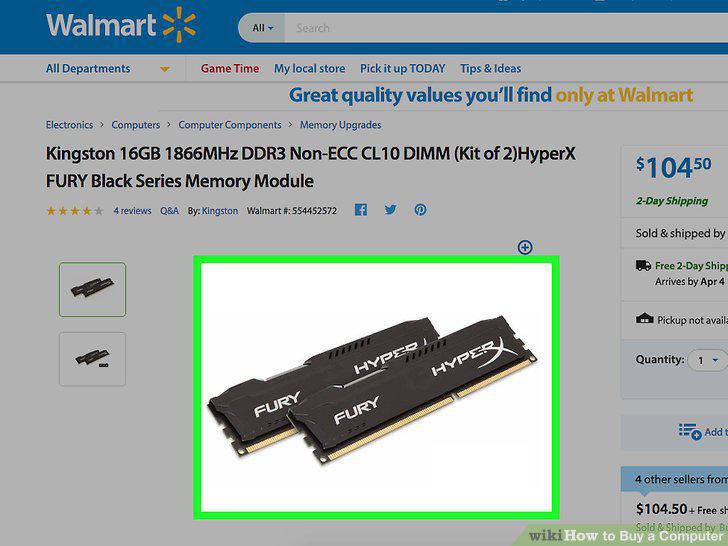
Figure out how much memory you'll need.
Determine your required processor speed.
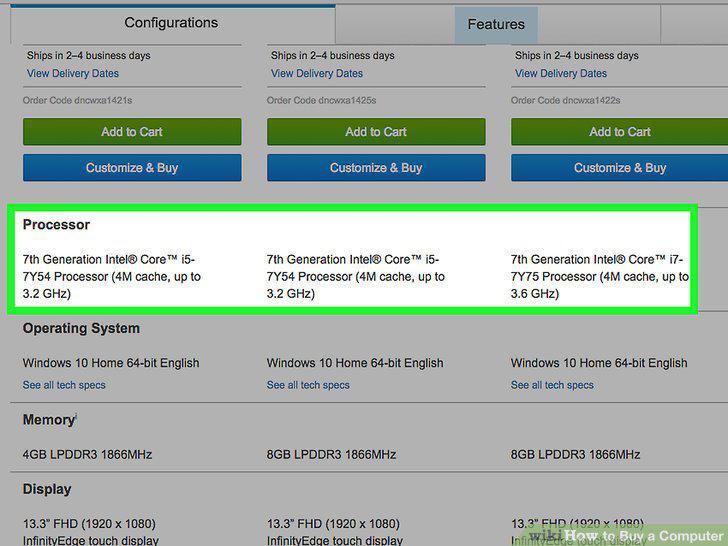
Determine your required processor speed.
Choose your operating system (OS).
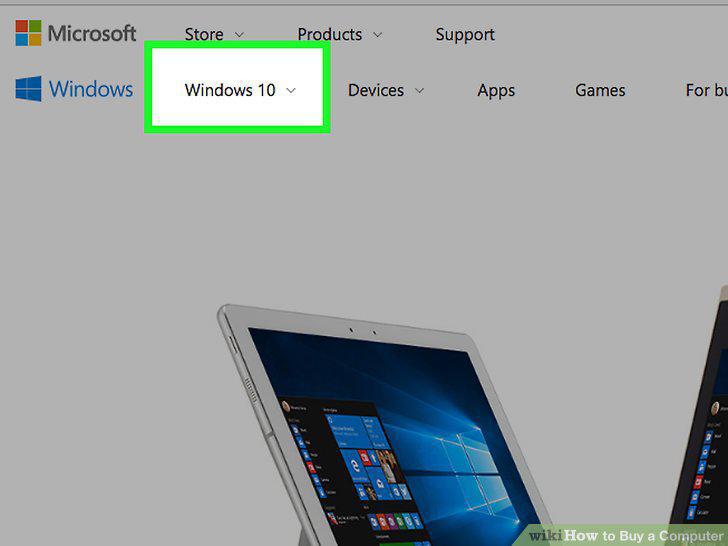
Choose your operating system (OS).
Consider battery life.
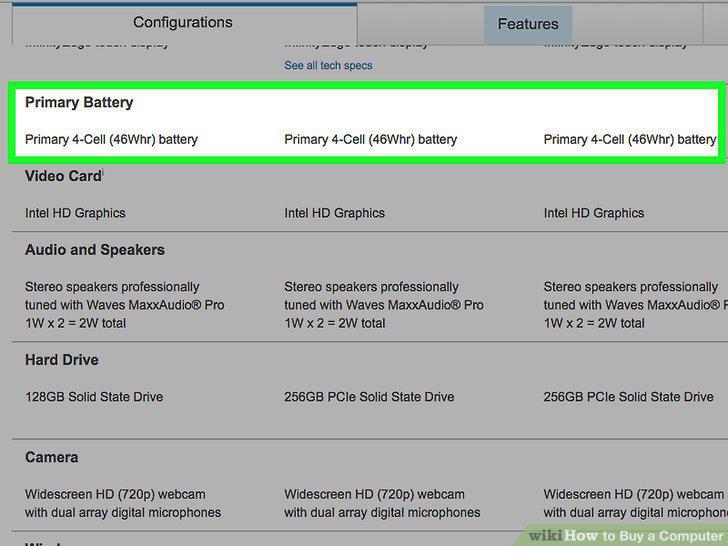
Consider battery life.
Choose your monitor.
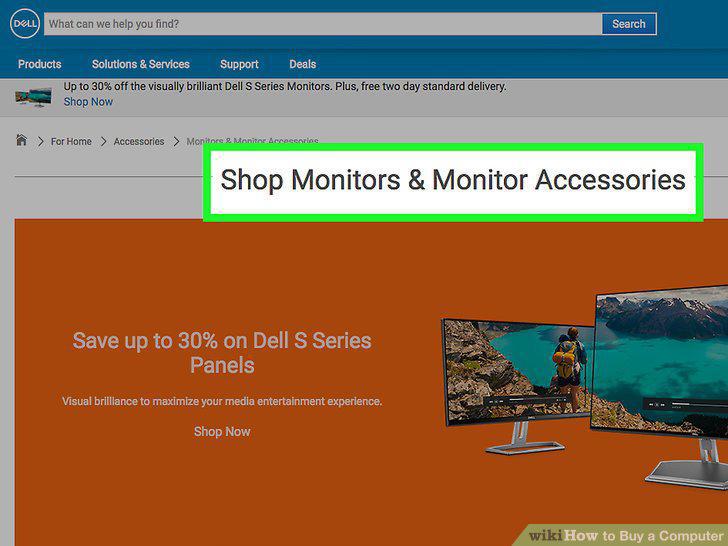
Choose your monitor.
Determine your necessary display size.
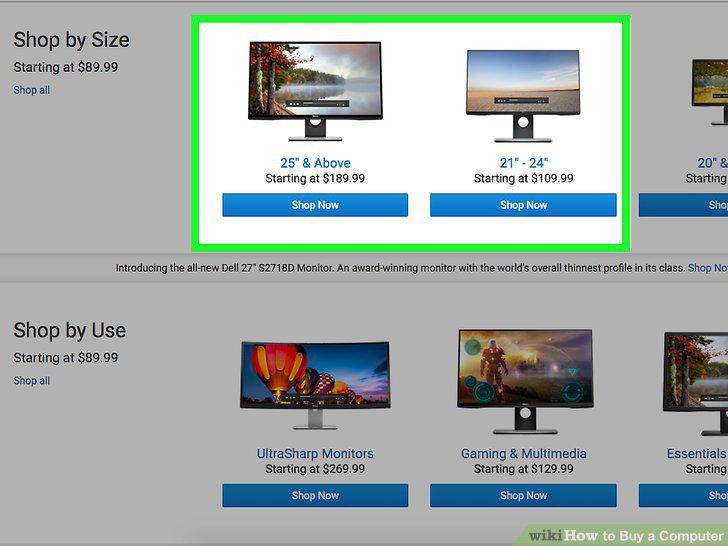
Determine your necessary display size.
Figure out what kind of mouse you'll need.
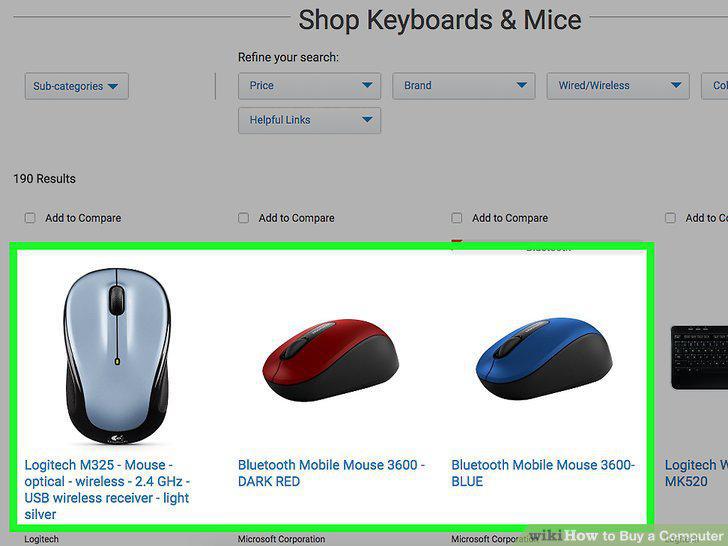
Figure out what kind of mouse you'll need.
Consider graphics and sound.
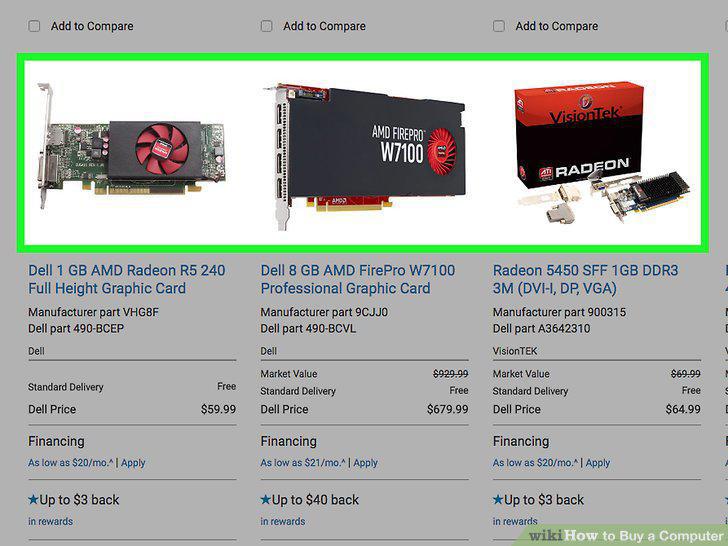
Consider graphics and sound.
Think about peripheral connections.
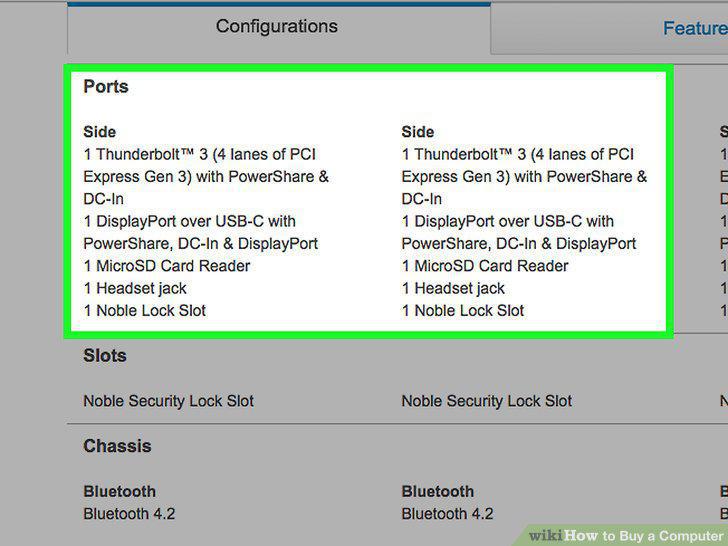
Think about peripheral connections.
Buy external storage.
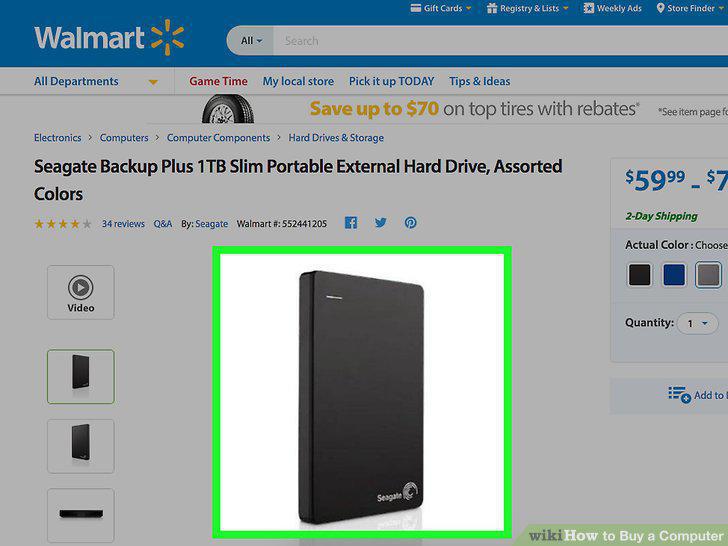
Buy external storage.
Consider an extended warranty.
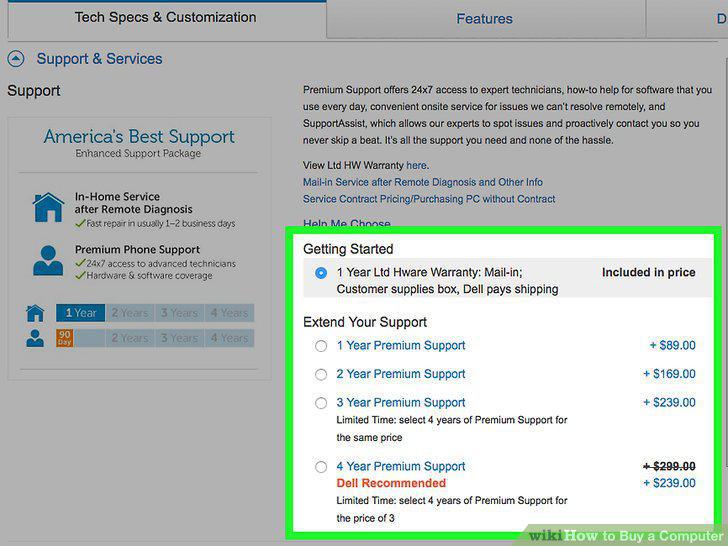
Consider an extended warranty.
Set a budget.
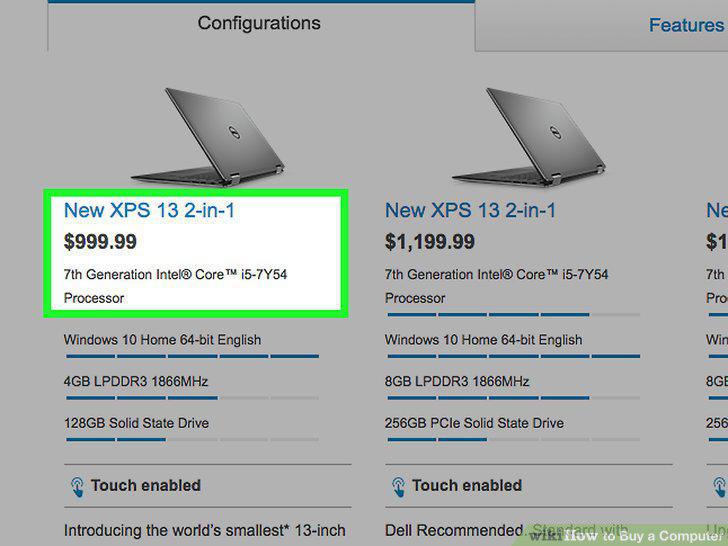
Set a budget.
Check "refresh cycles.
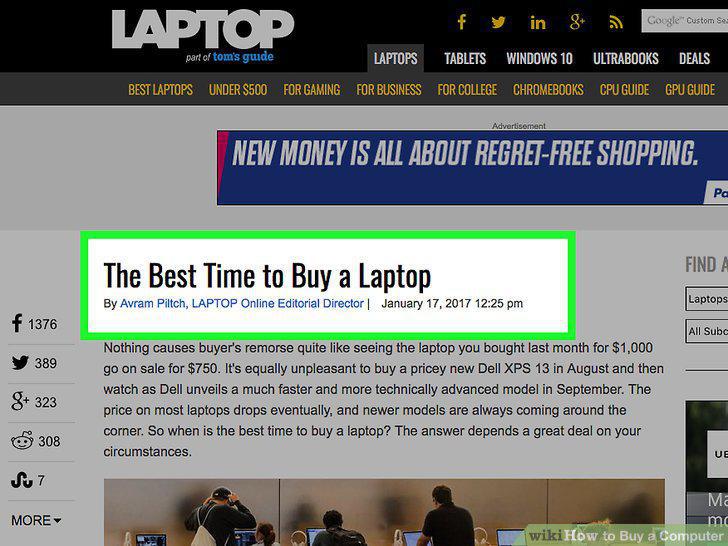
Check "refresh cycles.
Consider a refurbished computer.
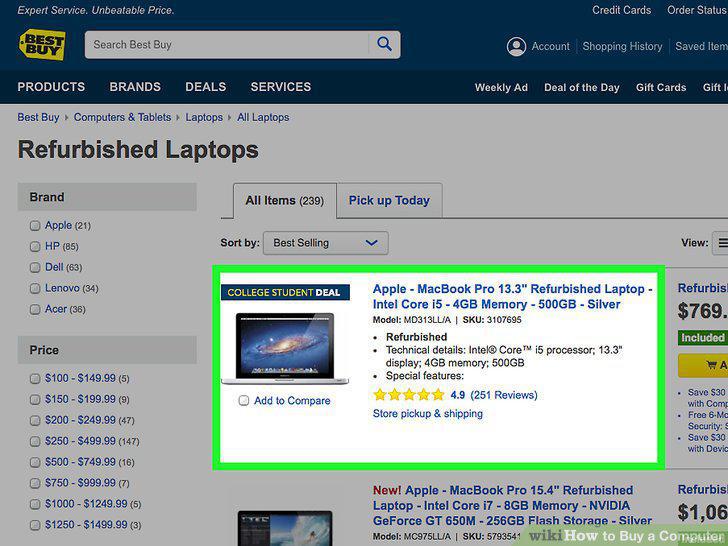
Consider a refurbished computer.
Ask about discounts.
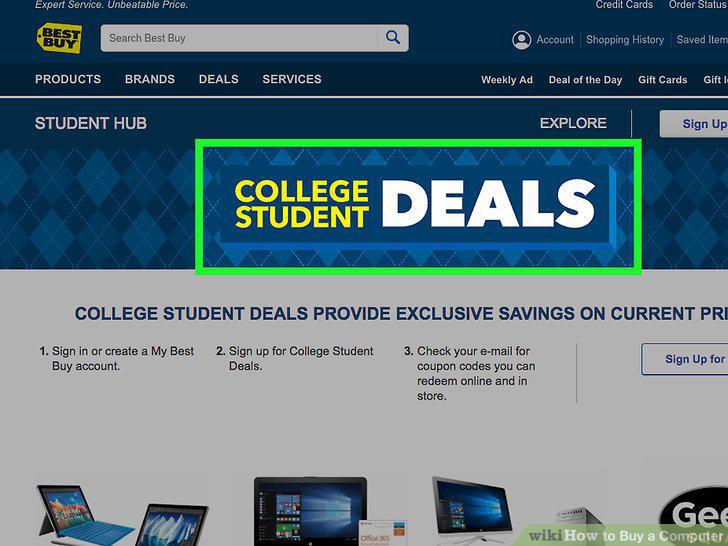
Ask about discounts.
Ask about a finance plan.
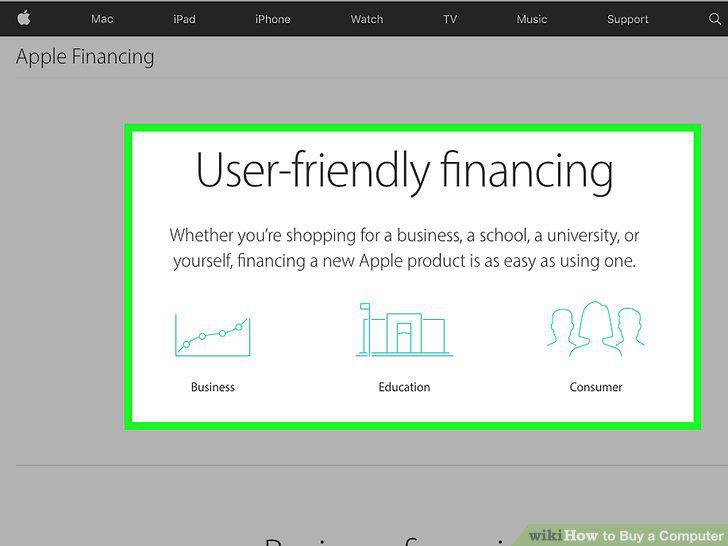
Ask about a finance plan.
Comments (0)
No comments yet. Be the first to share your thoughts!