How to Scan a QR Code from Photos
Get the Google Lens app from the Google Play Store [[Image:. Open Google Lens.. Tap the photo gallery icon.
Steps
1
Get the Google Lens app from the Google Play Store [[Image:
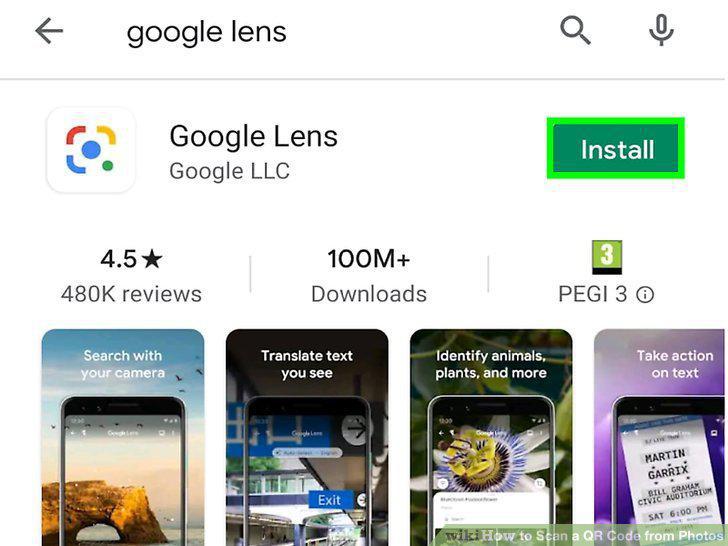
Get the Google Lens app from the Google Play Store [[Image:
2
Open Google Lens.
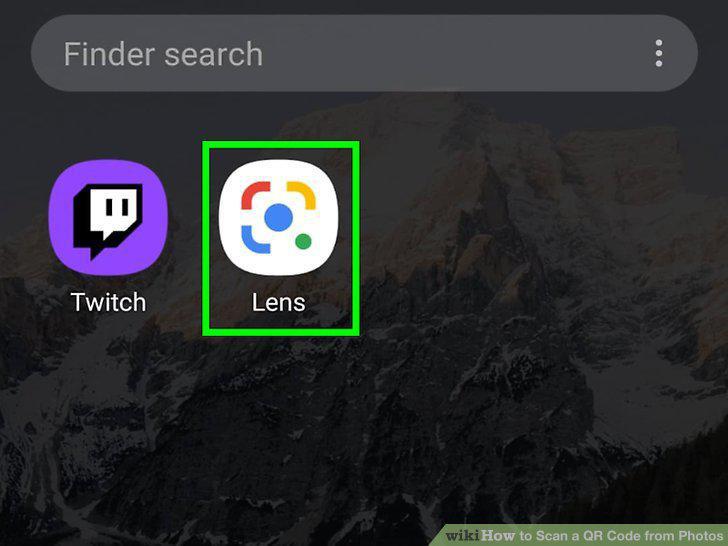
Open Google Lens.
3
Tap the photo gallery icon.
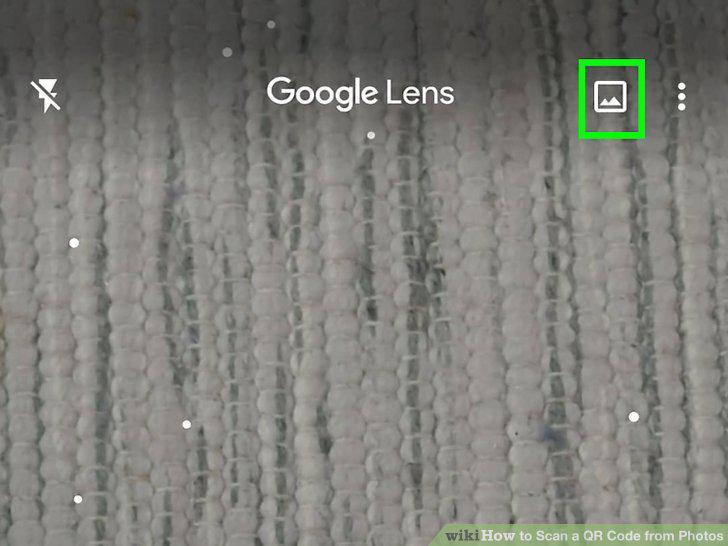
Tap the photo gallery icon.
4
Tap a photo with a QR code.
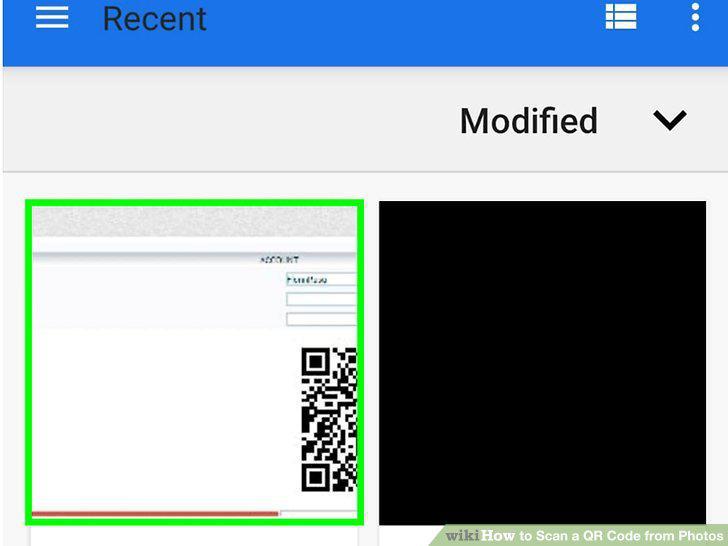
Tap a photo with a QR code.
5
Get the Google Photos from the App Store .
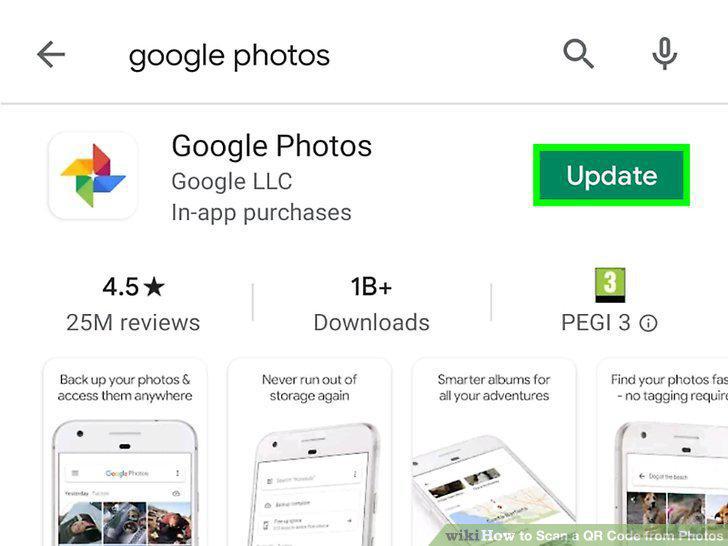
Get the Google Photos from the App Store .
6
Open Google Photos.
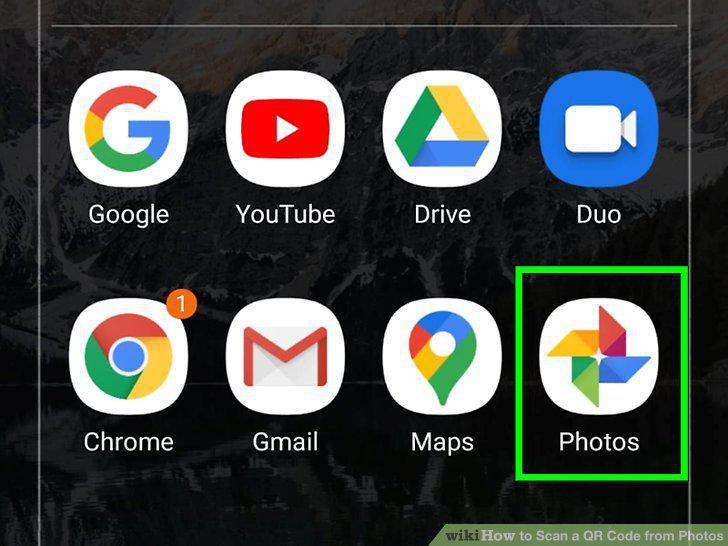
Open Google Photos.
7
Tap a photo with a QR code.
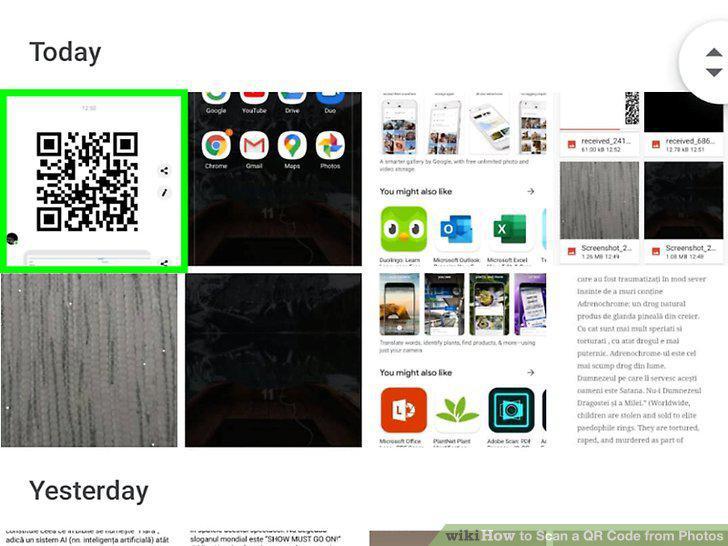
Tap a photo with a QR code.
8
Tap the Lens icon.
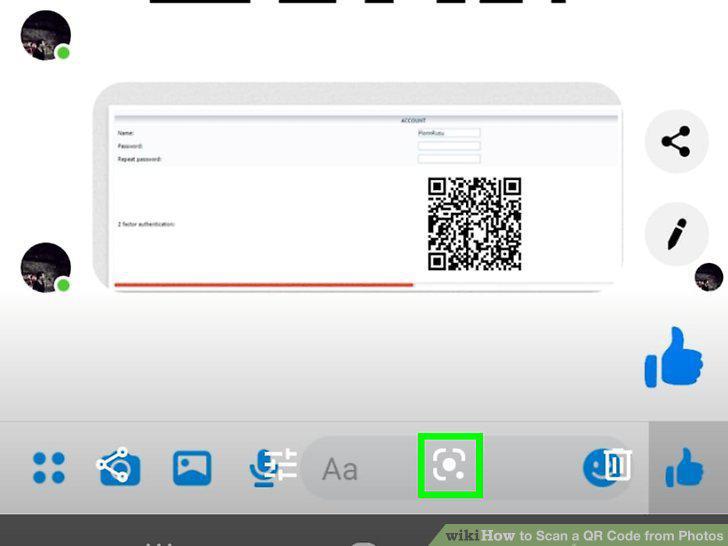
Tap the Lens icon.
9
Get Qrafter or Qrafter Pro from the App Store .
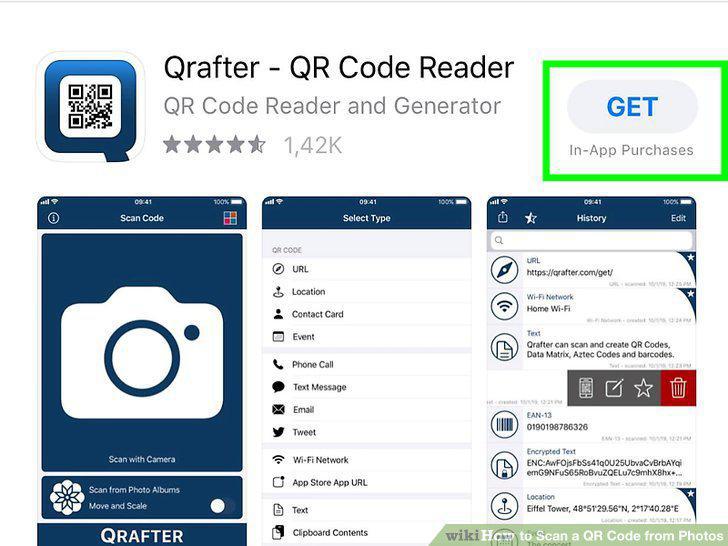
Get Qrafter or Qrafter Pro from the App Store .
10
Open Qrafter.
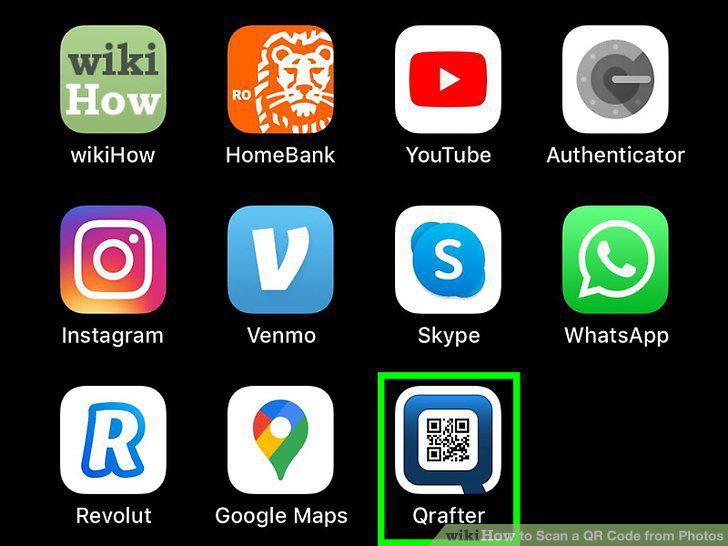
Open Qrafter.
11
Tap Scan from Photo Albums.
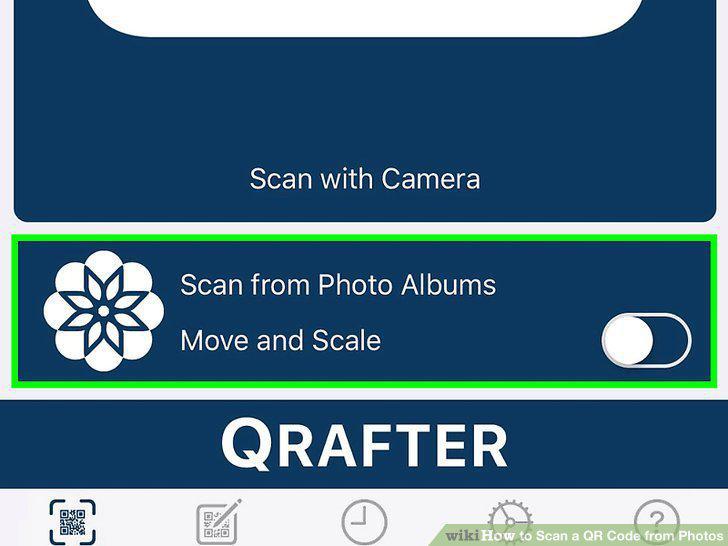
Tap Scan from Photo Albums.
12
Tap to select your photo with the QR code.
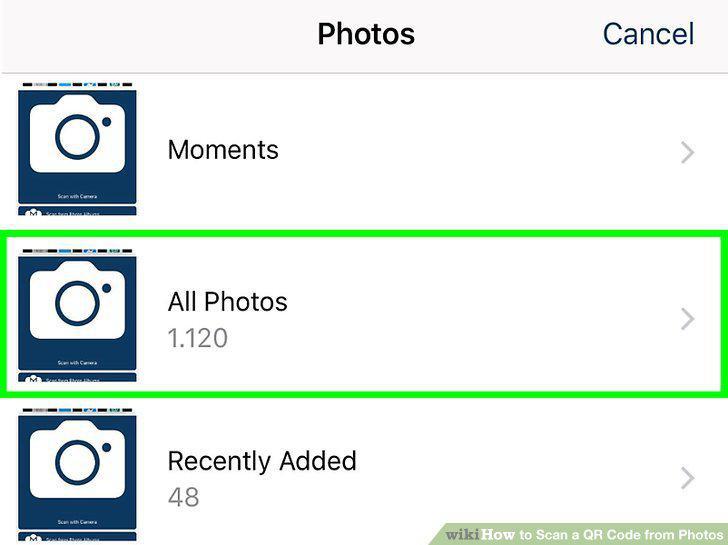
Tap to select your photo with the QR code.
13
Get Barcode Scanner by Android Rock from the Google Play Store .
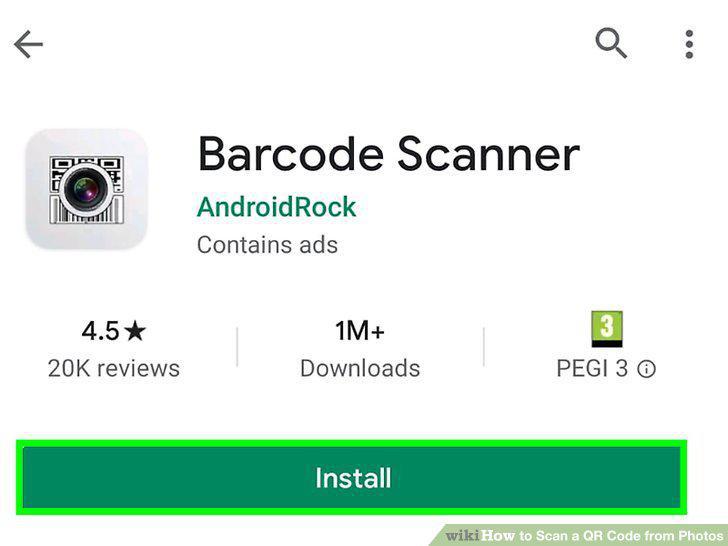
Get Barcode Scanner by Android Rock from the Google Play Store .
14
Open Barcode Scanner.
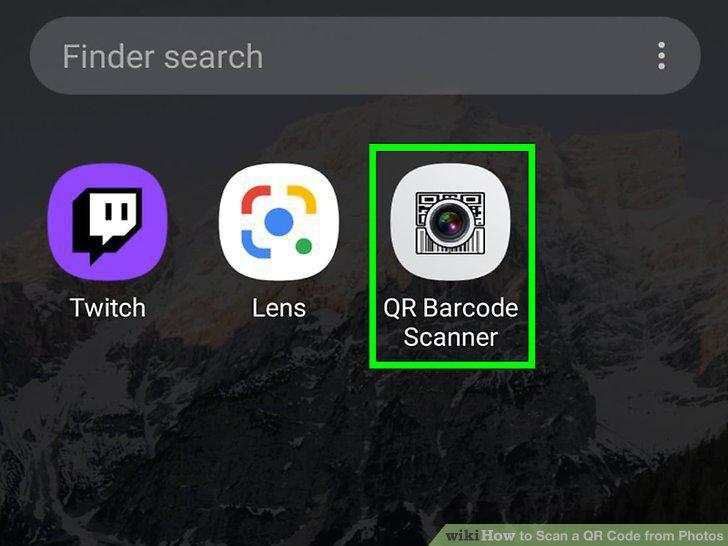
Open Barcode Scanner.
15
Tap Scan Image.
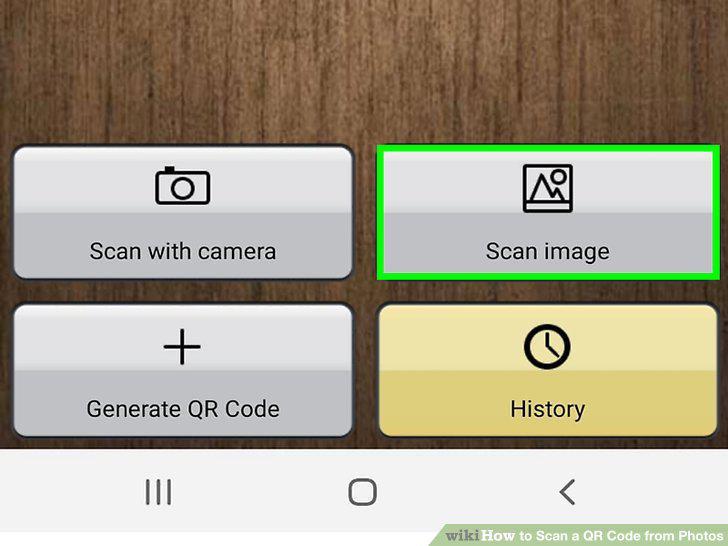
Tap Scan Image.
16
Tap to select a location where your image is located.
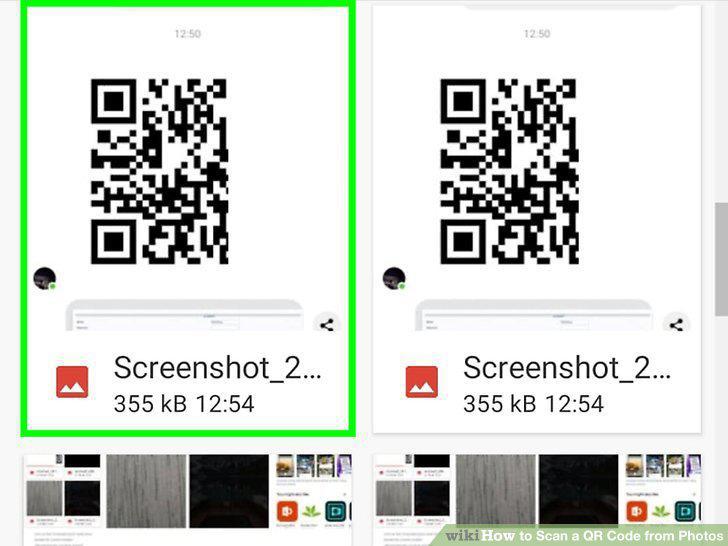
Tap to select a location where your image is located.
17
Drag the yellow dots to highlight the QR code (if prompted).
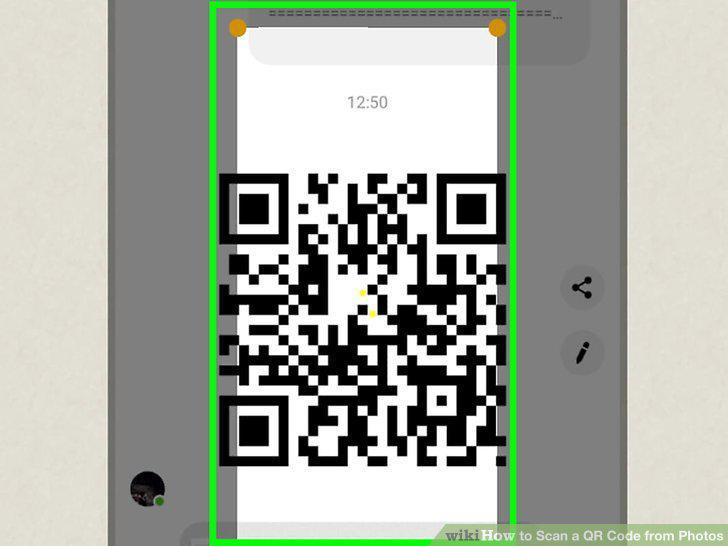
Drag the yellow dots to highlight the QR code (if prompted).
Comments (0)
No comments yet. Be the first to share your thoughts!