How to Hook Up Kindle Fire to a TV
Make sure your Fire TV is connected.. Turn on your TV.. Swipe down from the top of your Kindle Fire HD's screen.
Steps
1
Make sure your Fire TV is connected.
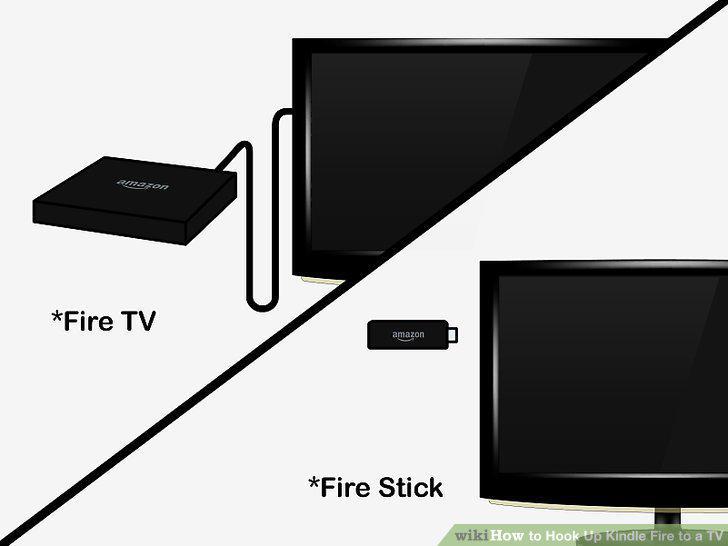
Make sure your Fire TV is connected.
2
Turn on your TV.
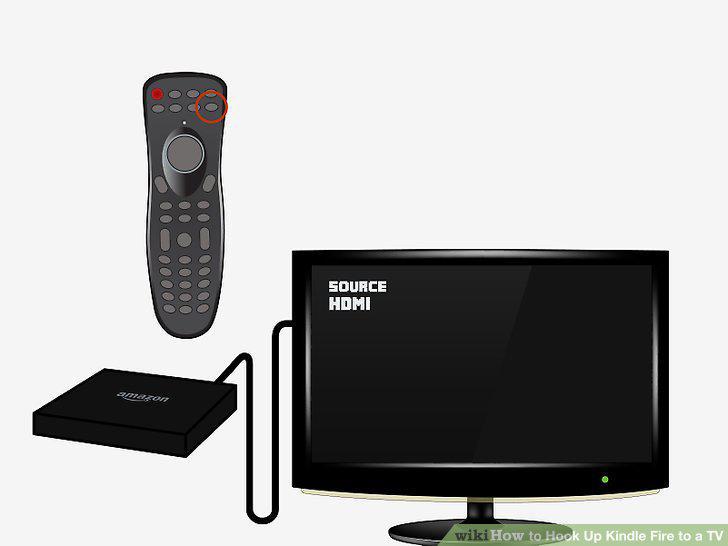
Turn on your TV.
3
Swipe down from the top of your Kindle Fire HD's screen.
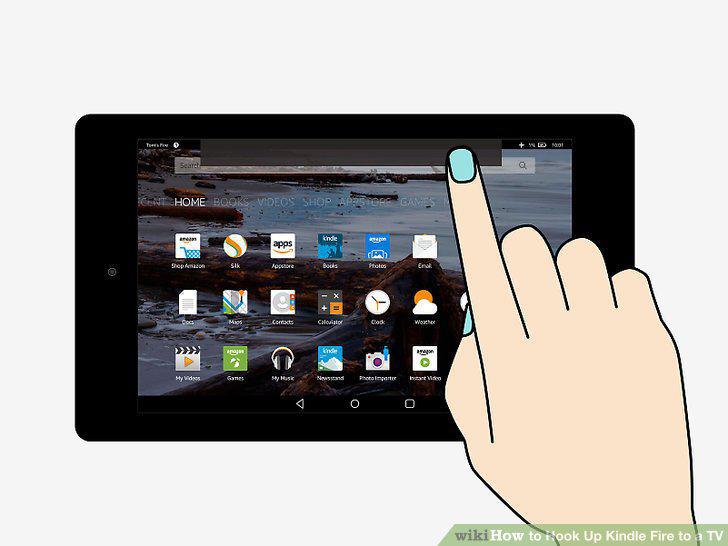
Swipe down from the top of your Kindle Fire HD's screen.
4
Open Settings .
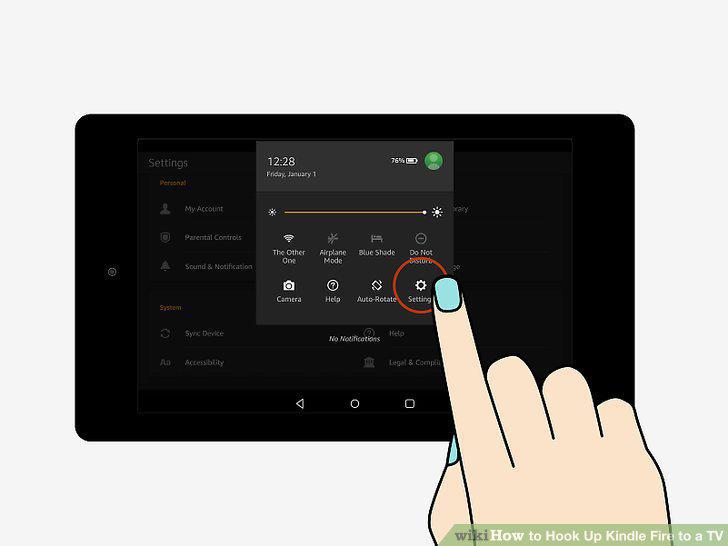
Open Settings .
5
Tap Display & Sounds.
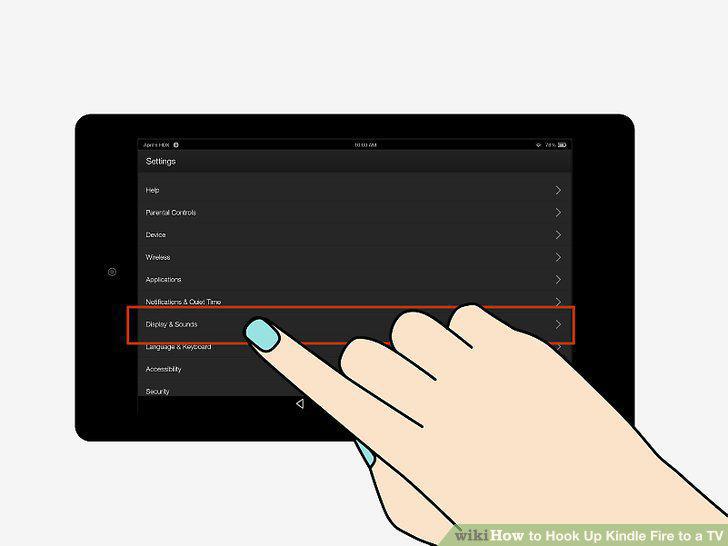
Tap Display & Sounds.
6
Tap Display Mirroring.
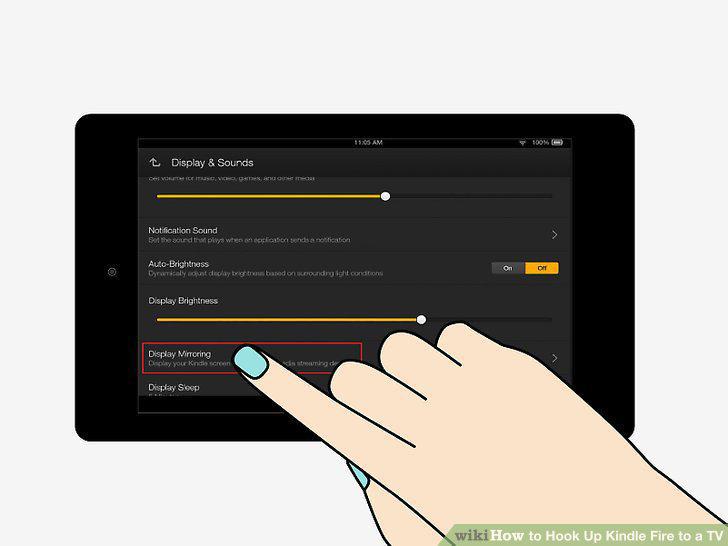
Tap Display Mirroring.
7
Wait for your TV's name to appear, then tap it.
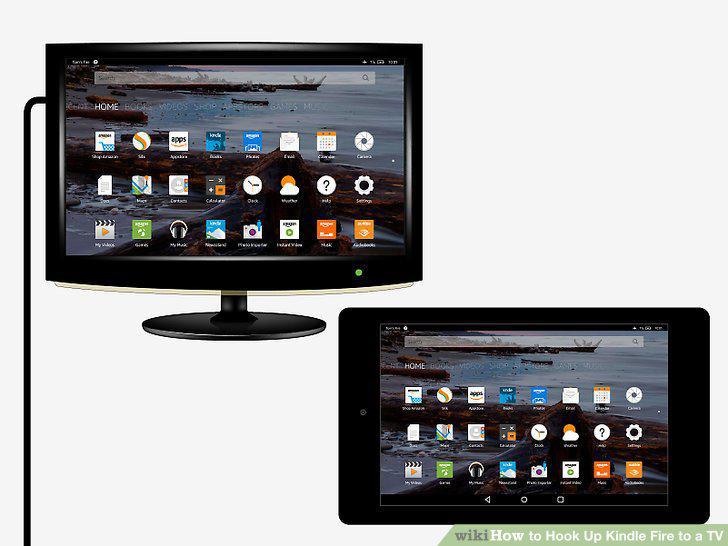
Wait for your TV's name to appear, then tap it.
8
Buy an HDMI-to-micro-HDMI cable.
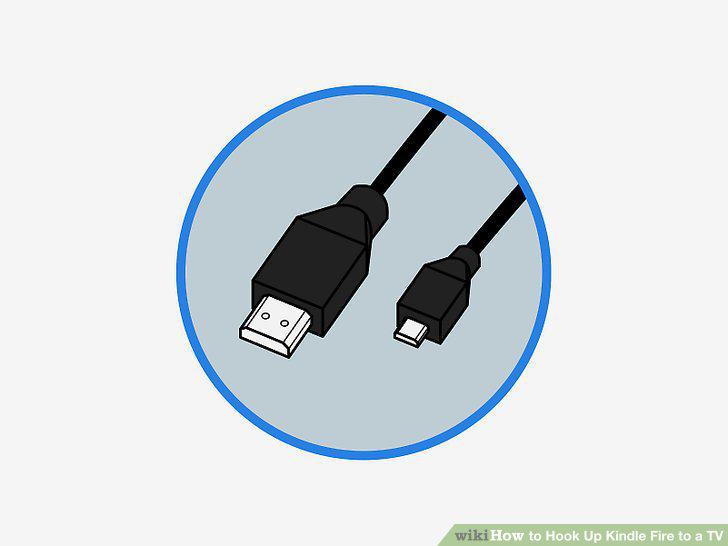
Buy an HDMI-to-micro-HDMI cable.
9
Connect your Kindle Fire HD to your TV with the HDMI cable.
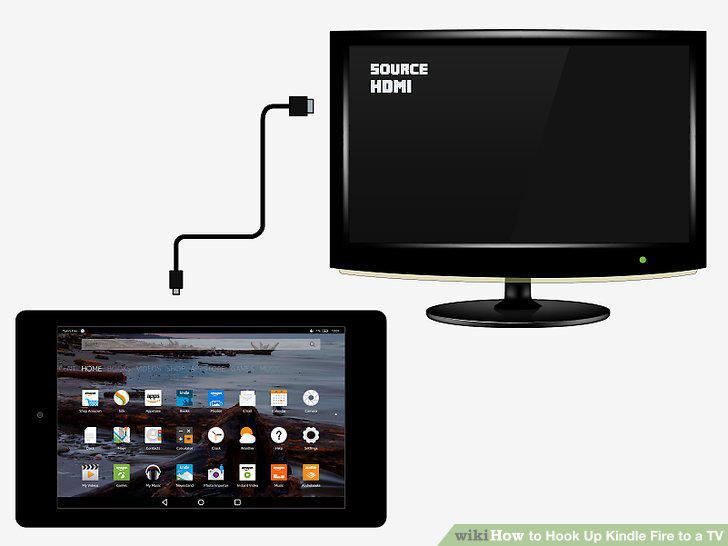
Connect your Kindle Fire HD to your TV with the HDMI cable.
10
Turn on your TV.
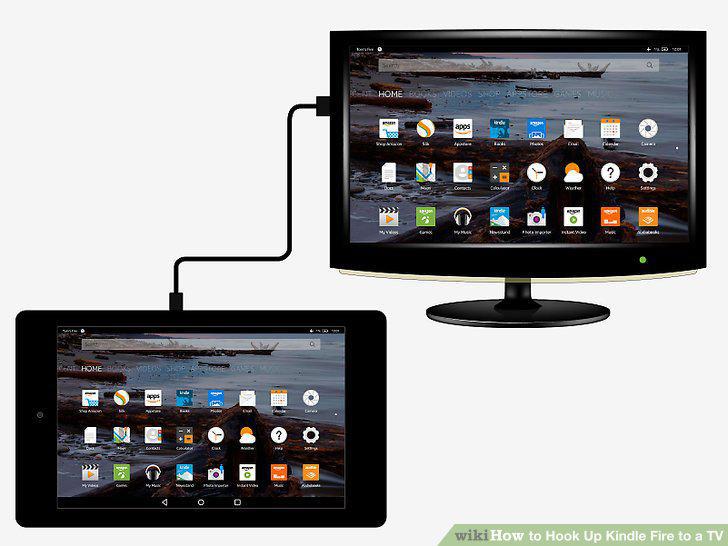
Turn on your TV.
Comments (0)
No comments yet. Be the first to share your thoughts!