How to Pay a Sprint Bill on iPhone or iPad
Open the My Sprint Mobile app on your iPhone or iPad.. Sign in with your My Sprint ID in the app.. Tap the Billing tab at the bottom.
Steps
1
Open the My Sprint Mobile app on your iPhone or iPad.
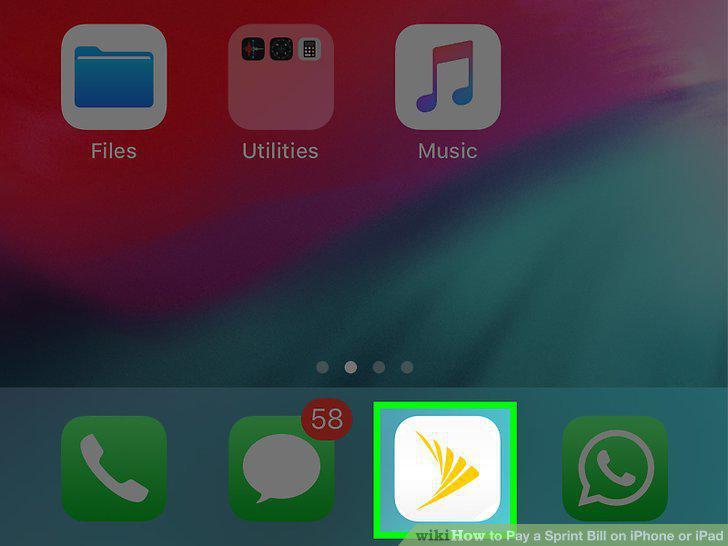
Open the My Sprint Mobile app on your iPhone or iPad.
2
Sign in with your My Sprint ID in the app.
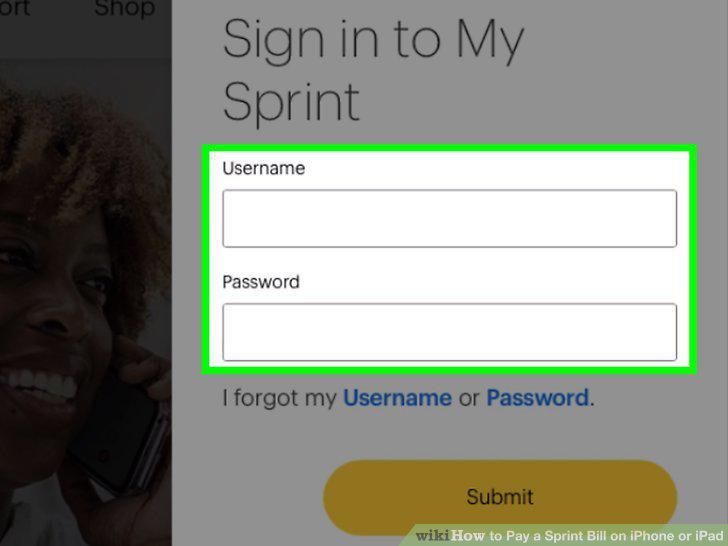
Sign in with your My Sprint ID in the app.
3
Tap the Billing tab at the bottom.
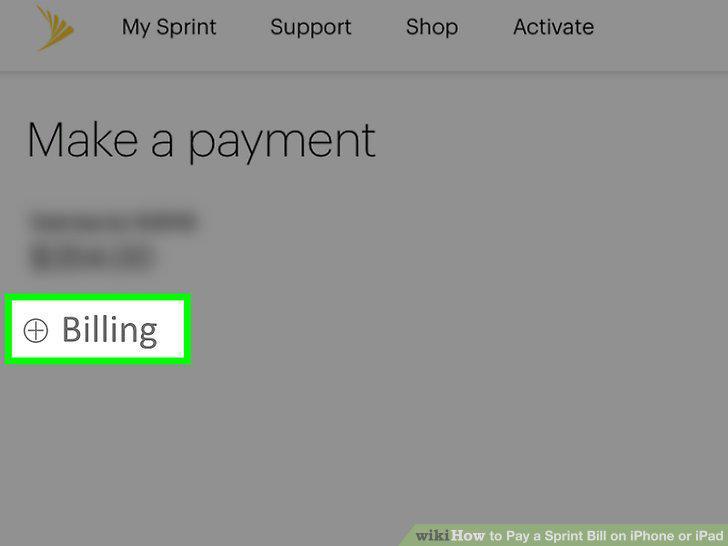
Tap the Billing tab at the bottom.
4
Tap Make a payment below your balance.
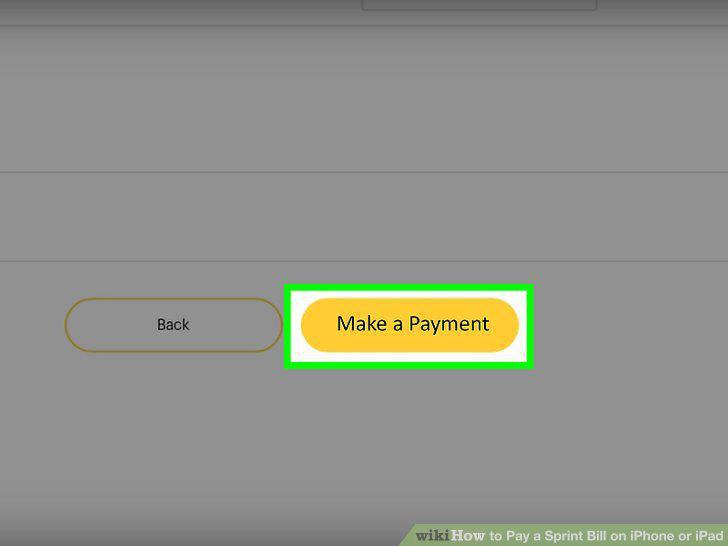
Tap Make a payment below your balance.
5
Select a payment method.
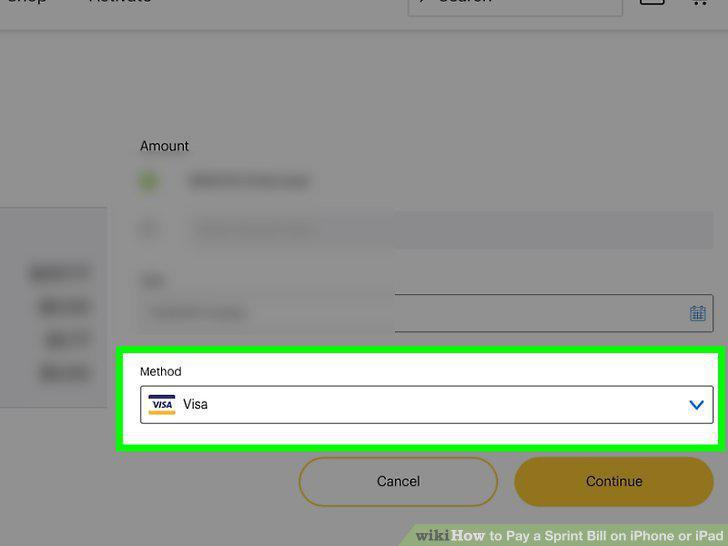
Select a payment method.
6
Select a date to make your payment.
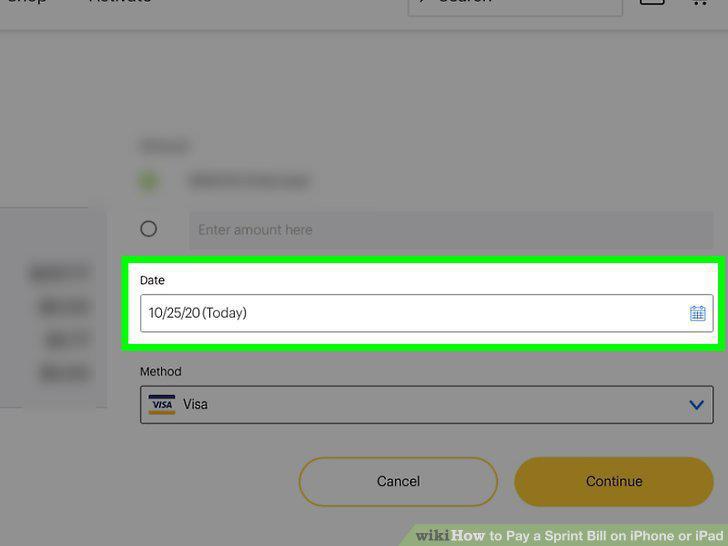
Select a date to make your payment.
7
Enter the amount of your payment.
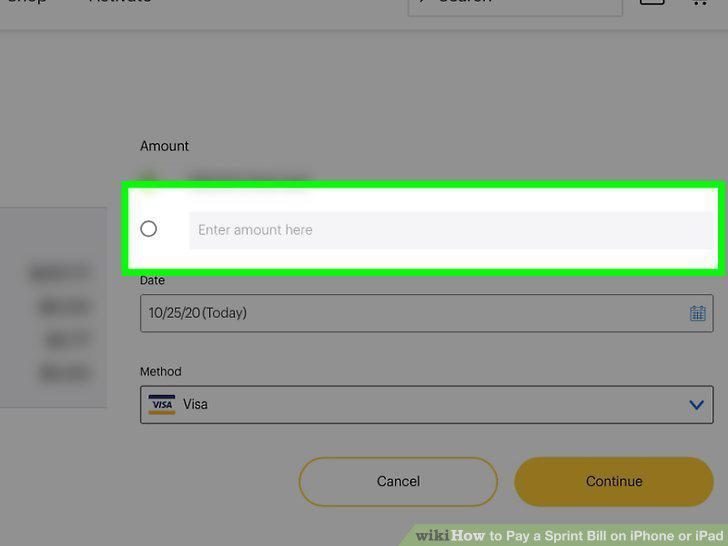
Enter the amount of your payment.
8
Tap the yellow Continue button.
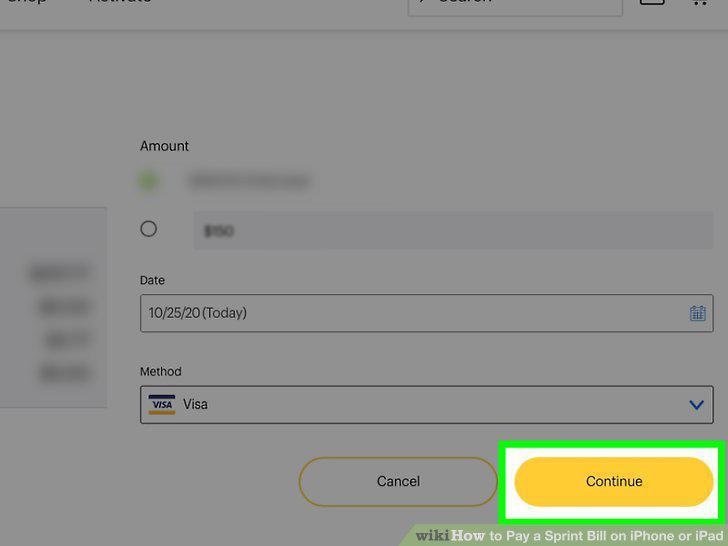
Tap the yellow Continue button.
9
Tap the box to agree to Sprint's terms and conditions (optional).
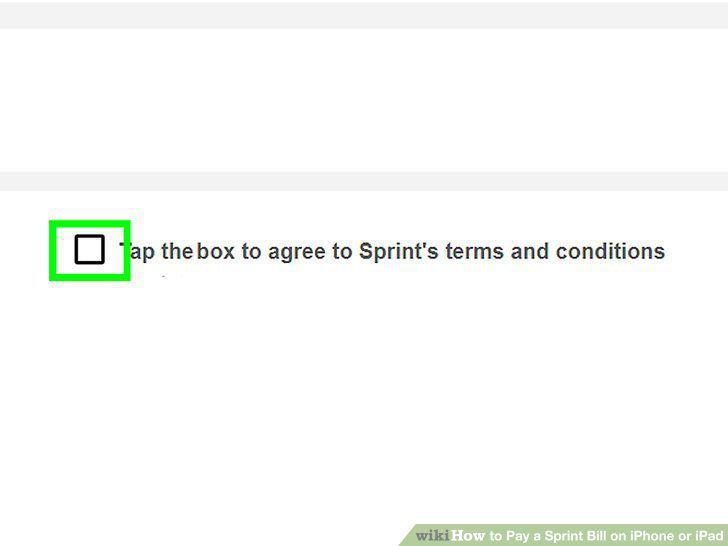
Tap the box to agree to Sprint's terms and conditions (optional).
10
Tap the Authorize button.
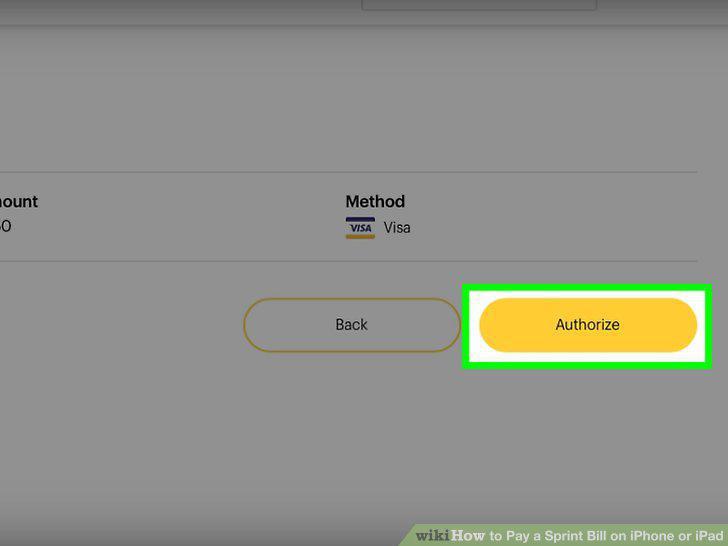
Tap the Authorize button.
Comments (0)
No comments yet. Be the first to share your thoughts!