How to Adjust a Deployment Clasp
Place your watch flat on a clean surface.. Pull on the metal buckle to begin opening a standard deployment clasp.. Finish opening the clasp by pulling on the now-open section.
Steps
Place your watch flat on a clean surface.
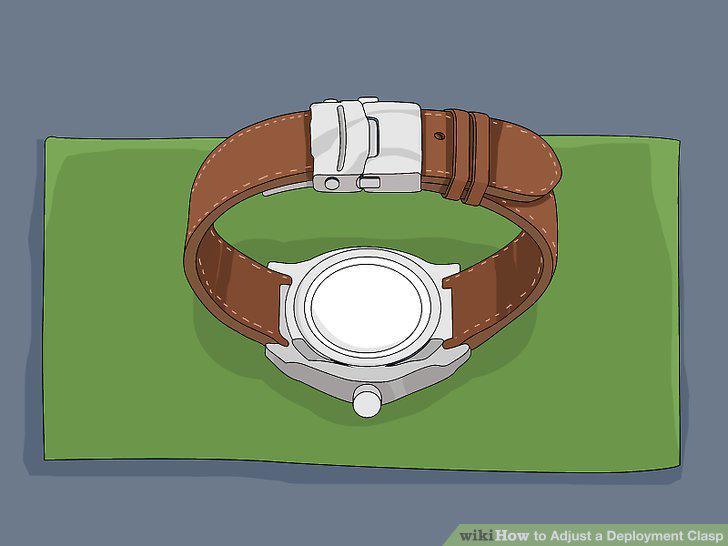
Place your watch flat on a clean surface.
Pull on the metal buckle to begin opening a standard deployment clasp.
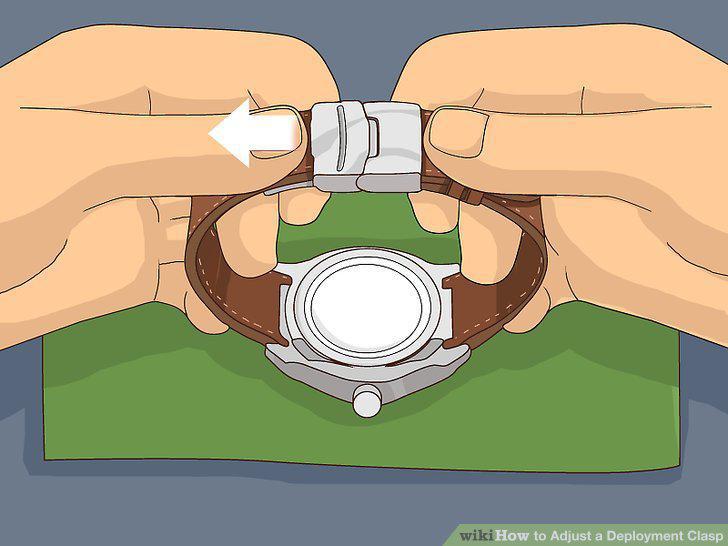
Pull on the metal buckle to begin opening a standard deployment clasp.
Finish opening the clasp by pulling on the now-open section.
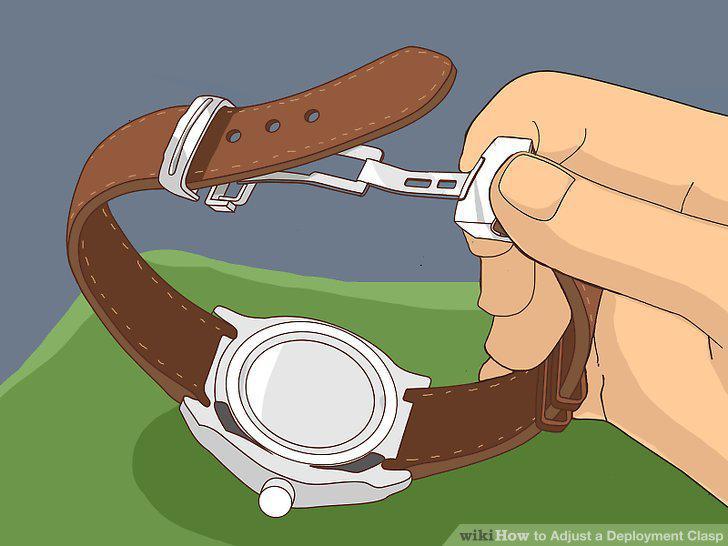
Finish opening the clasp by pulling on the now-open section.
Press the buttons on the buckle to open it, if it's a push button clasp.
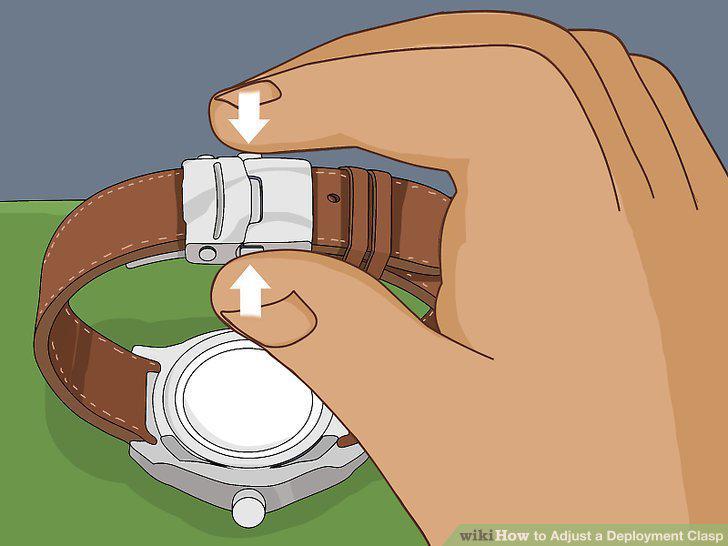
Press the buttons on the buckle to open it, if it's a push button clasp.
Pry open the metal buckle at the end of the deployment clasp.
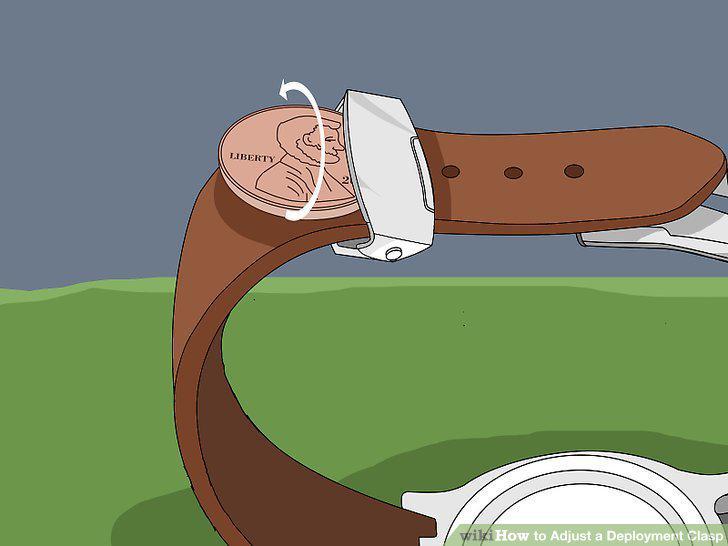
Pry open the metal buckle at the end of the deployment clasp.
Thread the other leather strap through the now-open buckle.
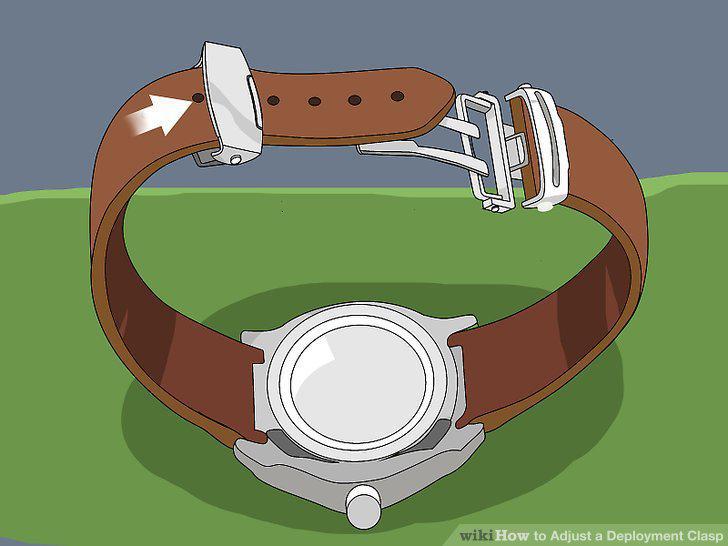
Thread the other leather strap through the now-open buckle.
Put the post through the desired hole in the leather strap.
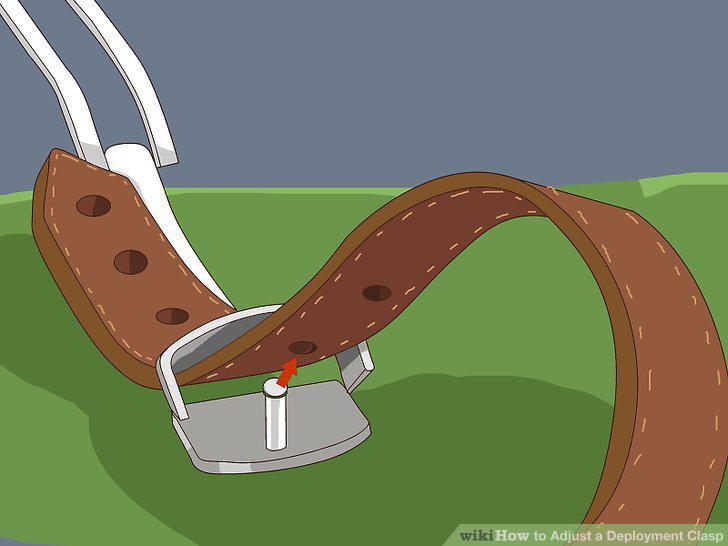
Put the post through the desired hole in the leather strap.
Press the flaps of the buckle together to snap it shut.
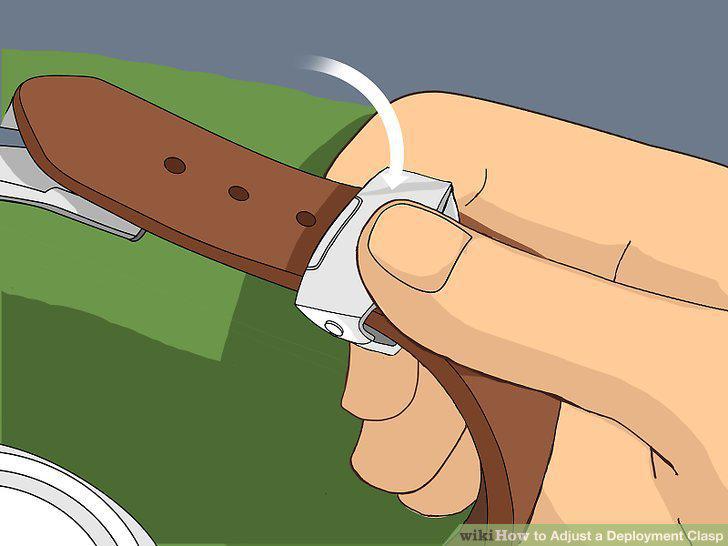
Press the flaps of the buckle together to snap it shut.
Put on the watch and close the non-buckle side of the clasp.
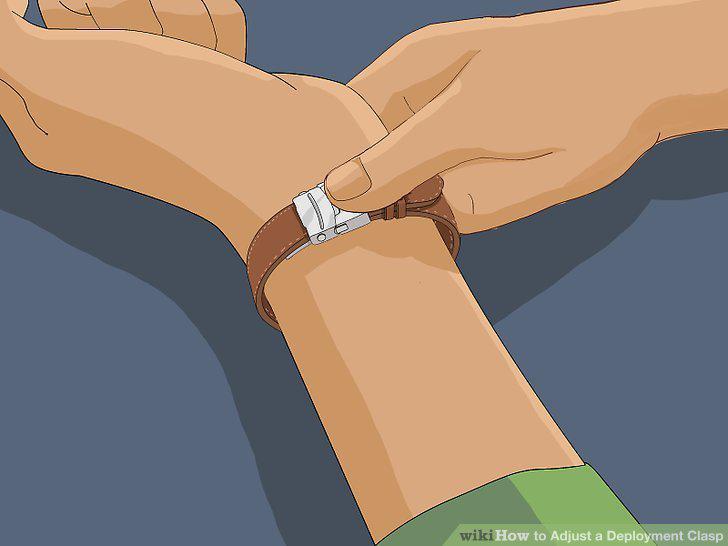
Put on the watch and close the non-buckle side of the clasp.
Slip the end of the leather strap through the leather loop and push down.
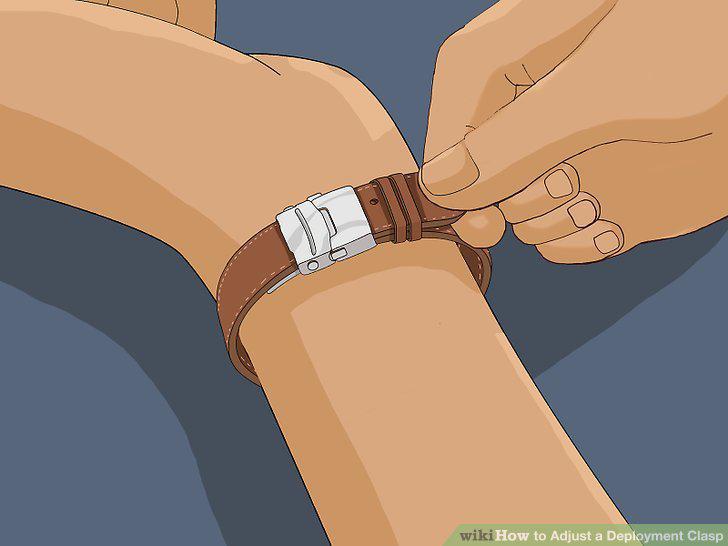
Slip the end of the leather strap through the leather loop and push down.
Adjust the watch as needed by re-opening the deployment clasp.
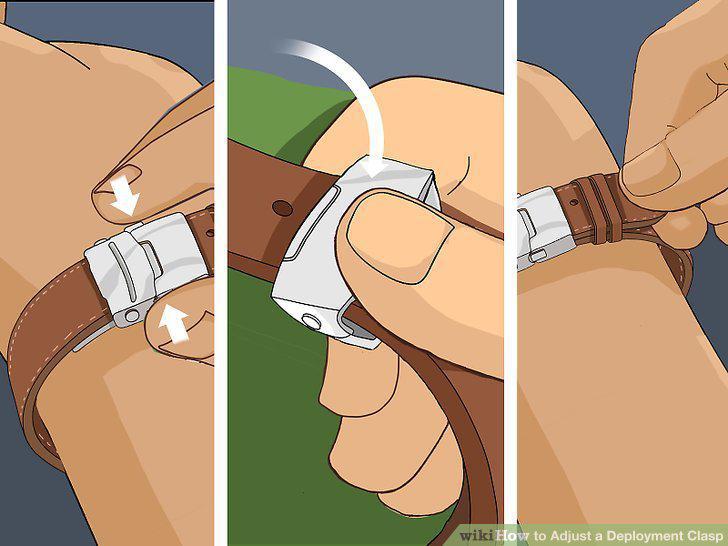
Adjust the watch as needed by re-opening the deployment clasp.
Use the deployment clasp to remove your watch.
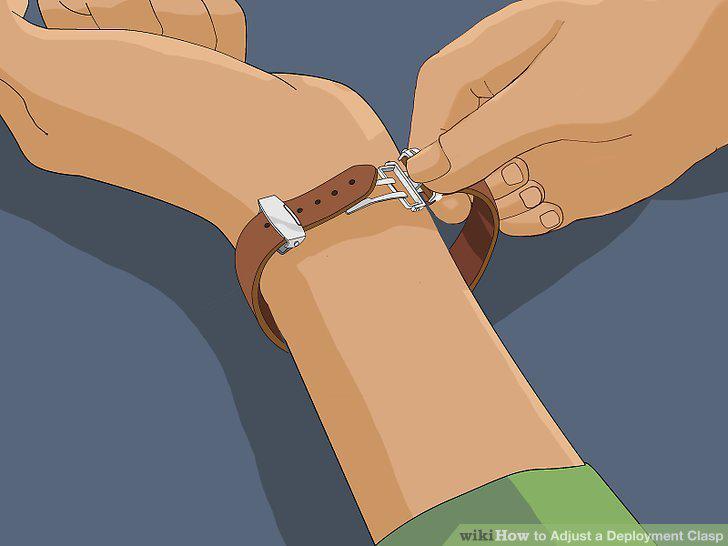
Use the deployment clasp to remove your watch.
Comments (0)
No comments yet. Be the first to share your thoughts!