How to Give Amazon Prime As a Gift
Navigate to the Gift of Prime page on Amazon.. Select a 3-month or 12-month membership.. Click the yellow "Add Prime to Cart" button.
Steps
1
Navigate to the Gift of Prime page on Amazon.
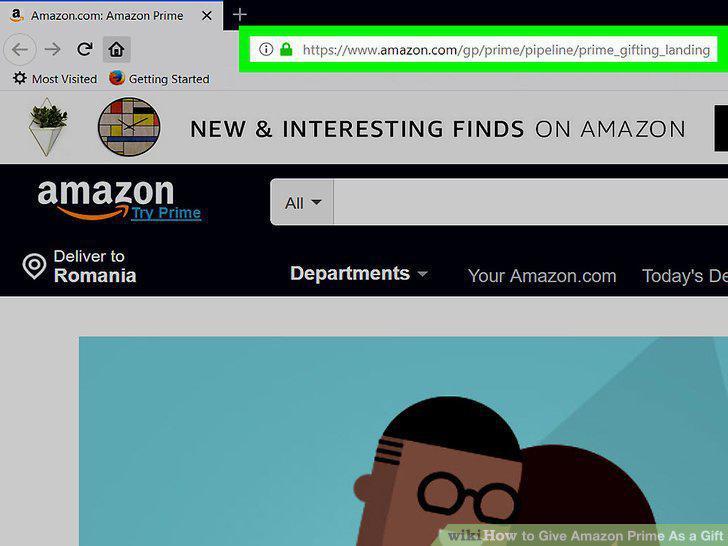
Navigate to the Gift of Prime page on Amazon.
2
Select a 3-month or 12-month membership.
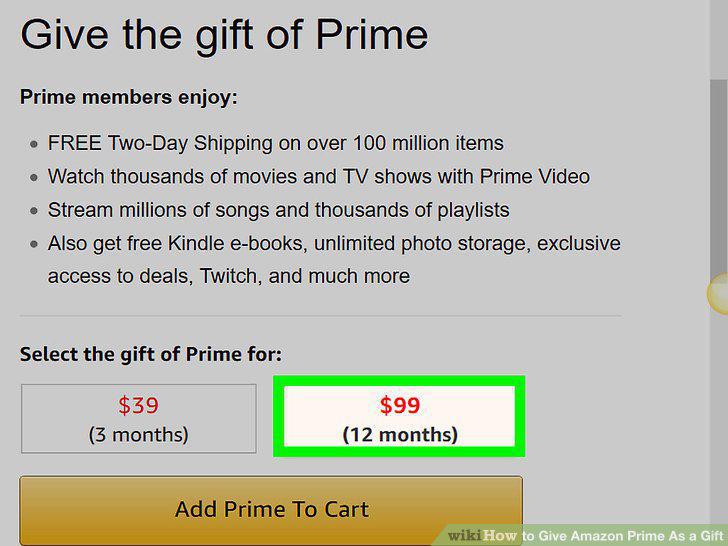
Select a 3-month or 12-month membership.
3
Click the yellow "Add Prime to Cart" button.
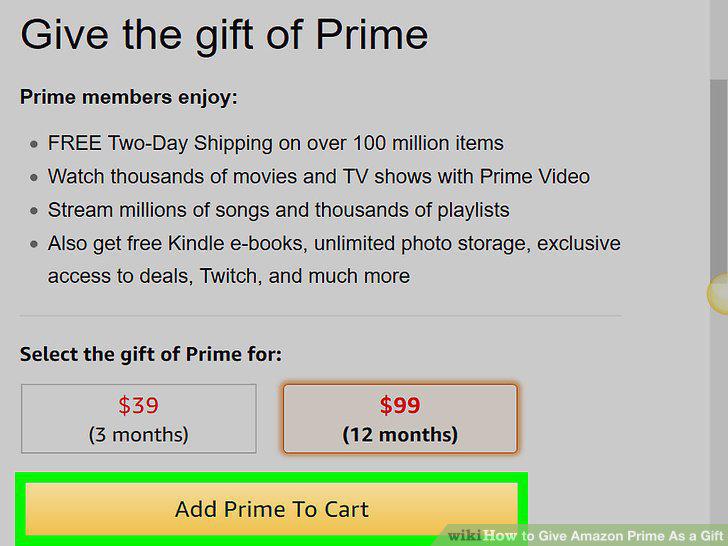
Click the yellow "Add Prime to Cart" button.
4
Click on the yellow "Proceed to cart" button if you are done shopping.
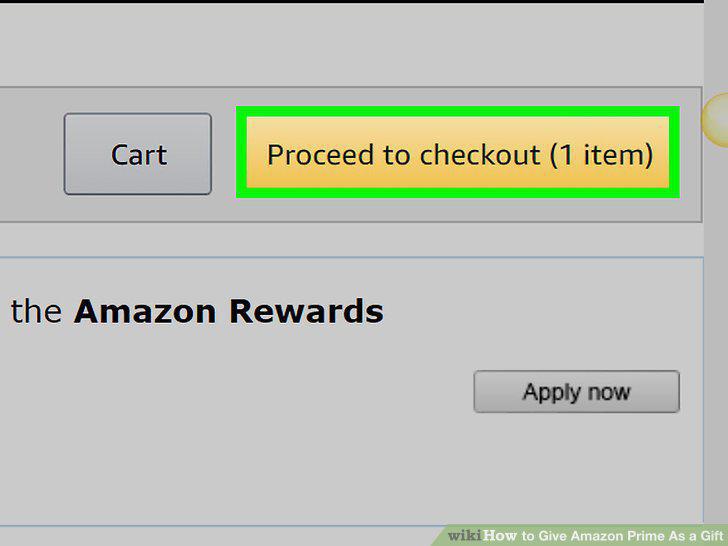
Click on the yellow "Proceed to cart" button if you are done shopping.
5
Enter the recipient's email address, the delivery date, and a personalized messa
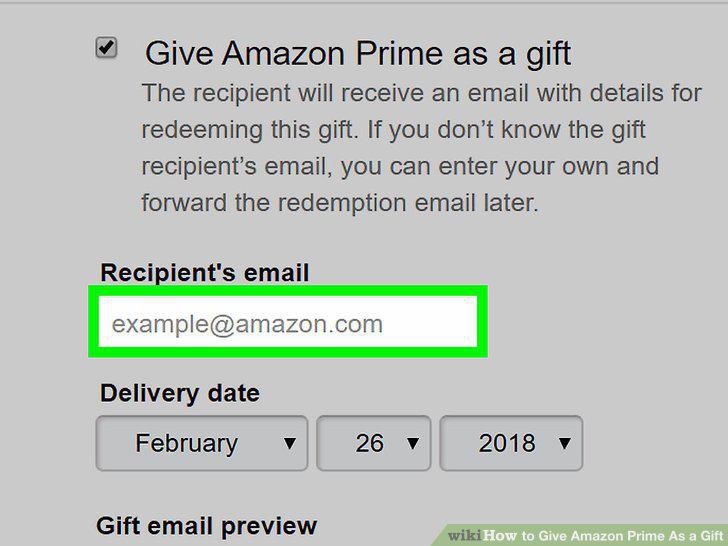
Enter the recipient's email address, the delivery date, and a personalized message.
6
Select your payment method.
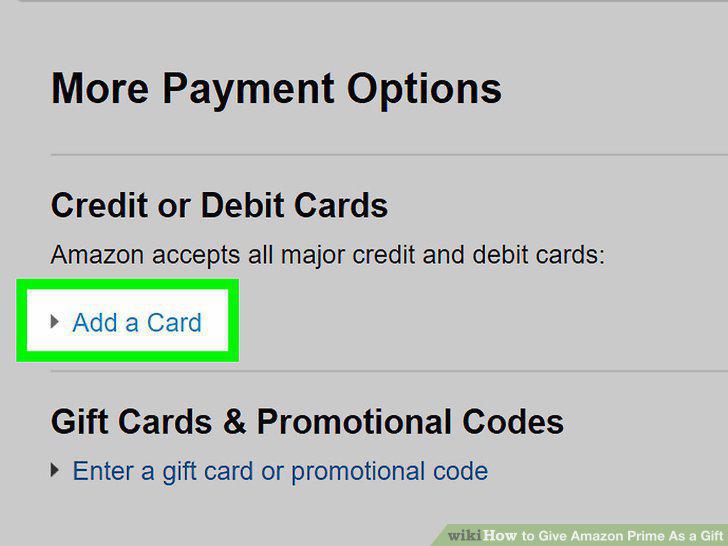
Select your payment method.
7
Review your order.
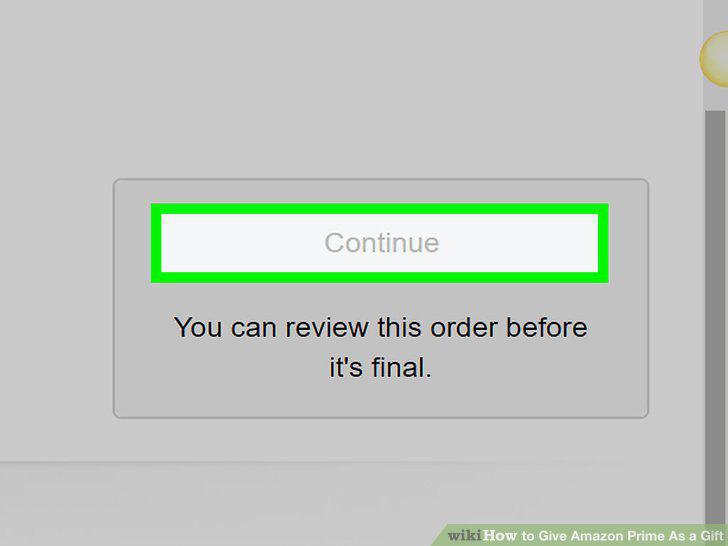
Review your order.
8
Click the yellow "Place your order" button on the right side of the screen.
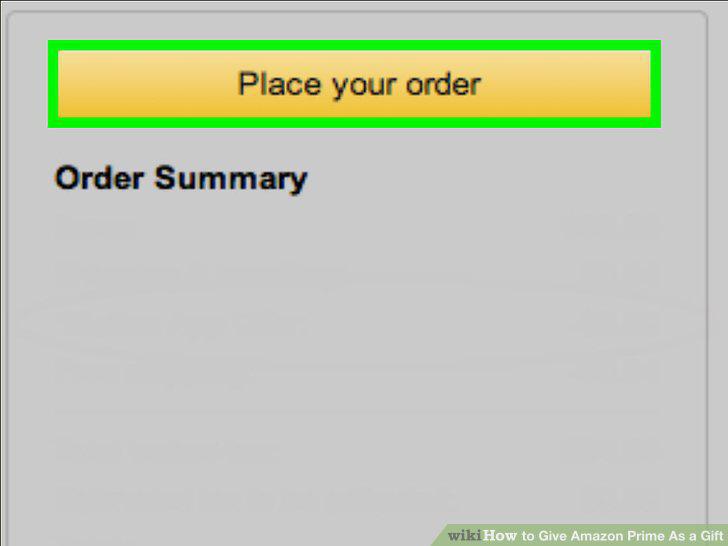
Click the yellow "Place your order" button on the right side of the screen.
Comments (0)
No comments yet. Be the first to share your thoughts!