How to Install War Thunder on PC or Mac
Go to the War Thunder website.. Click the green Download Now button on the right side of the screen.. Click the large red Download Game button.
Steps
Go to the War Thunder website.
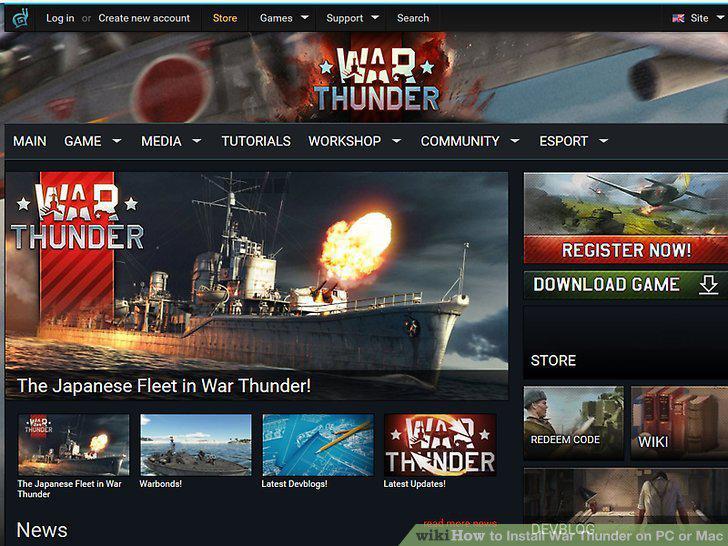
Go to the War Thunder website.
Click the green Download Now button on the right side of the screen.
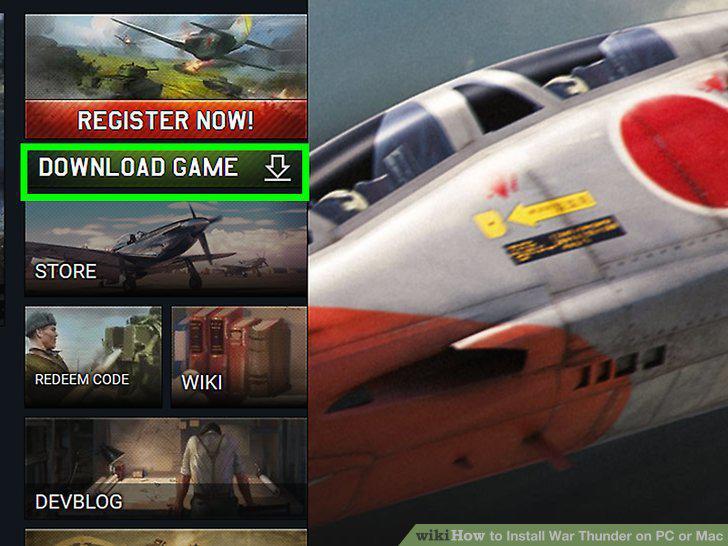
Click the green Download Now button on the right side of the screen.
Click the large red Download Game button.
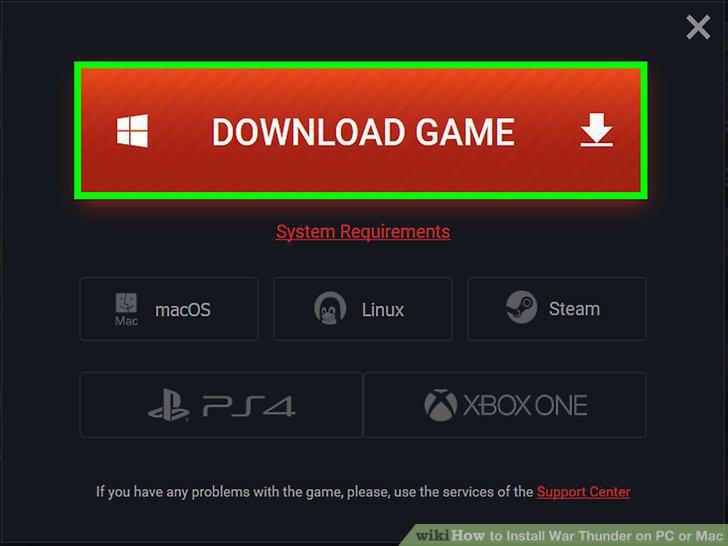
Click the large red Download Game button.
Download the file to your PC.
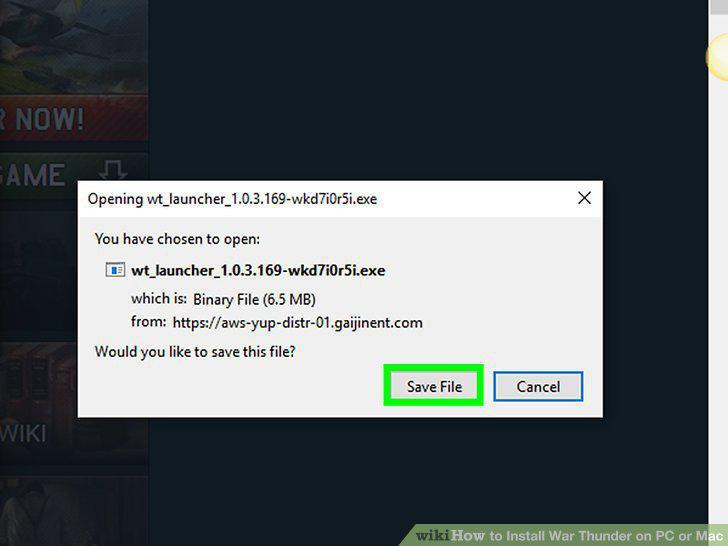
Download the file to your PC.
Double click the file to launch the installer.
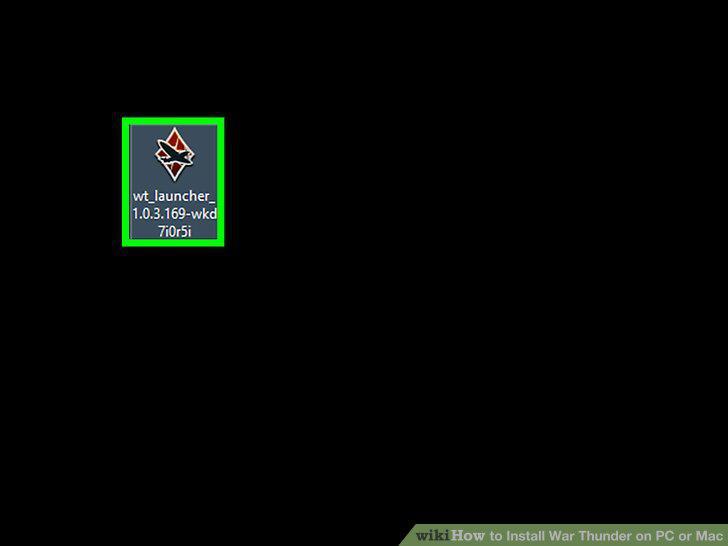
Double click the file to launch the installer.
Choose the setup language.
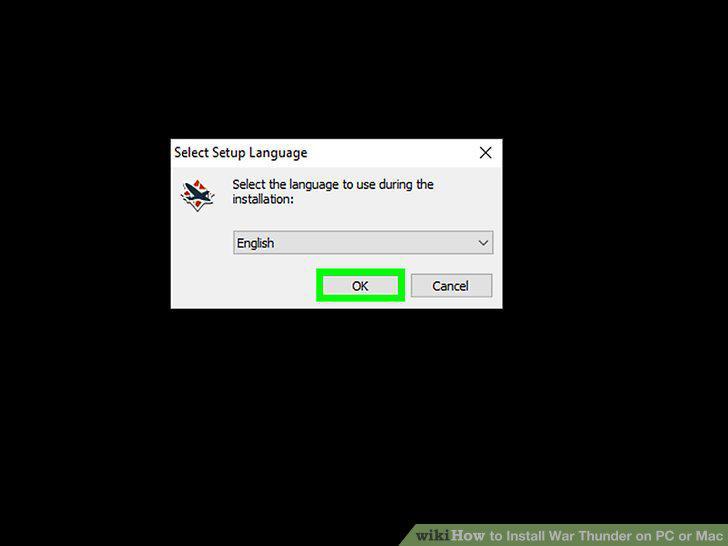
Choose the setup language.
Choose where to install the game.
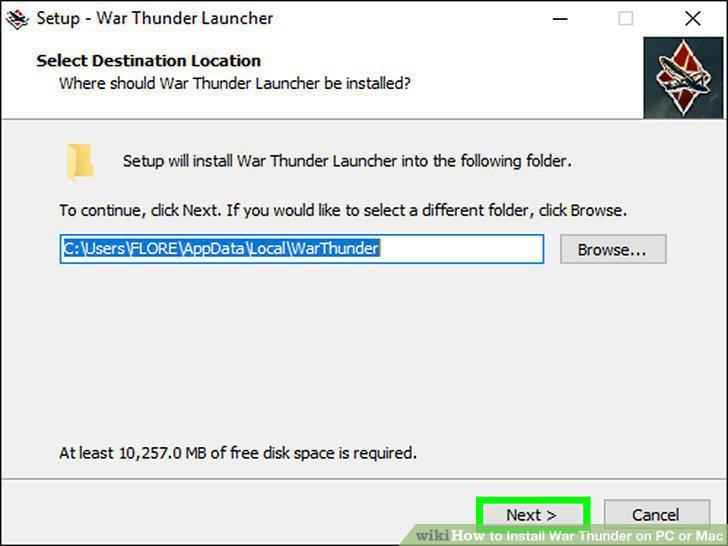
Choose where to install the game.
Click Install.
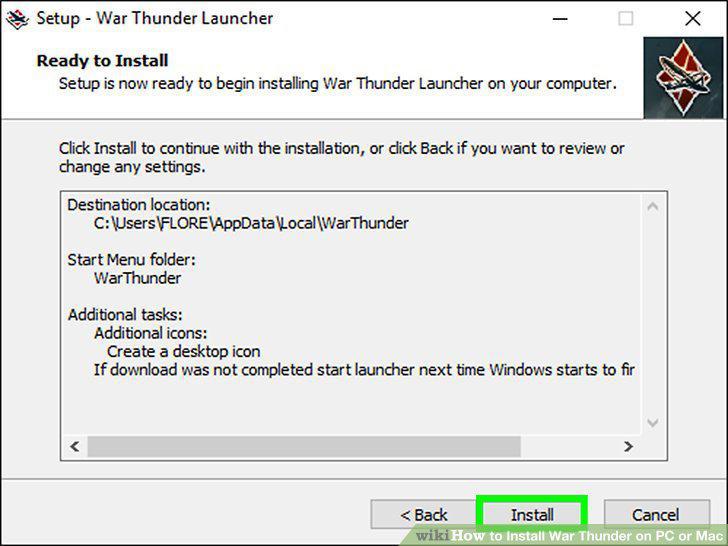
Click Install.
Wait for the game to install.
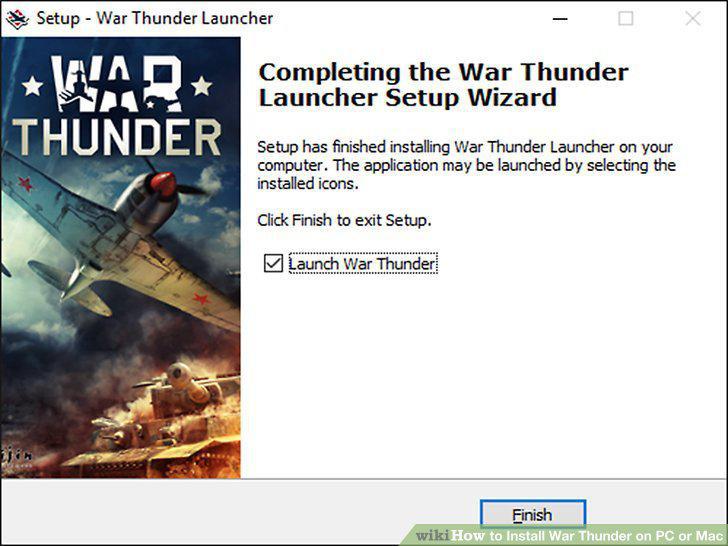
Wait for the game to install.
Click Finish.
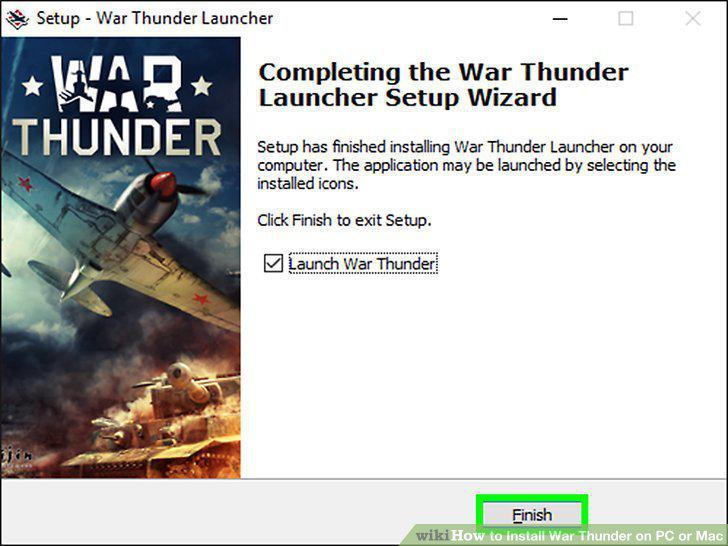
Click Finish.
Download the War Thunder Installer for Mac.
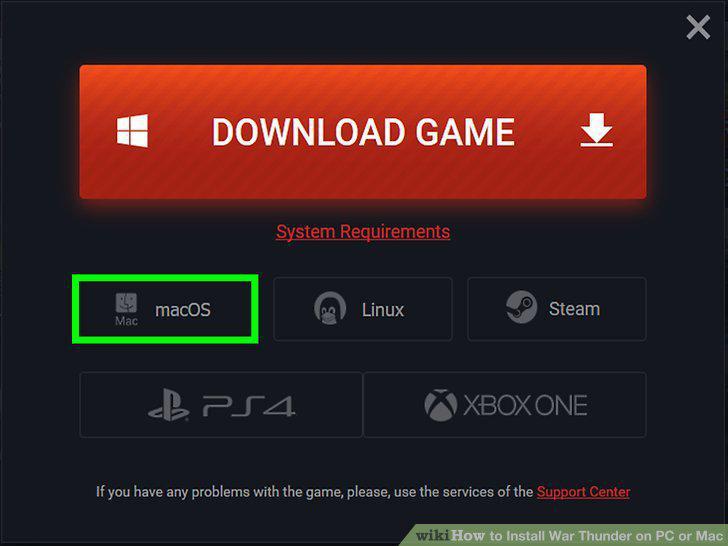
Download the War Thunder Installer for Mac.
Open the Downloads folder on your desktop.
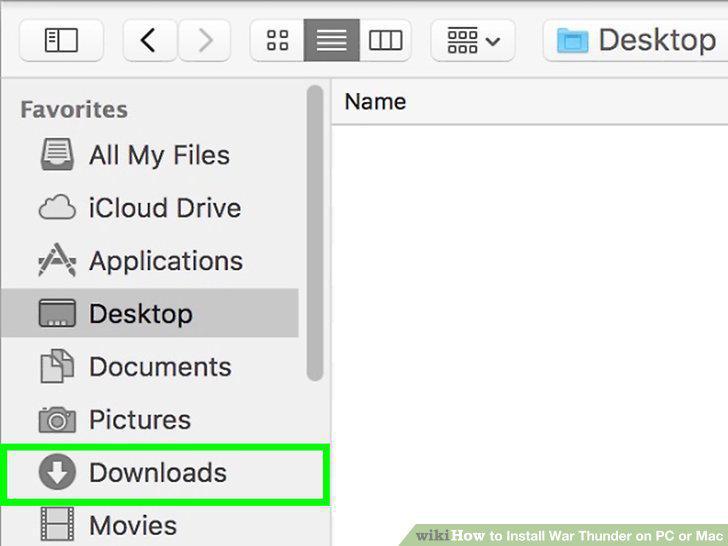
Open the Downloads folder on your desktop.
Double click on WarThunderLauncher.
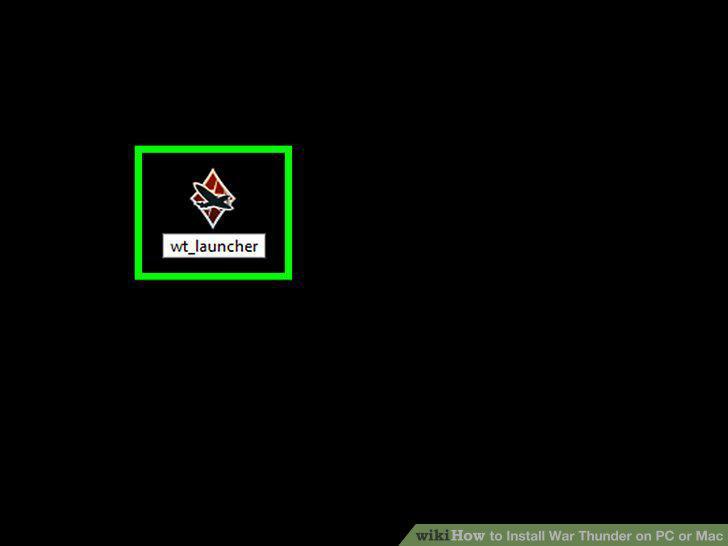
Double click on WarThunderLauncher.
Drag WarThunderLauncher to your Applications folder.
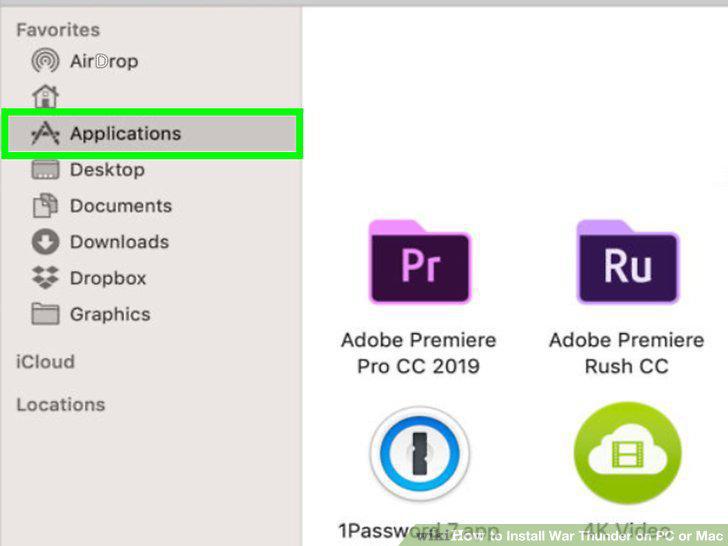
Drag WarThunderLauncher to your Applications folder.
Double click on WarThunderLauncher in the Applications folder.
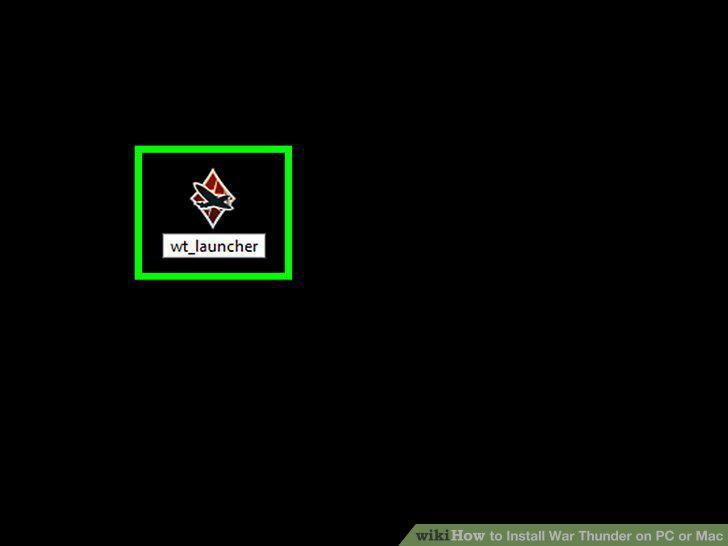
Double click on WarThunderLauncher in the Applications folder.
Wait for installation to finish.
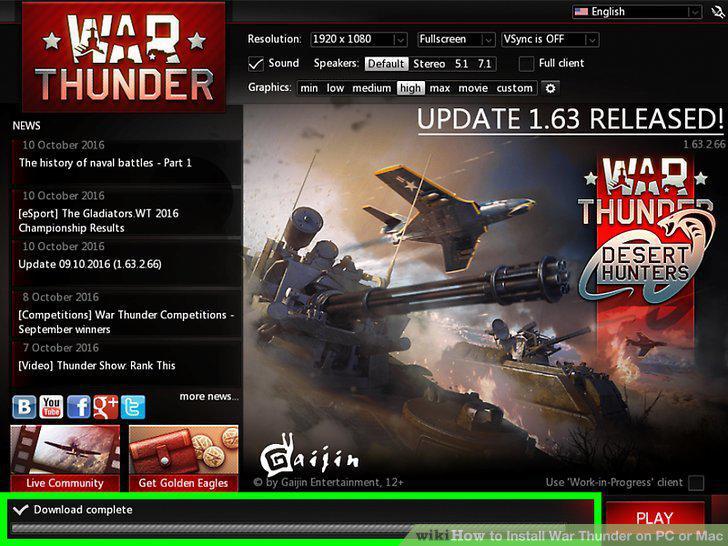
Wait for installation to finish.
Click on the red Run game button.
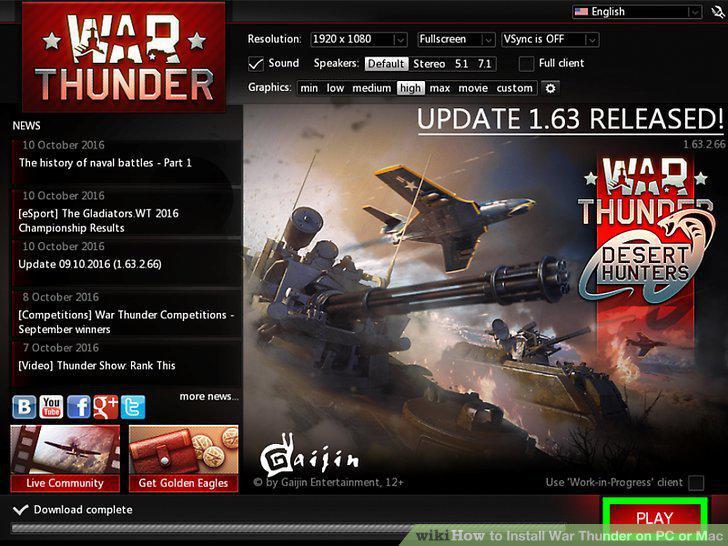
Click on the red Run game button.
Comments (0)
No comments yet. Be the first to share your thoughts!