How to Downgrade Minecraft
Open the Minecraft Launcher.. Click Installations.. Click + New.
Steps
1
Open the Minecraft Launcher.
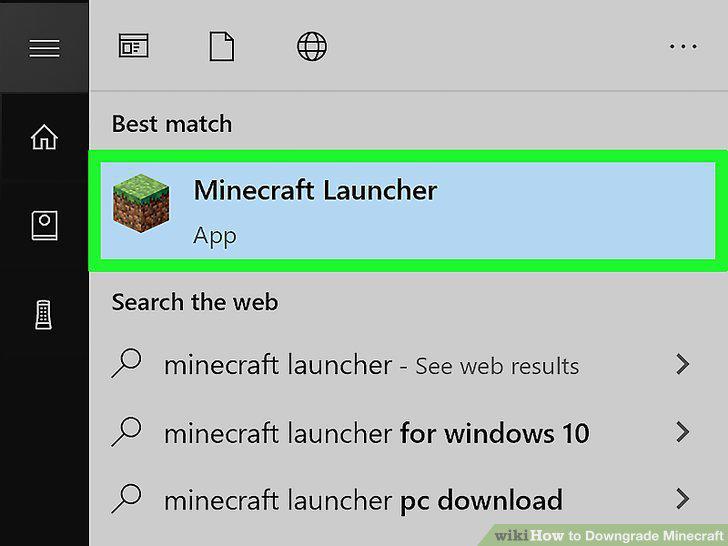
Open the Minecraft Launcher.
2
Click Installations.
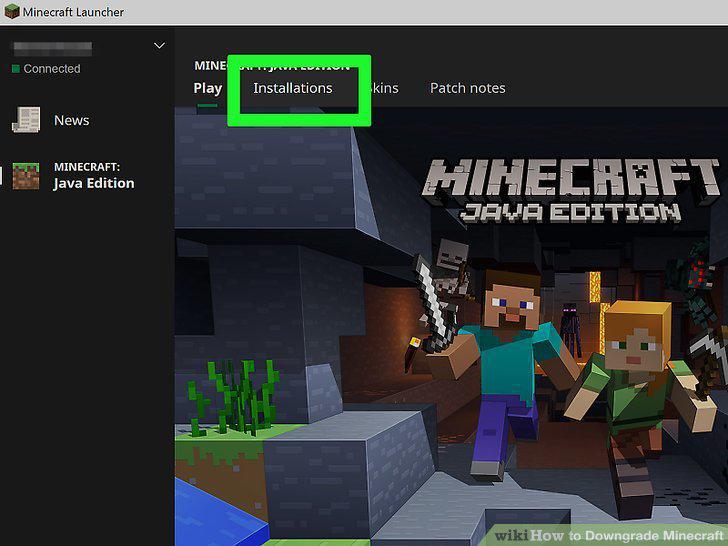
Click Installations.
3
Click + New.
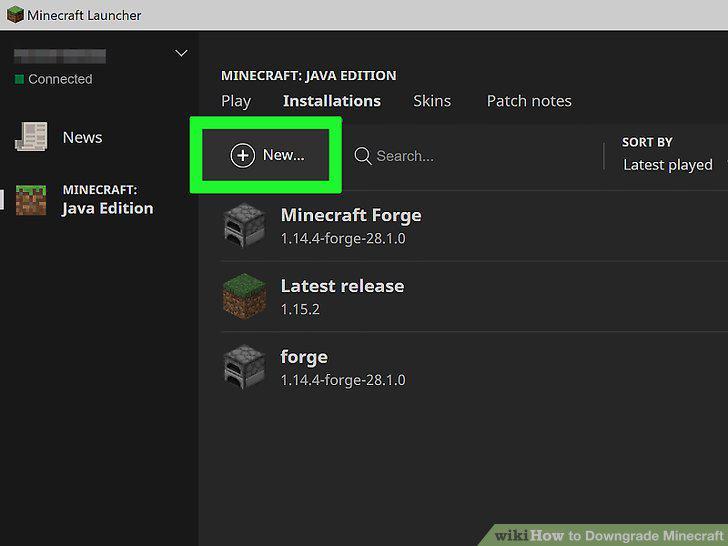
Click + New.
4
Type a name for your installation into the "Name" field.
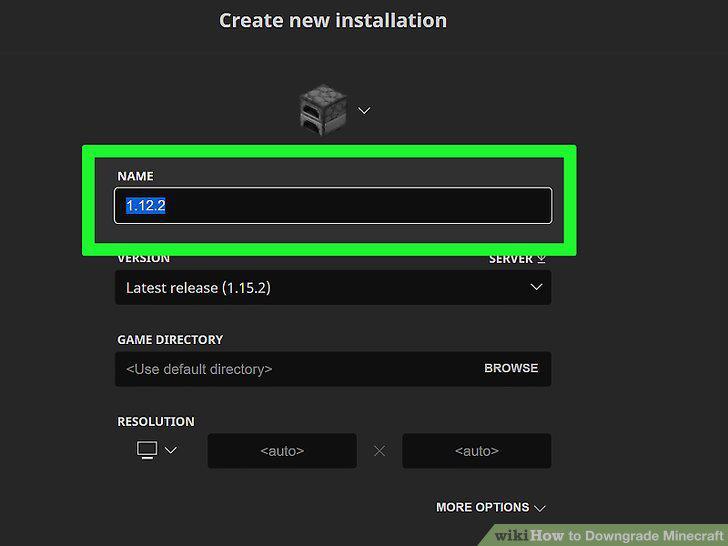
Type a name for your installation into the "Name" field.
5
Select a version from the "Version" menu.
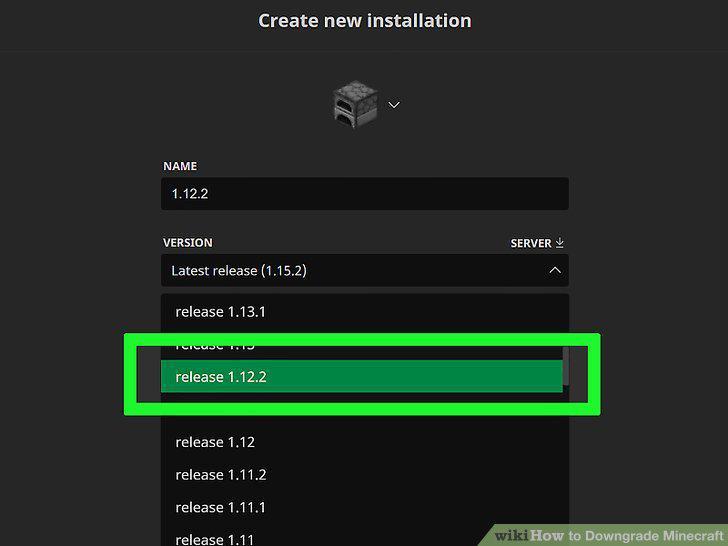
Select a version from the "Version" menu.
6
Select a directory from the "Game Directory" menu.
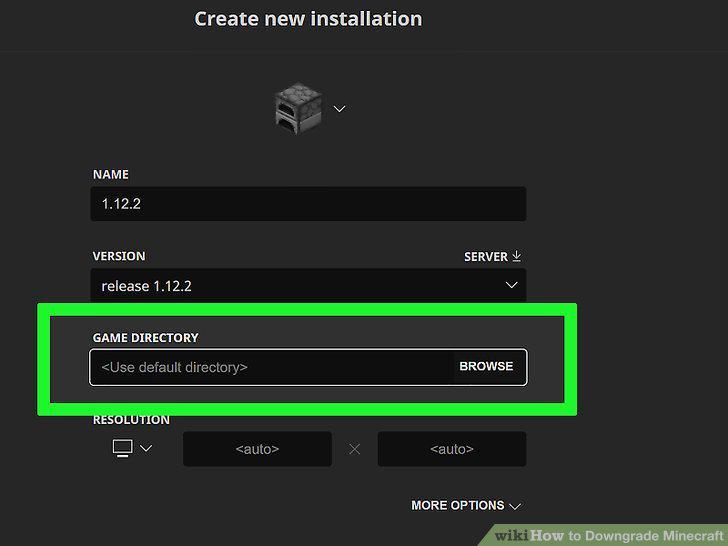
Select a directory from the "Game Directory" menu.
7
Click the Create button.
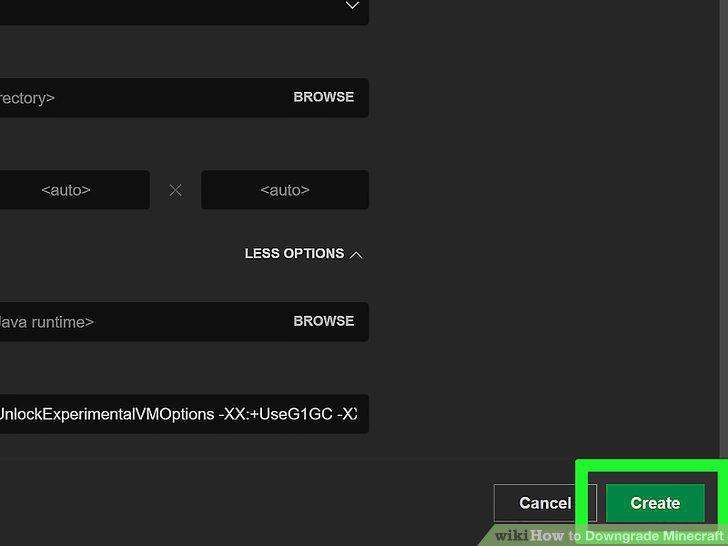
Click the Create button.
Comments (0)
No comments yet. Be the first to share your thoughts!