How to Cancel an Unpaid Order on Aliexpress
Go to your order details page at https://trade.aliexpress.com/orderList.htm?spm.. Click View Detail next to the order you want to cancel.. Click Cancel Order.
Steps
1
Go to your order details page at https://trade.aliexpress.com/orderList.htm?spm.
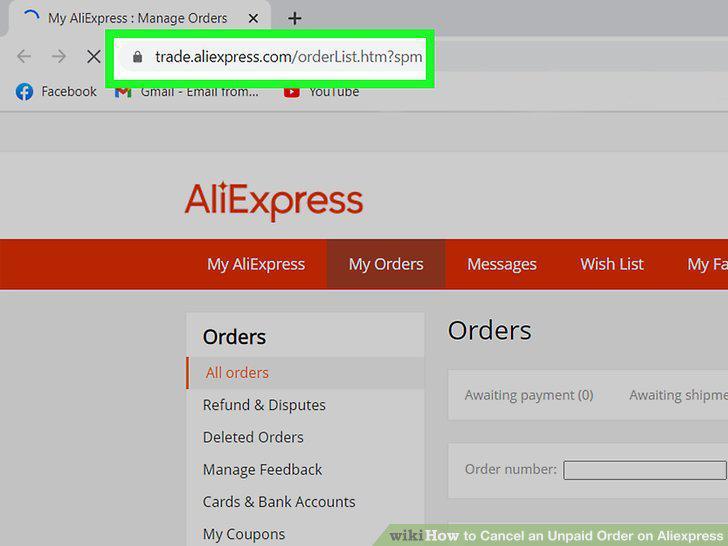
Go to your order details page at https://trade.aliexpress.com/orderList.htm?spm.
2
Click View Detail next to the order you want to cancel.
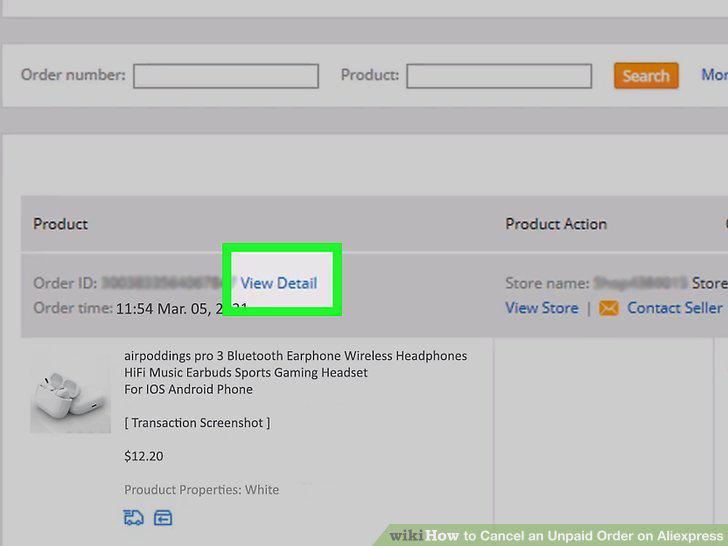
Click View Detail next to the order you want to cancel.
3
Click Cancel Order.
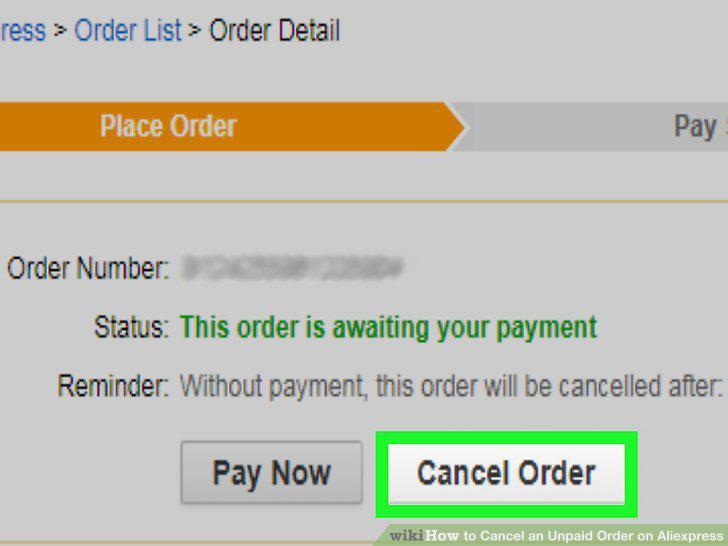
Click Cancel Order.
Comments (0)
No comments yet. Be the first to share your thoughts!