How to Cancel a Kindle Book Order
Go to https://www.amazon.com/digitalorders in a browser.. Log in to your Amazon account.. Request the desktop version of the website (phone or tablet only).
Steps
1
Go to https://www.amazon.com/digitalorders in a browser.
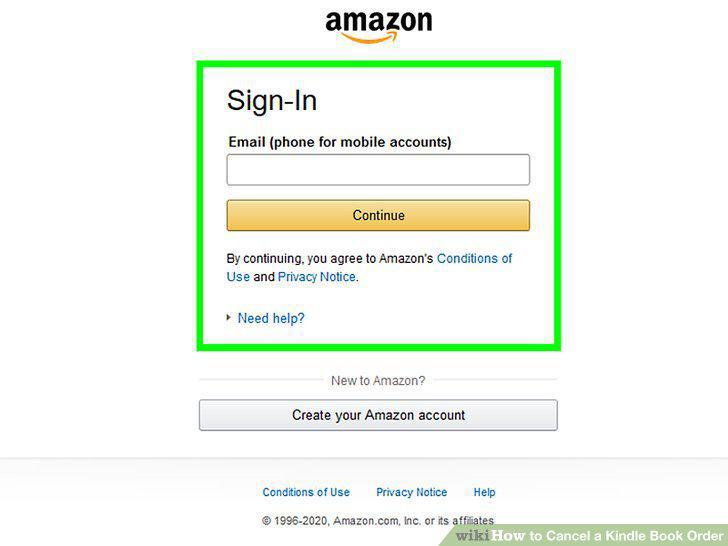
Go to https://www.amazon.com/digitalorders in a browser.
2
Log in to your Amazon account.
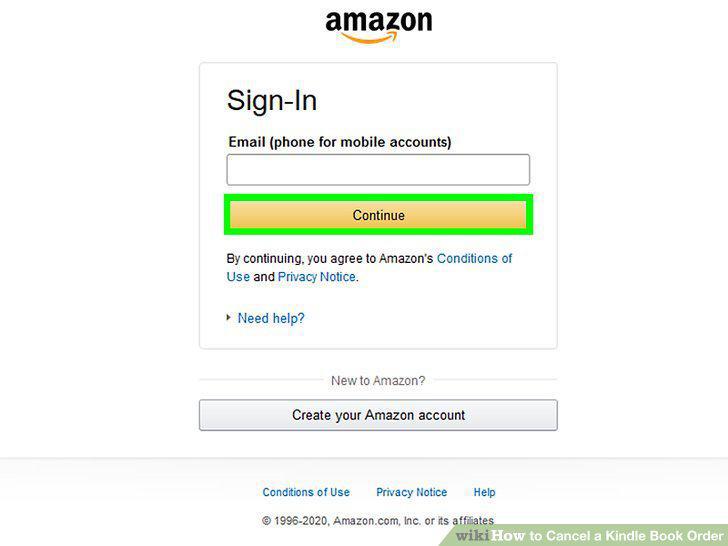
Log in to your Amazon account.
3
Request the desktop version of the website (phone or tablet only).
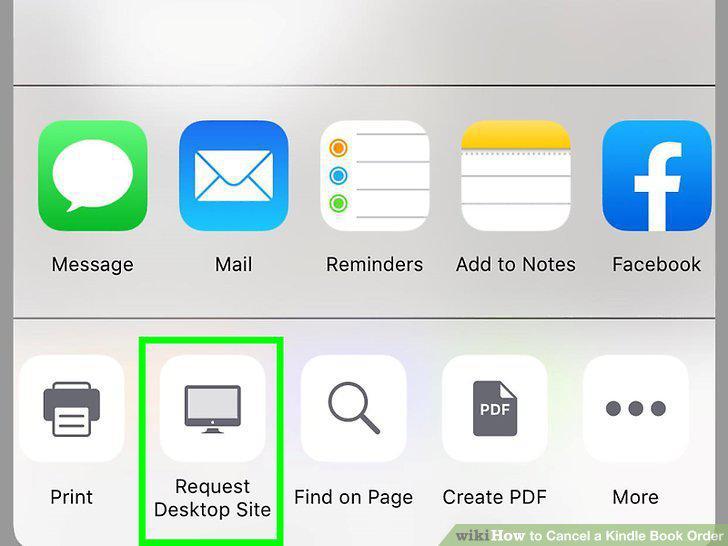
Request the desktop version of the website (phone or tablet only).
4
Tap or click Return for Refund next to the book.
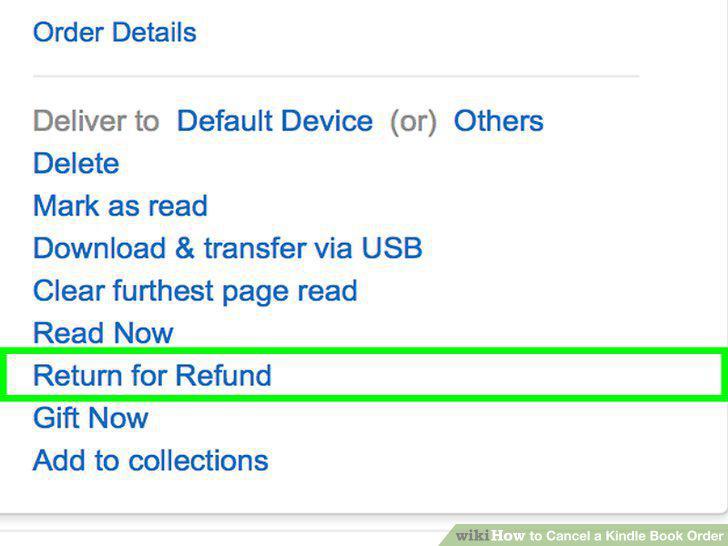
Tap or click Return for Refund next to the book.
5
Select the reason for the return from the drop-down.
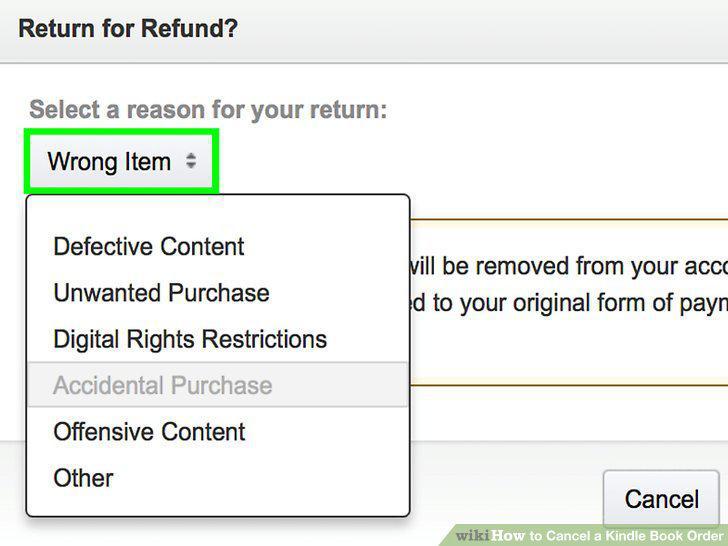
Select the reason for the return from the drop-down.
6
Tap or click Submit on the right.
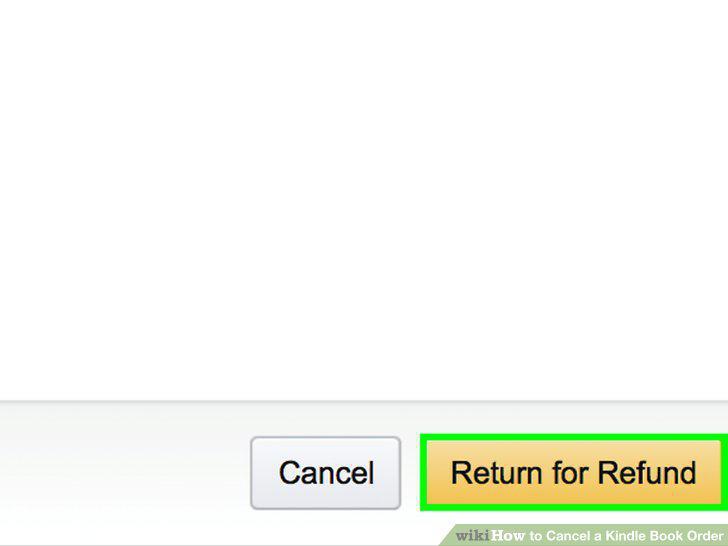
Tap or click Submit on the right.
Comments (0)
No comments yet. Be the first to share your thoughts!