How to Return a Groupon Voucher
Understand the return policy.. Know how the cancellation policy differs.. Check to make sure you're cancelling within the proper window.
Steps
1
Understand the return policy.
Understand the return policy.
2
Know how the cancellation policy differs.
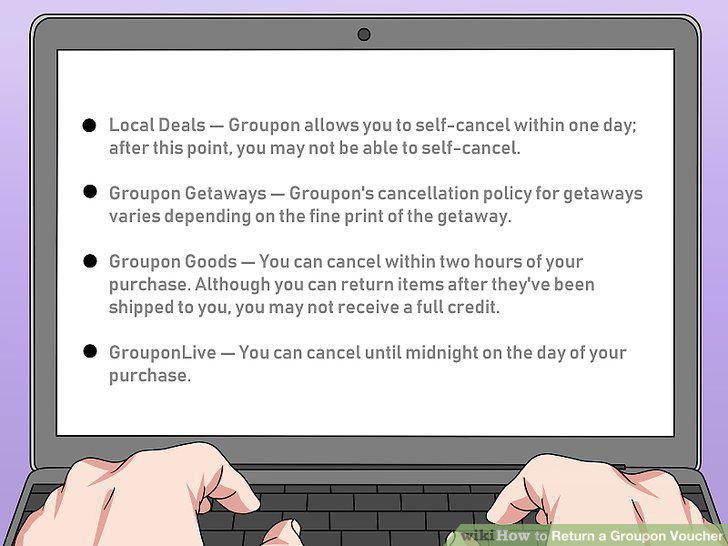
Know how the cancellation policy differs.
3
Check to make sure you're cancelling within the proper window.
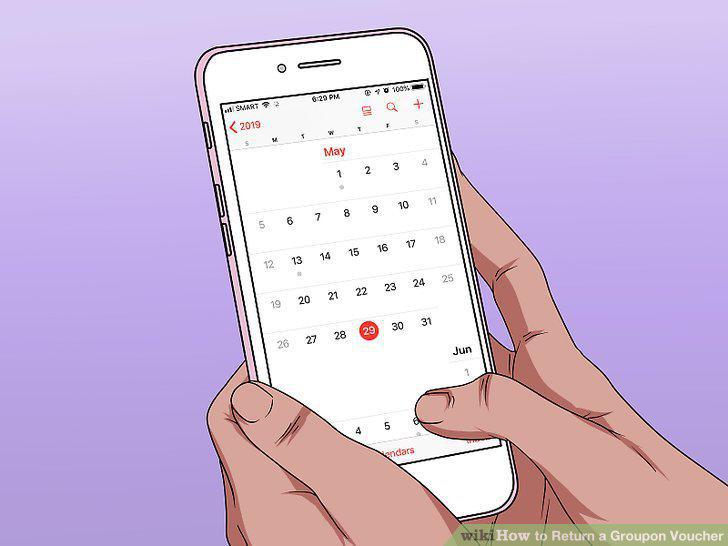
Check to make sure you're cancelling within the proper window.
4
Make sure that you haven't viewed your voucher.
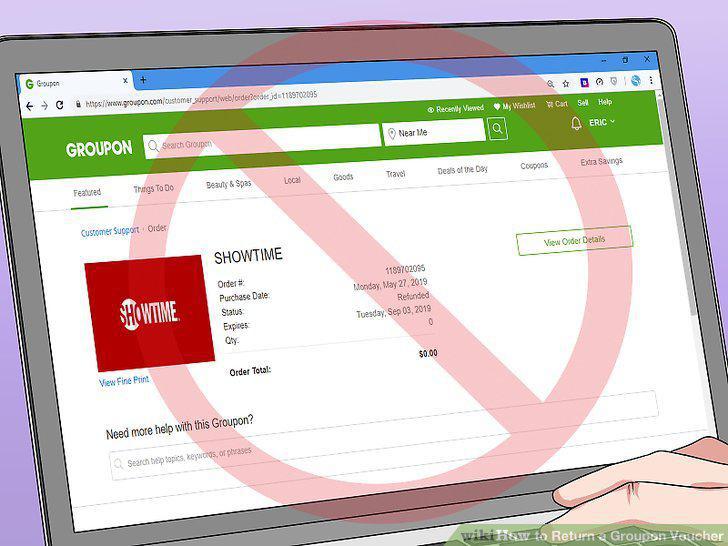
Make sure that you haven't viewed your voucher.
5
Determine whether or not the voucher was a "Final Sale" item.
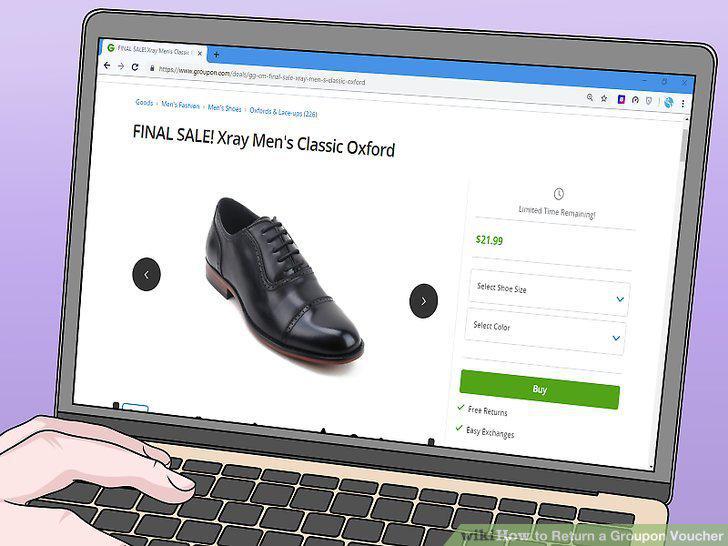
Determine whether or not the voucher was a "Final Sale" item.
6
Open Groupon.
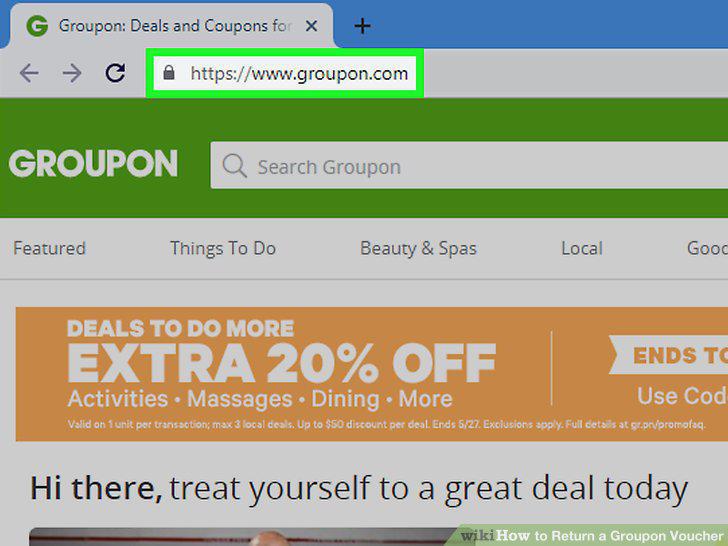
Open Groupon.
7
Select your name.
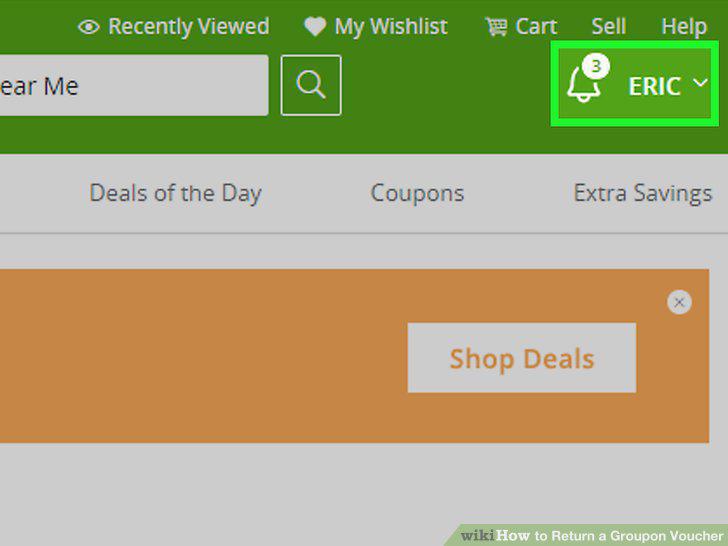
Select your name.
8
Click My Groupons.
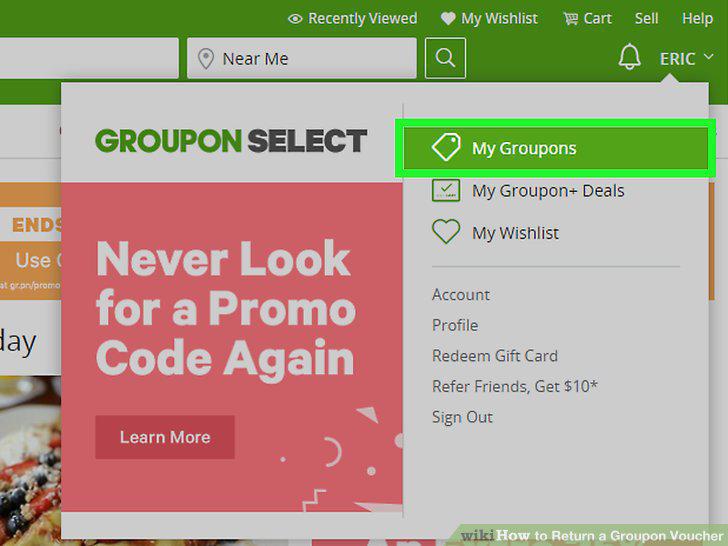
Click My Groupons.
9
Click the "Deals" drop-down box.
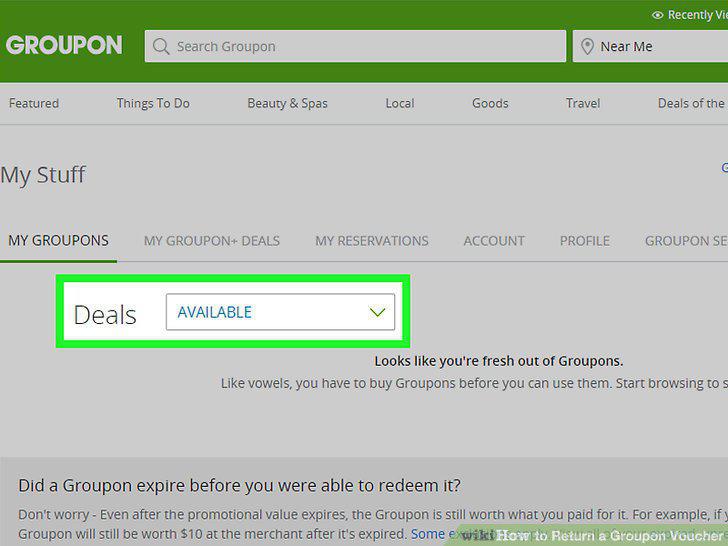
Click the "Deals" drop-down box.
10
Click ALL.
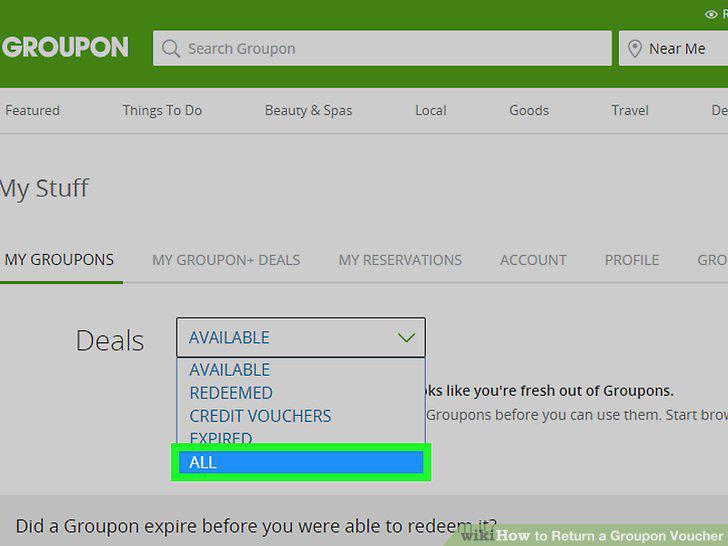
Click ALL.
11
Find your Groupon order.
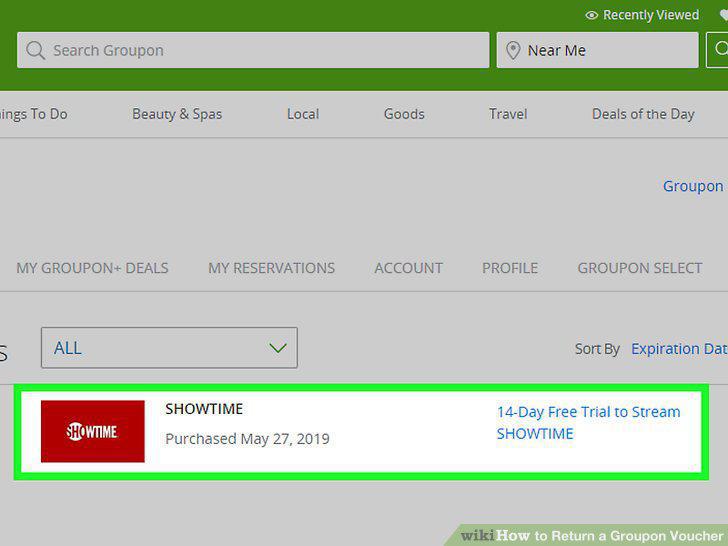
Find your Groupon order.
12
Click View Details.
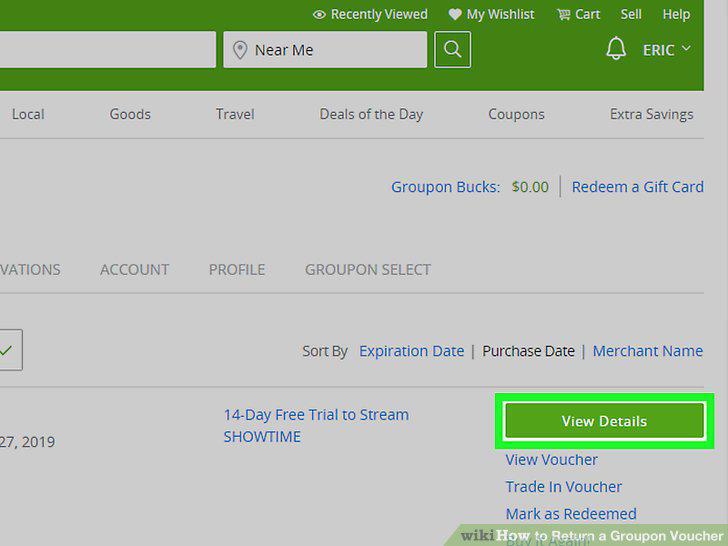
Click View Details.
13
Click Cancel Order.
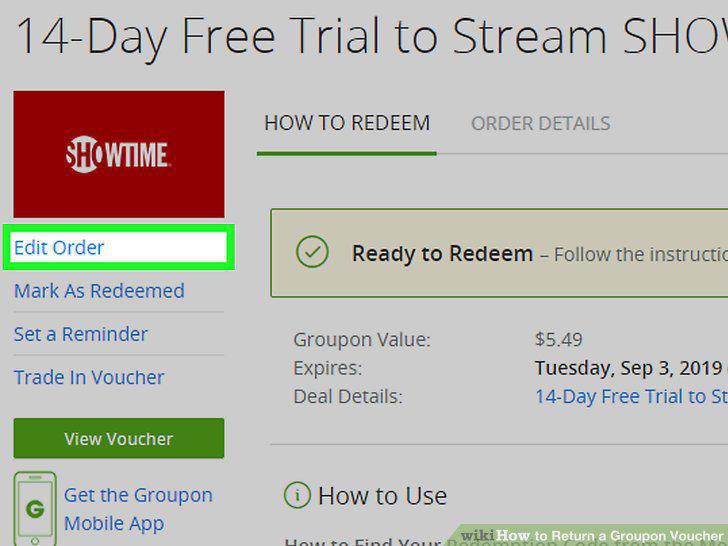
Click Cancel Order.
14
Follow the on-screen instructions.
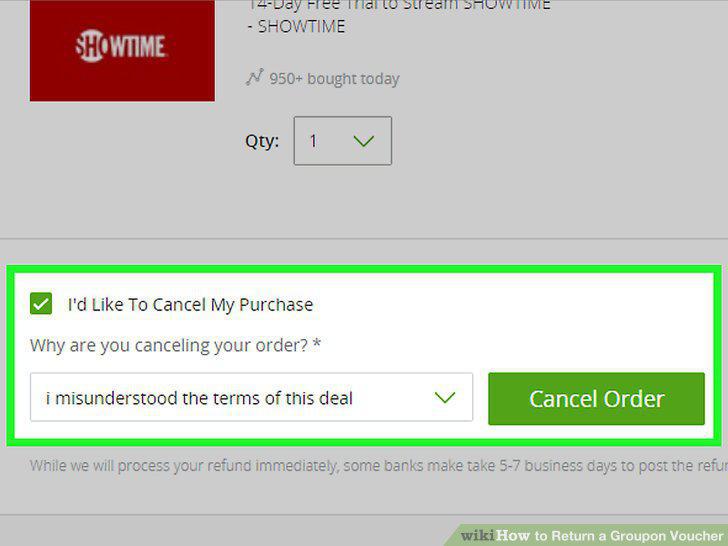
Follow the on-screen instructions.
15
Try using the customer support section instead.
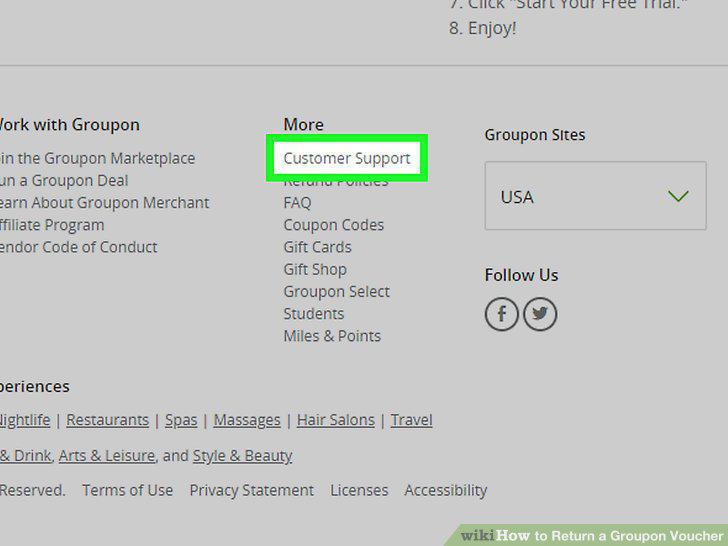
Try using the customer support section instead.
Comments (0)
No comments yet. Be the first to share your thoughts!