How to Apply a Gift Card Code to Amazon
Navigate to Amazon's site.. Click the "Sign in" option.. Enter your email and password.
Steps
Navigate to Amazon's site.
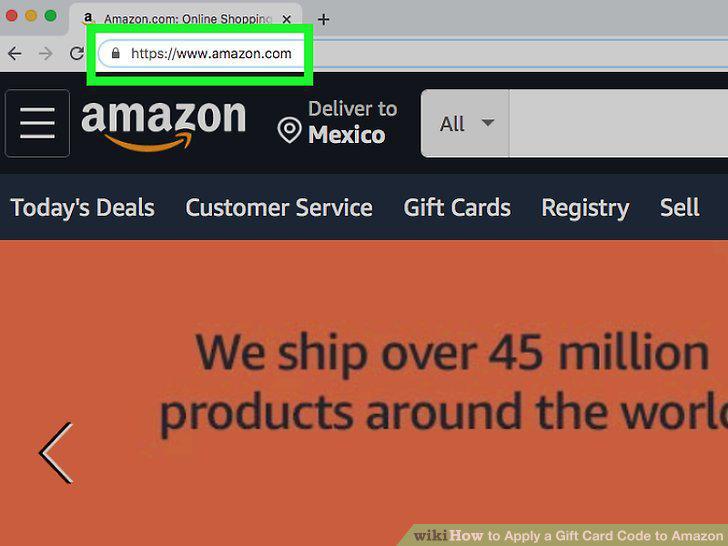
Navigate to Amazon's site.
Click the "Sign in" option.
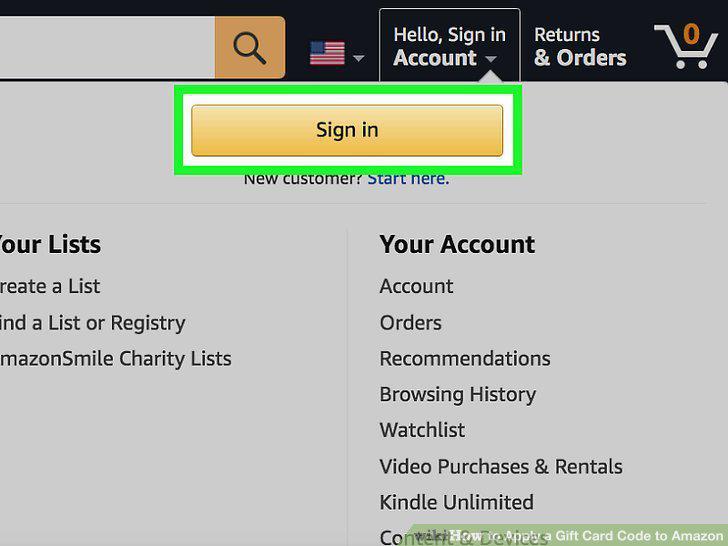
Click the "Sign in" option.
Enter your email and password.
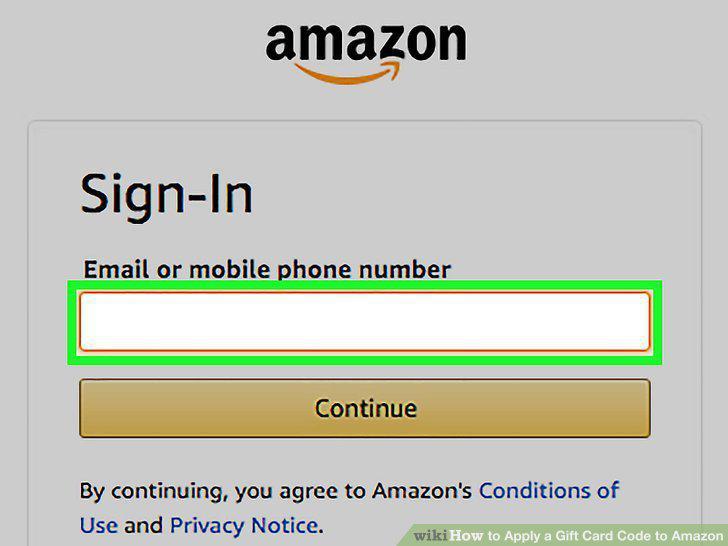
Enter your email and password.
Click the "Your Account" tab.
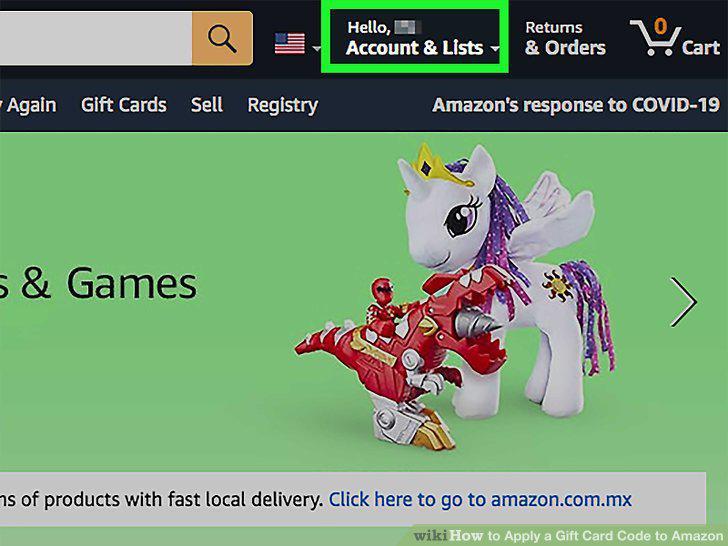
Click the "Your Account" tab.
Click "Redeem a Gift Card".
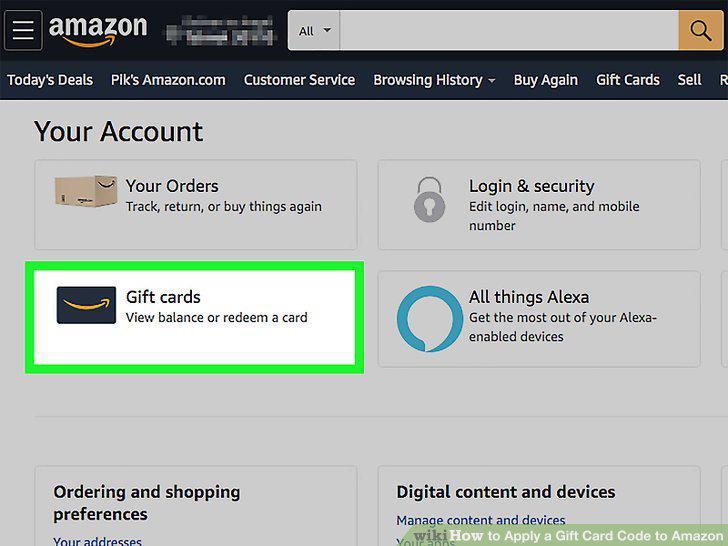
Click "Redeem a Gift Card".
Enter your gift card's claim code in the claim code field.
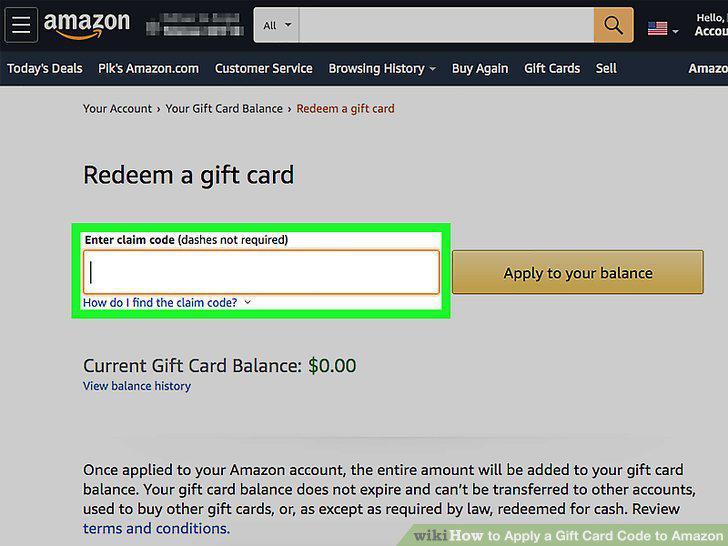
Enter your gift card's claim code in the claim code field.
Click or tap "Apply to your balance".
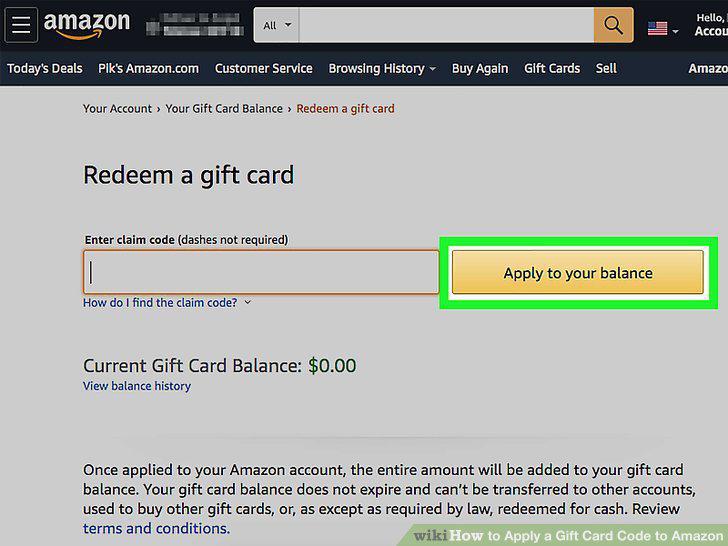
Click or tap "Apply to your balance".
Navigate to Amazon's site.
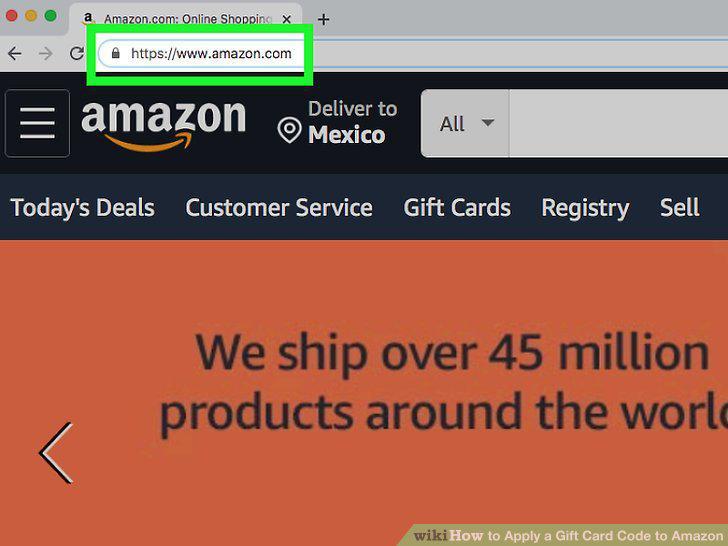
Navigate to Amazon's site.
Click the "Sign in" option.
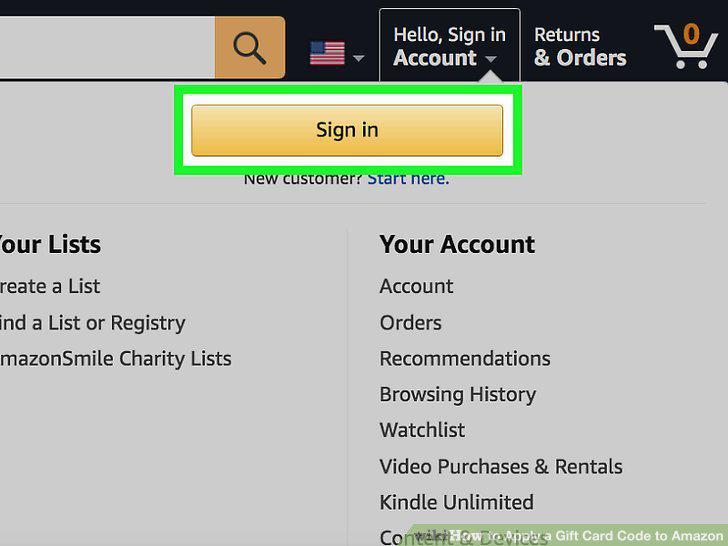
Click the "Sign in" option.
Enter your email and password.
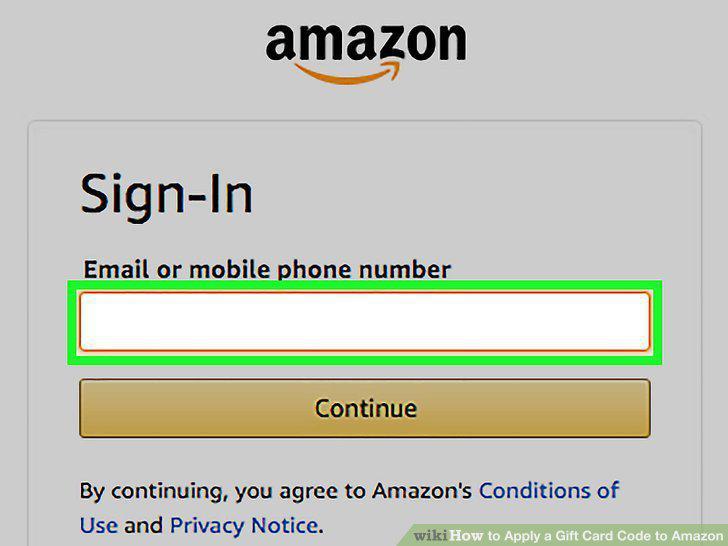
Enter your email and password.
Add any items you wish to purchase to your cart.
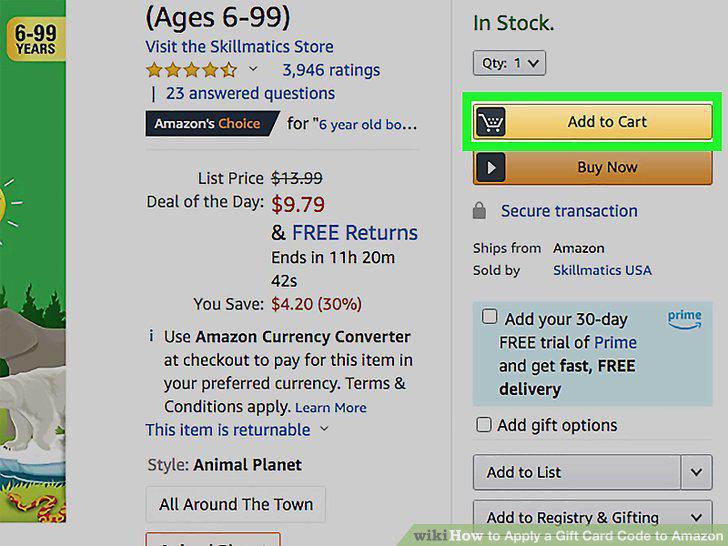
Add any items you wish to purchase to your cart.
Click or tap the cart icon.
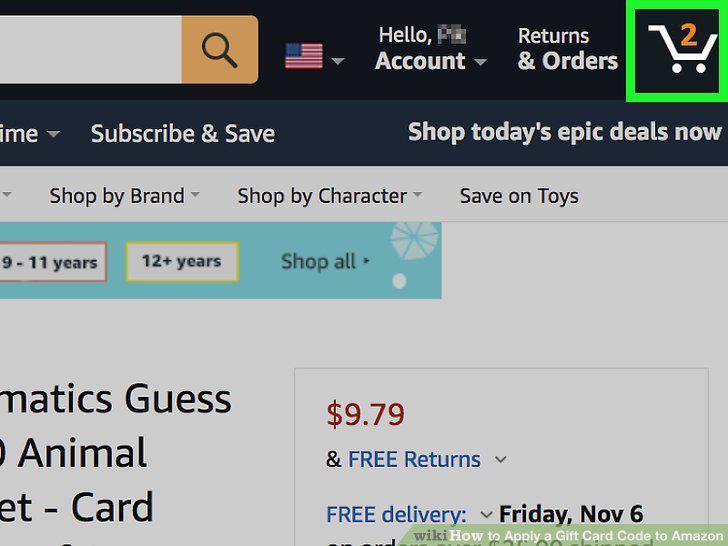
Click or tap the cart icon.
Click or tap the "Enter Code" field.
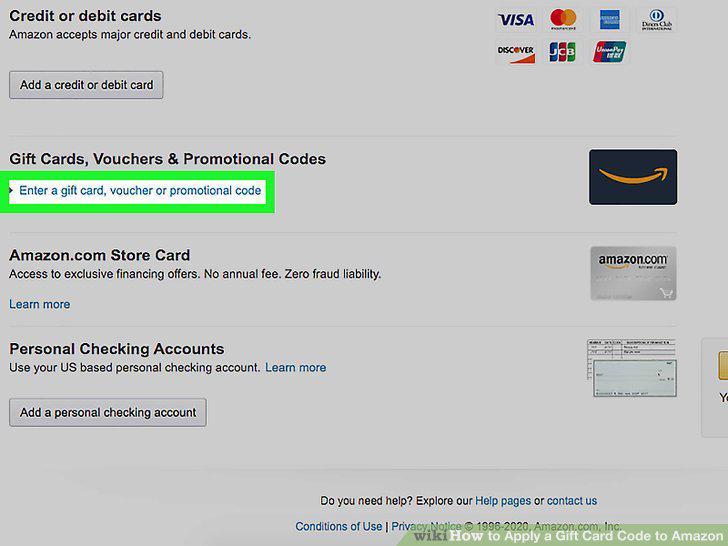
Click or tap the "Enter Code" field.
Enter your gift card's claim code.
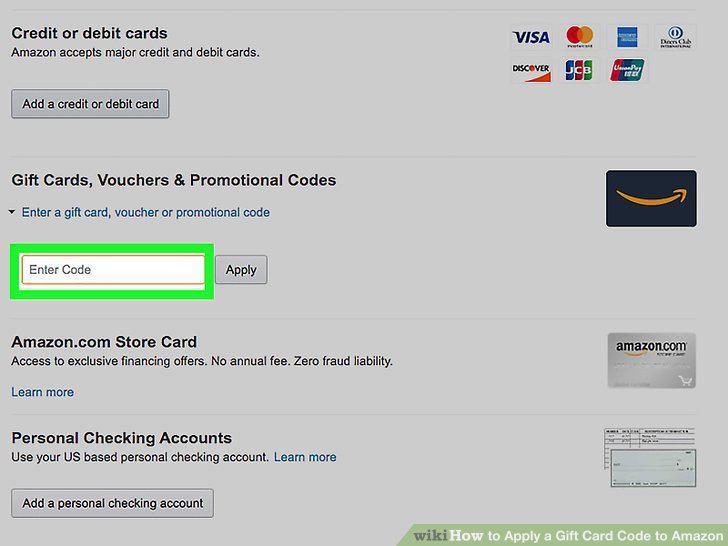
Enter your gift card's claim code.
Click or tap "Place your order".
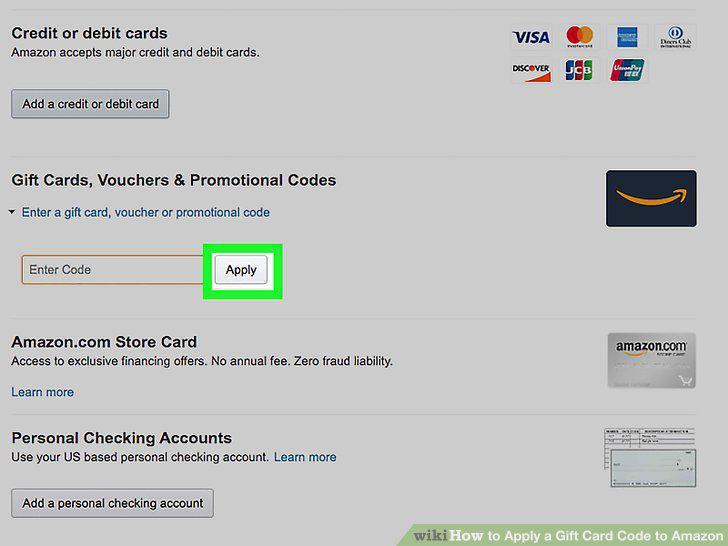
Click or tap "Place your order".
Navigate to Amazon's site.
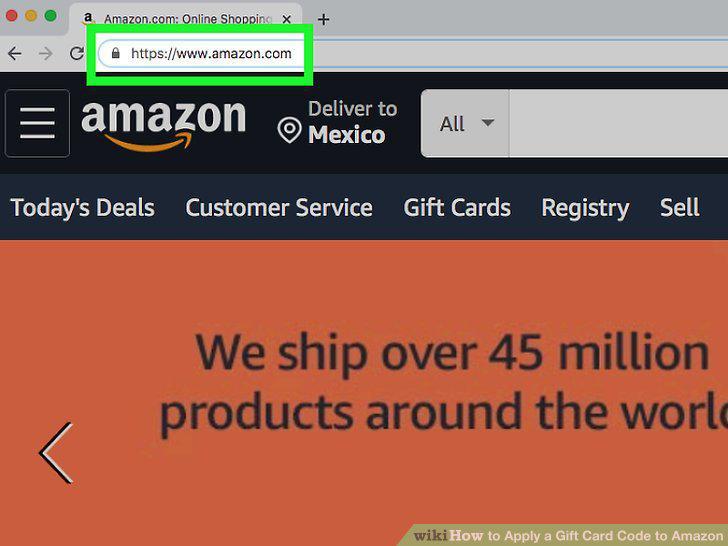
Navigate to Amazon's site.
Click the "Sign in" option.
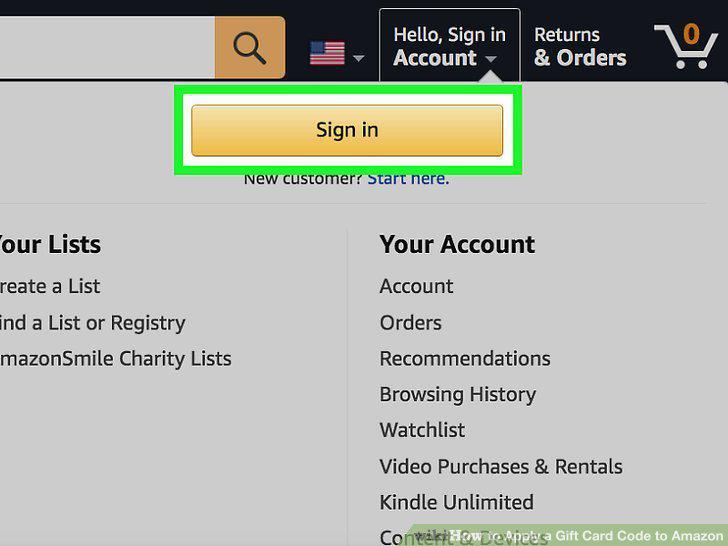
Click the "Sign in" option.
Enter your email and password.
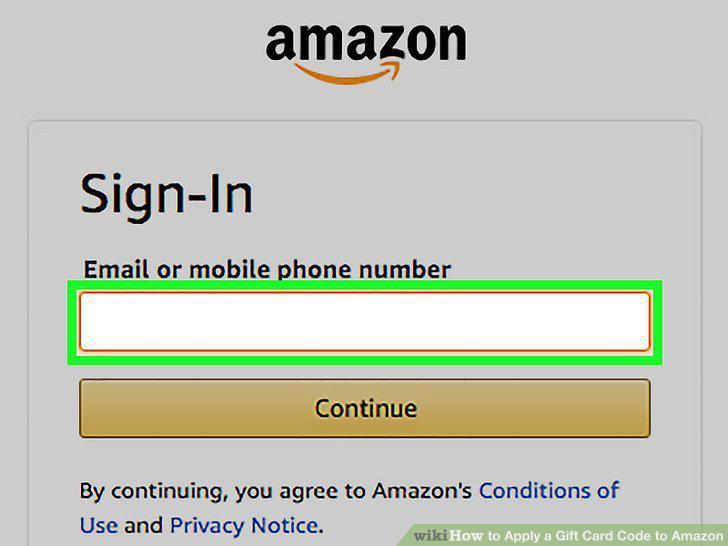
Enter your email and password.
Navigate to the "Reload Your Balance" page.
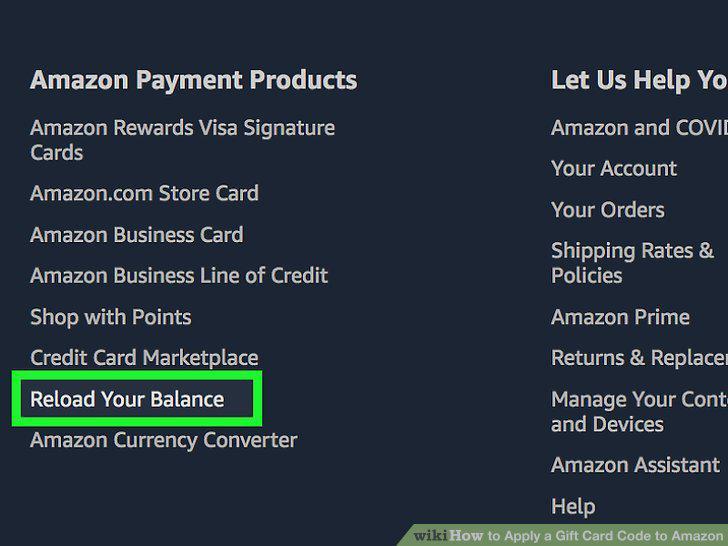
Navigate to the "Reload Your Balance" page.
Open the "Gift Cards" page.
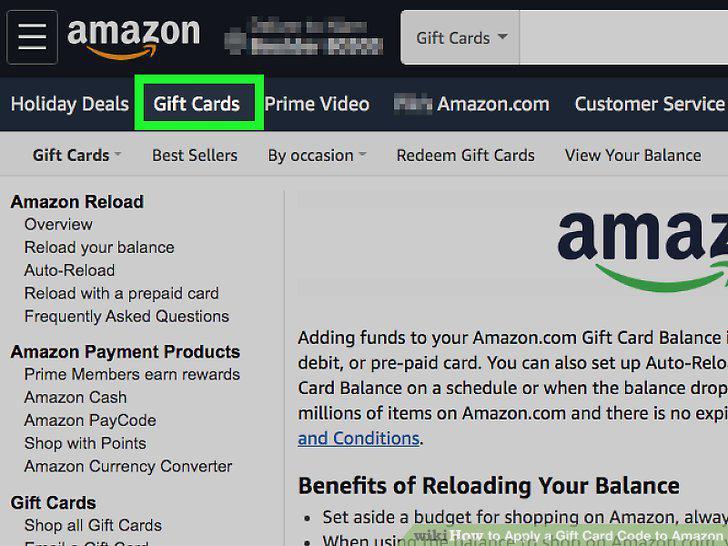
Open the "Gift Cards" page.
Review your purchase options.
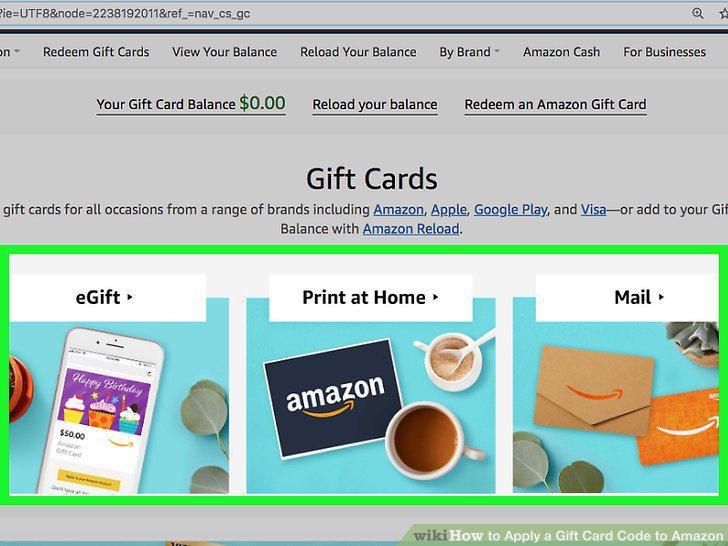
Review your purchase options.
Consider purchasing a physical gift card in a retail store.
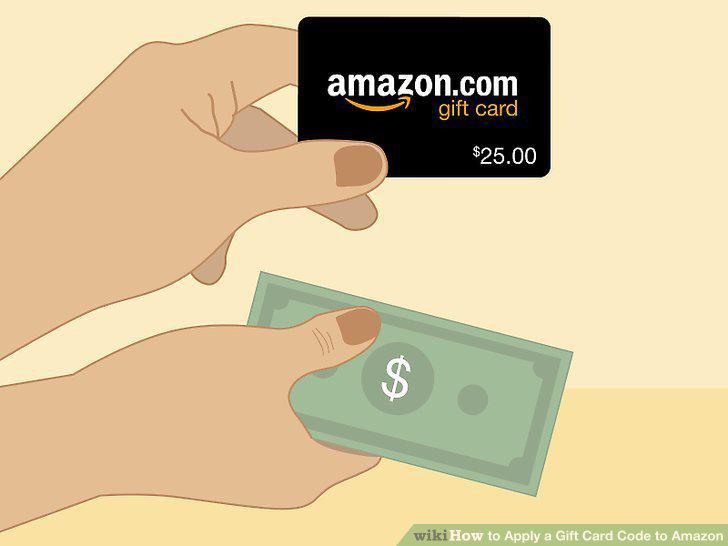
Consider purchasing a physical gift card in a retail store.
Comments (0)
No comments yet. Be the first to share your thoughts!