How to Change Your Platform on Fortnite
Open Epic Games in your internet browser.. Click SIGN IN on the top-right.. Sign in to your Epic Games account.
Steps
1
Open Epic Games in your internet browser.

Open Epic Games in your internet browser.
2
Click SIGN IN on the top-right.
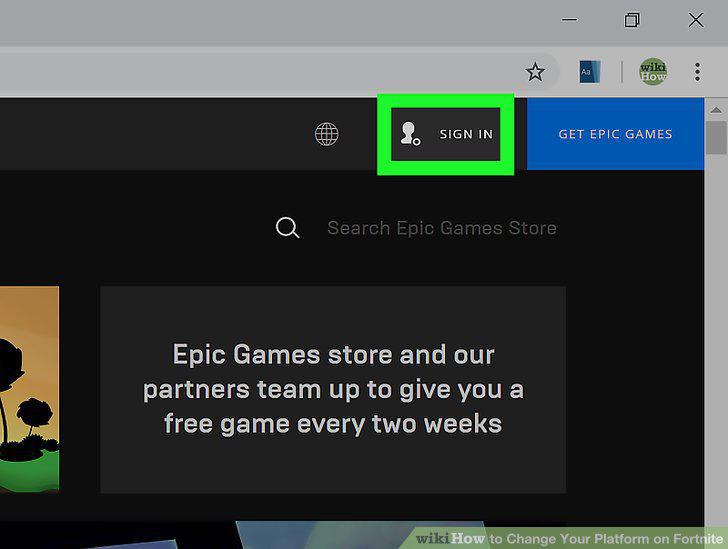
Click SIGN IN on the top-right.
3
Sign in to your Epic Games account.
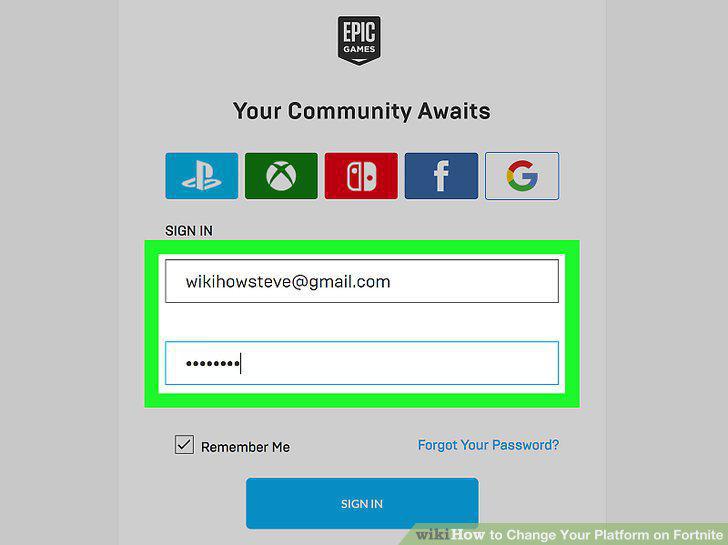
Sign in to your Epic Games account.
4
Hover over or click your username on the top-right.
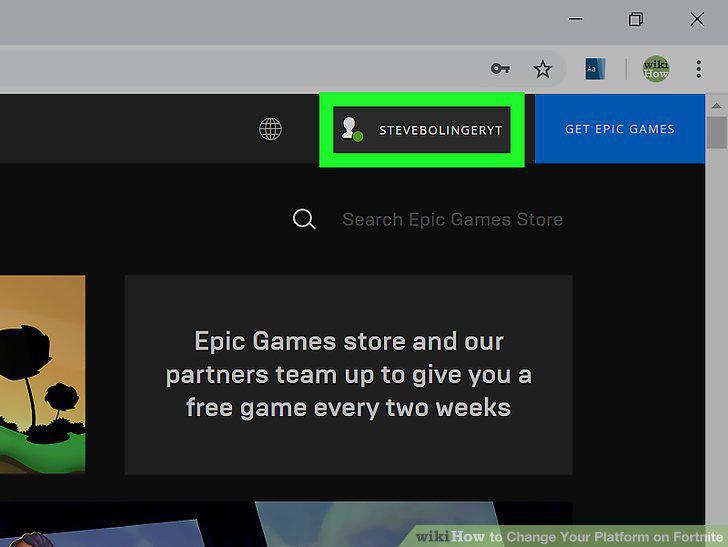
Hover over or click your username on the top-right.
5
Click ACCOUNT on the menu.
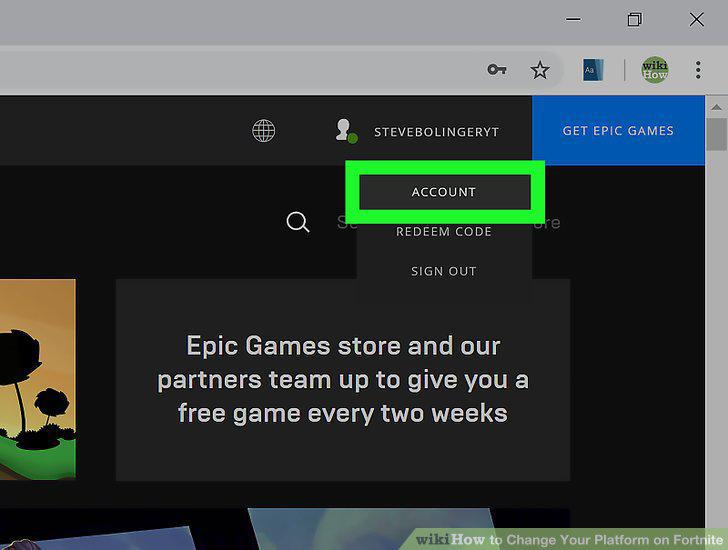
Click ACCOUNT on the menu.
6
Click CONNECTED ACCOUNTS on the left menu.
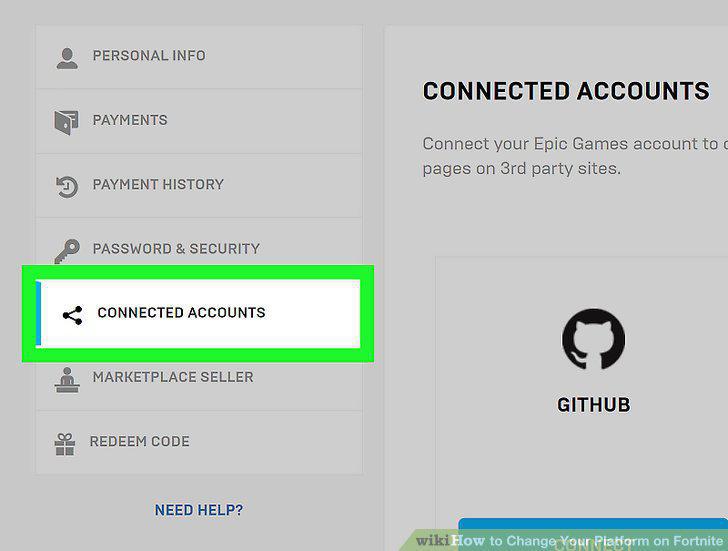
Click CONNECTED ACCOUNTS on the left menu.
7
Click the CONNECT button below the platform you want to connect.
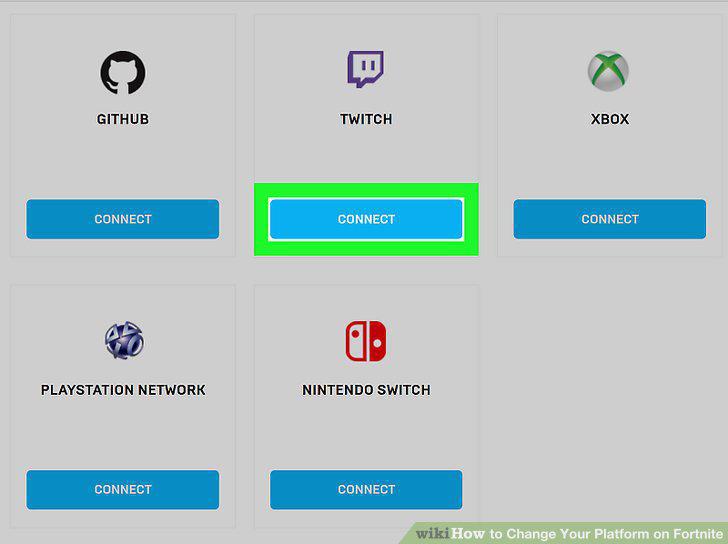
Click the CONNECT button below the platform you want to connect.
8
Click LINK YOUR ACCOUNT.
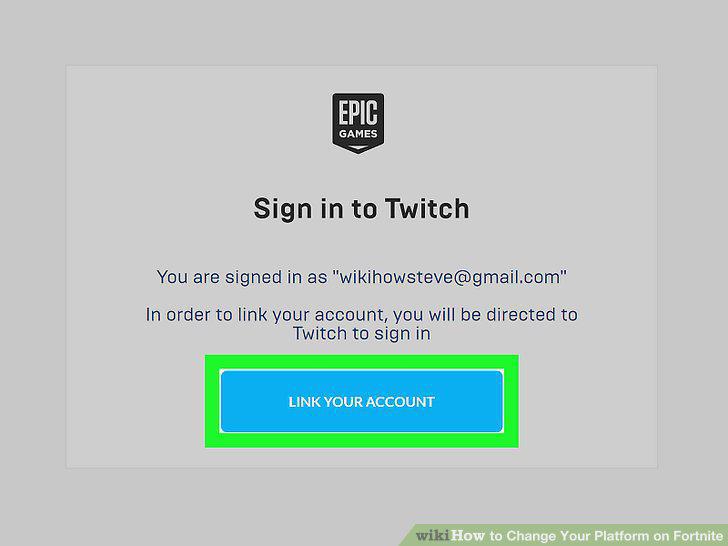
Click LINK YOUR ACCOUNT.
9
Sign in to your Xbox, PSN or Nintendo account.
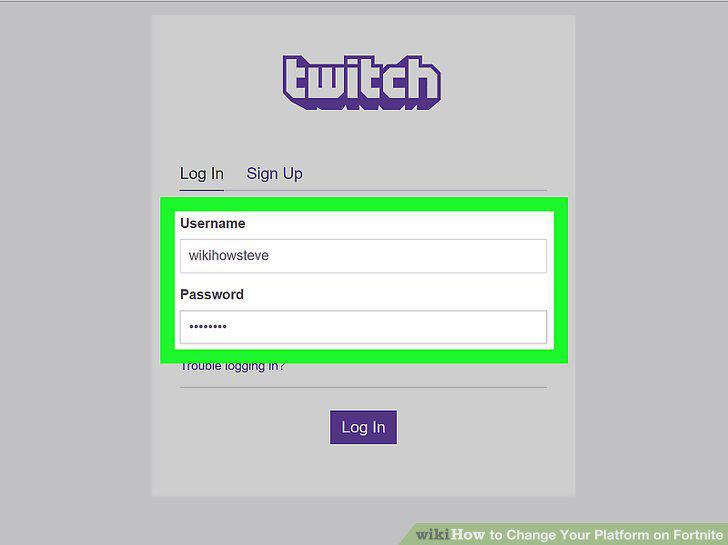
Sign in to your Xbox, PSN or Nintendo account.
10
Click CONTINUE on the Epic Games page.
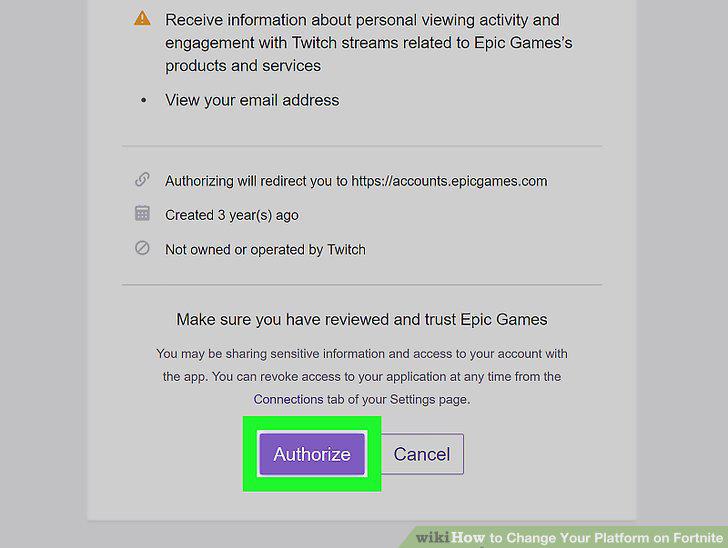
Click CONTINUE on the Epic Games page.
Comments (0)
No comments yet. Be the first to share your thoughts!