How to Pay Bills with PayPal
Go to your service provider's website.. Log into your account.. Locate the Billing or Payments area of the website.
Steps
1
Go to your service provider's website.

Go to your service provider's website.
2
Log into your account.
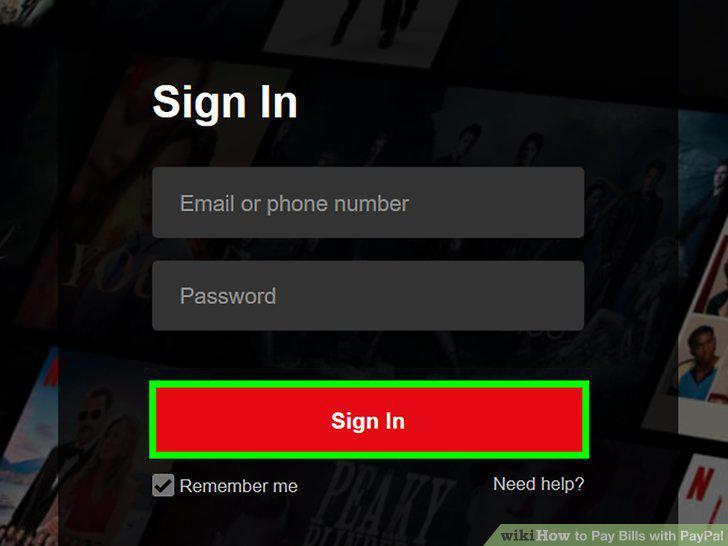
Log into your account.
3
Locate the Billing or Payments area of the website.
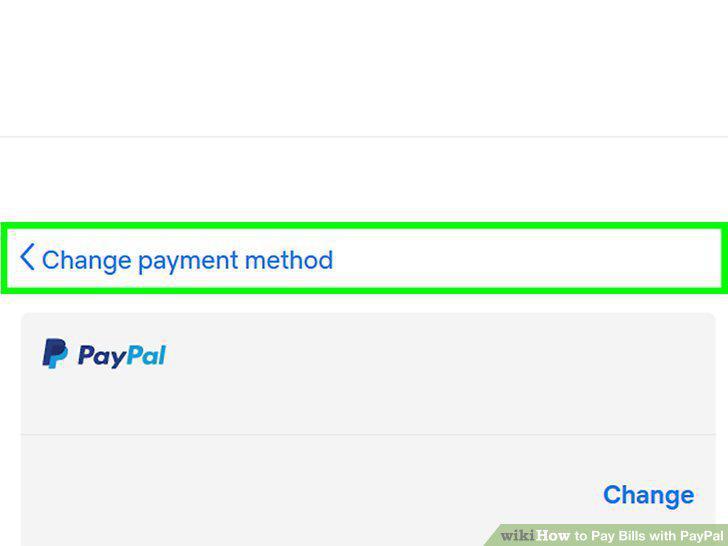
Locate the Billing or Payments area of the website.
4
Select PayPal as your payment method.
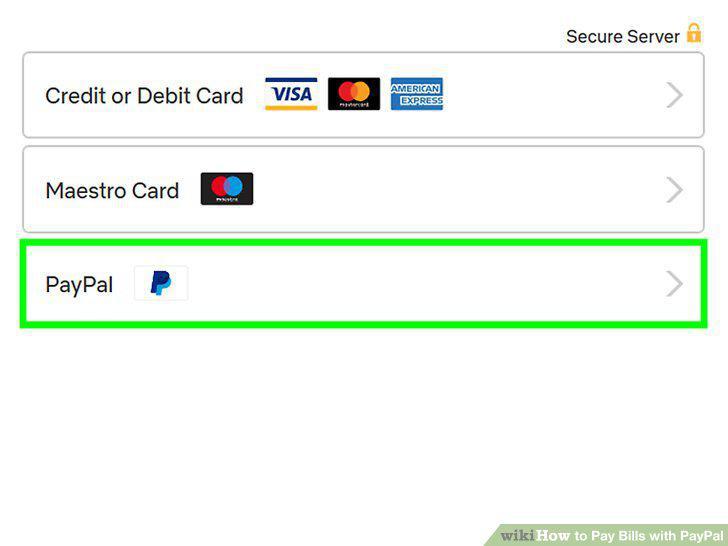
Select PayPal as your payment method.
5
Confirm the payment.
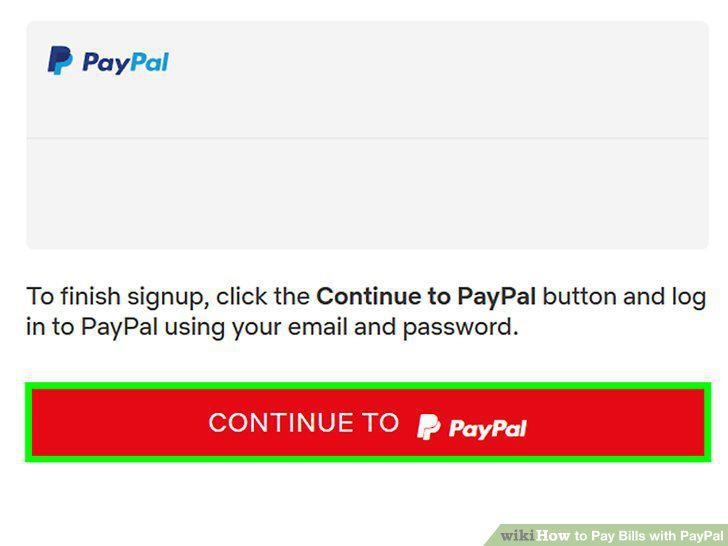
Confirm the payment.
6
Get a PayPal Debit Card.
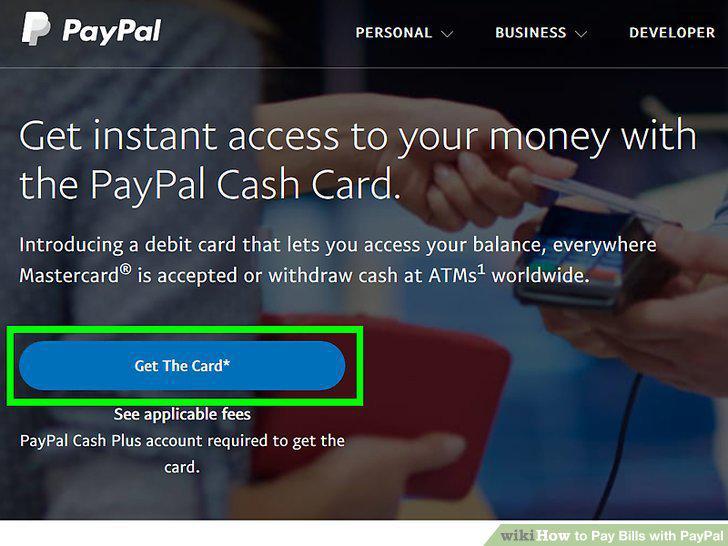
Get a PayPal Debit Card.
7
Go to your service provider's website.

Go to your service provider's website.
8
Log into your account.
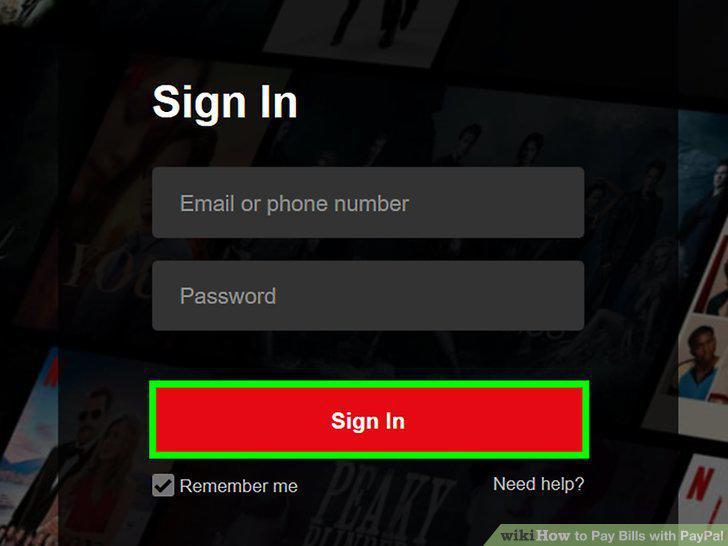
Log into your account.
9
Enter your PayPal Card information as your payment method.
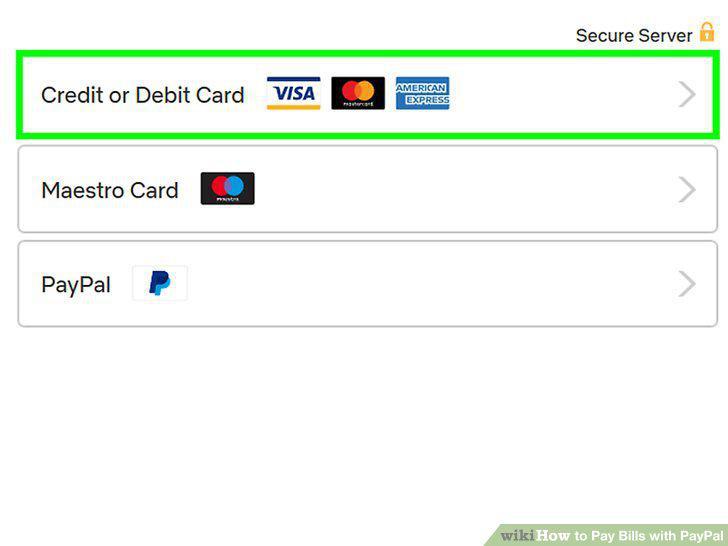
Enter your PayPal Card information as your payment method.
Comments (0)
No comments yet. Be the first to share your thoughts!