How to Block Friends in Need for Speed
Launch Need for Speed World.. Log into your account.. Enter the NFSW world in Free Roam mode.
Steps
1
Launch Need for Speed World.
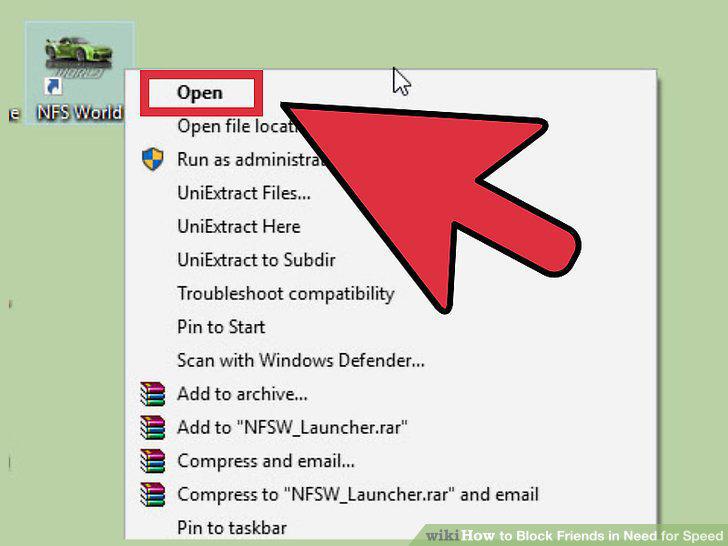
Launch Need for Speed World.
2
Log into your account.
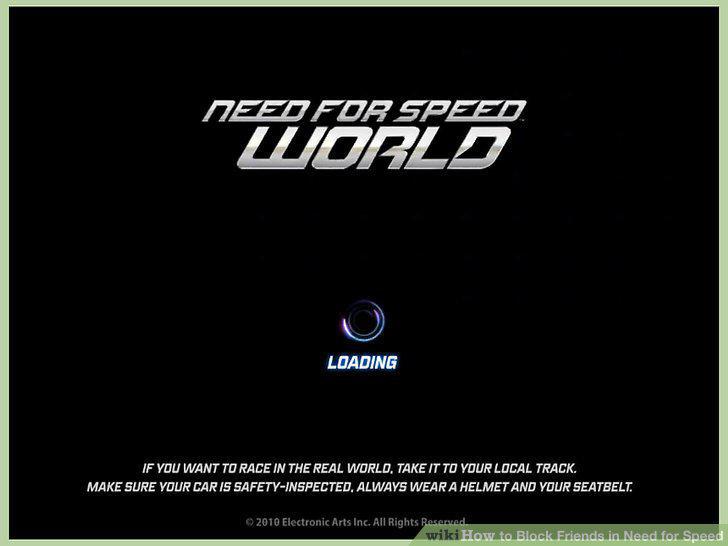
Log into your account.
3
Enter the NFSW world in Free Roam mode.
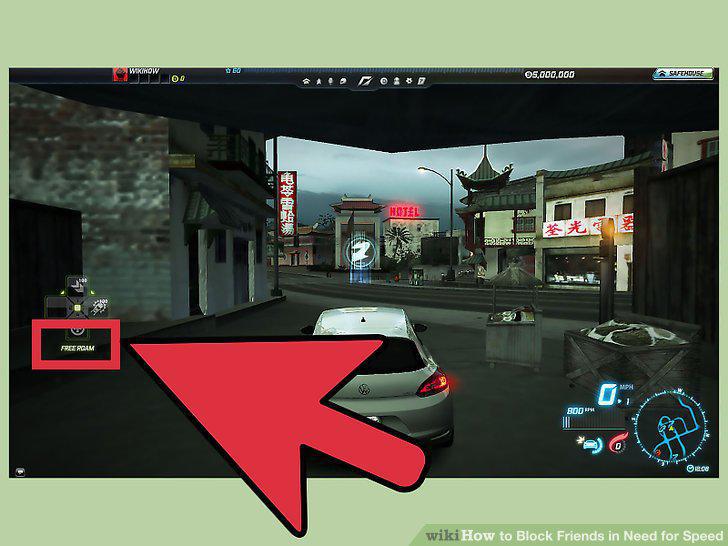
Enter the NFSW world in Free Roam mode.
4
Block users.
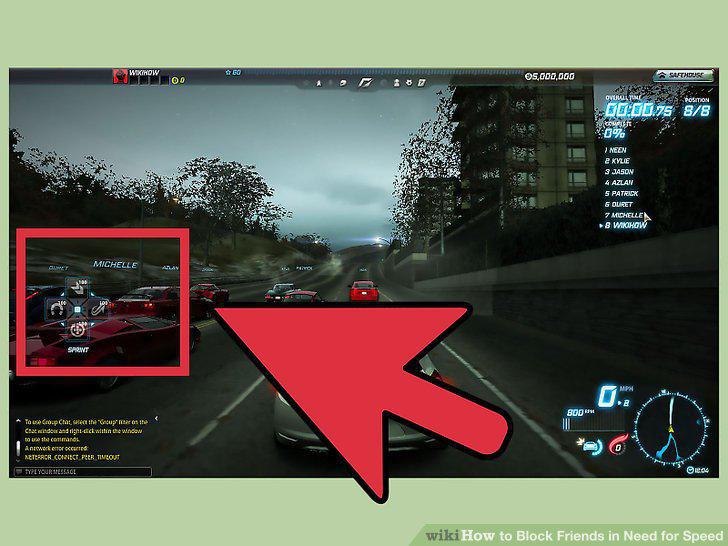
Block users.
5
Launch Need for Speed World.
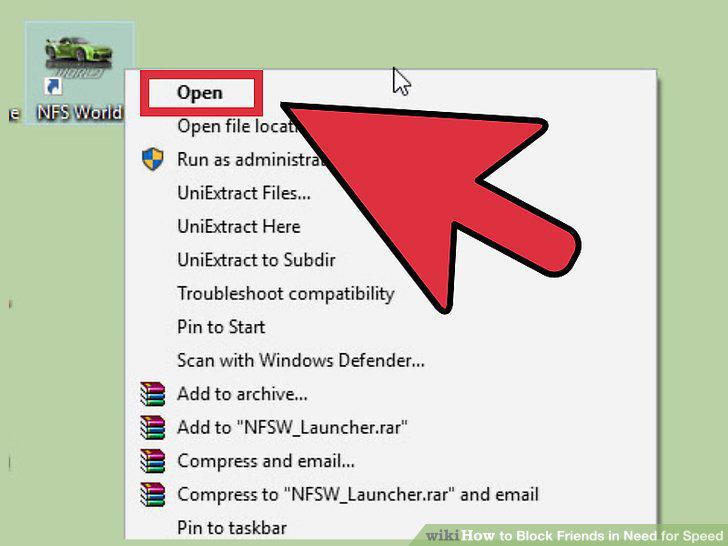
Launch Need for Speed World.
6
Log into your account.
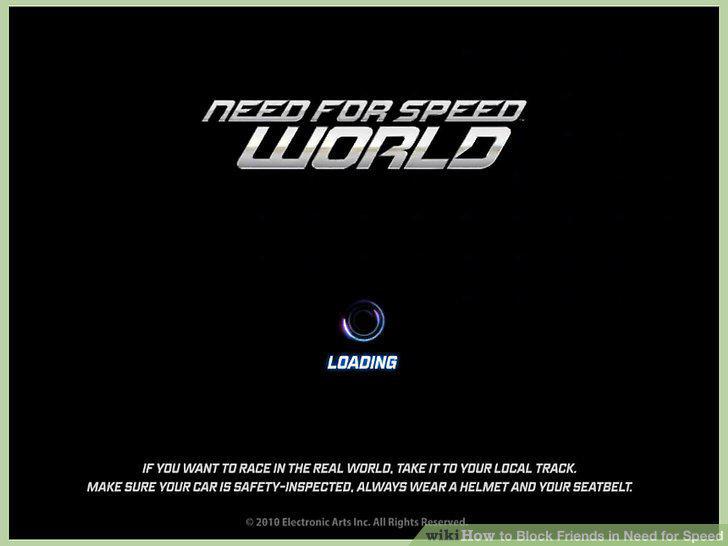
Log into your account.
7
Enter the NFSW world in Free Roam mode.
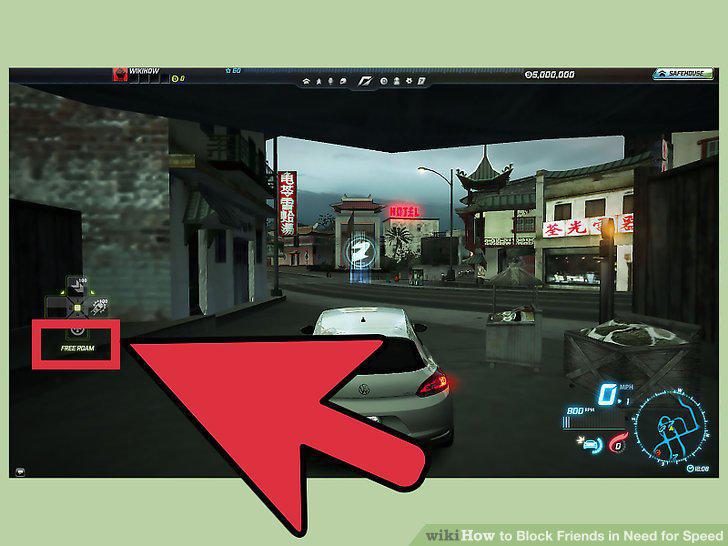
Enter the NFSW world in Free Roam mode.
8
Hit "O" on your keyboard to display the NFSW Social screen.
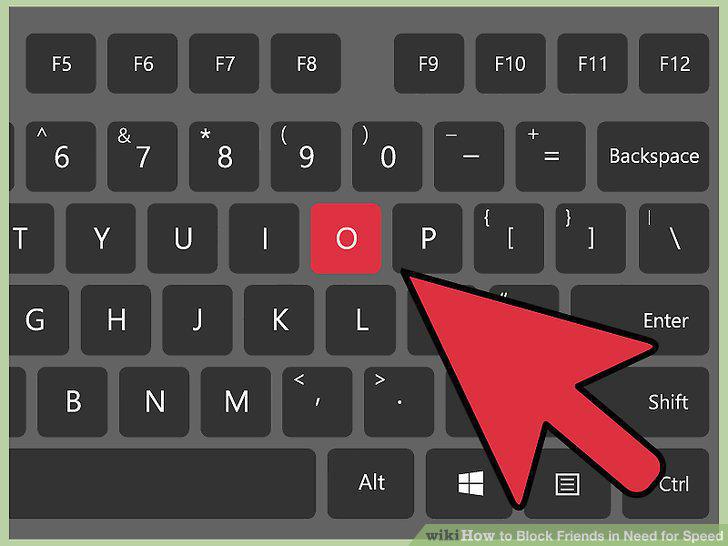
Hit "O" on your keyboard to display the NFSW Social screen.
9
Block a friend.
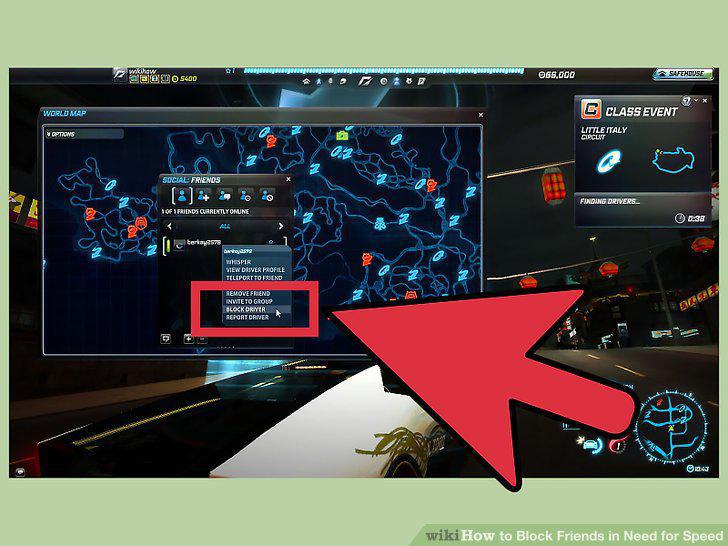
Block a friend.
Comments (0)
No comments yet. Be the first to share your thoughts!