How to Form a Group in Need for Speed World
Launch Need for Speed World.. Log into your account.. Enter the NFSW world in Free Roam mode.
Steps
1
Launch Need for Speed World.
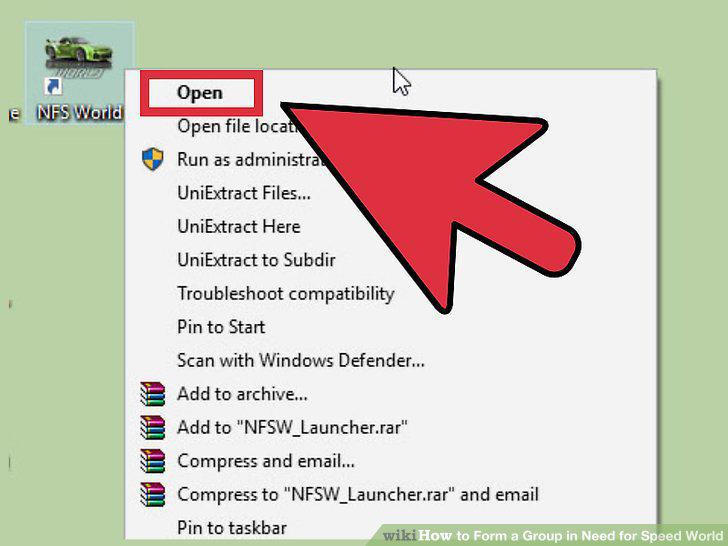
Launch Need for Speed World.
2
Log into your account.
Log into your account.
3
Enter the NFSW world in Free Roam mode.
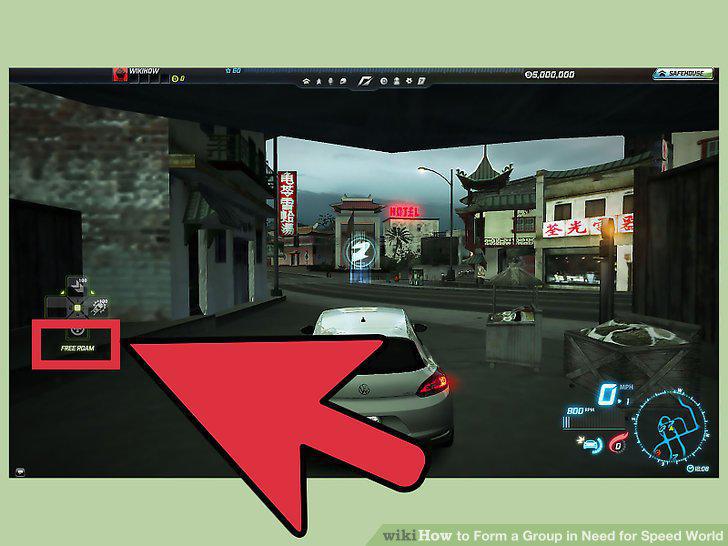
Enter the NFSW world in Free Roam mode.
4
Open the Social screen.
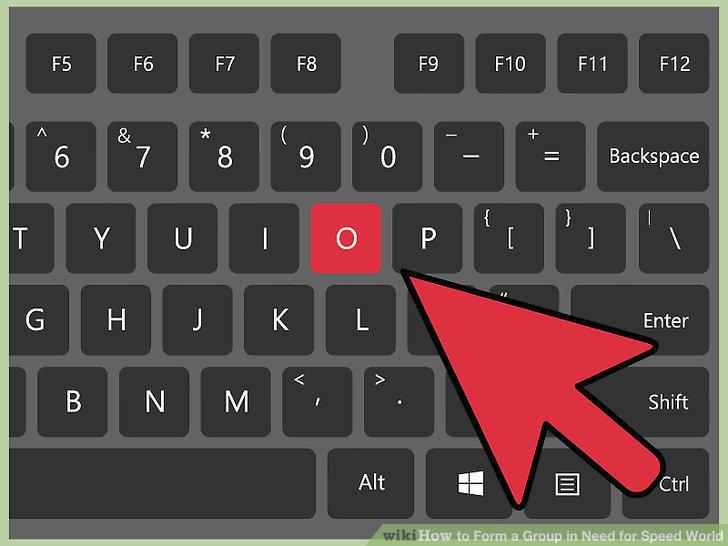
Open the Social screen.
5
Click the third icon from the top left of the Social screen.
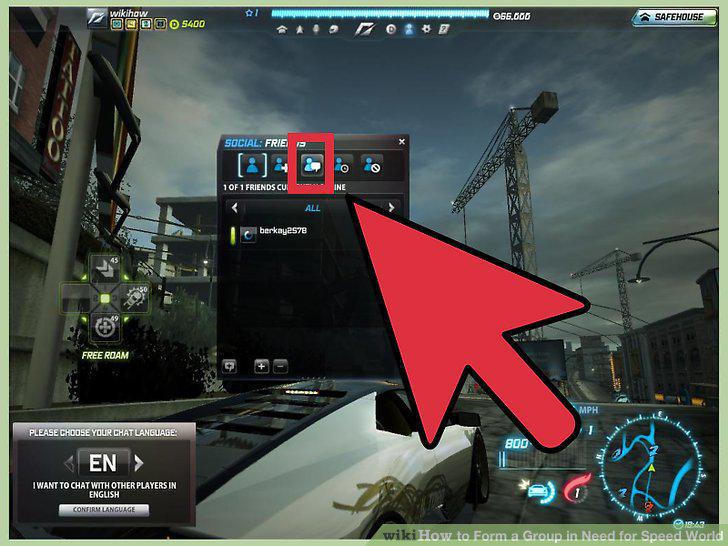
Click the third icon from the top left of the Social screen.
6
Form a group.
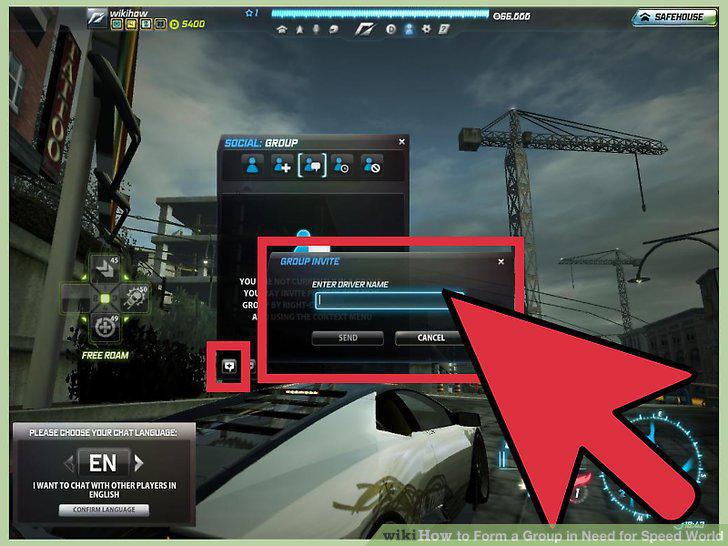
Form a group.
7
Launch Need for Speed World.
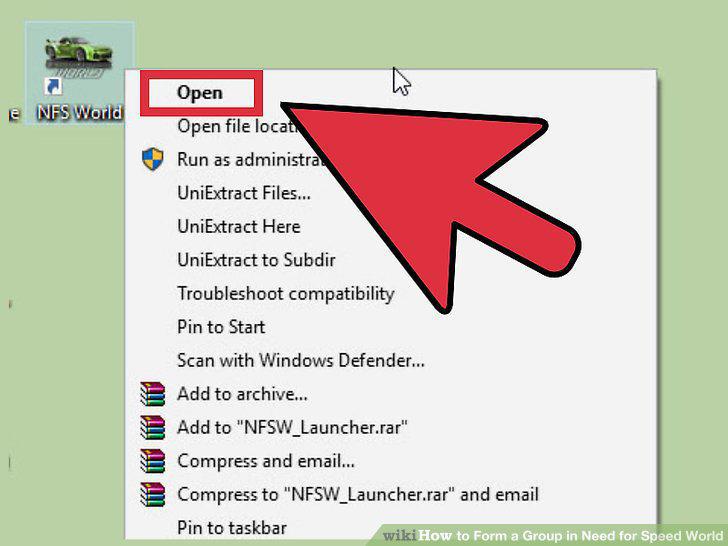
Launch Need for Speed World.
8
Log into your account.
Log into your account.
9
Enter the NFSW world in Free Roam mode.
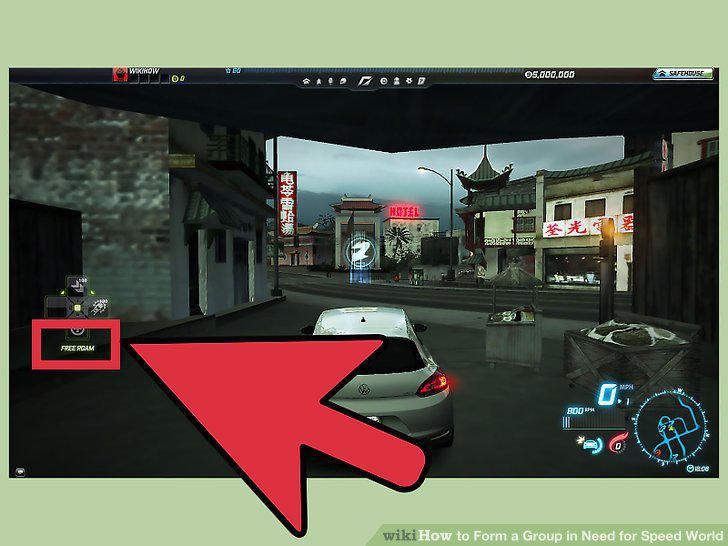
Enter the NFSW world in Free Roam mode.
10
Find other drivers you can add to your group.
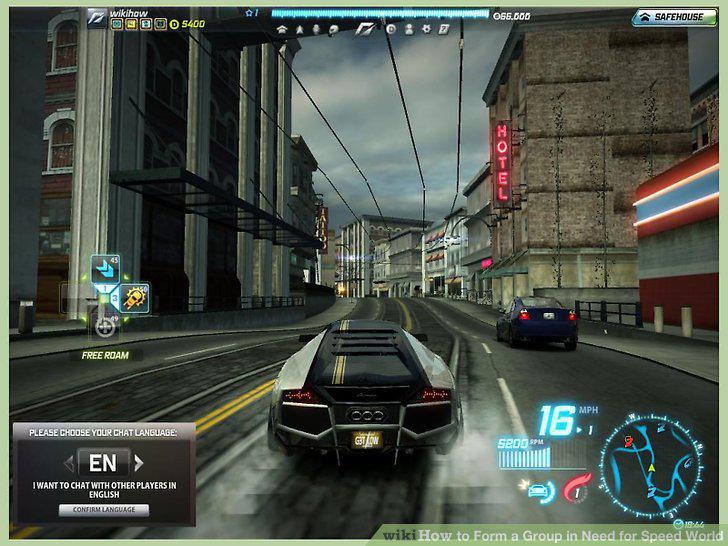
Find other drivers you can add to your group.
11
Drive up to the other car (racing cars, not civilian traffic) when you see it.
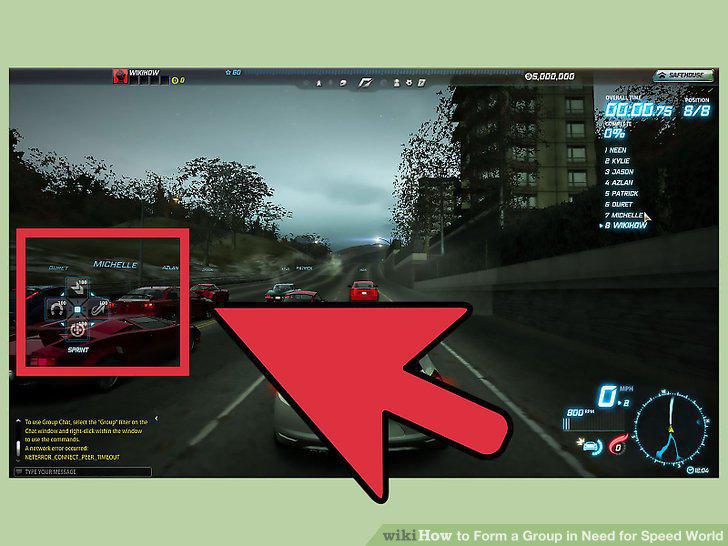
Drive up to the other car (racing cars, not civilian traffic) when you see it.
12
Invite the driver to your group.
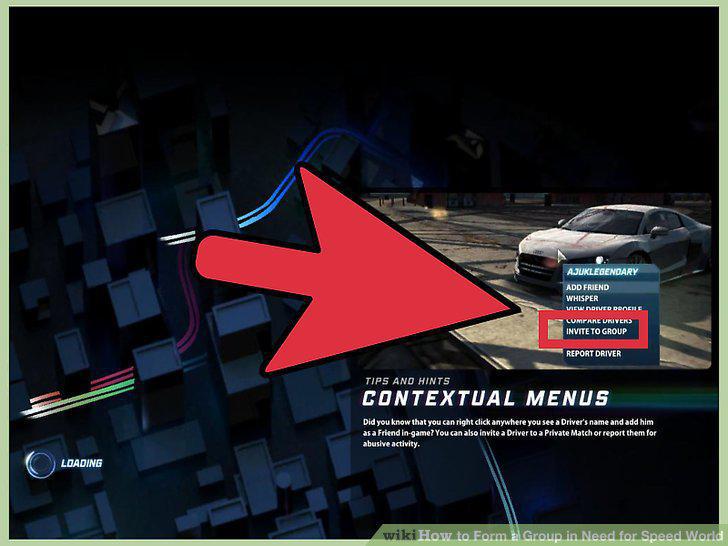
Invite the driver to your group.
Comments (0)
No comments yet. Be the first to share your thoughts!