How to Use Online Banking
Open a bank account if you don't have one already.. Set up your online account.. Choose a secure username and password.
Steps
1
Open a bank account if you don't have one already.
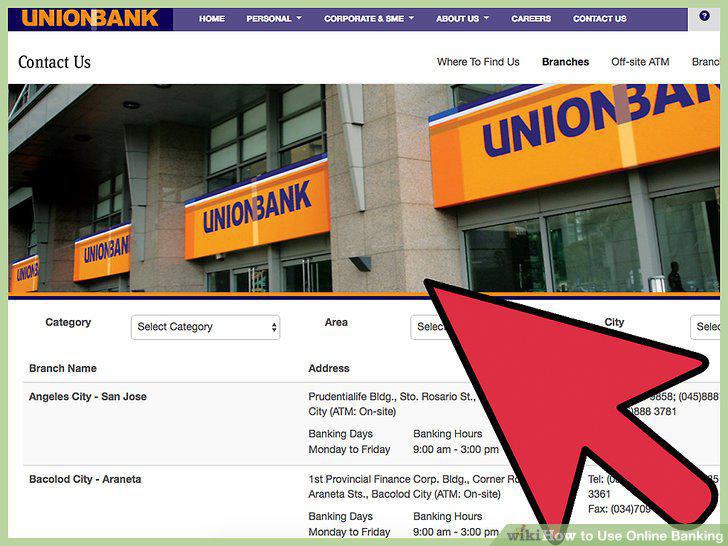
Open a bank account if you don't have one already.
2
Set up your online account.
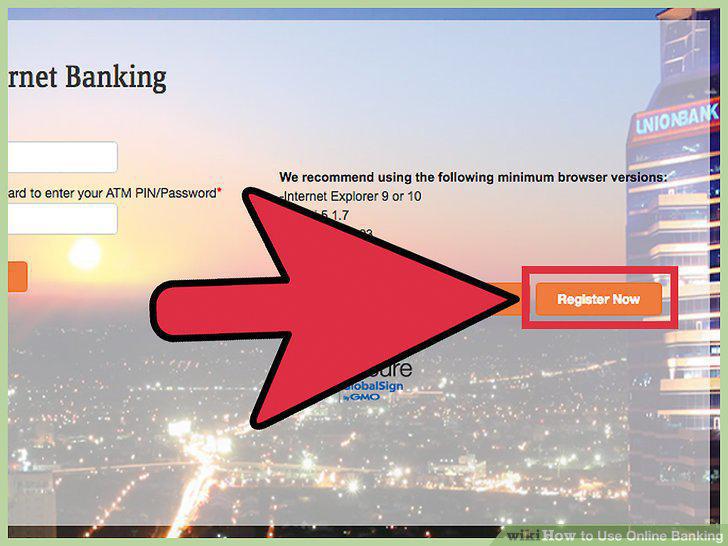
Set up your online account.
3
Choose a secure username and password.
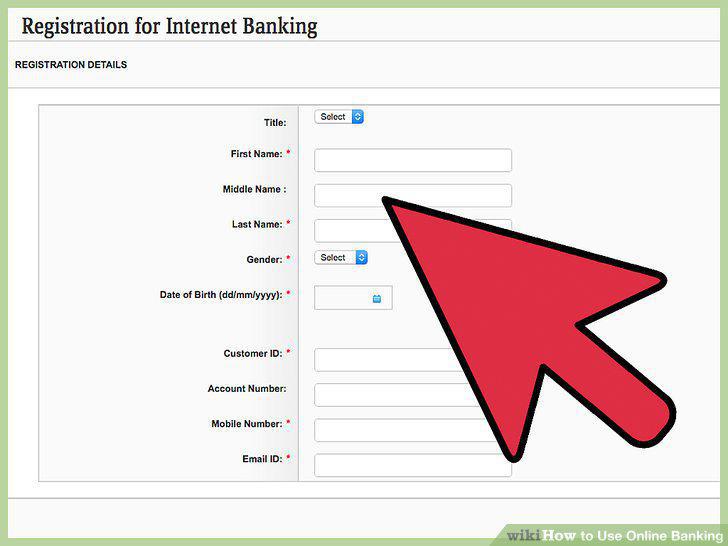
Choose a secure username and password.
4
Set up your contact information.
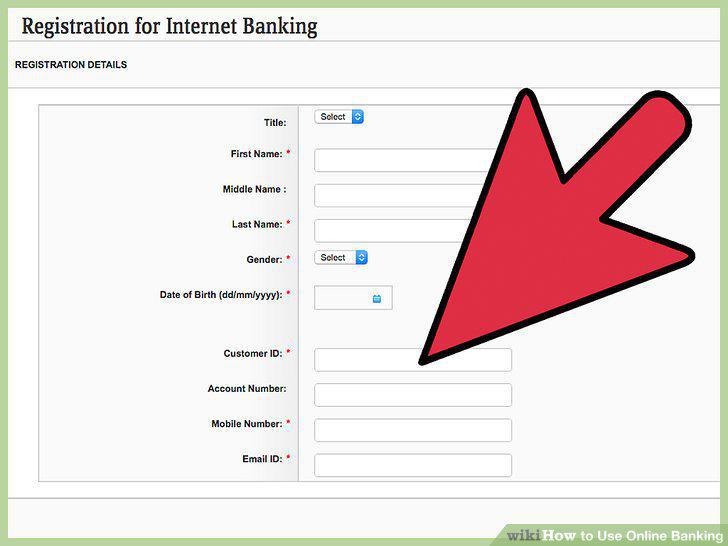
Set up your contact information.
5
Learn your way around the portal.
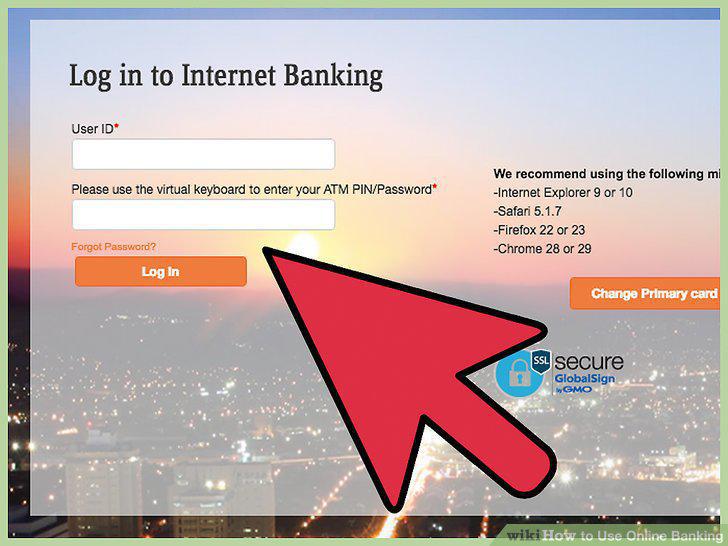
Learn your way around the portal.
6
Opt out of paper statements.
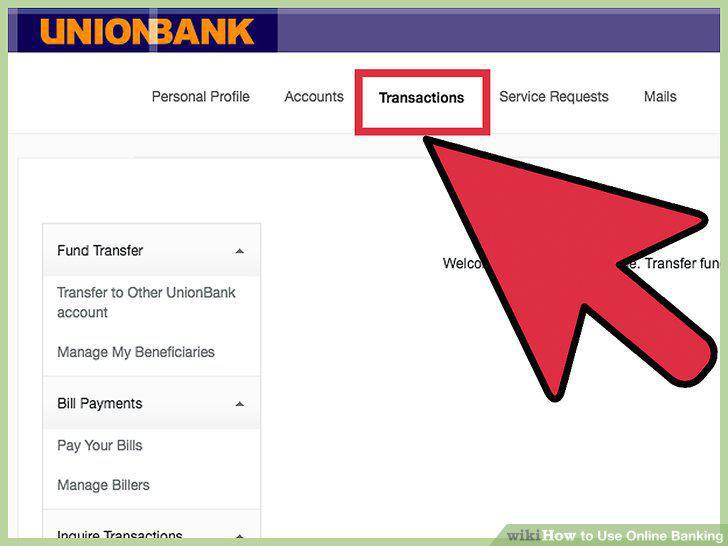
Opt out of paper statements.
7
Use online bill pay.
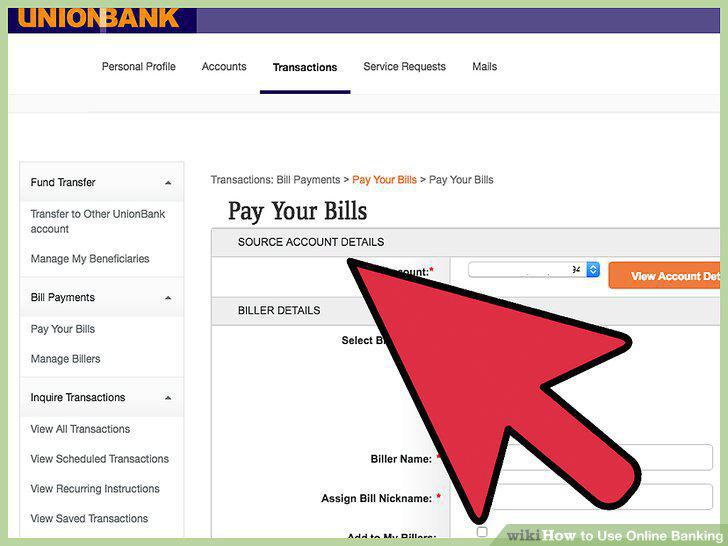
Use online bill pay.
8
Apply for lines of credit or loans through the online portal.
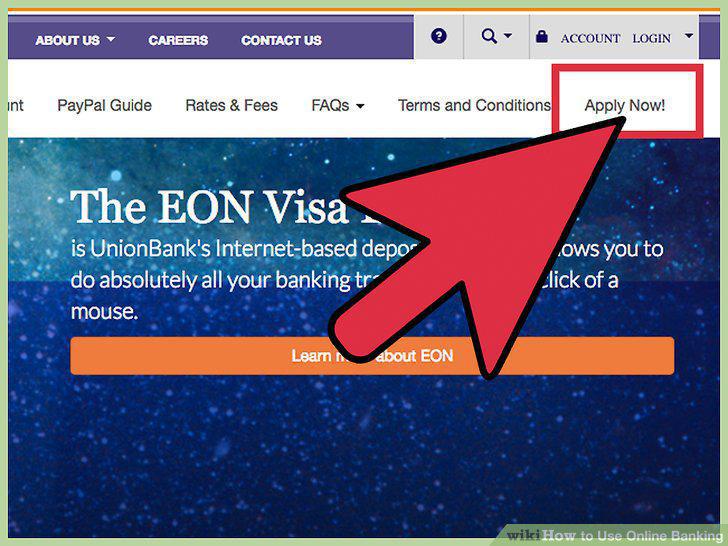
Apply for lines of credit or loans through the online portal.
9
Check for special offers or messages in the portal.
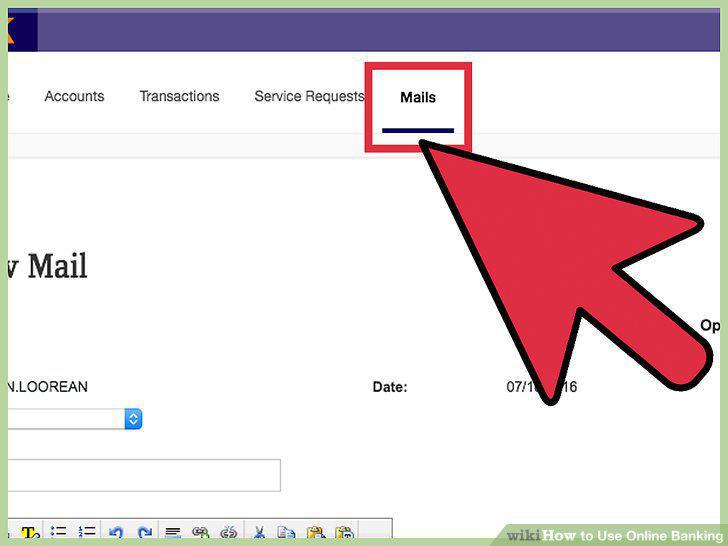
Check for special offers or messages in the portal.
10
Transfer money between accounts.
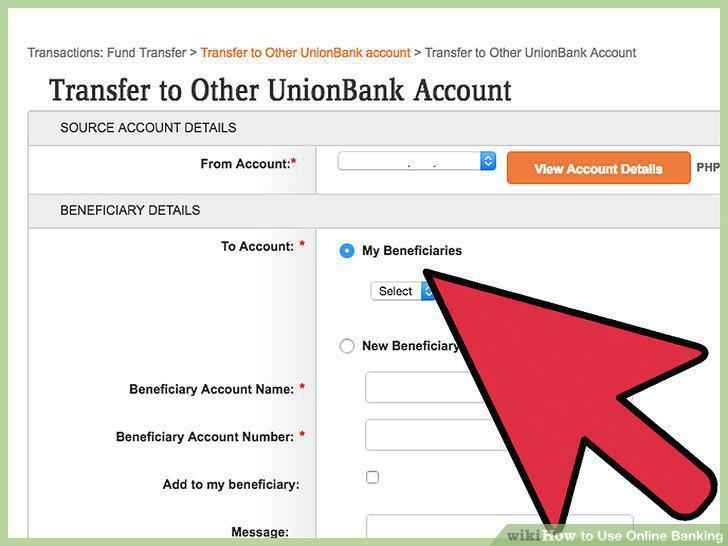
Transfer money between accounts.
11
Use a mobile banking application.
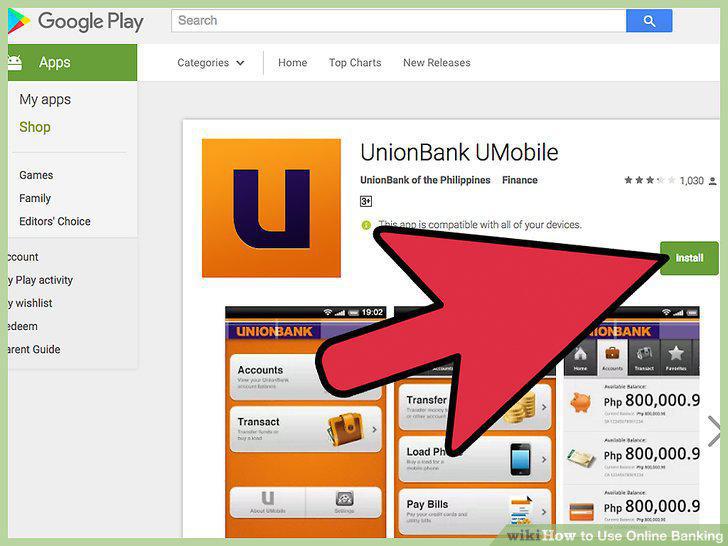
Use a mobile banking application.
12
Avoid using online banking on public WiFi.
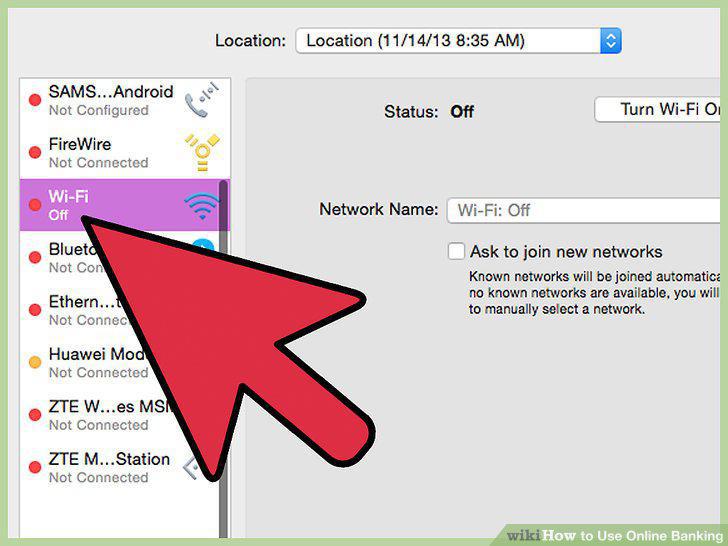
Avoid using online banking on public WiFi.
13
Stay aware of your surroundings when banking on your smartphone in public.
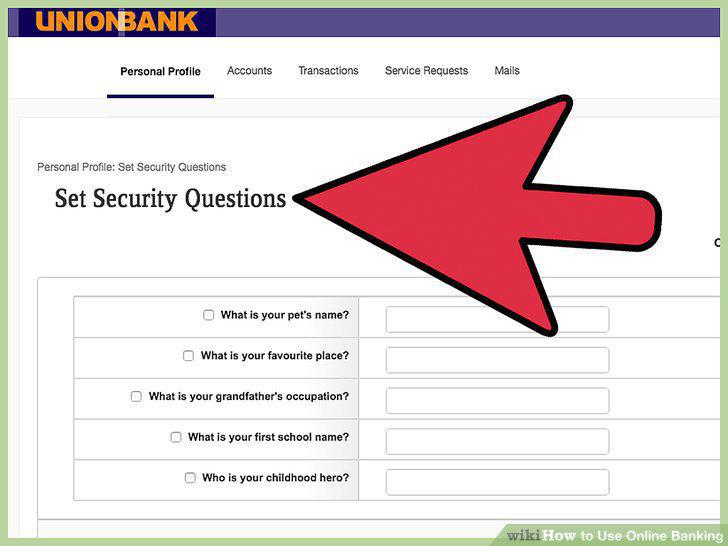
Stay aware of your surroundings when banking on your smartphone in public.
14
Monitor your accounts for any signs of fraud or theft.
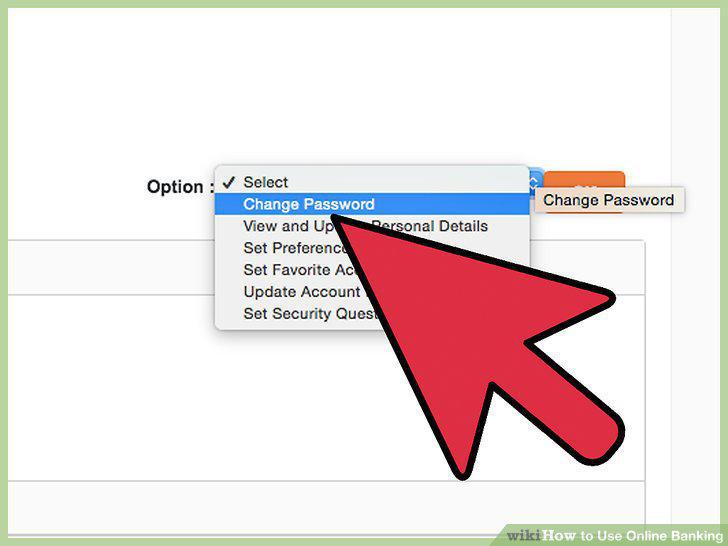
Monitor your accounts for any signs of fraud or theft.
Comments (0)
No comments yet. Be the first to share your thoughts!