How to Post Split Pictures and Grid Photos on Instagram
Get PhotoSplit from the Google Play Store (Android) or App Store (iPhone or iPad).. Open PhotoSplit.. Tap Choose Photo.
Steps
1
Get PhotoSplit from the Google Play Store (Android) or App Store (iPhone or iPad
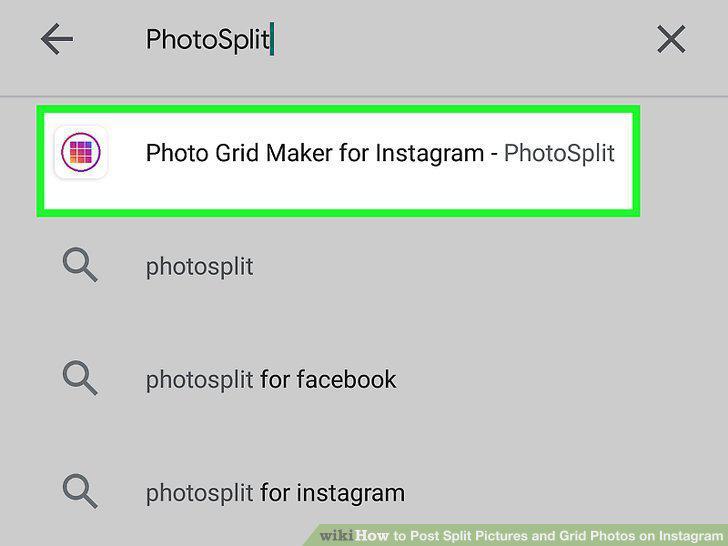
Get PhotoSplit from the Google Play Store (Android) or App Store (iPhone or iPad).
2
Open PhotoSplit.
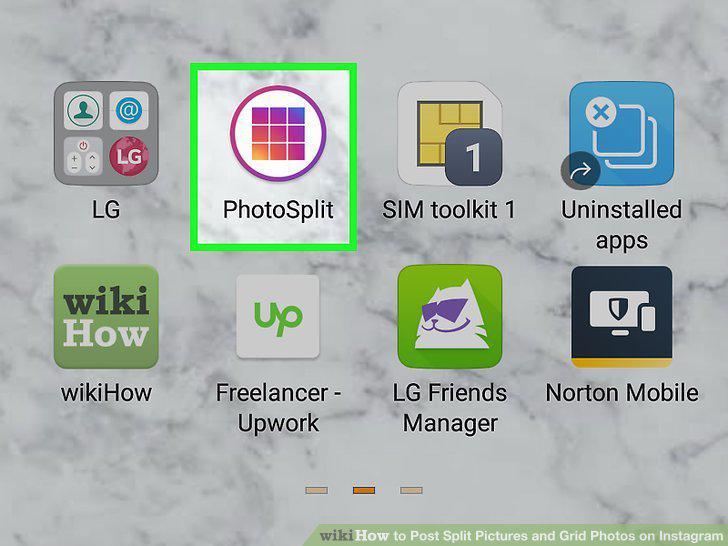
Open PhotoSplit.
3
Tap Choose Photo.
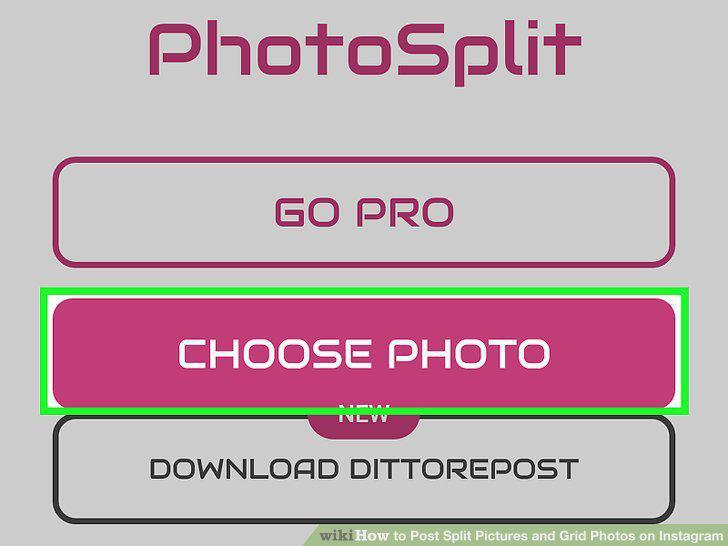
Tap Choose Photo.
4
Select a photo.
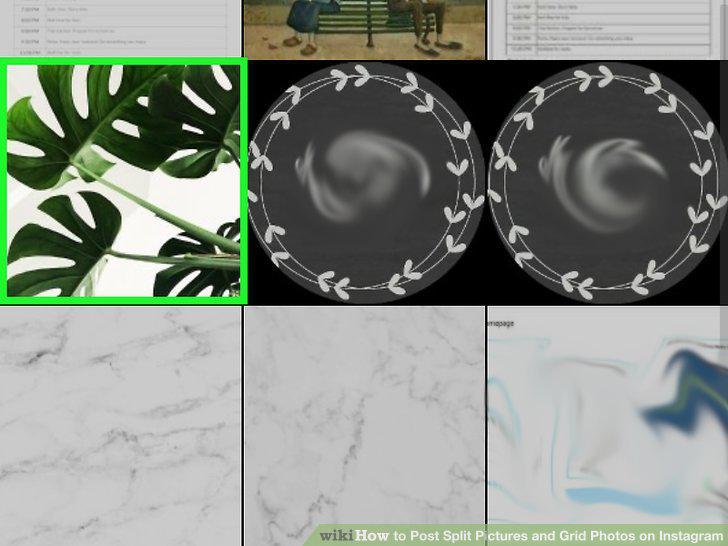
Select a photo.
5
Create your photo grid.
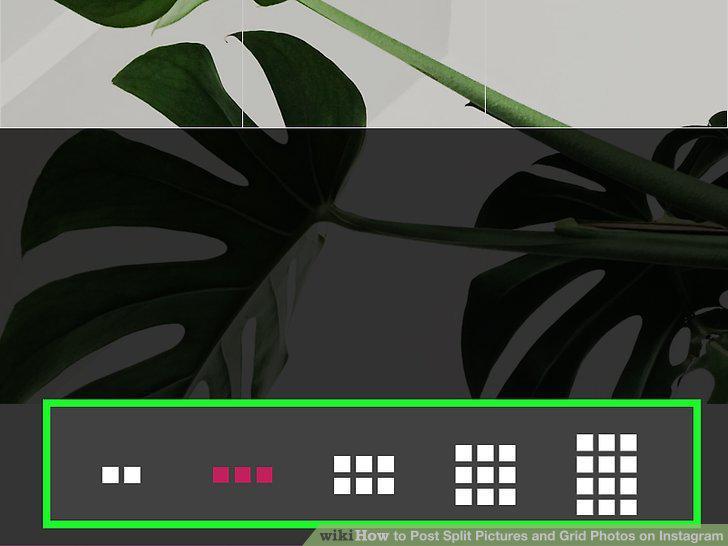
Create your photo grid.
6
Tap Split.
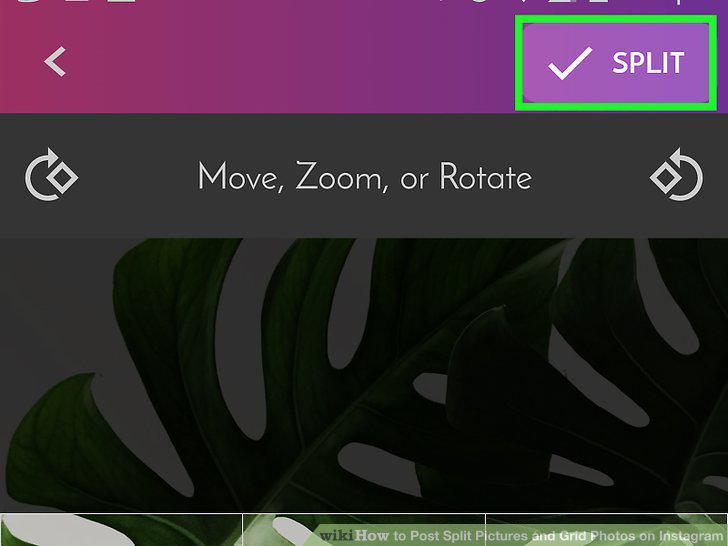
Tap Split.
7
Tap the first picture to upload to Instagram.
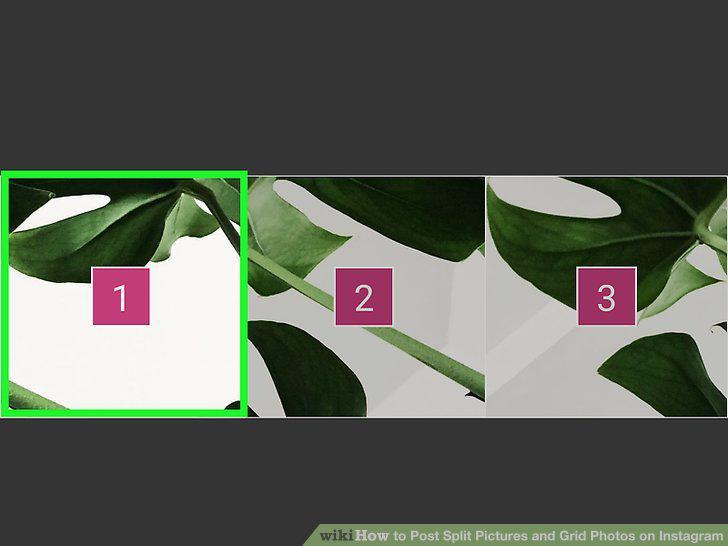
Tap the first picture to upload to Instagram.
8
Tap to share to Instagram.
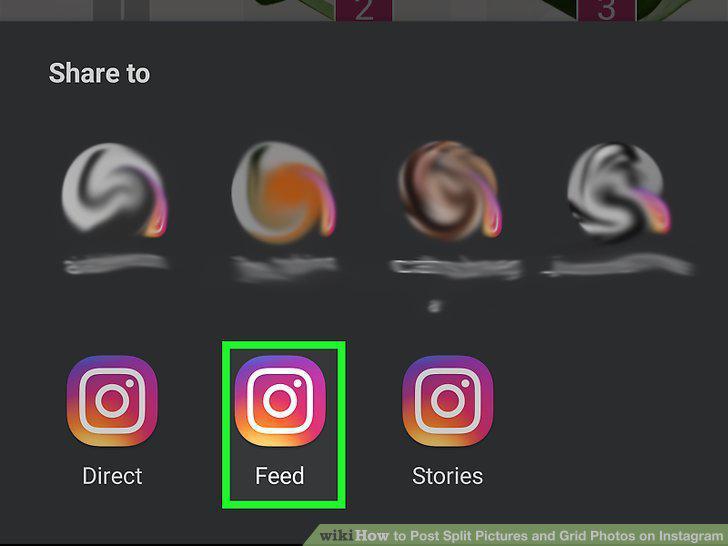
Tap to share to Instagram.
9
Tap Share at the top-right corner.
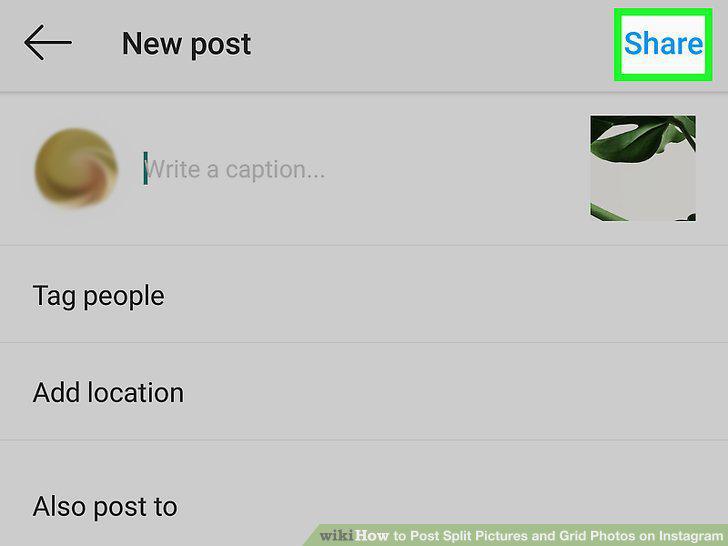
Tap Share at the top-right corner.
10
Return to PhotoSplit and tap the second picture.
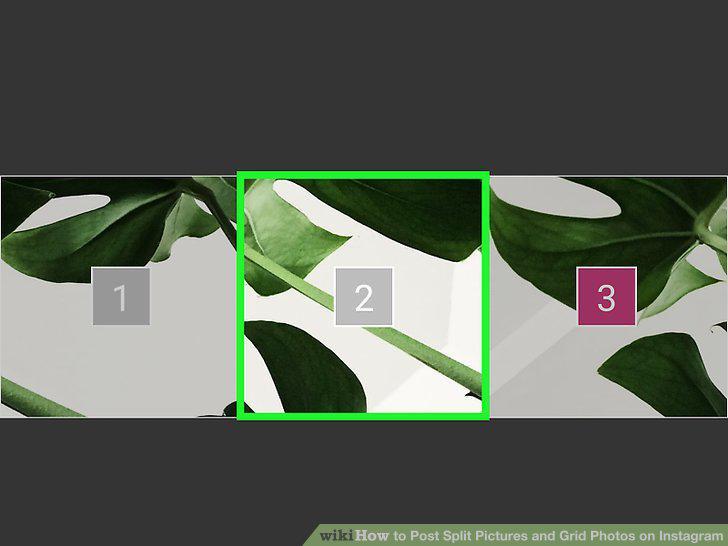
Return to PhotoSplit and tap the second picture.
Comments (0)
No comments yet. Be the first to share your thoughts!