How to Transfer Venmo to PayPal
Open Venmo.. Transfer your money to your bank account also associated with PayPal.. Open PayPal.
Steps
1
Open Venmo.
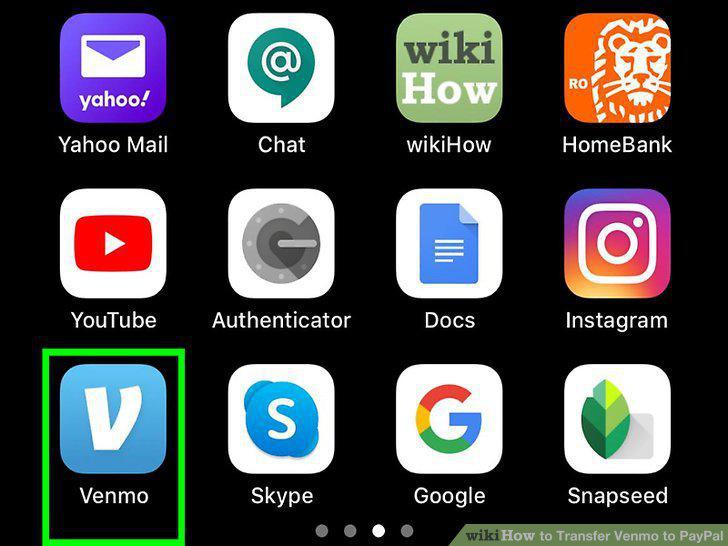
Open Venmo.
2
Transfer your money to your bank account also associated with PayPal.
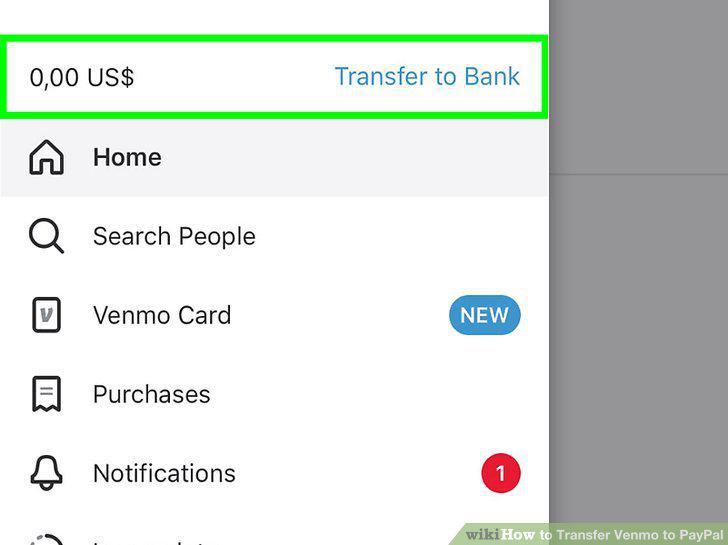
Transfer your money to your bank account also associated with PayPal.
3
Open PayPal.
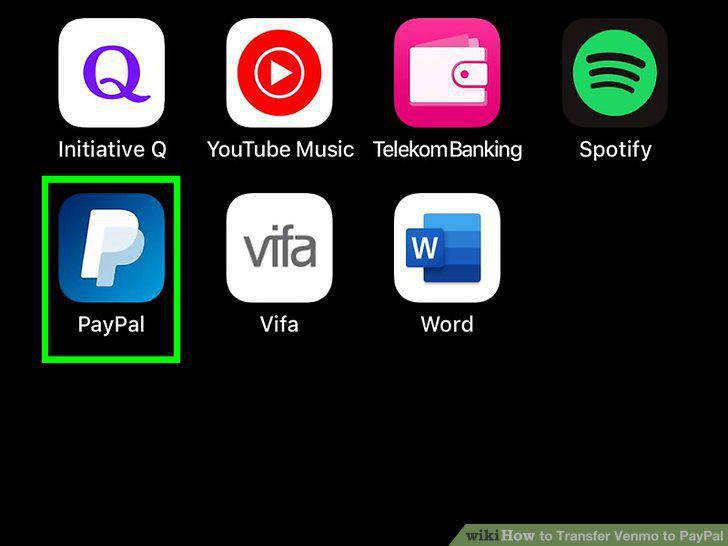
Open PayPal.
4
Add the money you transferred from Venmo to your PayPal account.
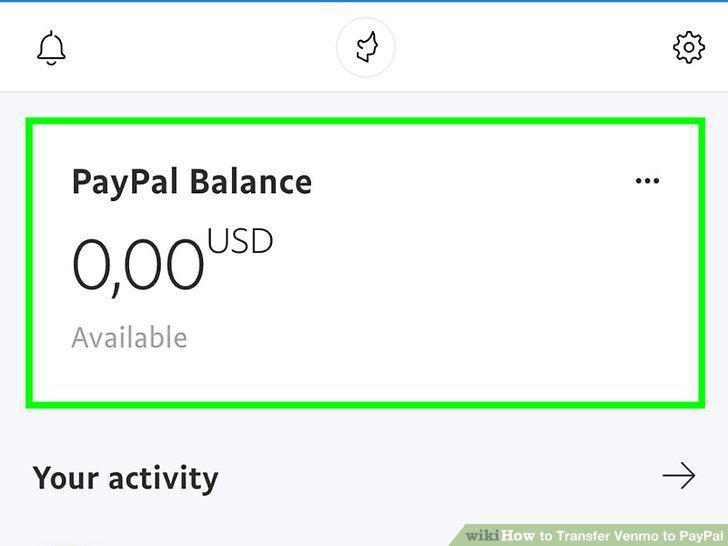
Add the money you transferred from Venmo to your PayPal account.
5
Go to https://venmo.com/?m=co in a web browser.
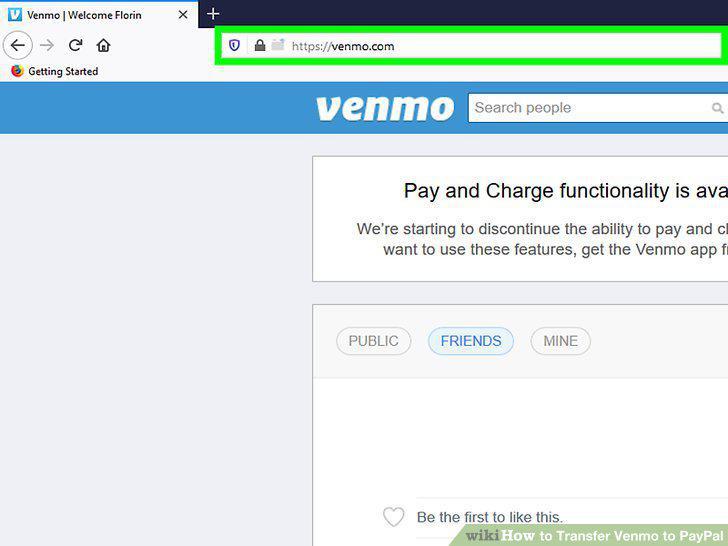
Go to https://venmo.com/?m=co in a web browser.
6
Transfer money out of your Venmo account.
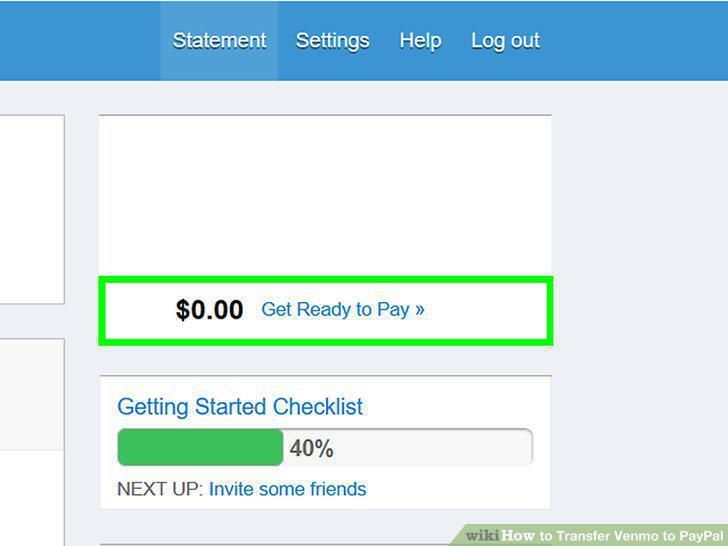
Transfer money out of your Venmo account.
7
Go to https://www.paypal.com/myaccount/money/ in a web browser.
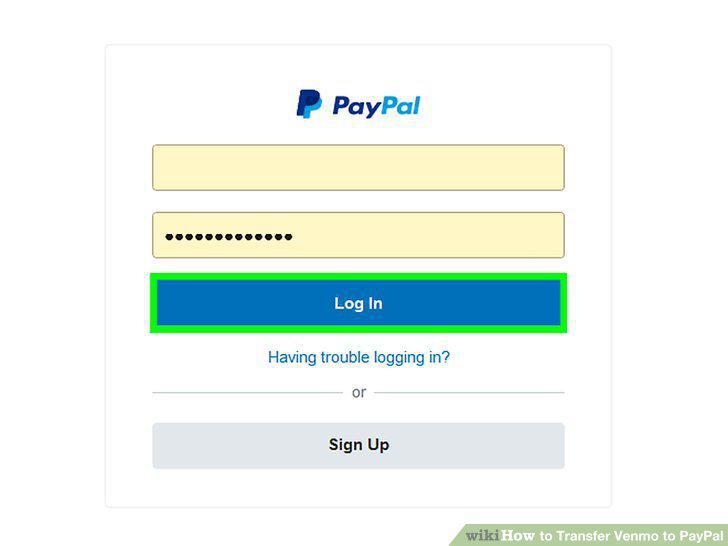
Go to https://www.paypal.com/myaccount/money/ in a web browser.
8
Add money to your PayPal account.
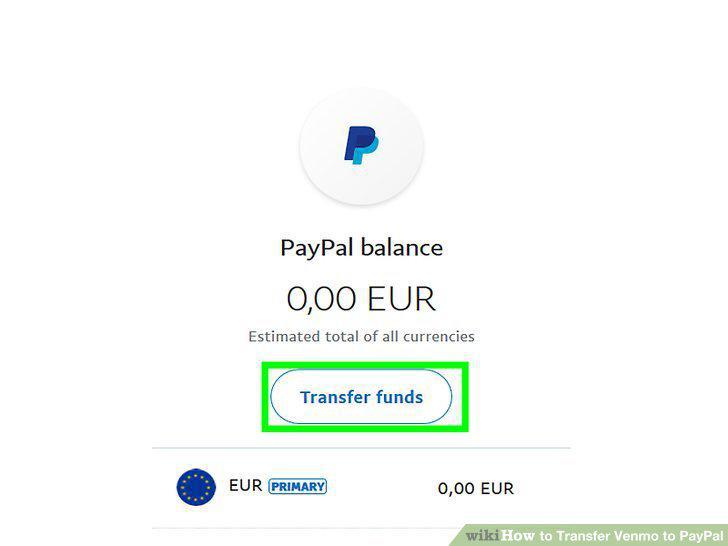
Add money to your PayPal account.
Comments (0)
No comments yet. Be the first to share your thoughts!