How to Pay eBay Fees
Go to https://my.ebay.com and log in.. Click the Account tab.. Click Seller Account.
Steps
1
Go to https://my.ebay.com and log in.
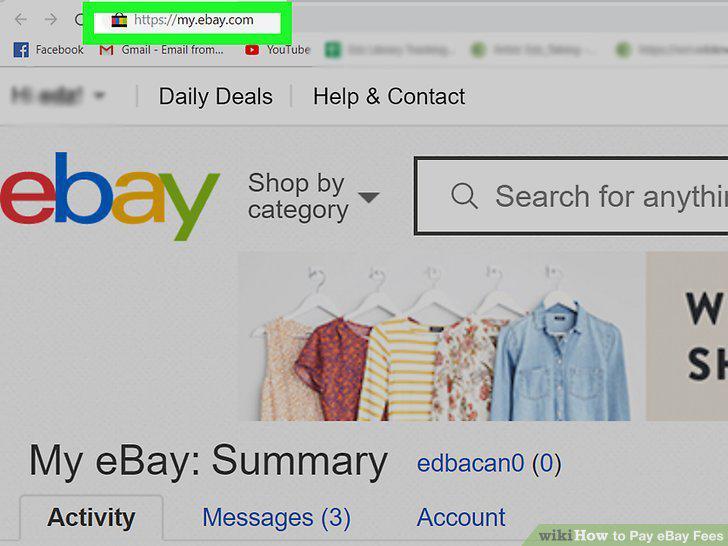
Go to https://my.ebay.com and log in.
2
Click the Account tab.
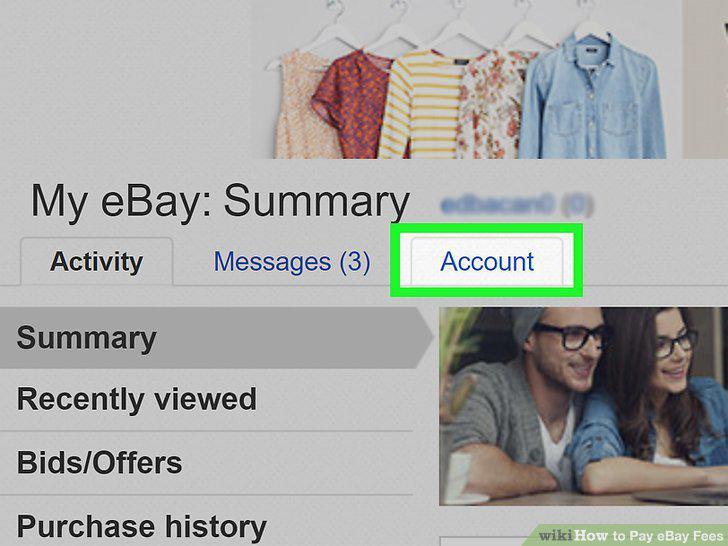
Click the Account tab.
3
Click Seller Account.
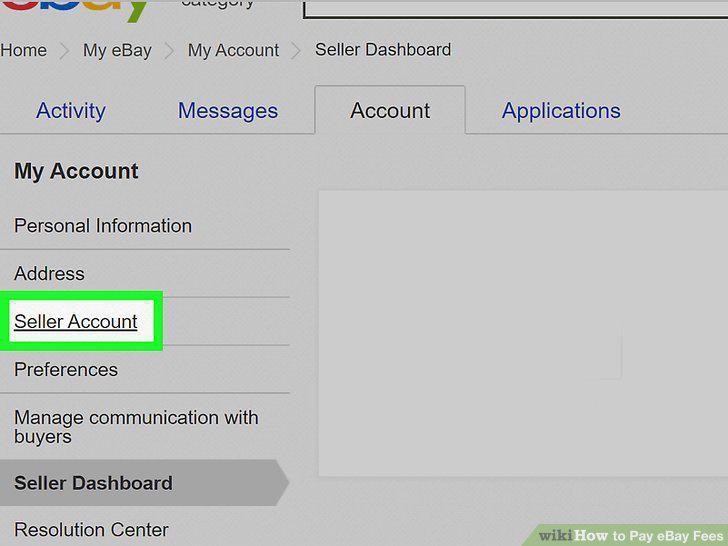
Click Seller Account.
4
Click Make a one-time payment under the "Payment methods for Seller Fees" header
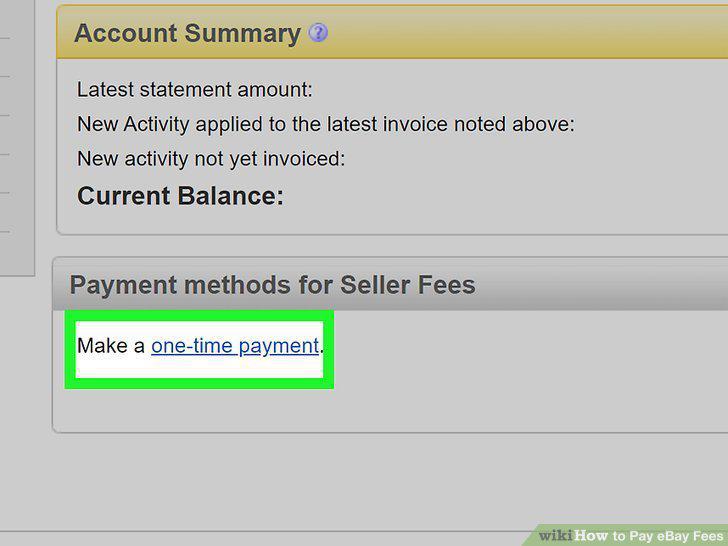
Click Make a one-time payment under the "Payment methods for Seller Fees" header.
5
Click to select a payment option.
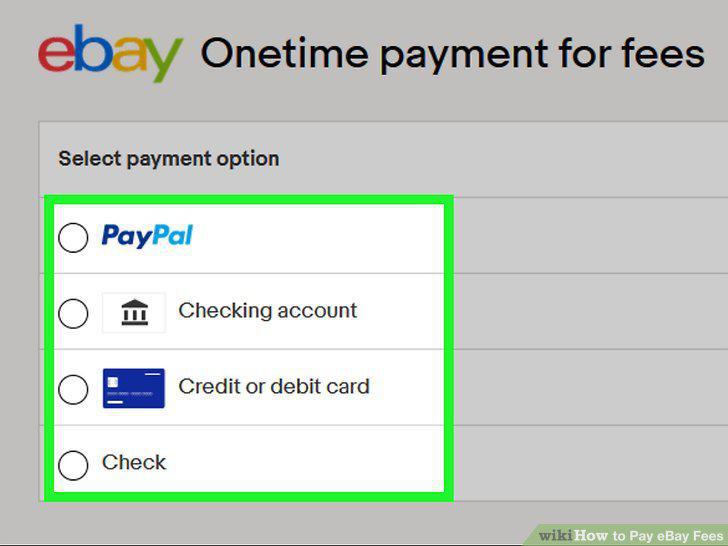
Click to select a payment option.
6
Enter the payment amount.
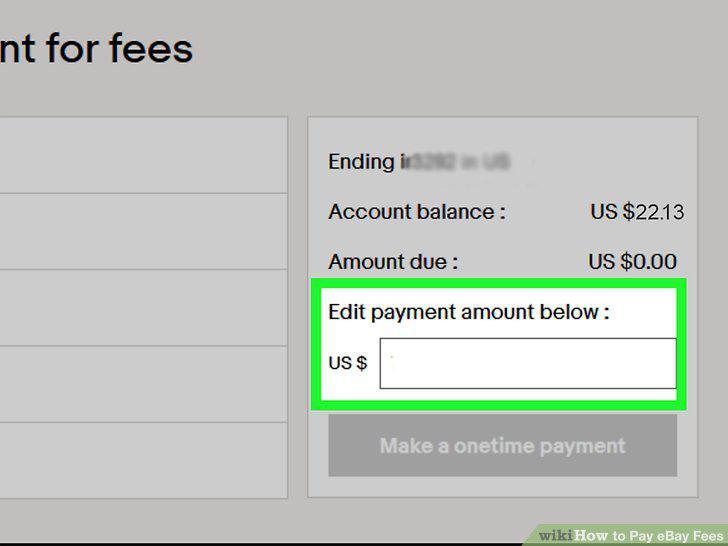
Enter the payment amount.
7
Click Make a onetime payment.
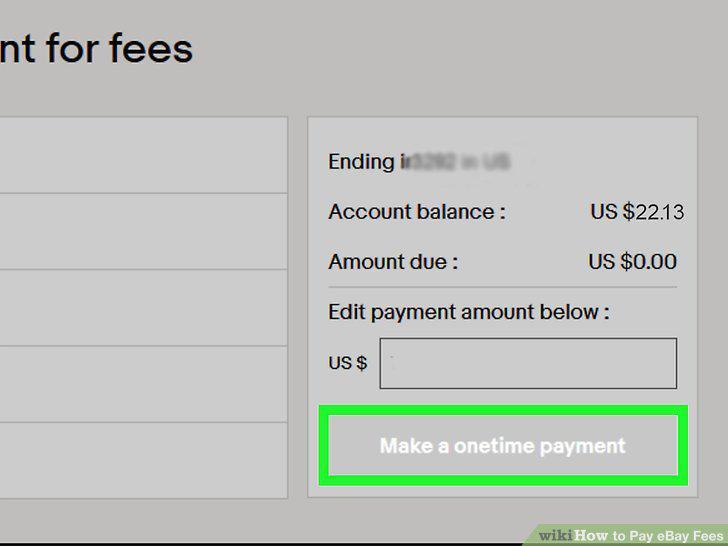
Click Make a onetime payment.
8
Go to https://my.ebay.com and log in.
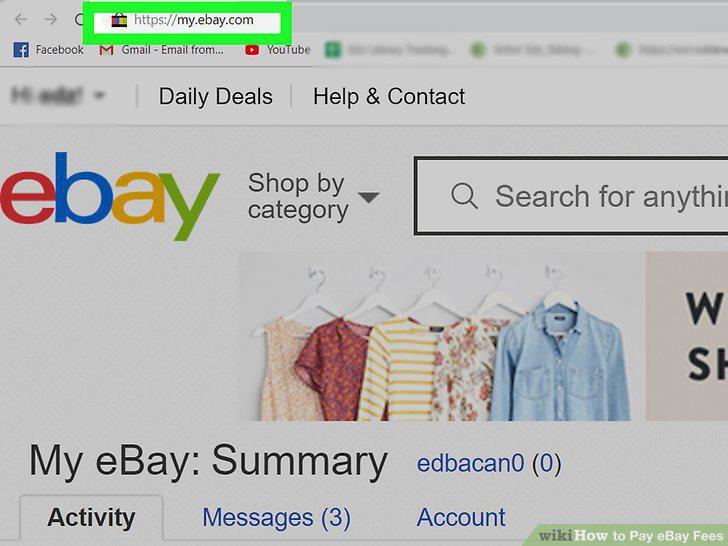
Go to https://my.ebay.com and log in.
9
Click the Account tab.
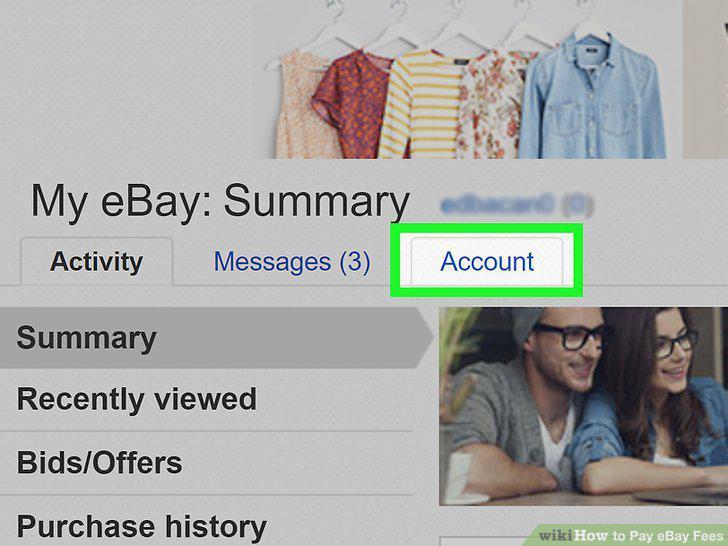
Click the Account tab.
10
Click Seller Account.
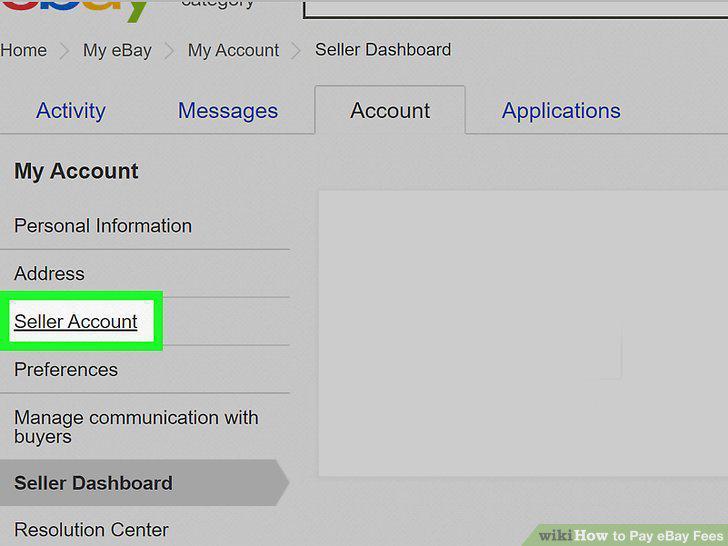
Click Seller Account.
11
Click Change under "Automatic payment method.
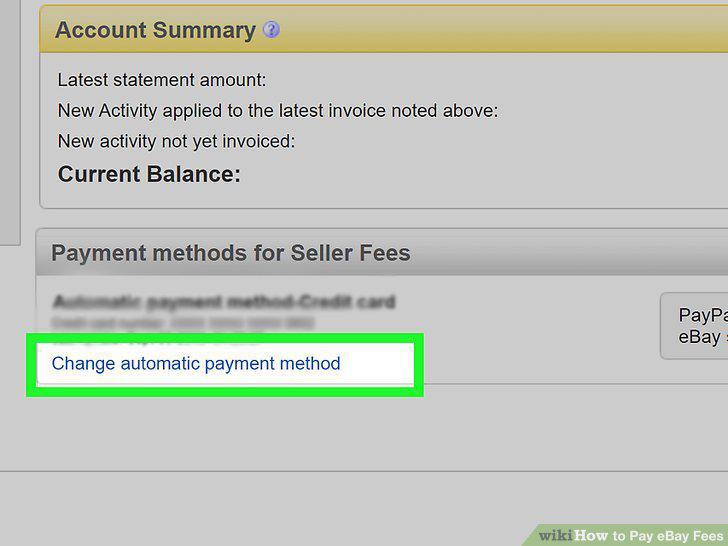
Click Change under "Automatic payment method.
12
Click to choose PayPal, a checking account, or a credit/debit card.
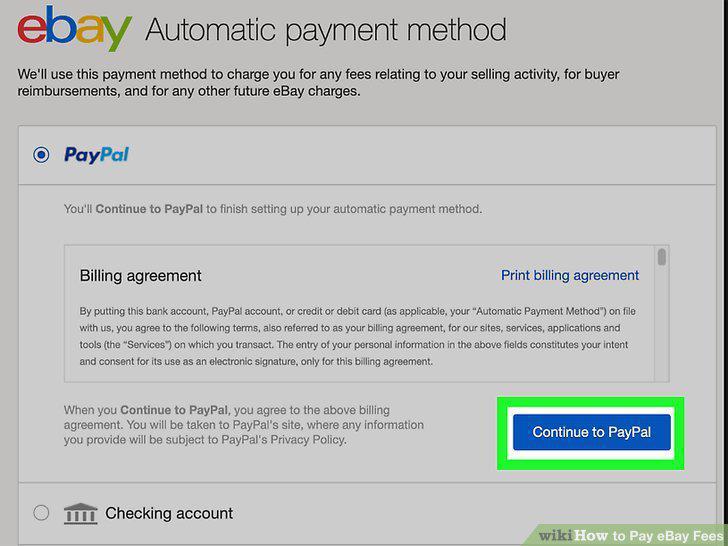
Click to choose PayPal, a checking account, or a credit/debit card.
Comments (0)
No comments yet. Be the first to share your thoughts!