How to Download Images from Flickr
Log into your Flickr account.. Select the photos you want to download.. Click "Download" at the bottom of the screen.
Steps
1
Log into your Flickr account.
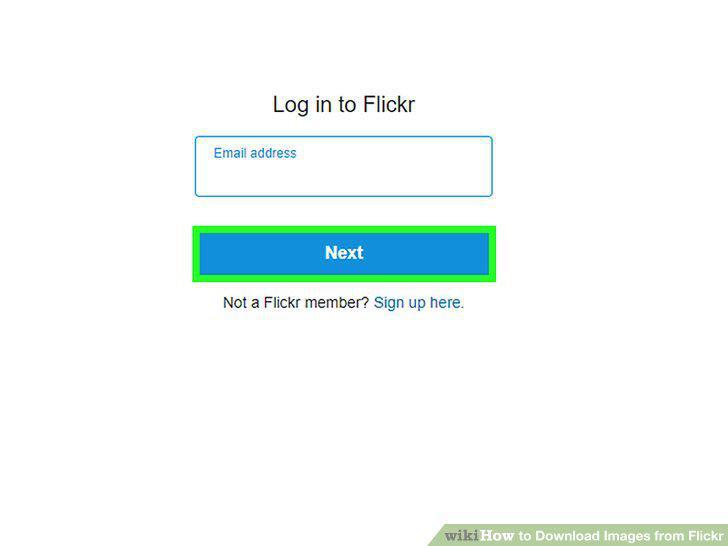
Log into your Flickr account.
2
Select the photos you want to download.
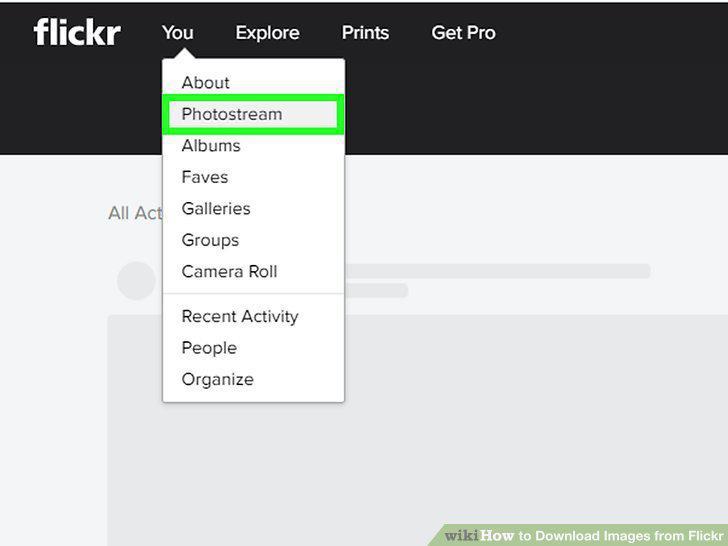
Select the photos you want to download.
3
Click "Download" at the bottom of the screen.
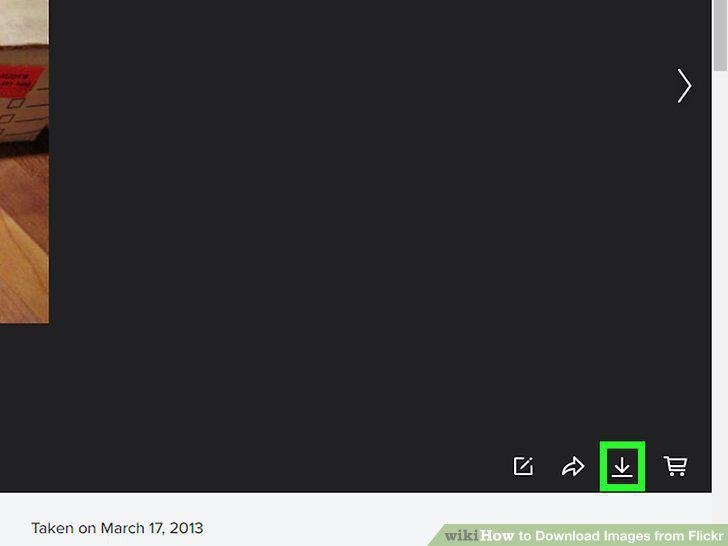
Click "Download" at the bottom of the screen.
4
Open a Flickr photo you want to download.
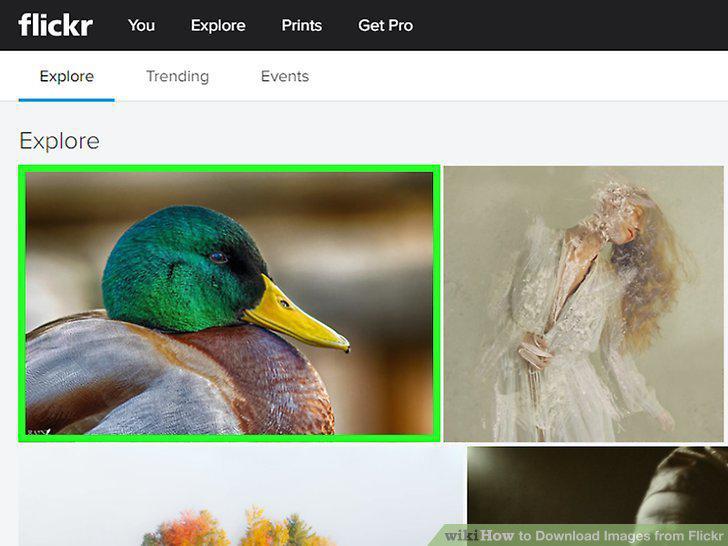
Open a Flickr photo you want to download.
5
Click the downward-pointing arrow to see image size options.
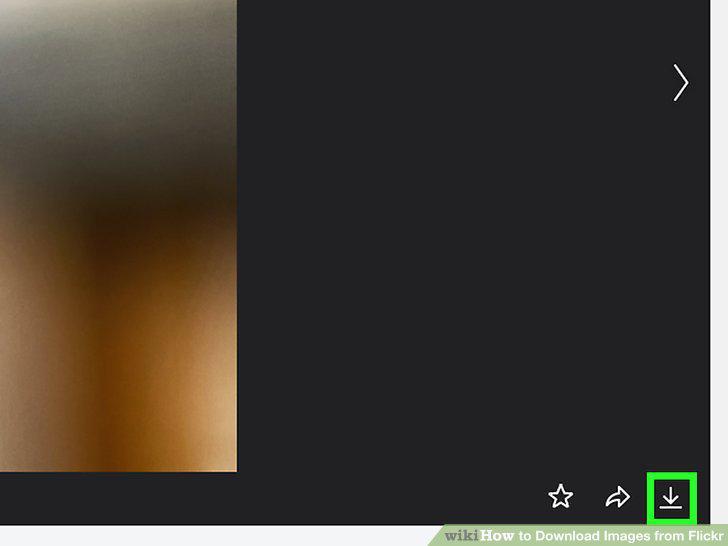
Click the downward-pointing arrow to see image size options.
6
Click an image size, then click the Download link.
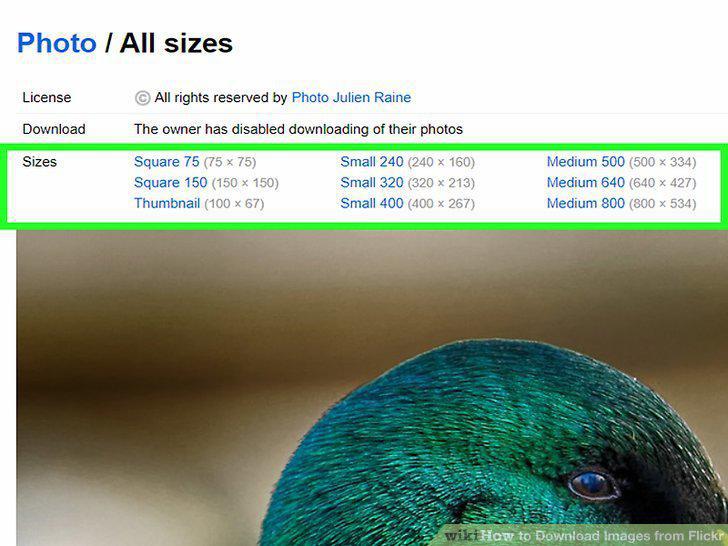
Click an image size, then click the Download link.
7
Choose a location to save your image.
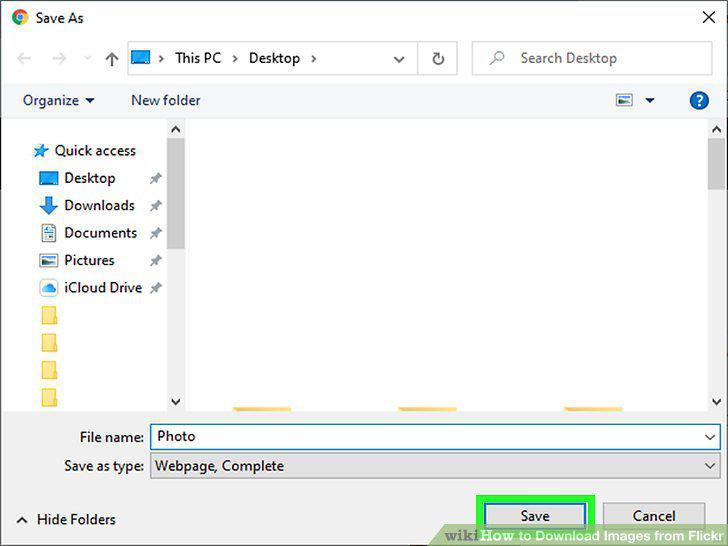
Choose a location to save your image.
8
Install Flickr Downloadr.
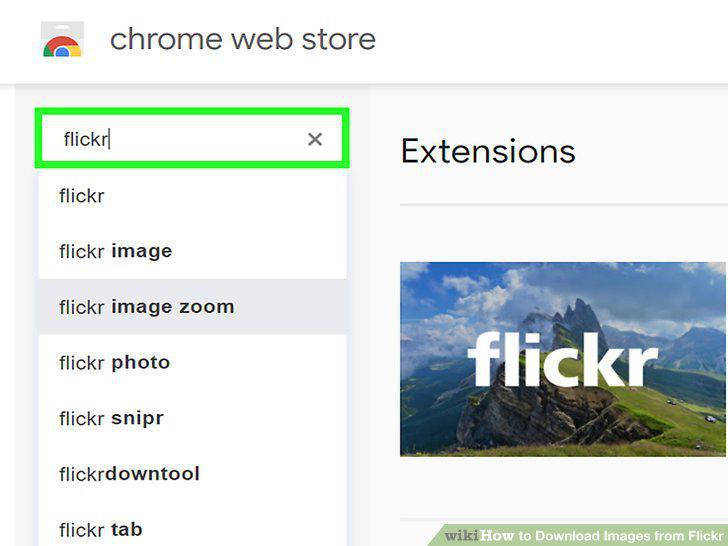
Install Flickr Downloadr.
9
Launch Flickr Downloader in Chrome.
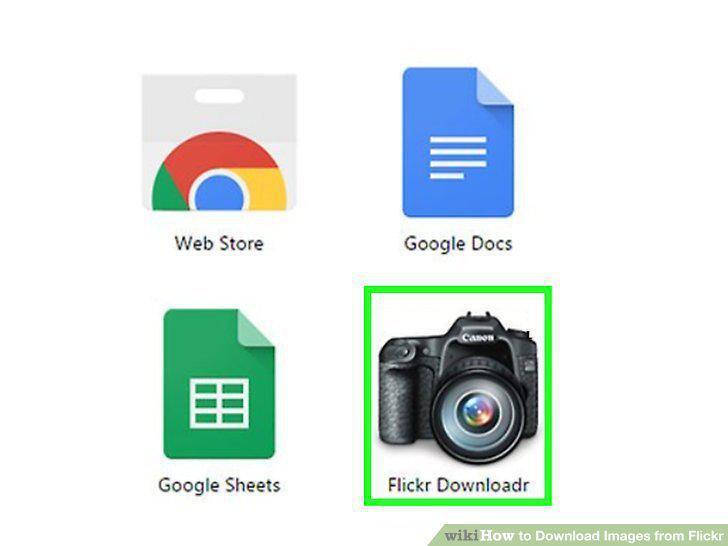
Launch Flickr Downloader in Chrome.
10
Click the house icon to launch the search.
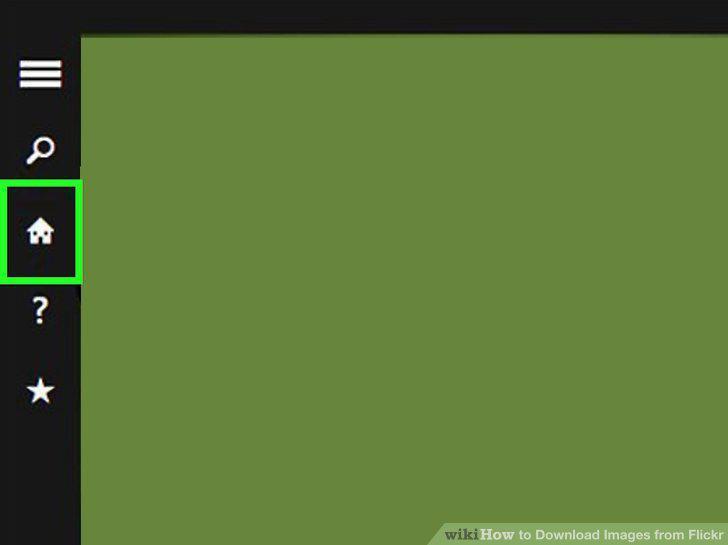
Click the house icon to launch the search.
11
Select photos to download.
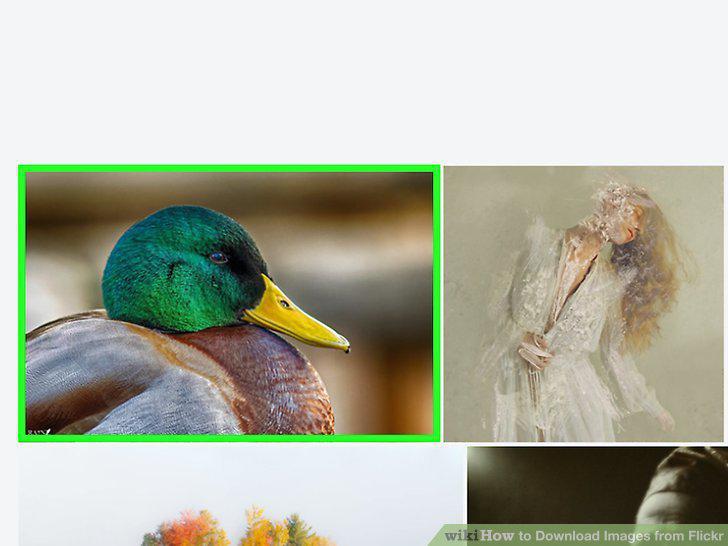
Select photos to download.
12
Click the arrow icon to begin your download.
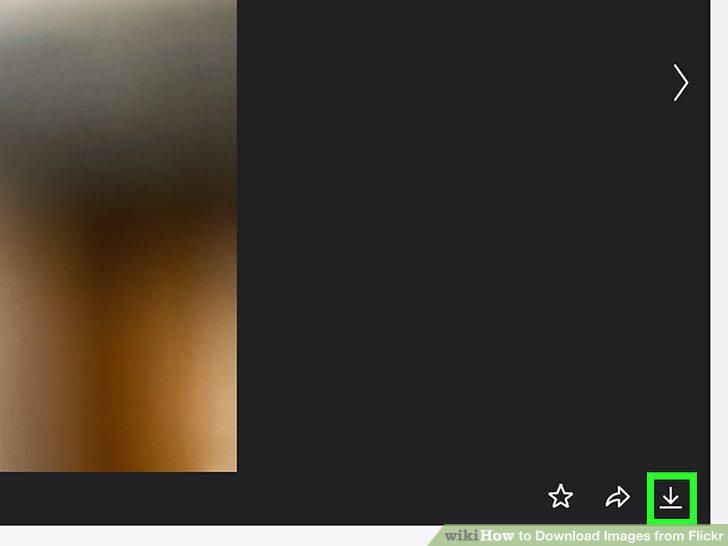
Click the arrow icon to begin your download.
Comments (0)
No comments yet. Be the first to share your thoughts!