How to Report Someone on eBay
Go to https://resolutioncenter.ebay.com/ in a web browser.. Select a reason for reporting.. Click Continue.
Steps
1
Go to https://resolutioncenter.ebay.com/ in a web browser.
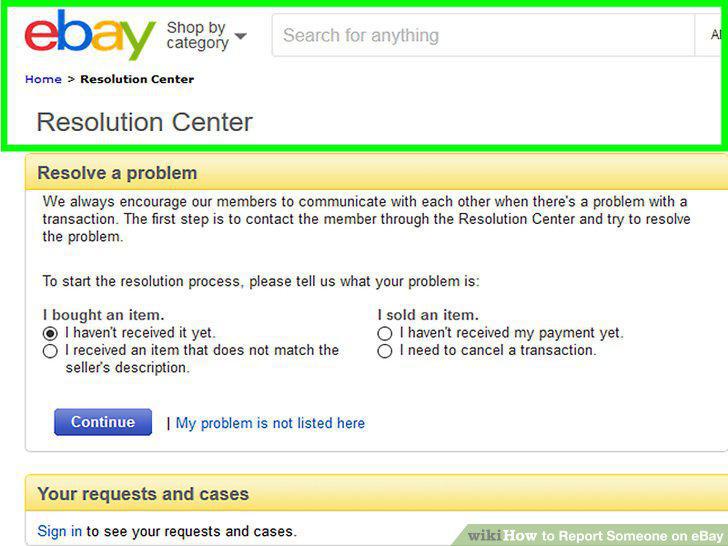
Go to https://resolutioncenter.ebay.com/ in a web browser.
2
Select a reason for reporting.
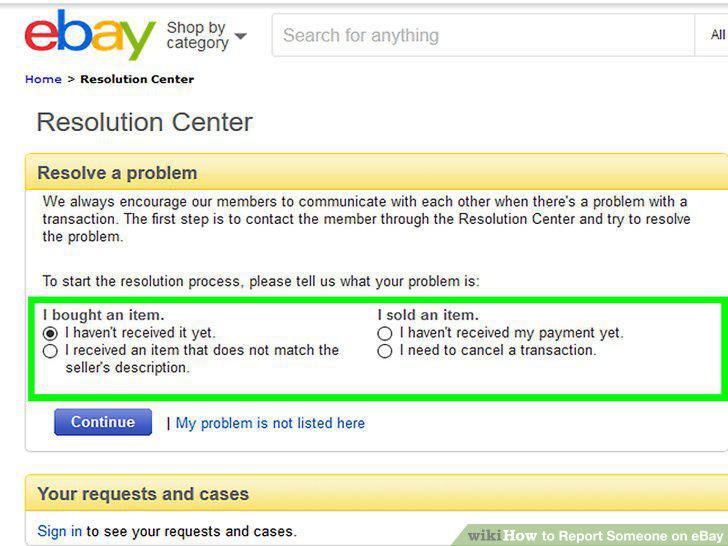
Select a reason for reporting.
3
Click Continue.
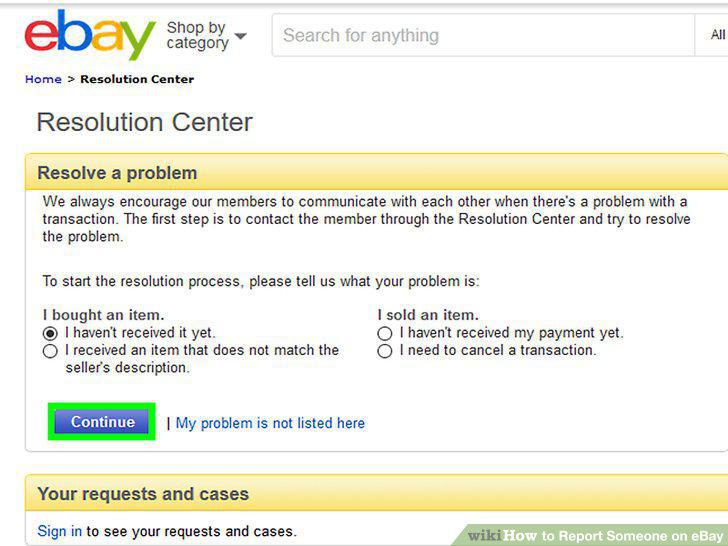
Click Continue.
4
Log in if prompted.
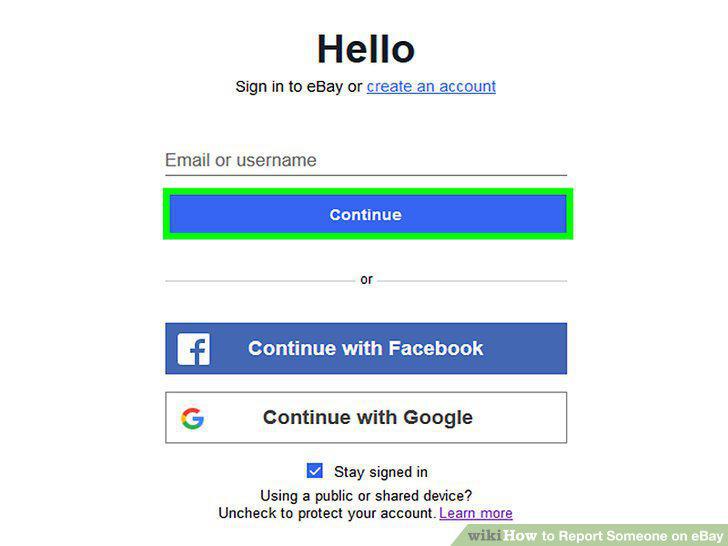
Log in if prompted.
5
Select the transaction you're having an issue with.
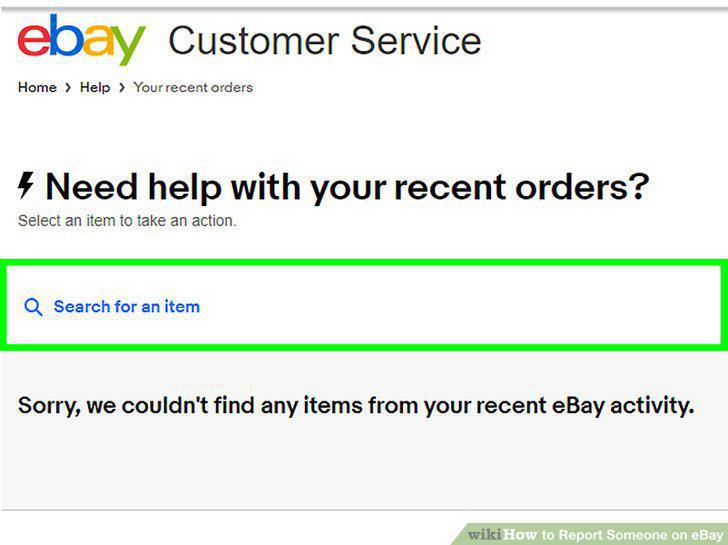
Select the transaction you're having an issue with.
6
Click More Options next to the item's listing.
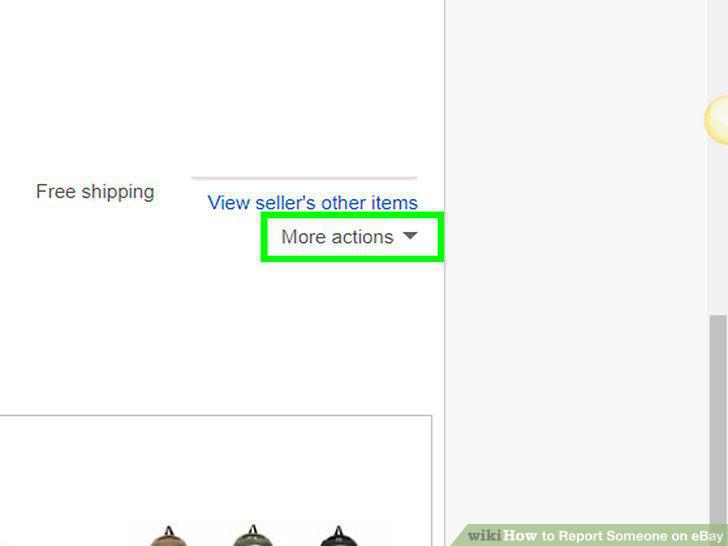
Click More Options next to the item's listing.
7
Click Report.
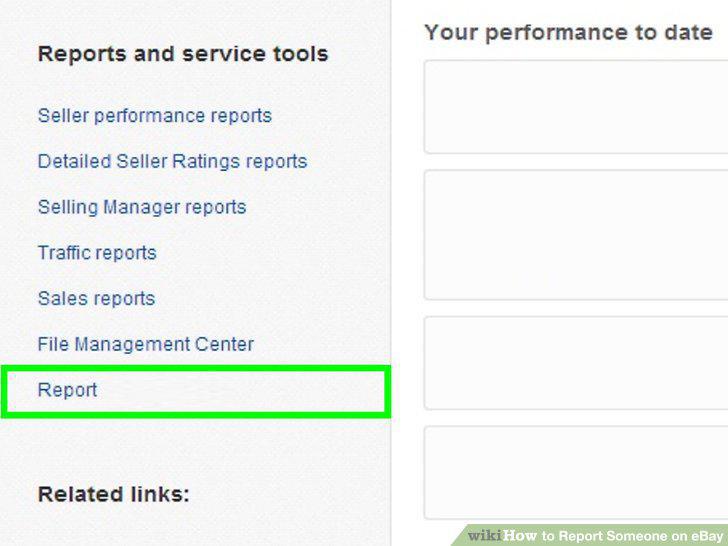
Click Report.
8
Complete the report and click Send.
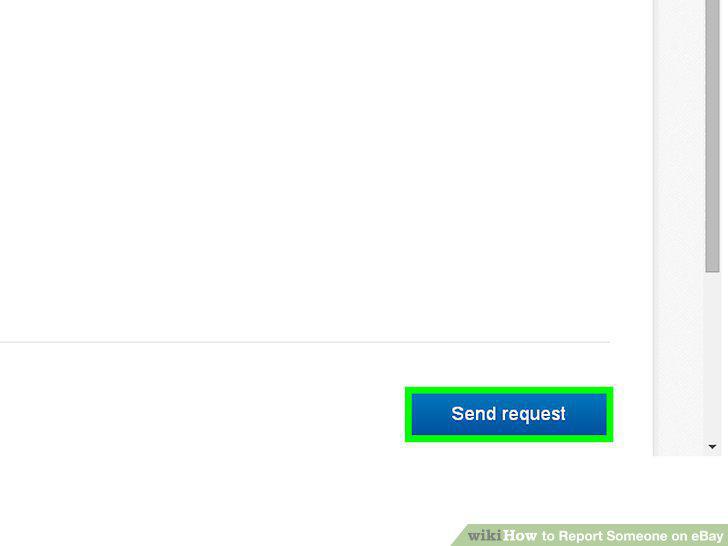
Complete the report and click Send.
Comments (0)
No comments yet. Be the first to share your thoughts!