How to Show Off Achievements in Need for Speed
Launch Need for Speed World.. Log into your account.. Enter the NFSW world in Free Roam mode.
Steps
1
Launch Need for Speed World.
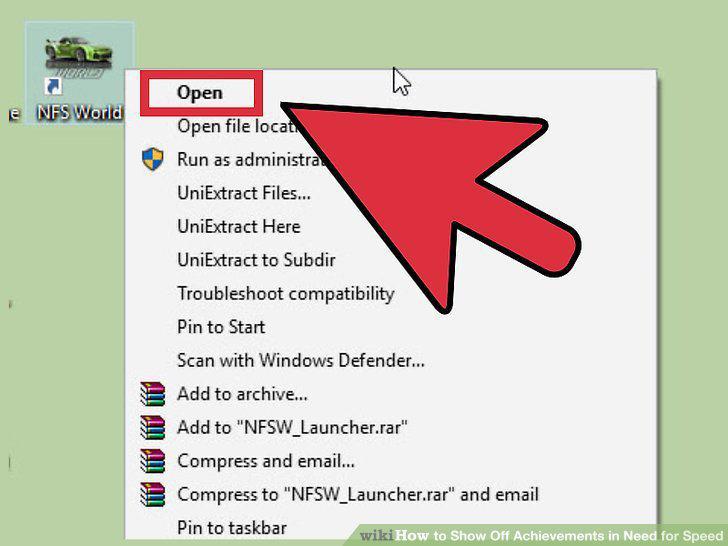
Launch Need for Speed World.
2
Log into your account.
Log into your account.
3
Enter the NFSW world in Free Roam mode.
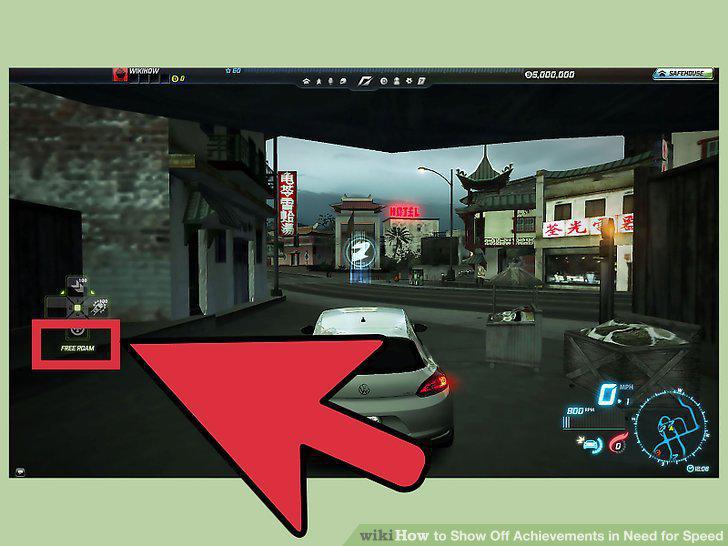
Enter the NFSW world in Free Roam mode.
4
Hit "I" on your keyboard to open the NFSW Achievements screen.
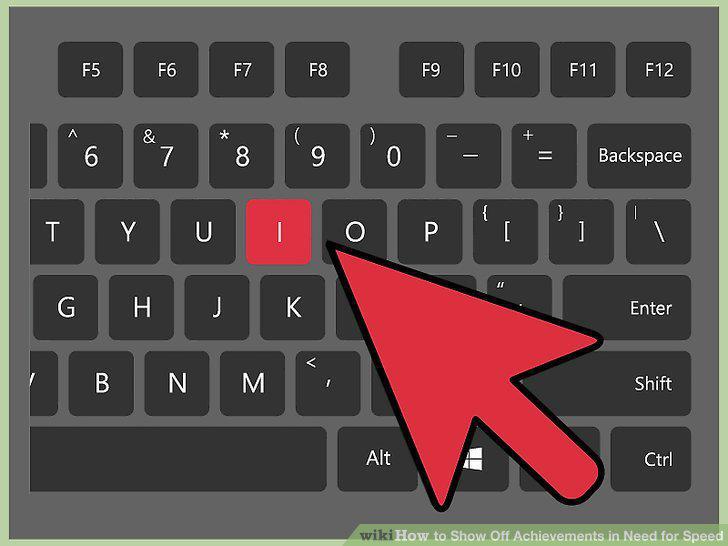
Hit "I" on your keyboard to open the NFSW Achievements screen.
5
View your achievements.
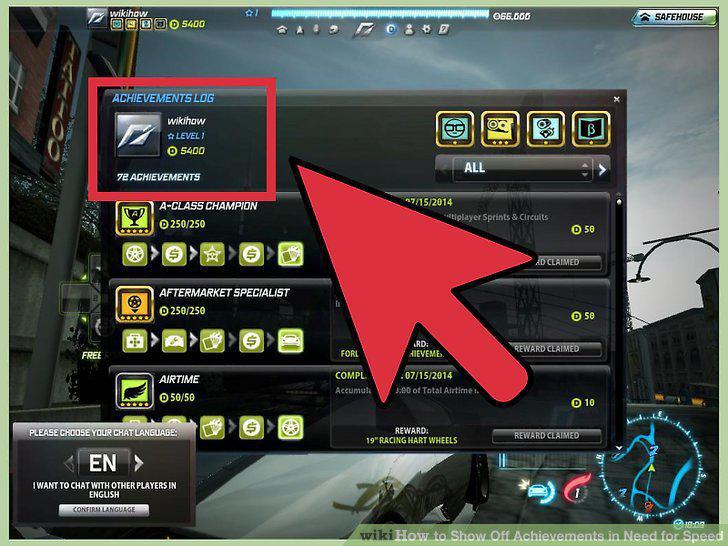
View your achievements.
6
Show off your achievements.
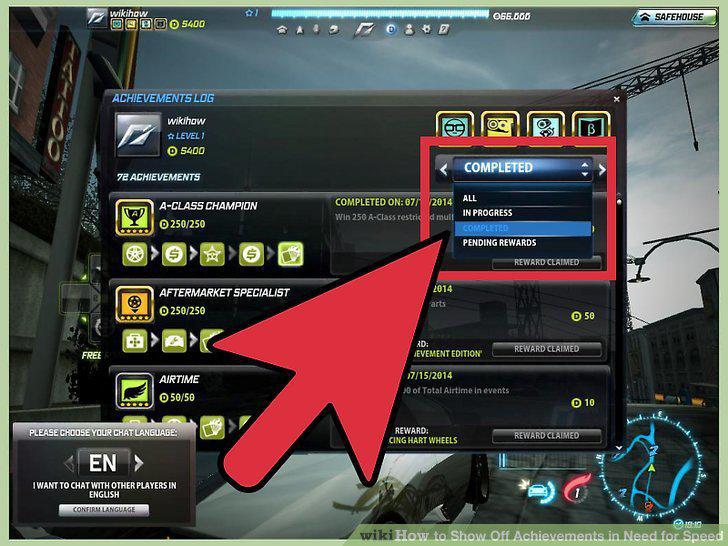
Show off your achievements.
7
Launch the game.
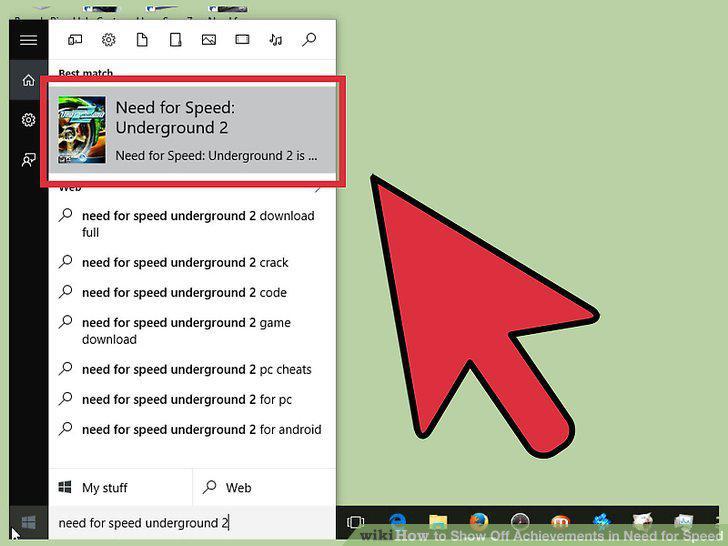
Launch the game.
8
Resume your Career Mode game.
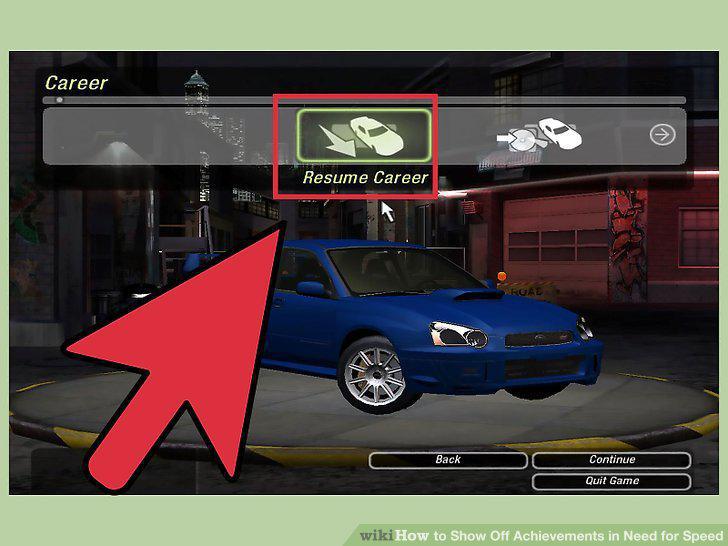
Resume your Career Mode game.
9
View your achievements.
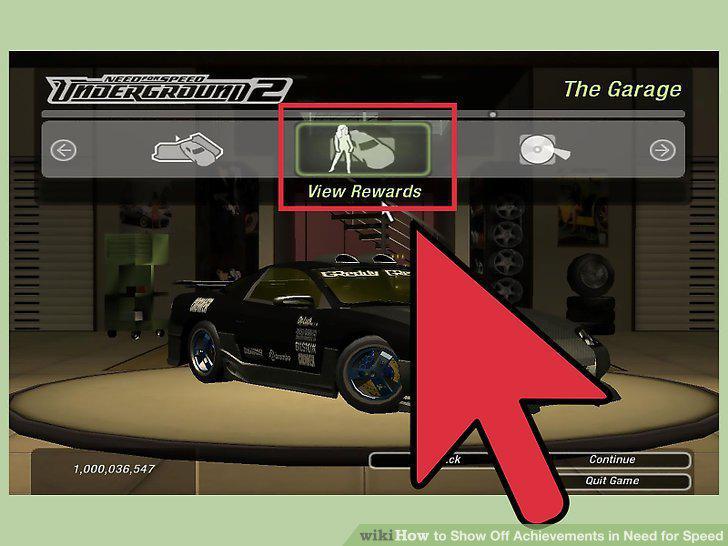
View your achievements.
10
Grab screenshots of your achievements.
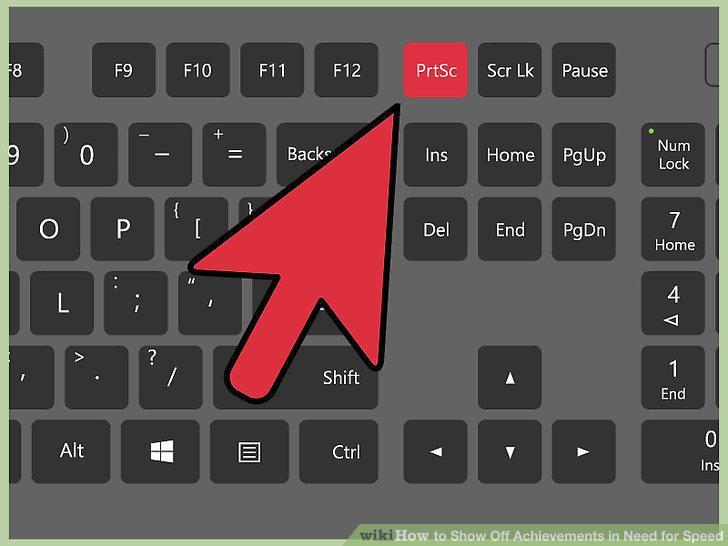
Grab screenshots of your achievements.
11
Save the screenshot.
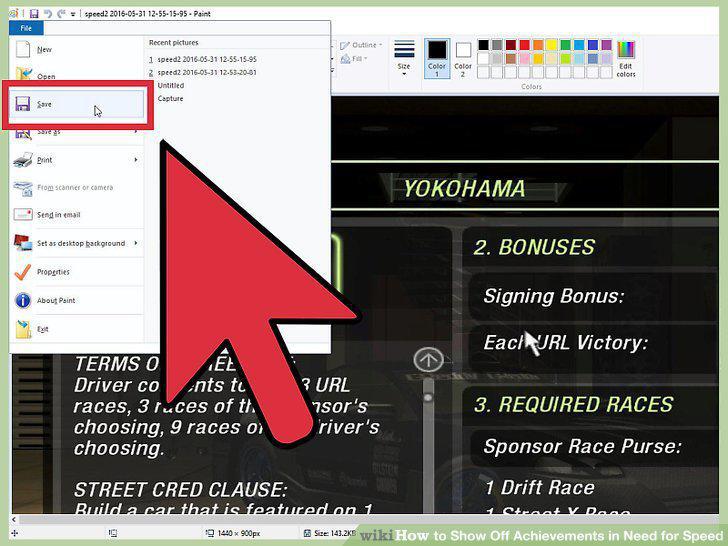
Save the screenshot.
12
Show off your achievements.
Show off your achievements.
13
Launch the game.
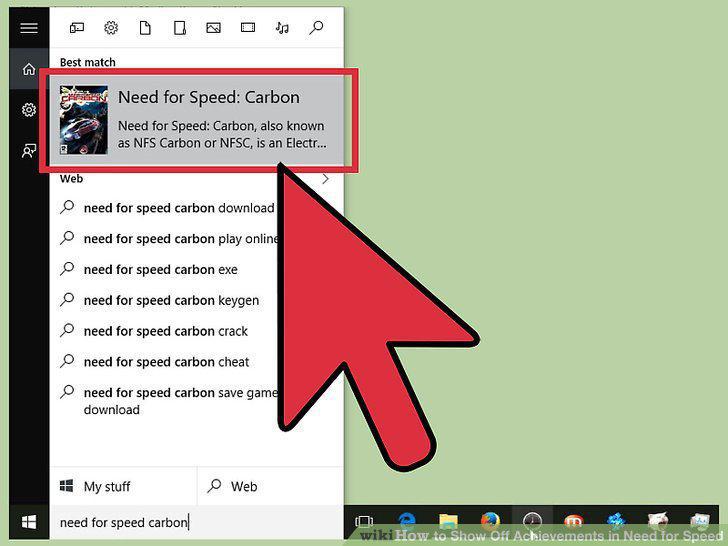
Launch the game.
14
View the main menu.
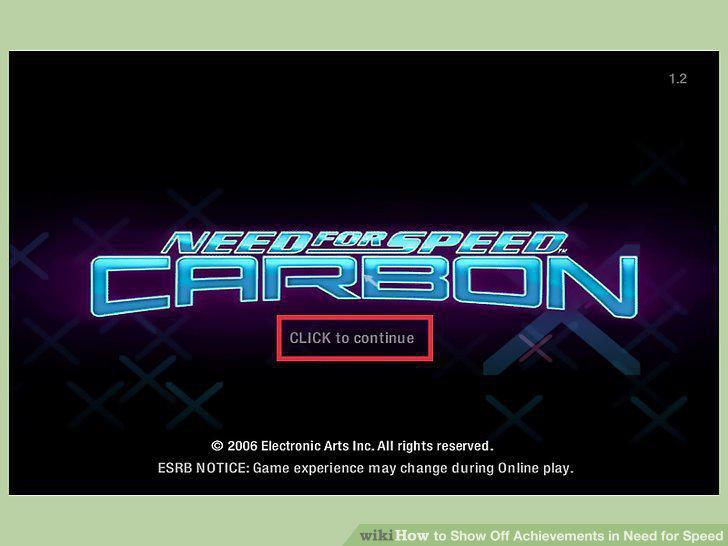
View the main menu.
15
Access the Rewards screen.
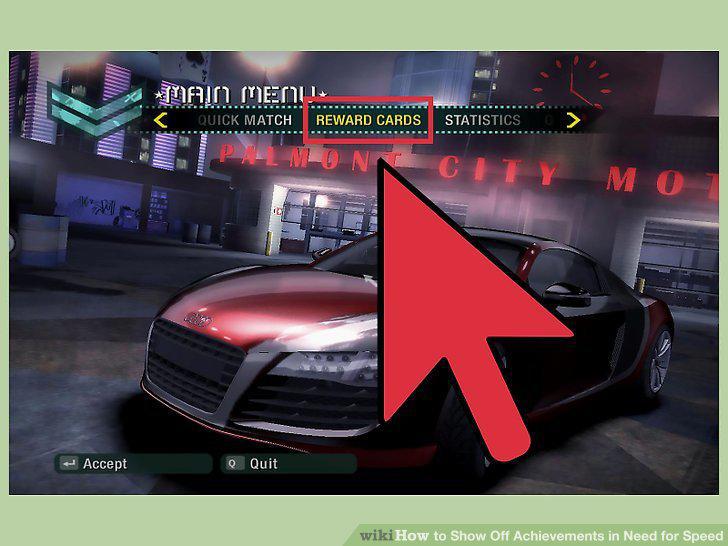
Access the Rewards screen.
16
Take a screenshot of the Rewards page.
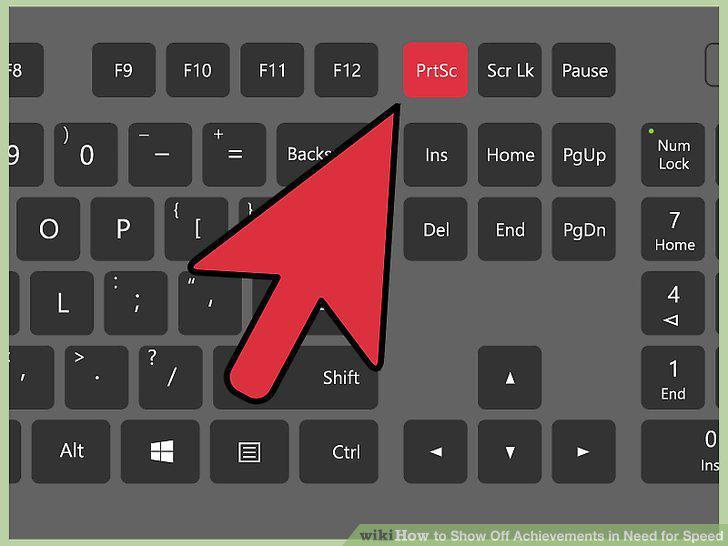
Take a screenshot of the Rewards page.
17
Save the screenshot.
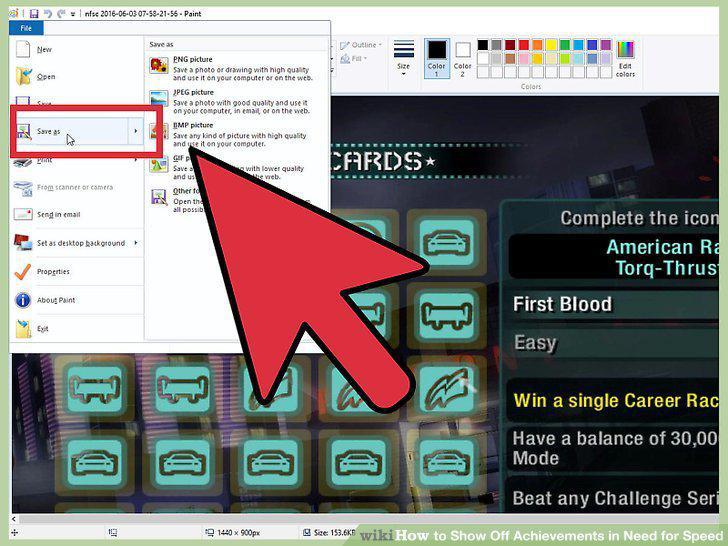
Save the screenshot.
18
Show off your achievements.
Show off your achievements.
Comments (0)
No comments yet. Be the first to share your thoughts!