How to Cancel an Amazon Order on PC or Mac
Go to https://www.amazon.com in a web browser.. Click Your Orders.. Click Your Orders.
Steps
1
Go to https://www.amazon.com in a web browser.
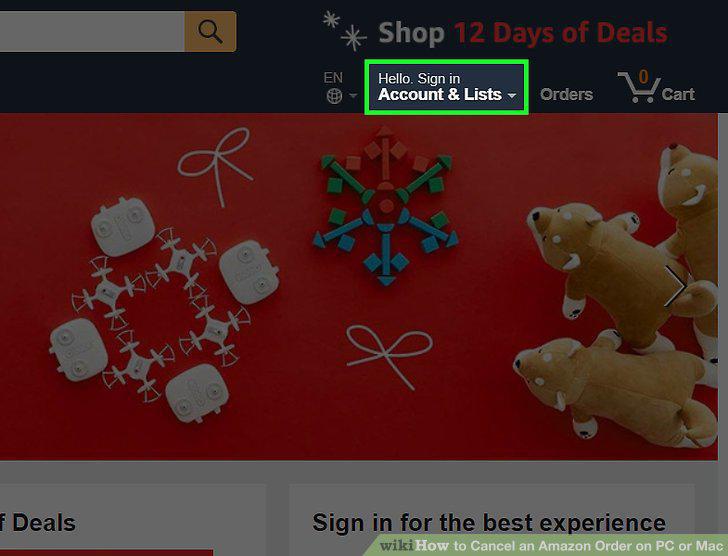
Go to https://www.amazon.com in a web browser.
2
Click Your Orders.
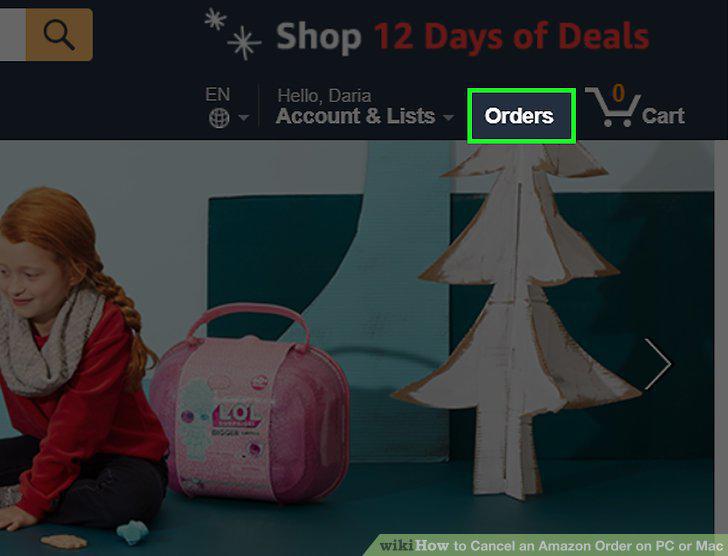
Click Your Orders.
3
Click Your Orders.
Click Your Orders.
4
Click Cancel Items.
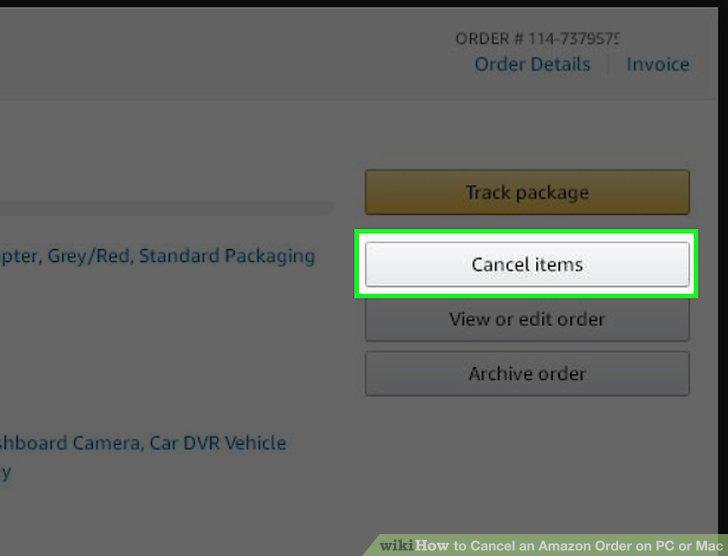
Click Cancel Items.
5
Select the items you want to cancel.
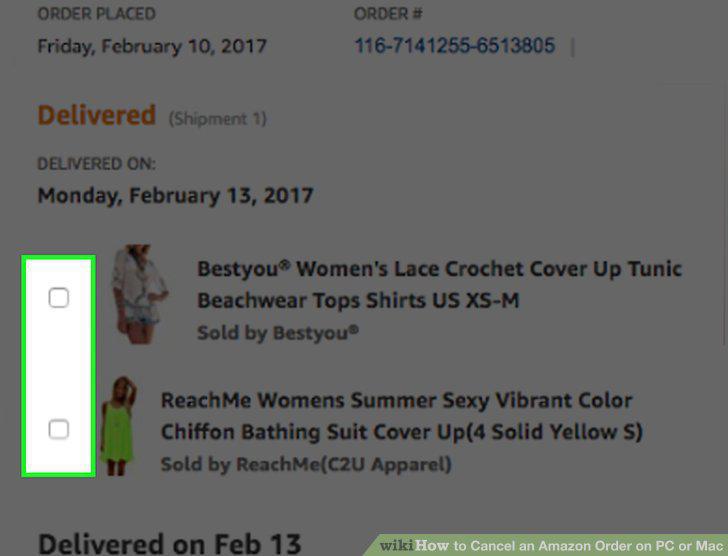
Select the items you want to cancel.
6
Click Cancel checked items.
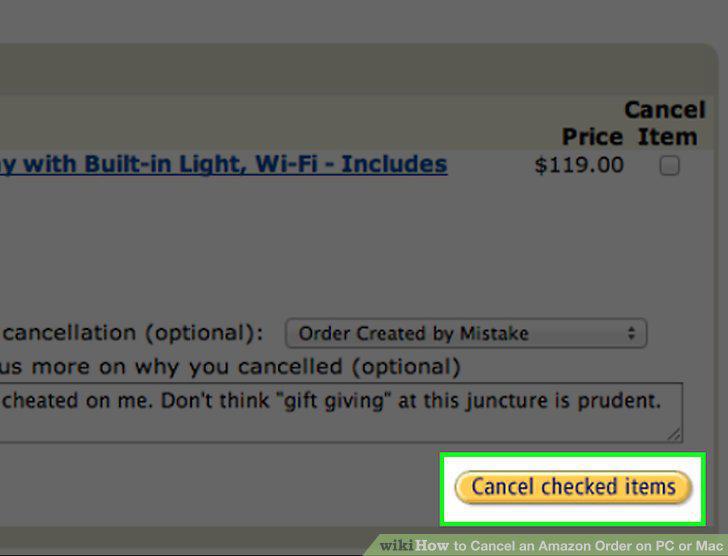
Click Cancel checked items.
7
Go to https://www.amazon.com in a web browser.
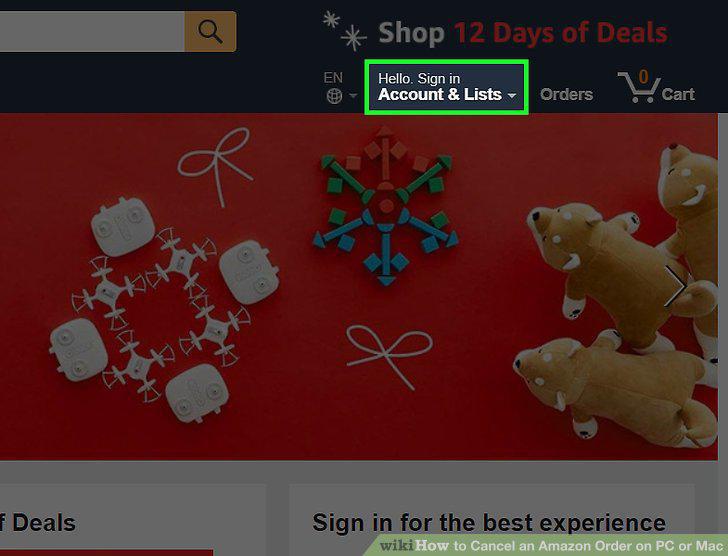
Go to https://www.amazon.com in a web browser.
8
Click Your Orders.
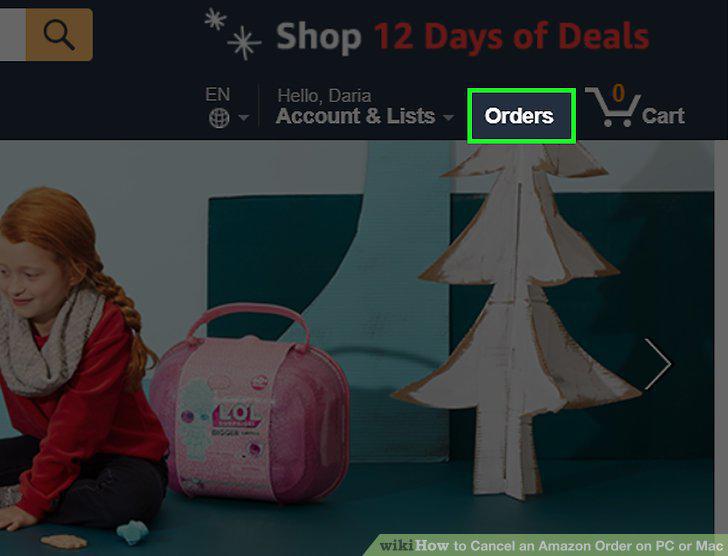
Click Your Orders.
9
Click Your Orders.
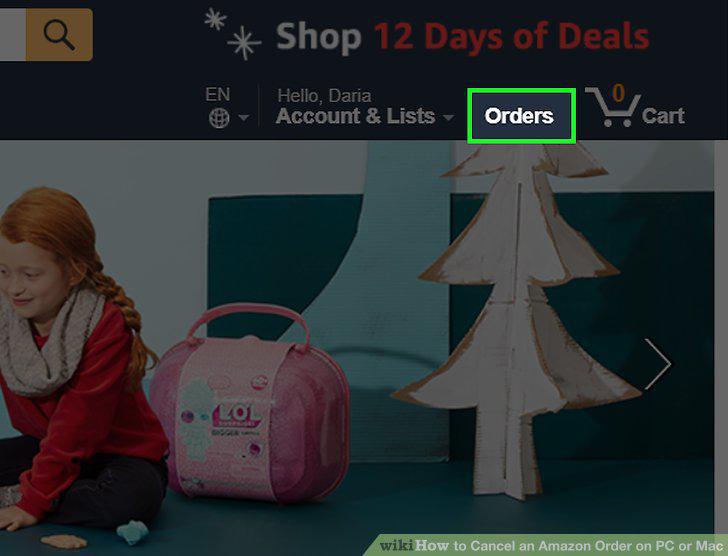
Click Your Orders.
10
Click Request Cancellation on the order you want to cancel.
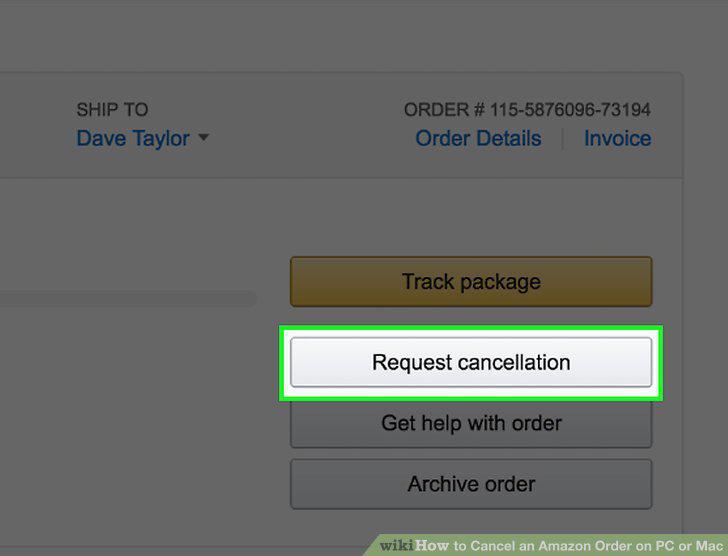
Click Request Cancellation on the order you want to cancel.
11
Refuse the delivery.
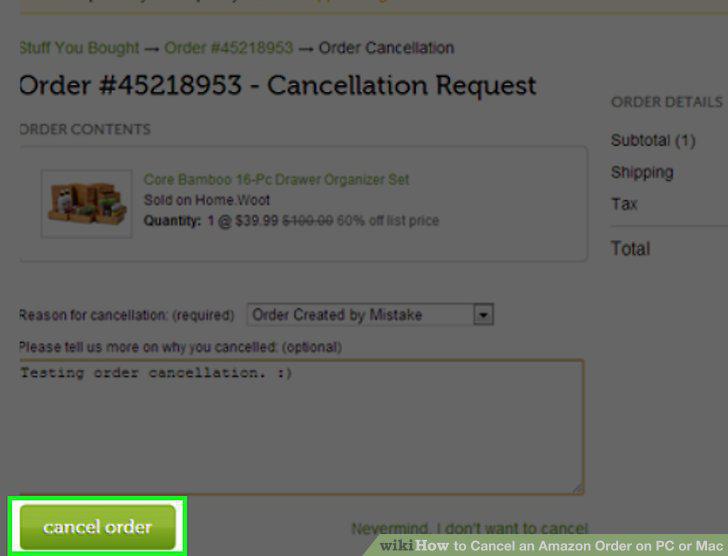
Refuse the delivery.
Comments (0)
No comments yet. Be the first to share your thoughts!