How to Use UPI
Open a UPI app.. Connect your bank account to the app.. Create a Virtual Payment Address (VPA).
Steps
1
Open a UPI app.
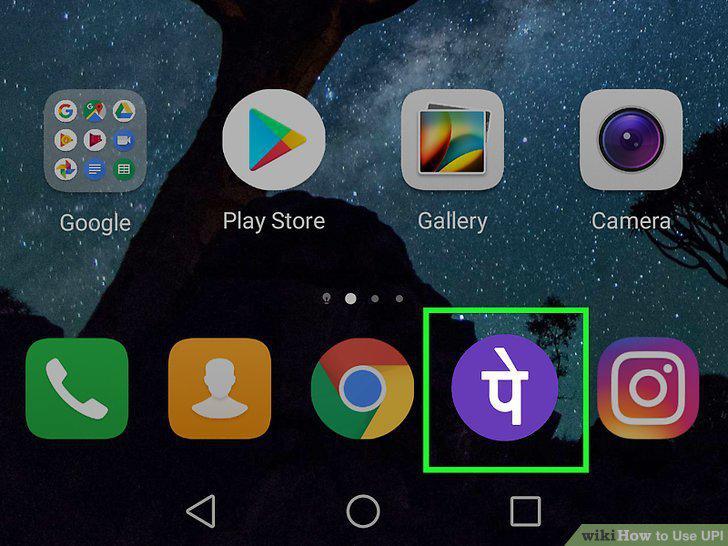
Open a UPI app.
2
Connect your bank account to the app.
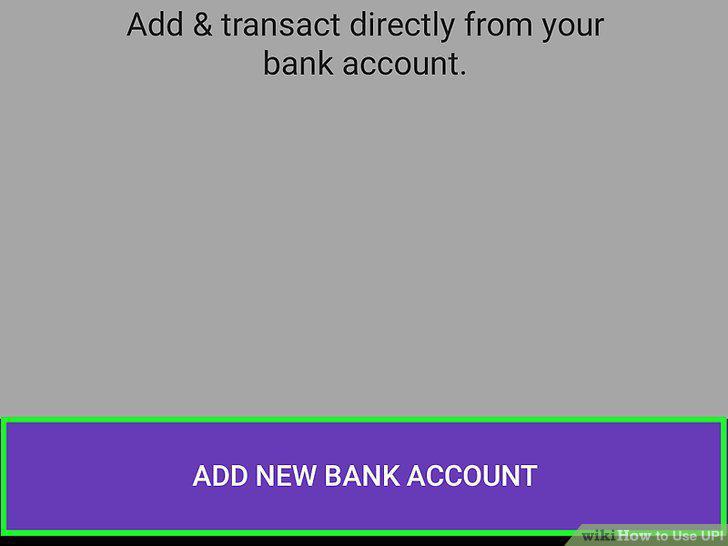
Connect your bank account to the app.
3
Create a Virtual Payment Address (VPA).
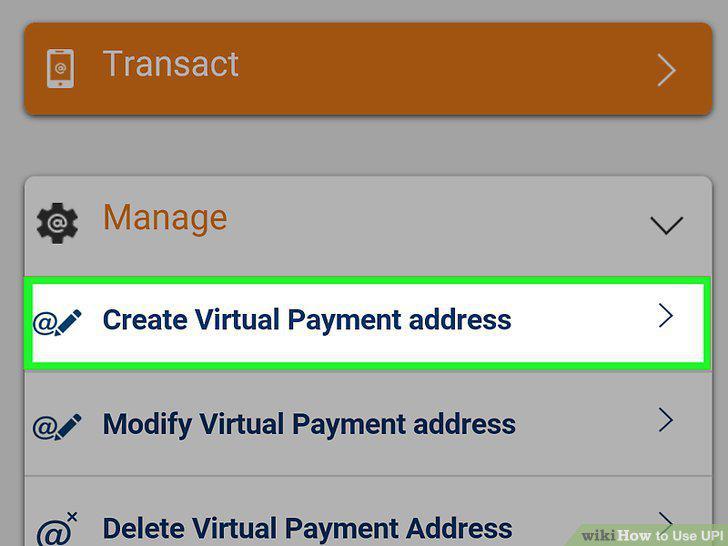
Create a Virtual Payment Address (VPA).
4
Generate a UPI PIN.
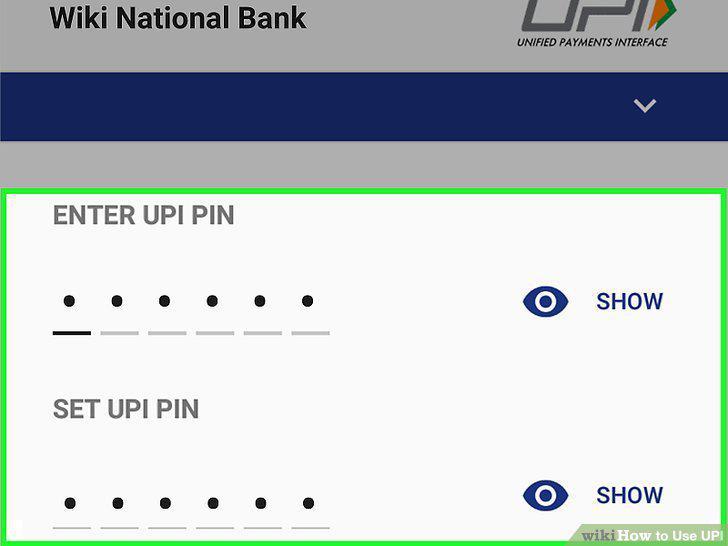
Generate a UPI PIN.
5
Open your UPI payment app.
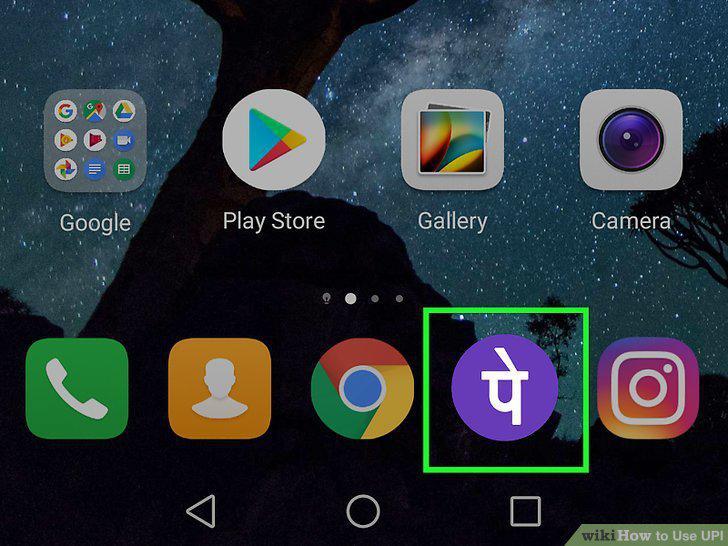
Open your UPI payment app.
6
Select the option to send or transfer money.
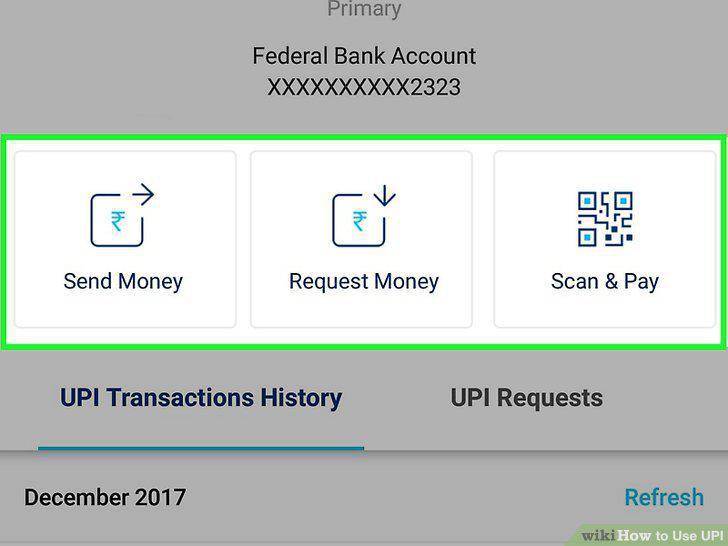
Select the option to send or transfer money.
7
Enter the VPA of the other party.
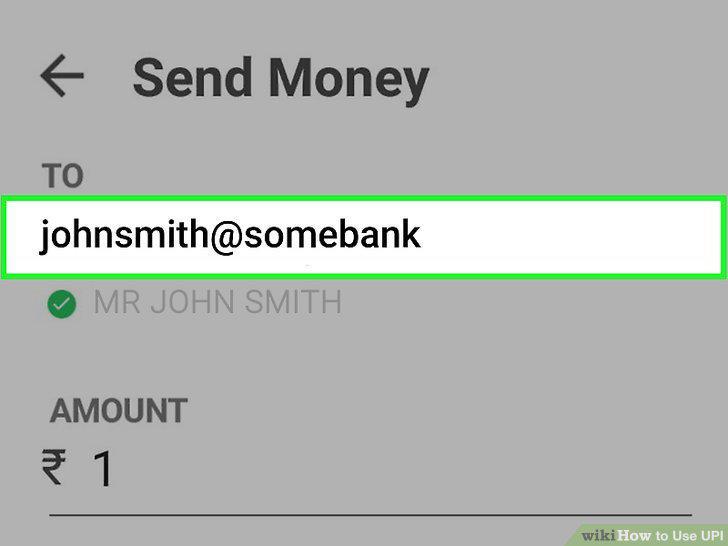
Enter the VPA of the other party.
8
Enter the amount.
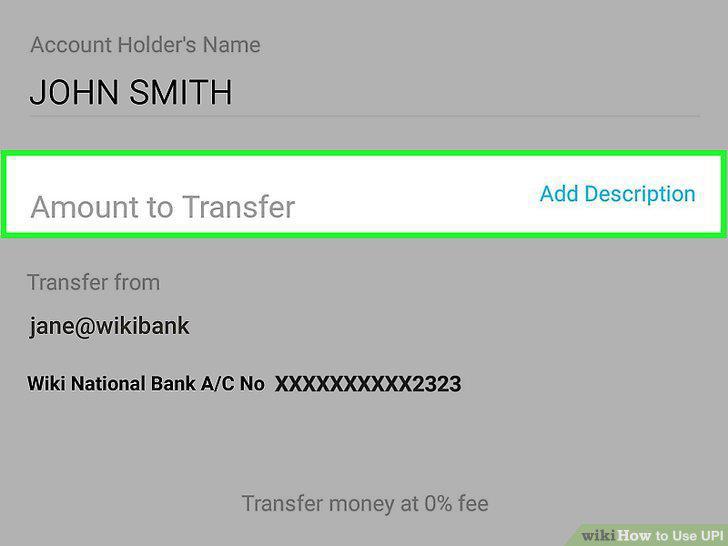
Enter the amount.
9
Confirm the details and send the request.
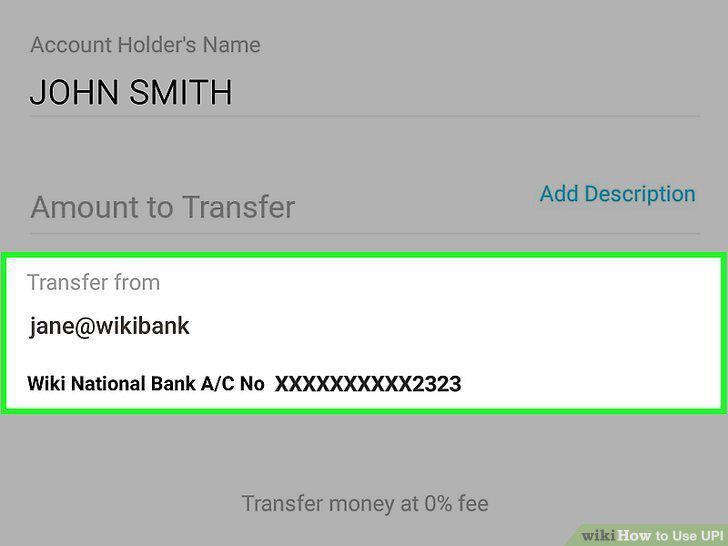
Confirm the details and send the request.
10
Enter your VPA MPIN.
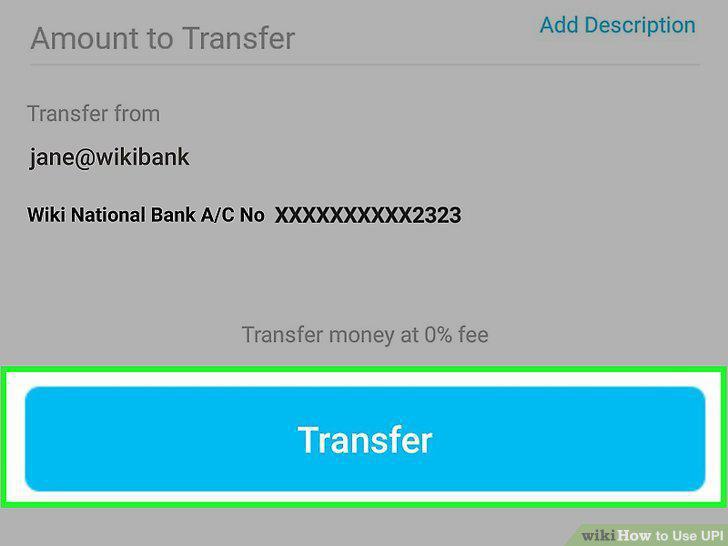
Enter your VPA MPIN.
Comments (0)
No comments yet. Be the first to share your thoughts!