How to Get a Hacked Roblox Account Back
Try logging in with your password.. Go to https://www.roblox.com/login/forgot-password-or-username in a web browser.. Enter your email address and click Submit.
Steps
1
Try logging in with your password.
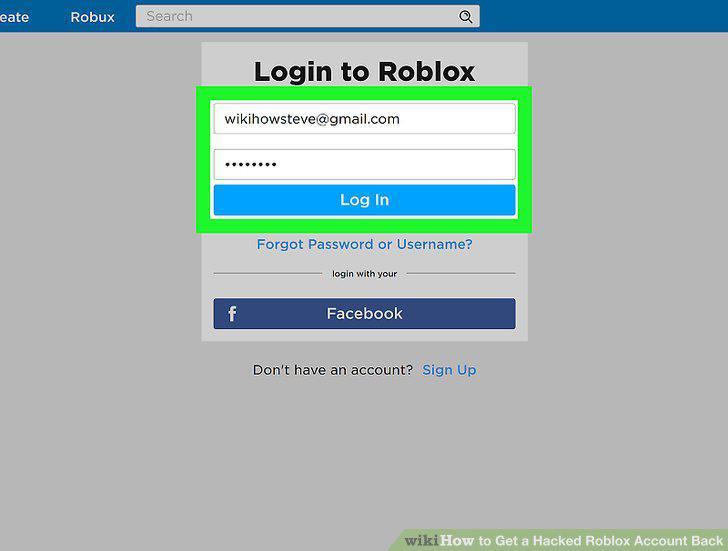
Try logging in with your password.
2
Go to https://www.roblox.com/login/forgot-password-or-username in a web browser.
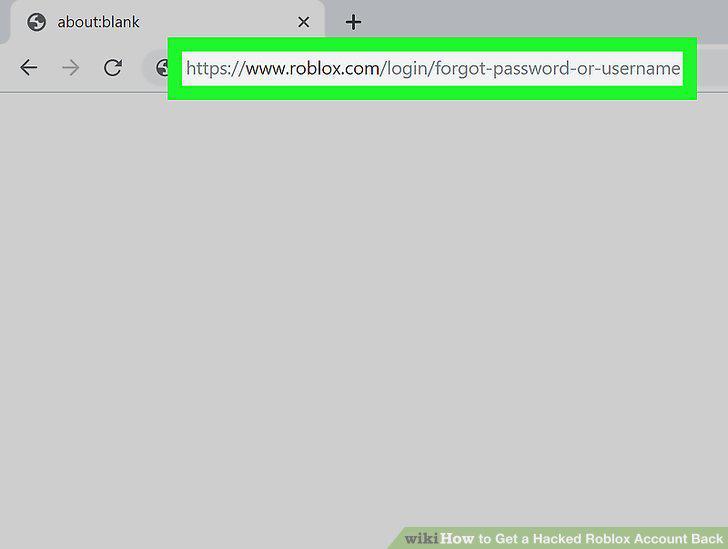
Go to https://www.roblox.com/login/forgot-password-or-username in a web browser.
3
Enter your email address and click Submit.
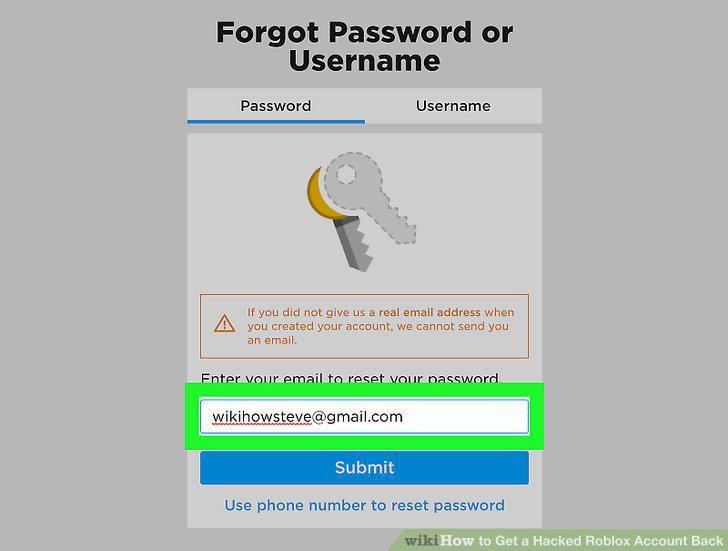
Enter your email address and click Submit.
4
Open the email from Roblox and click Reset Password.
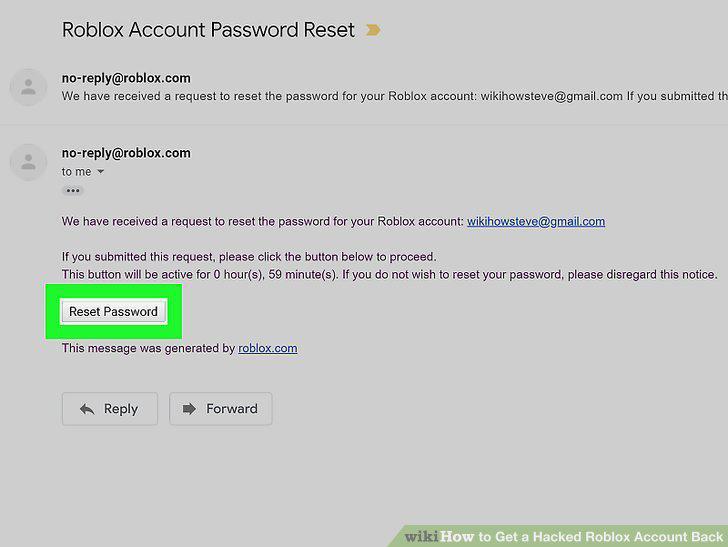
Open the email from Roblox and click Reset Password.
5
Create a new password.
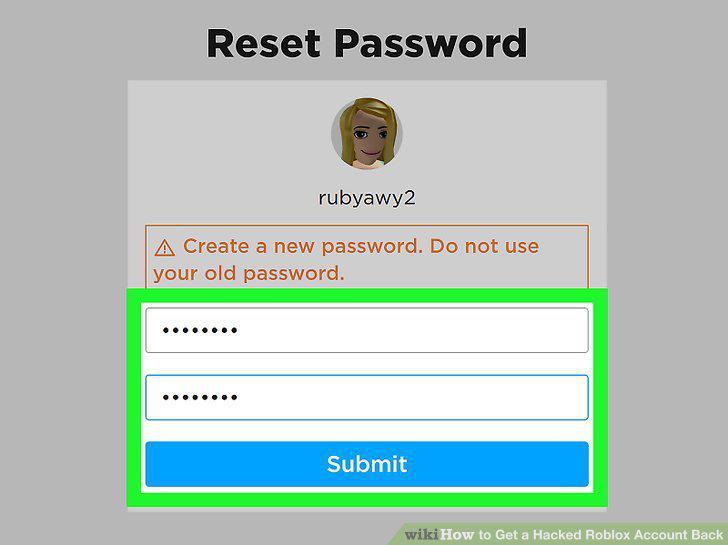
Create a new password.
6
Contact Roblox support if you can't reset the password.
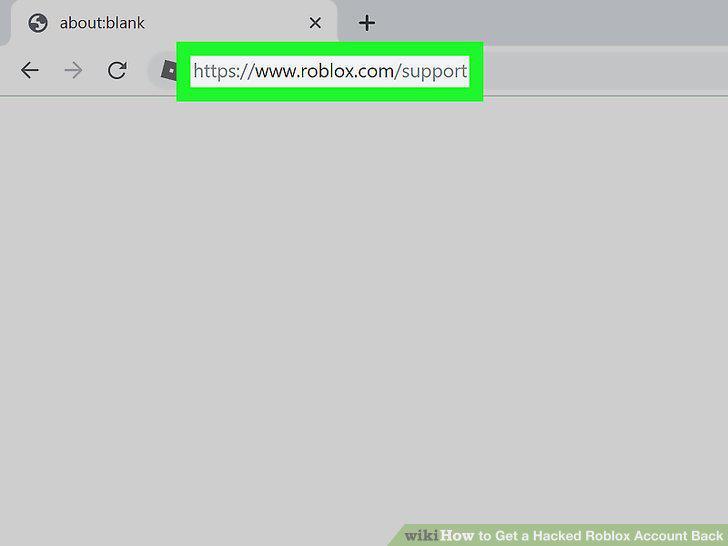
Contact Roblox support if you can't reset the password.
7
Go to https://www.roblox.com/my/account#!/security in a web browser.
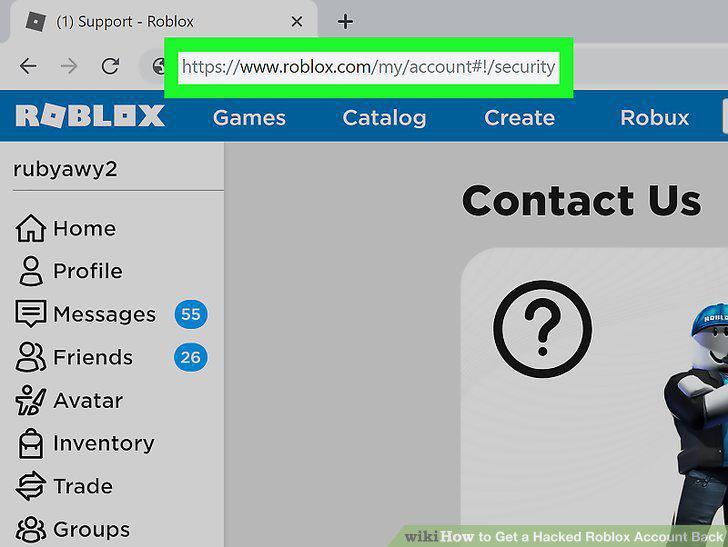
Go to https://www.roblox.com/my/account#!/security in a web browser.
8
Verify your email address.
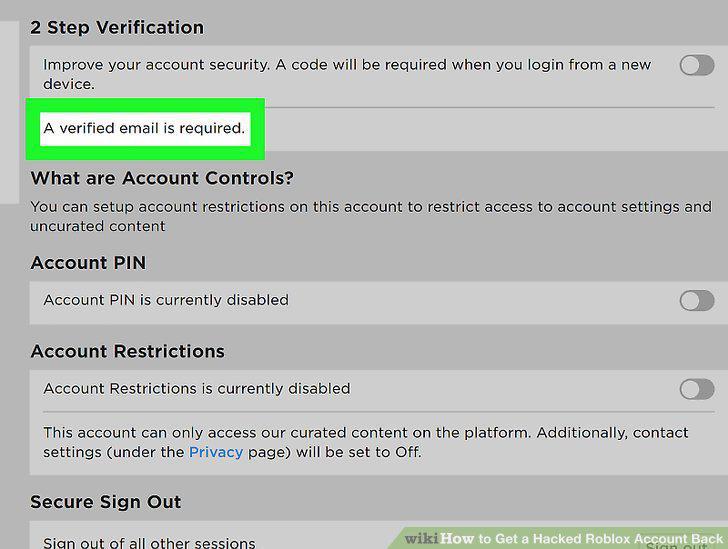
Verify your email address.
9
Slide the "2 Step Verification" switch to the On (green) position.
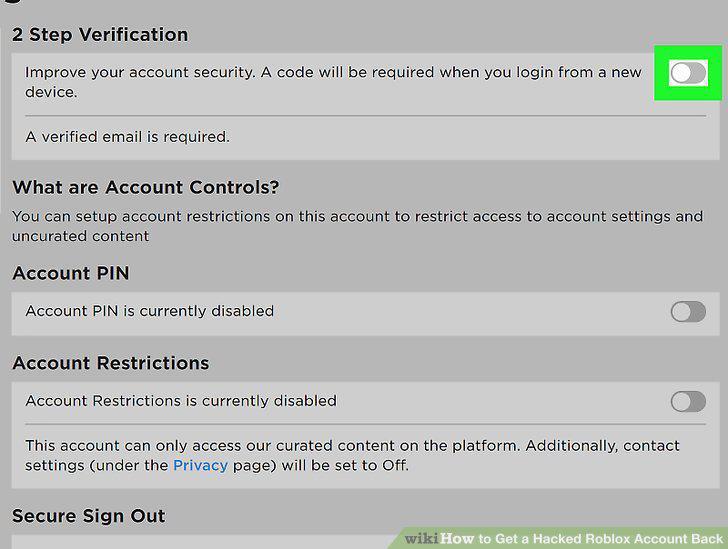
Slide the "2 Step Verification" switch to the On (green) position.
10
Click OK to confirm.
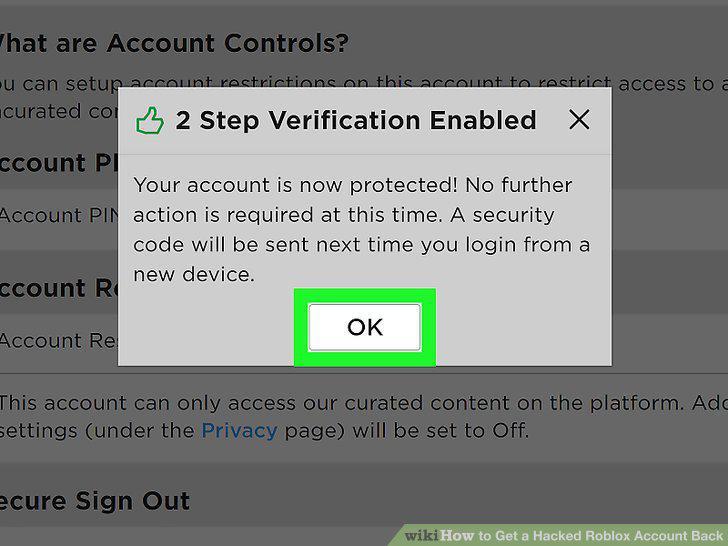
Click OK to confirm.
Comments (0)
No comments yet. Be the first to share your thoughts!