How to Apply for an IRD Number in New Zealand
Gather documents to prove your identity.. Apply online if you're a NZ or Australian citizen or hold a resident visa.. Take your documents to an AA driver licensing agent.
Steps
Gather documents to prove your identity.
Gather documents to prove your identity.
Apply online if you're a NZ or Australian citizen or hold a resident visa.
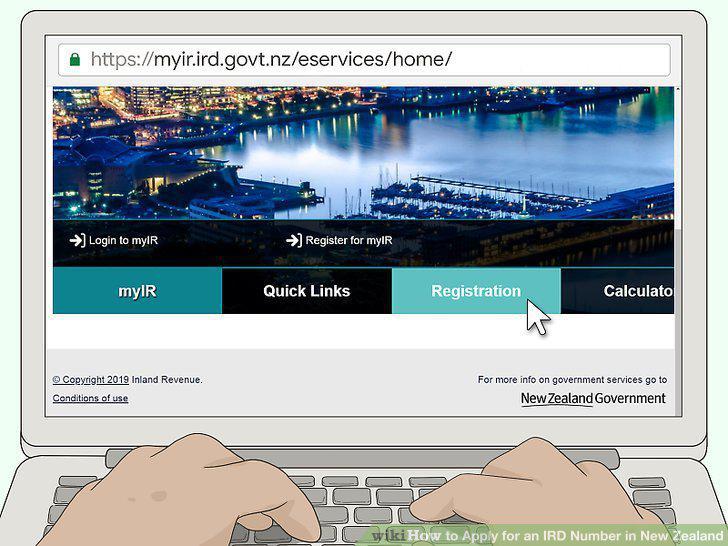
Apply online if you're a NZ or Australian citizen or hold a resident visa.
Take your documents to an AA driver licensing agent.

Take your documents to an AA driver licensing agent.
Mail or email your application and documents if you live overseas.
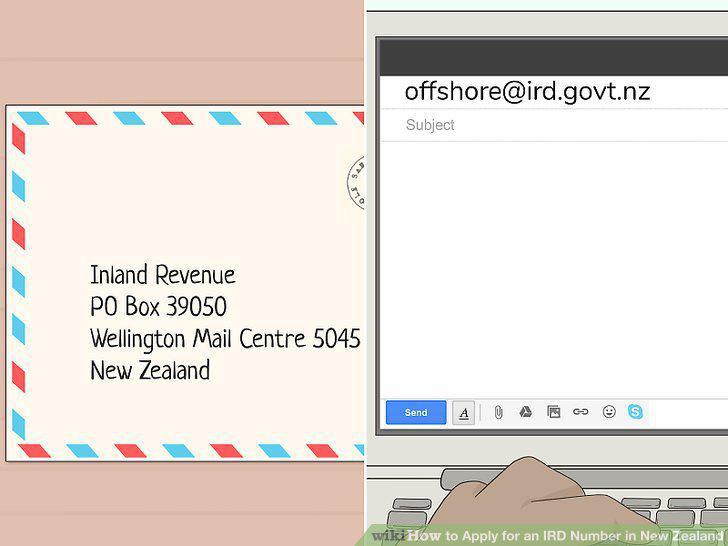
Mail or email your application and documents if you live overseas.
Wait to receive your IRD number.
Wait to receive your IRD number.
Gather documents and information related to your business.
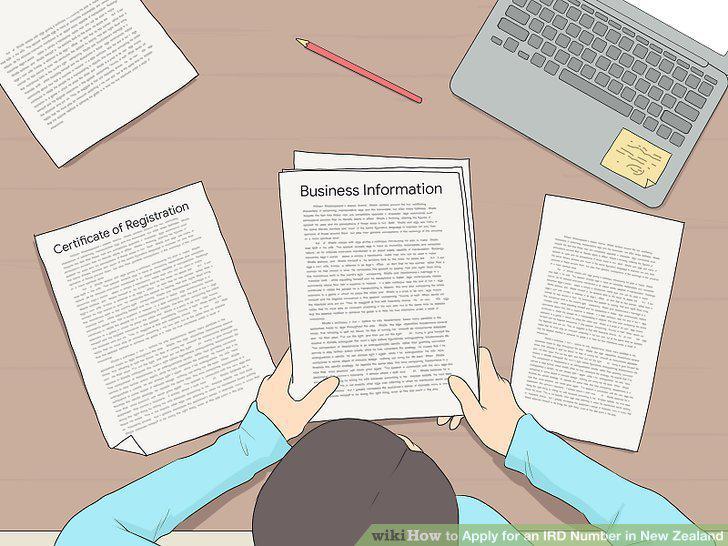
Gather documents and information related to your business.
Complete the online application.
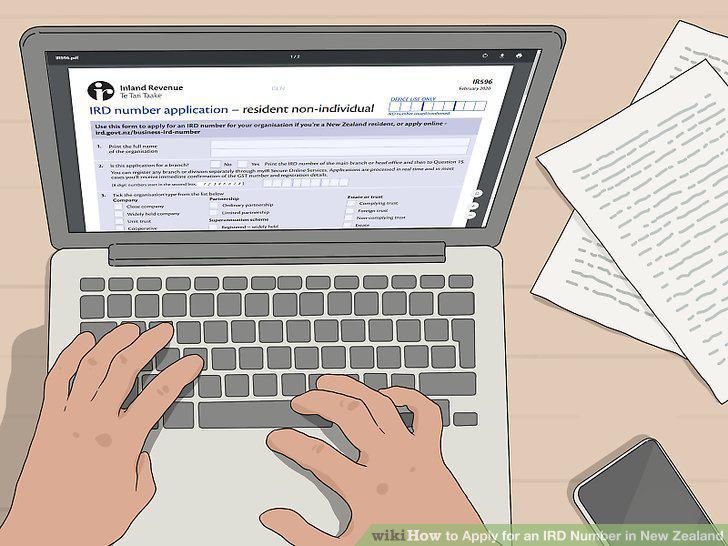
Complete the online application.
Wait to receive your business's IRD number.
Wait to receive your business's IRD number.
Ask for an IRD number when you register your child's birth.
Ask for an IRD number when you register your child's birth.
Get documents that prove your child's identity.

Get documents that prove your child's identity.
Complete the statutory declaration if necessary.
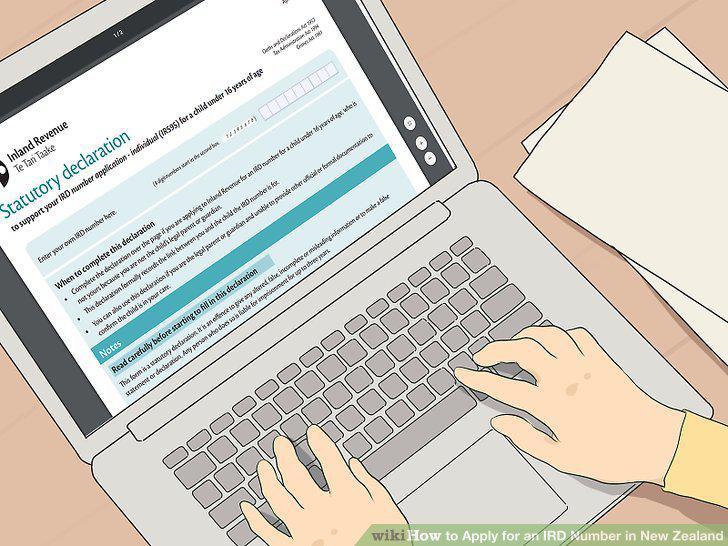
Complete the statutory declaration if necessary.
Apply online in your child's name.
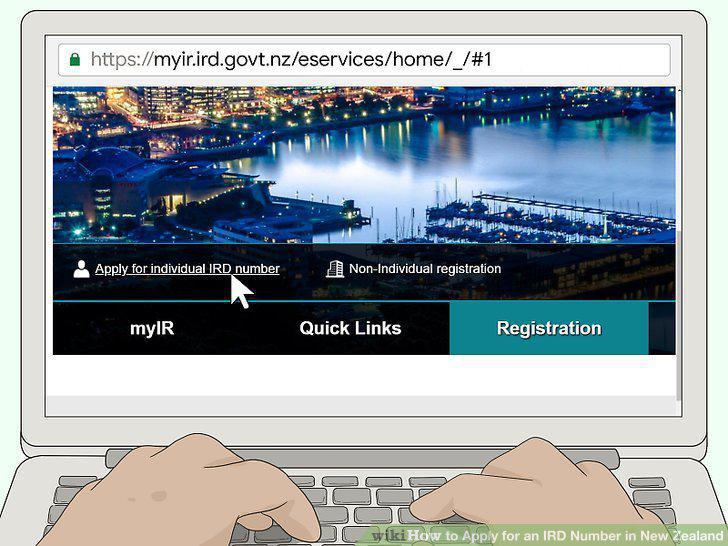
Apply online in your child's name.
Go to an Automobile Association (AA) to get the documents verified.
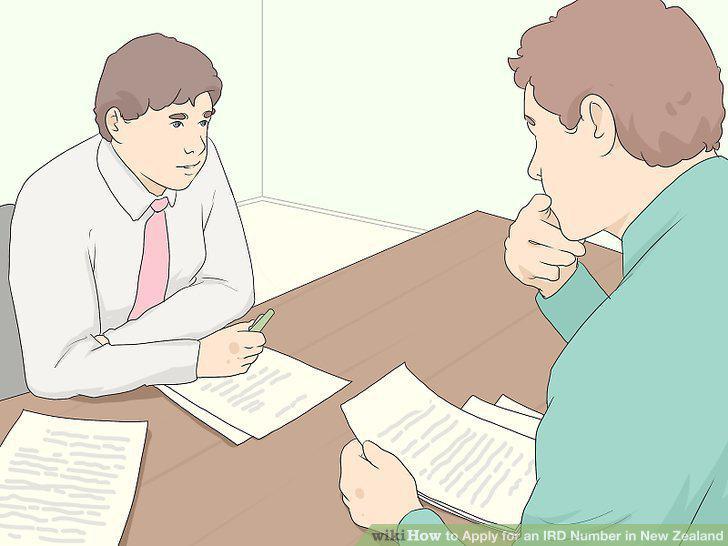
Go to an Automobile Association (AA) to get the documents verified.
Wait to receive your child's IRD number.
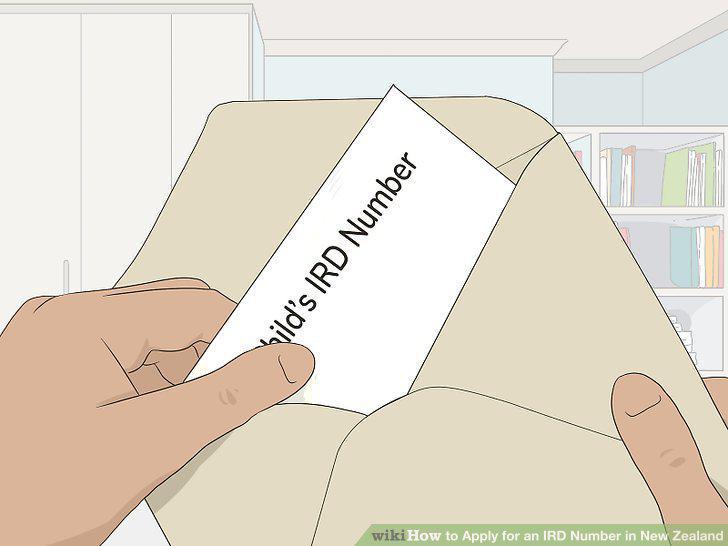
Wait to receive your child's IRD number.
Comments (0)
No comments yet. Be the first to share your thoughts!