How to Sell an iPhone
Back up your iPhone on iCloud.. Back up your iPhone on iTunes if you prefer.. Unpair your Apple Watch if you had it paired.
Steps
Back up your iPhone on iCloud.
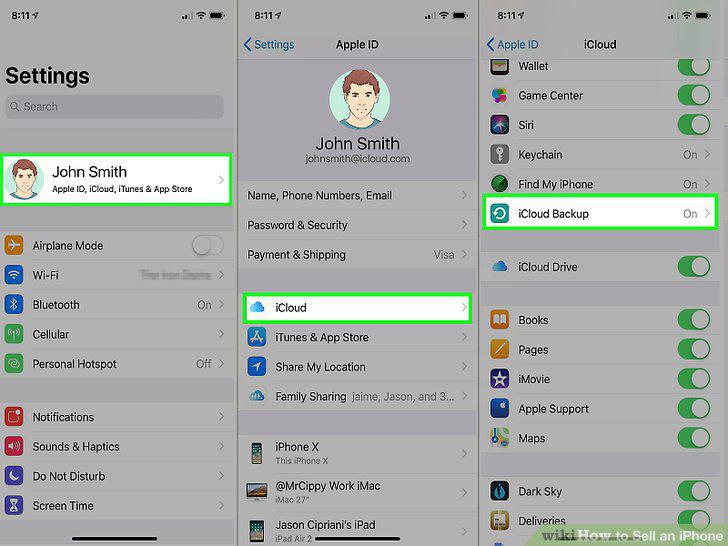
Back up your iPhone on iCloud.
Back up your iPhone on iTunes if you prefer.
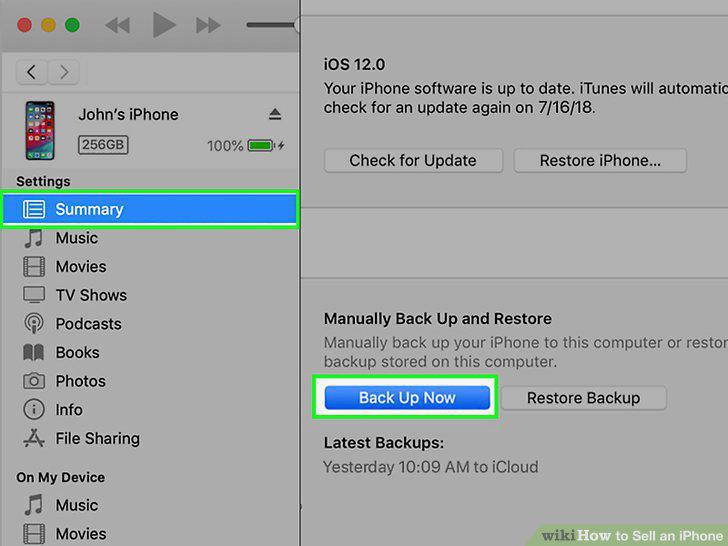
Back up your iPhone on iTunes if you prefer.
Unpair your Apple Watch if you had it paired.
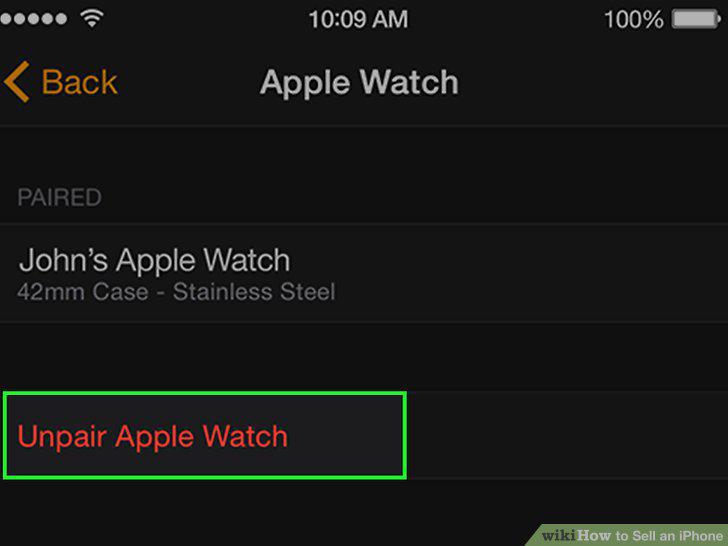
Unpair your Apple Watch if you had it paired.
Sign out of iCloud, iTunes, and the App Store.
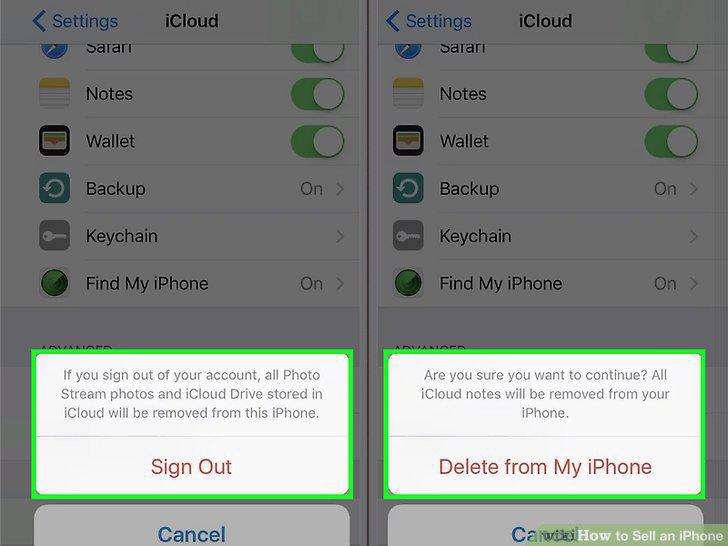
Sign out of iCloud, iTunes, and the App Store.
Erase all the content and settings on your phone.
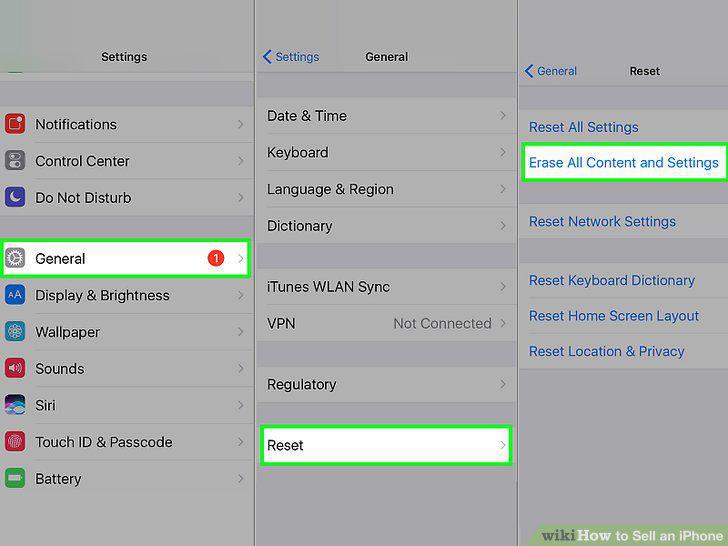
Erase all the content and settings on your phone.
Unlock your phone, if your carrier makes it cheap.
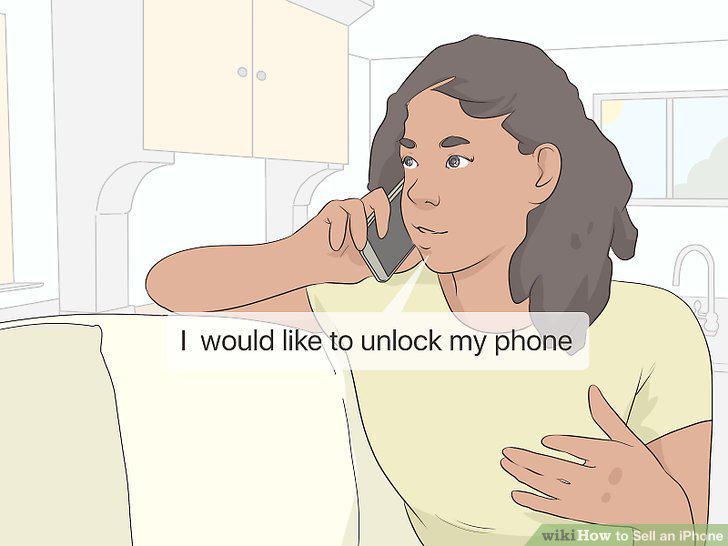
Unlock your phone, if your carrier makes it cheap.
Gather phone accessories like a charger and headphones.
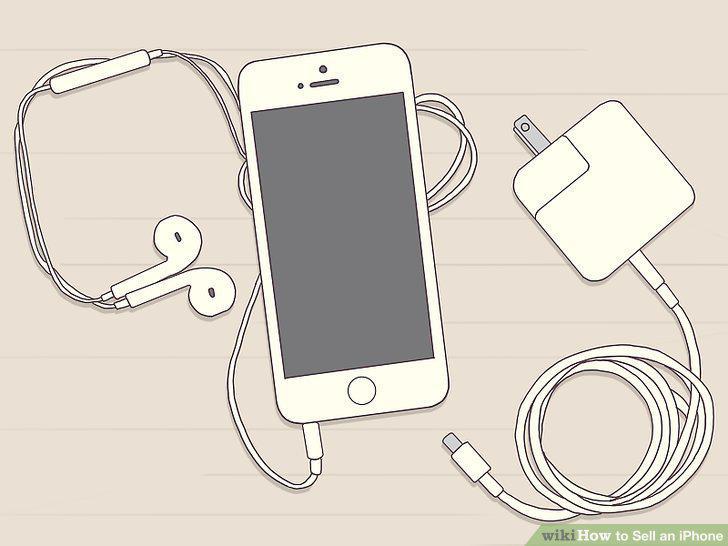
Gather phone accessories like a charger and headphones.
Sell your iPhone on Glyde for the best value.
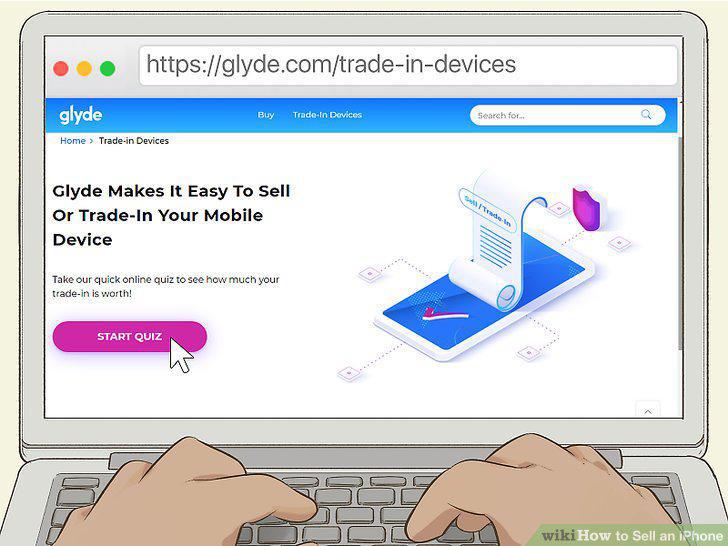
Sell your iPhone on Glyde for the best value.
Use Gazelle to sell your iPhone for a no-hassle method.
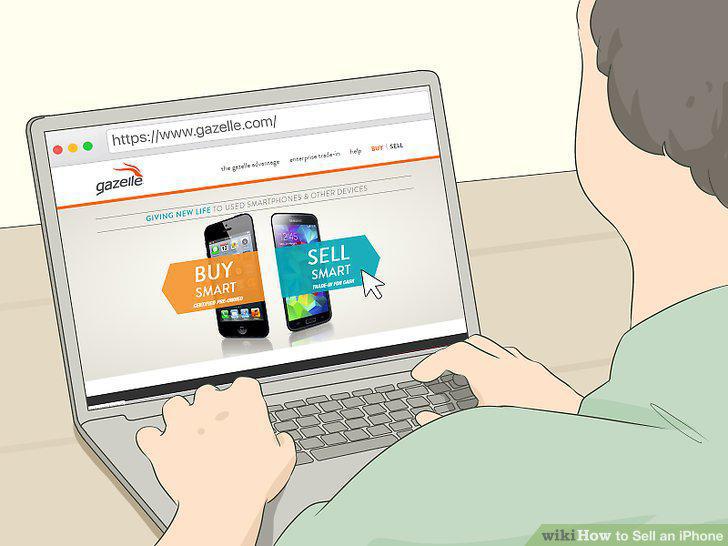
Use Gazelle to sell your iPhone for a no-hassle method.
Sell your phone on Swappa if you want to go through PayPal.
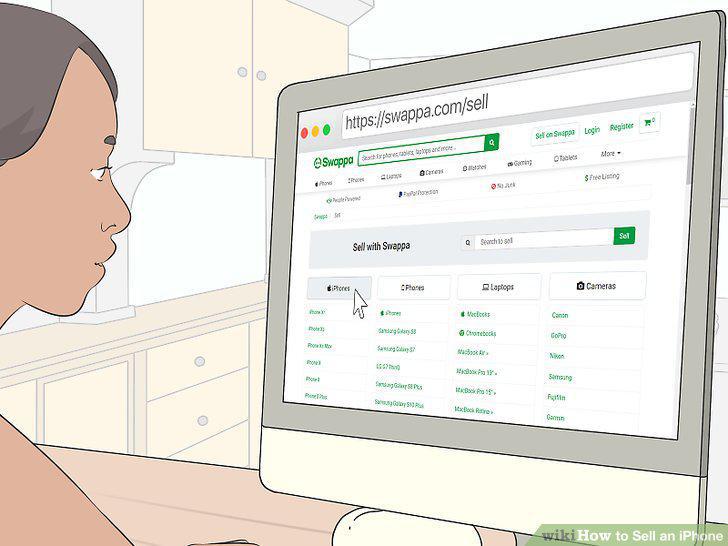
Sell your phone on Swappa if you want to go through PayPal.
Sell your phone for cash on eBay or Craigslist.
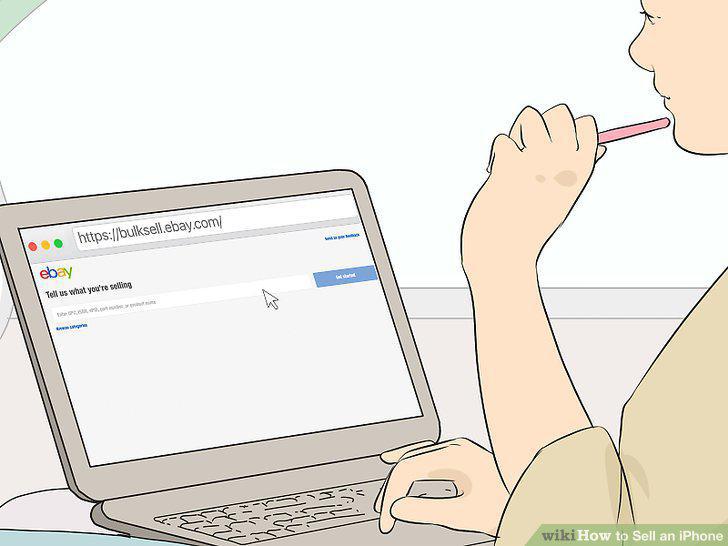
Sell your phone for cash on eBay or Craigslist.
Sell your phone to a friend on Facebook or Instagram.
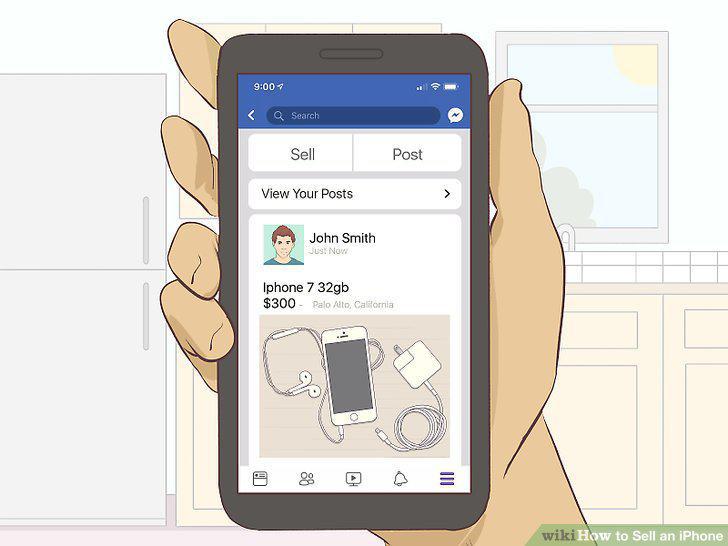
Sell your phone to a friend on Facebook or Instagram.
Trade in your phone to AT&T or Verizon.
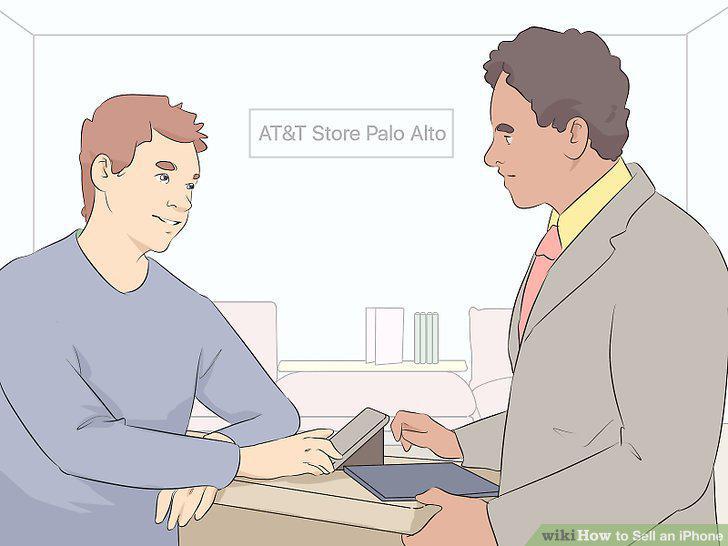
Trade in your phone to AT&T or Verizon.
Give your iPhone back to Apple for money or credit.
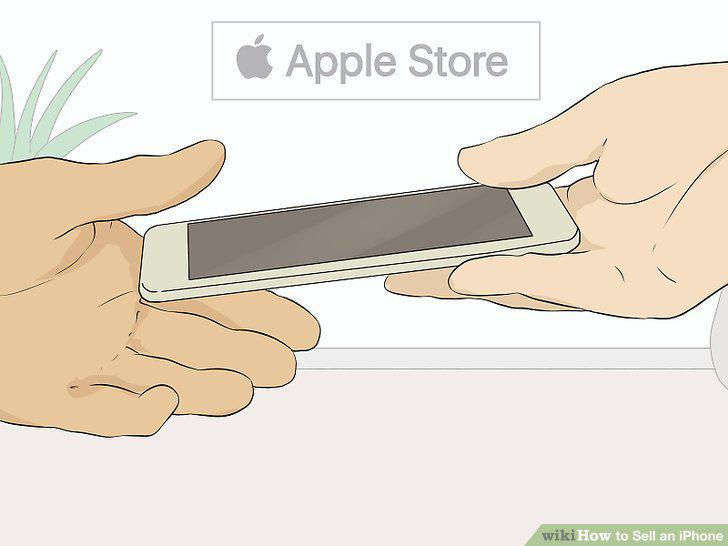
Give your iPhone back to Apple for money or credit.
Trade in your phone to Amazon.
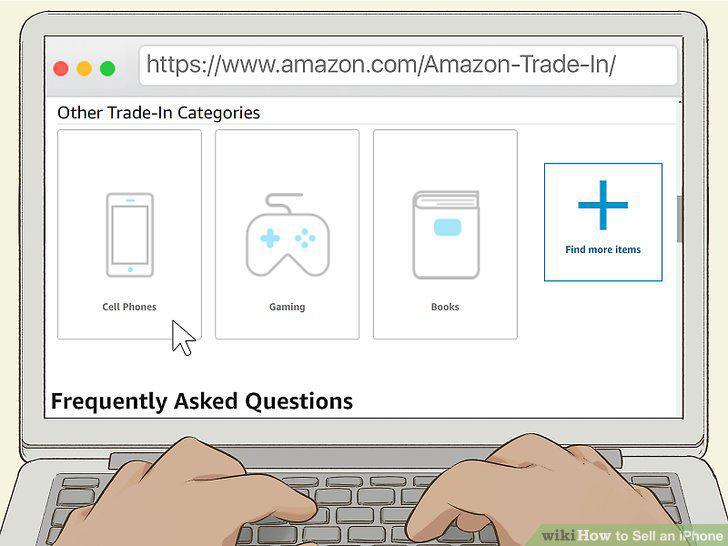
Trade in your phone to Amazon.
Receive store credit from BestBuy, Walmart, or Target for your phone.
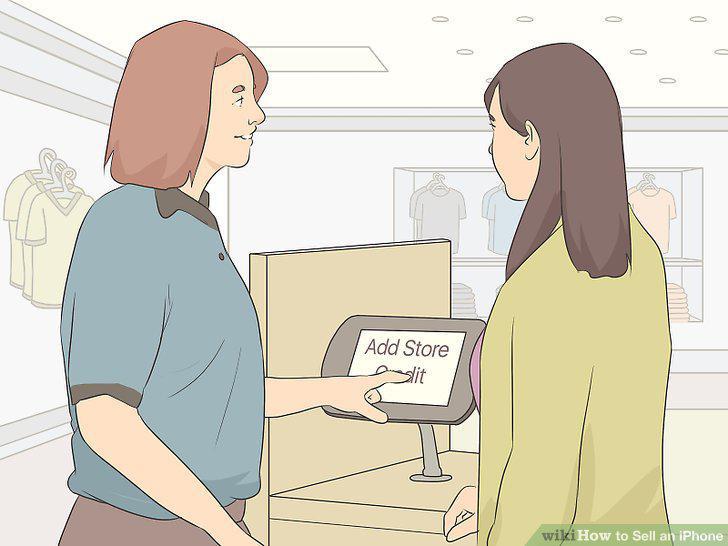
Receive store credit from BestBuy, Walmart, or Target for your phone.
Comments (0)
No comments yet. Be the first to share your thoughts!