How to Photograph a Bird
Use a DSLR camera with an auto-focus feature.. Get a telephoto lens with at least a 400mm focal length.. Find a sturdy tripod to mount your camera.
Steps
Use a DSLR camera with an auto-focus feature.
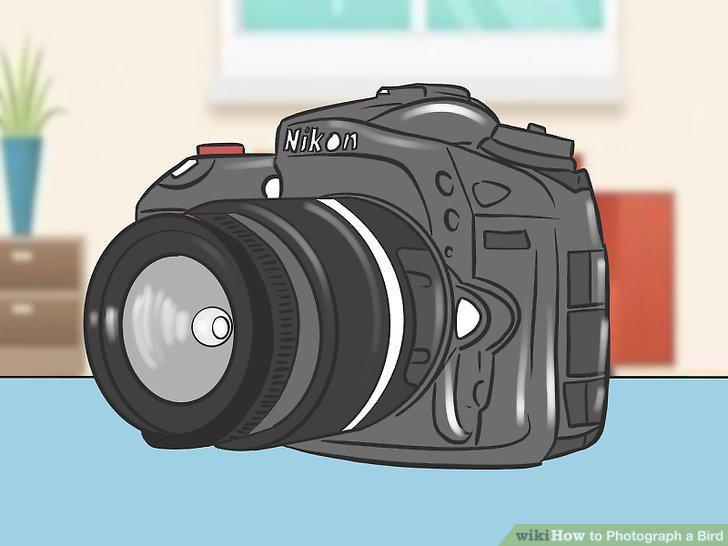
Use a DSLR camera with an auto-focus feature.
Get a telephoto lens with at least a 400mm focal length.
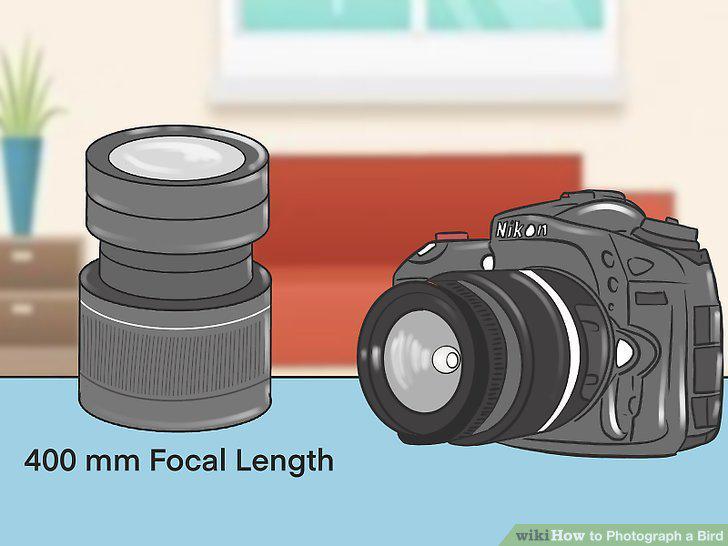
Get a telephoto lens with at least a 400mm focal length.
Find a sturdy tripod to mount your camera.
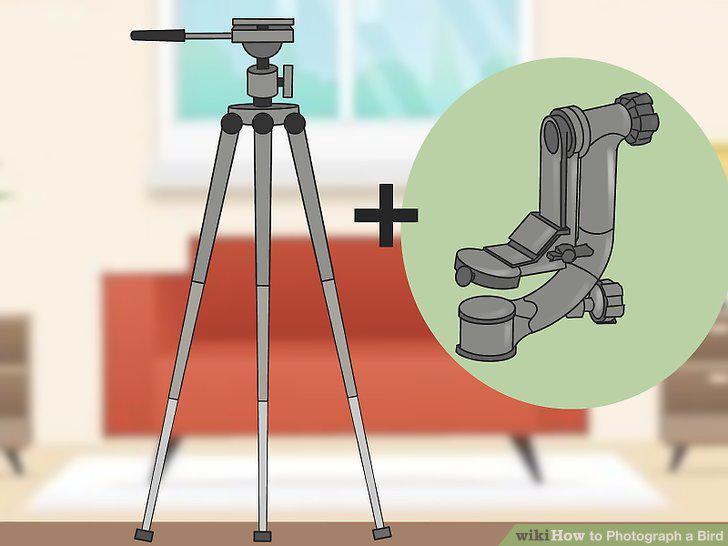
Find a sturdy tripod to mount your camera.
Use a spotting scope if you want to easily see birds at a distance.
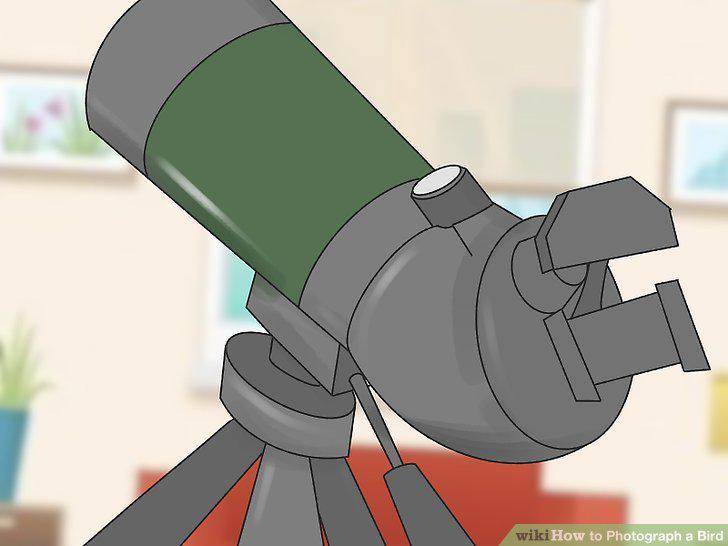
Use a spotting scope if you want to easily see birds at a distance.
Shoot in RAW file format.
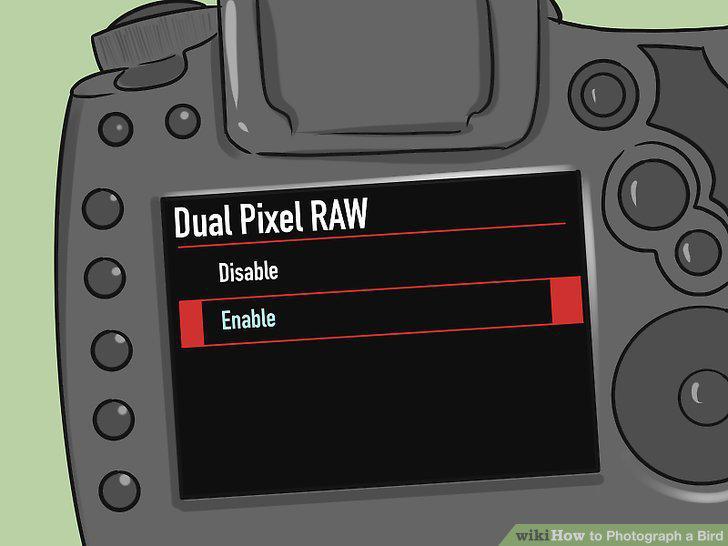
Shoot in RAW file format.
Change the aperture to the third-lowest setting.
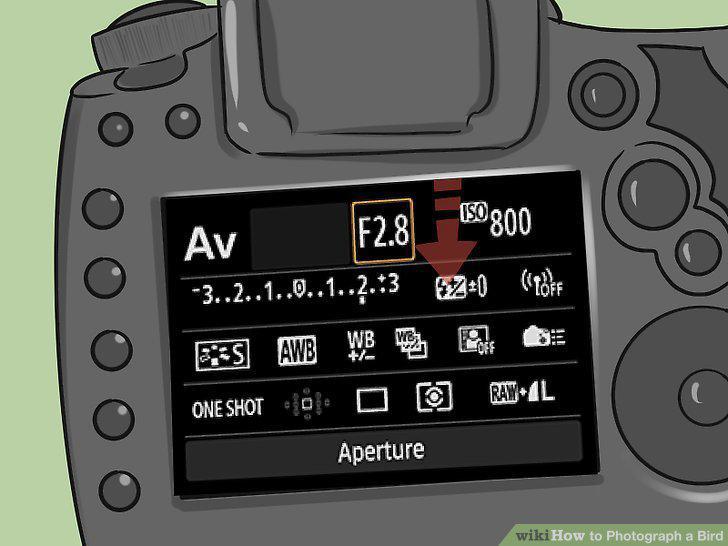
Change the aperture to the third-lowest setting.
Set your shutter speed to the same length as your lens.
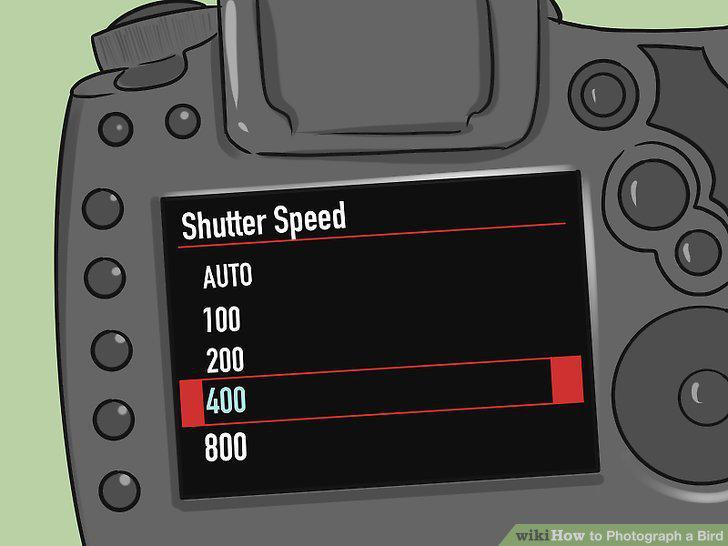
Set your shutter speed to the same length as your lens.
Adjust your ISO to change the exposure on your camera.
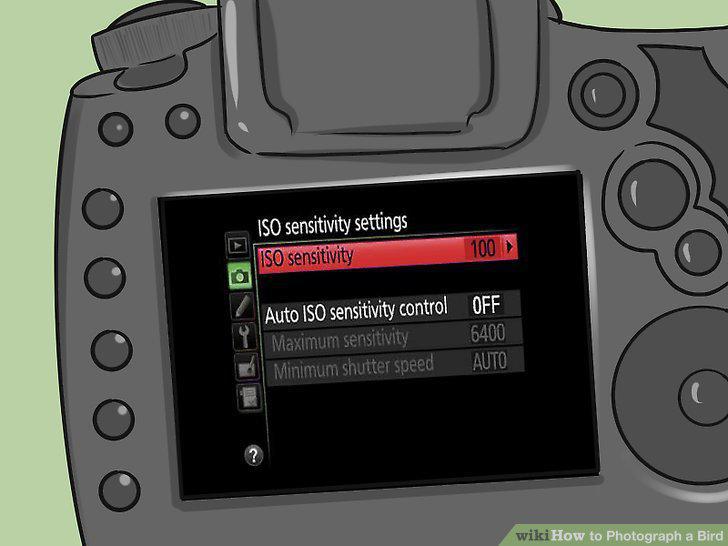
Adjust your ISO to change the exposure on your camera.
Turn on auto-focus so your pictures will be clear.
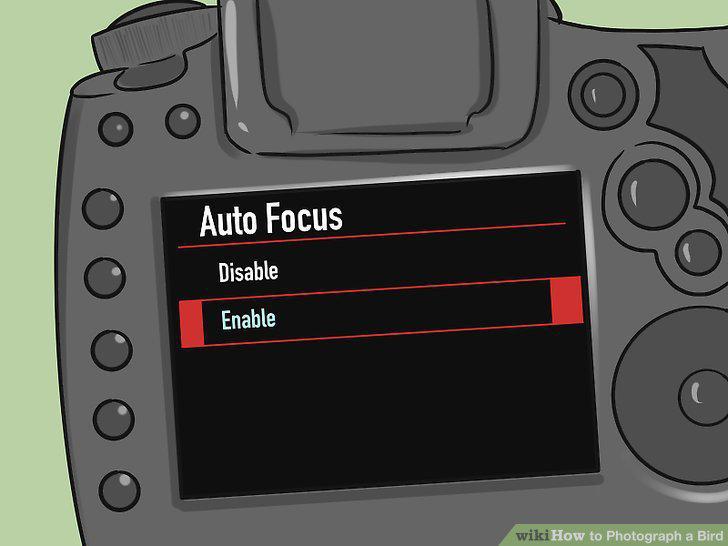
Turn on auto-focus so your pictures will be clear.
Research the birds you want to shoot to learn their behaviors.
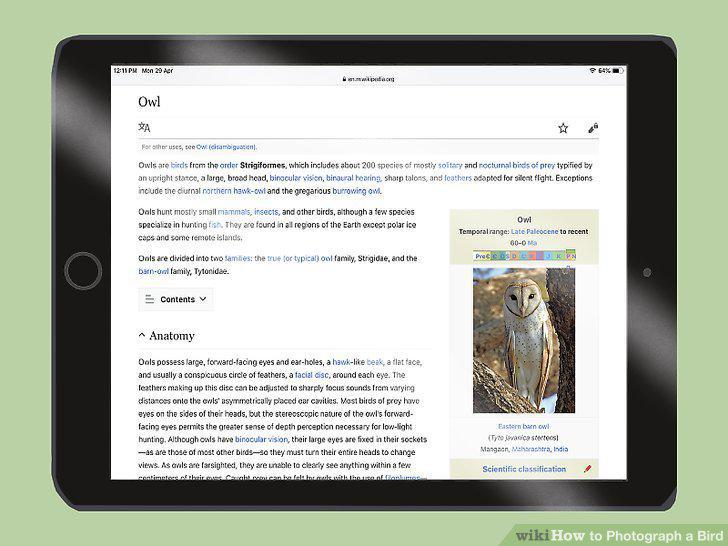
Research the birds you want to shoot to learn their behaviors.
Wear camouflage to blend into your surroundings.
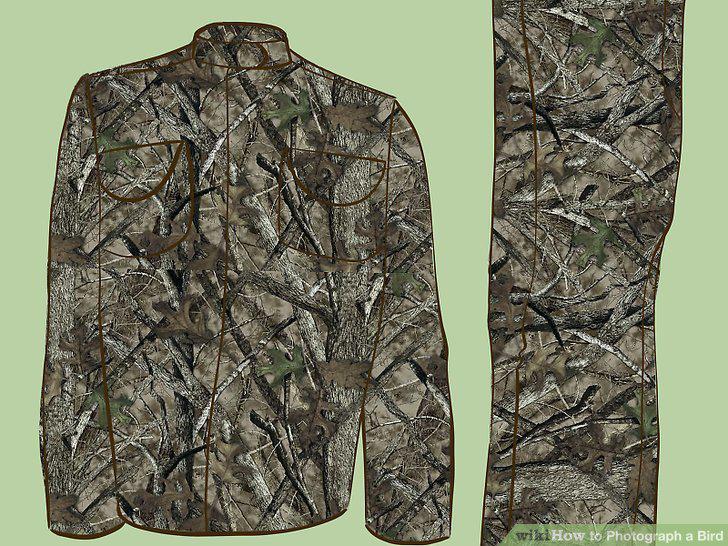
Wear camouflage to blend into your surroundings.
Take pictures of birds from a distance so you don't scare them away.
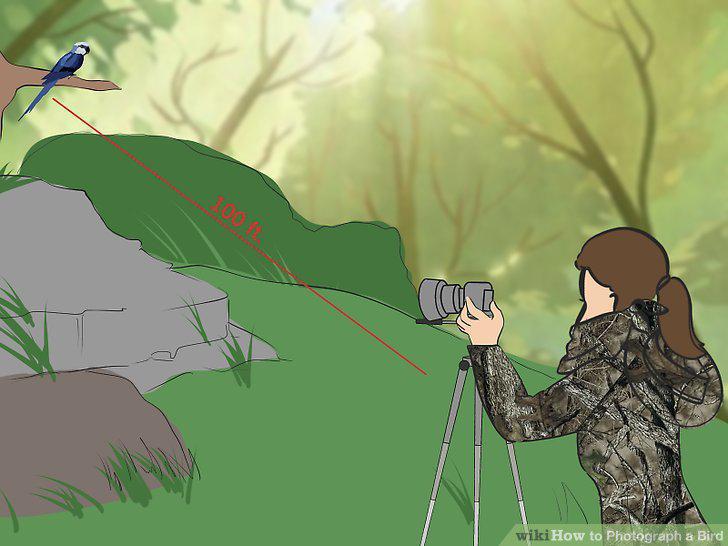
Take pictures of birds from a distance so you don't scare them away.
Position your camera so the bird isn't in the center of the frame.
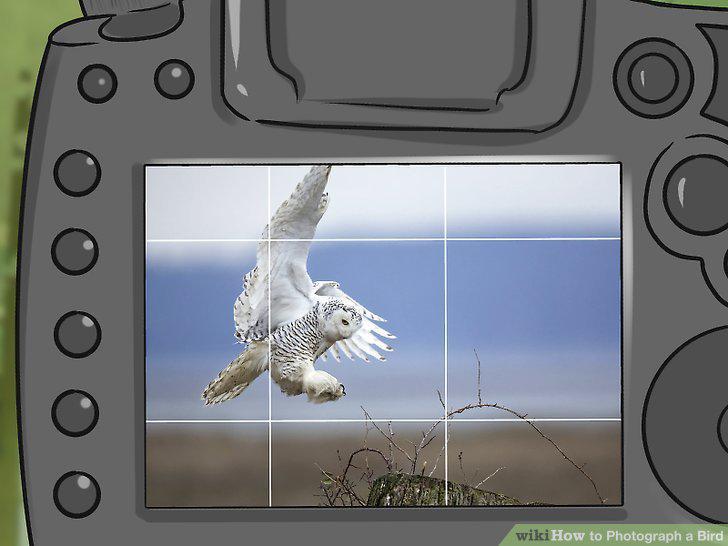
Position your camera so the bird isn't in the center of the frame.
Shoot a burst of 3-4 photos at a time.
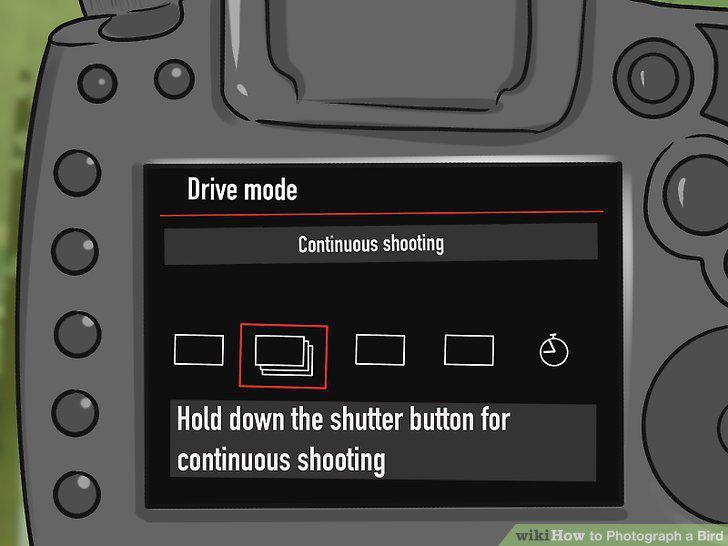
Shoot a burst of 3-4 photos at a time.
Comments (0)
No comments yet. Be the first to share your thoughts!