How to Set the Time on a Baby G Watch
Familiarize yourself with your watch's buttons.. Press and hold the Adjust button for three seconds.. Press repeatedly the Mode button until the Seconds value begins flashing.
Steps
1
Familiarize yourself with your watch's buttons.
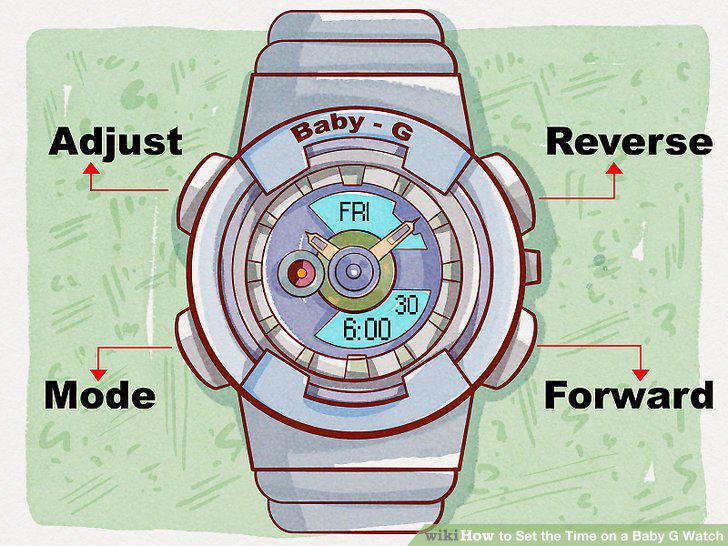
Familiarize yourself with your watch's buttons.
2
Press and hold the Adjust button for three seconds.
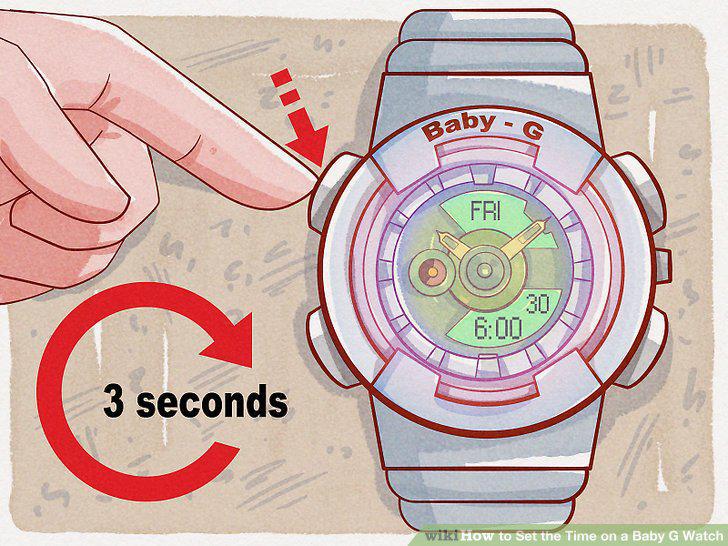
Press and hold the Adjust button for three seconds.
3
Press repeatedly the Mode button until the Seconds value begins flashing.
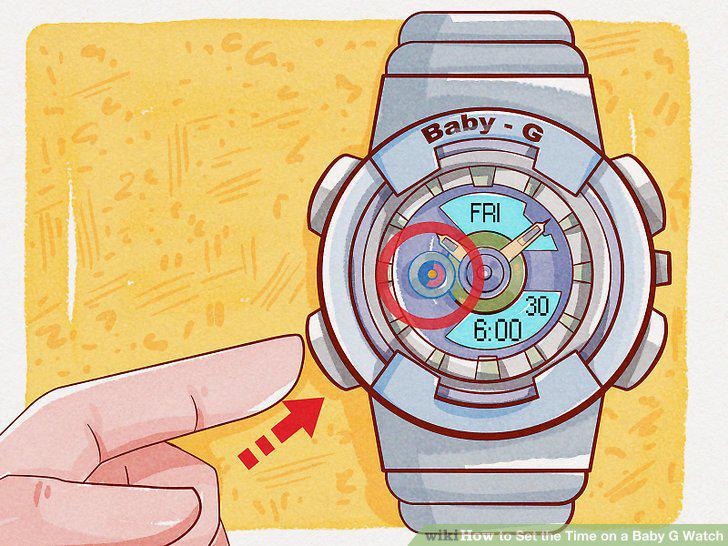
Press repeatedly the Mode button until the Seconds value begins flashing.
4
Reset the seconds to the current time.
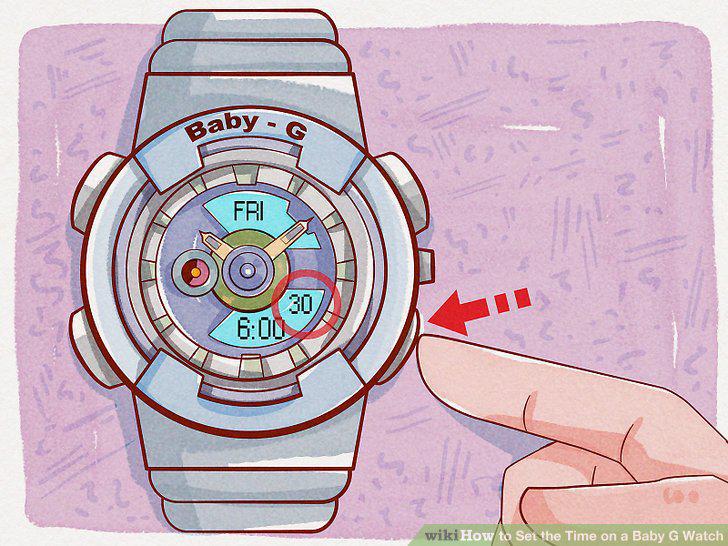
Reset the seconds to the current time.
5
Select the Minutes value.
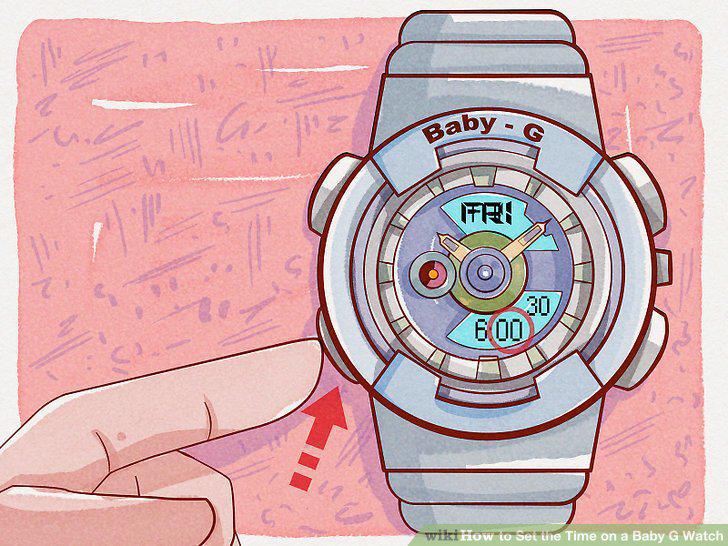
Select the Minutes value.
6
Change the Minutes value to a minute before the current time.
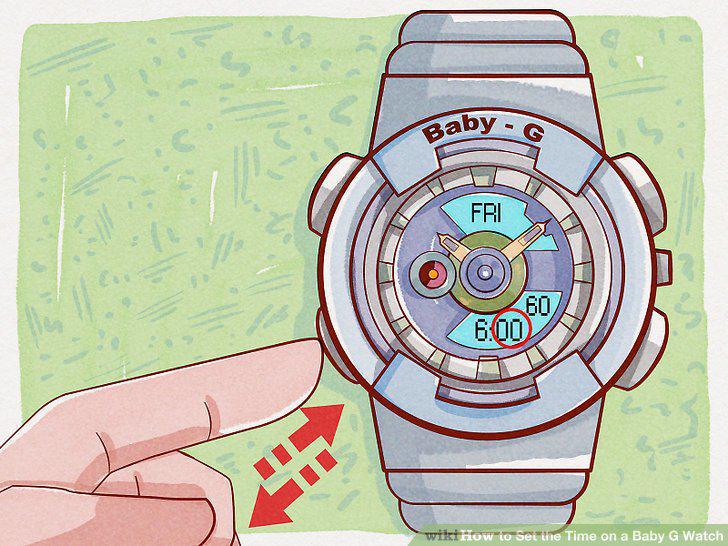
Change the Minutes value to a minute before the current time.
7
Select the "Hour" value.
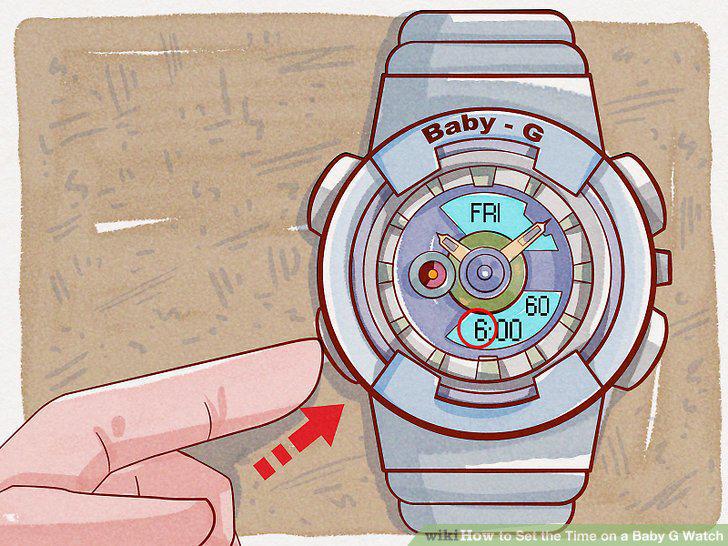
Select the "Hour" value.
8
Change the "Hour" value to the current hour.
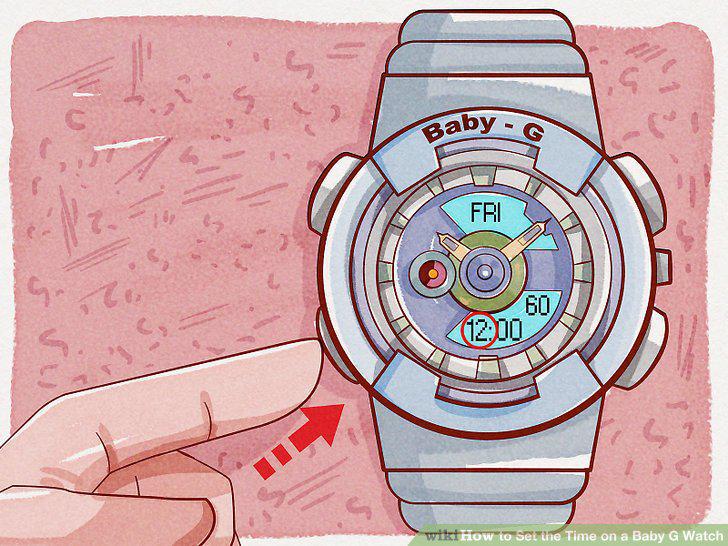
Change the "Hour" value to the current hour.
9
Adjust any flashing options.
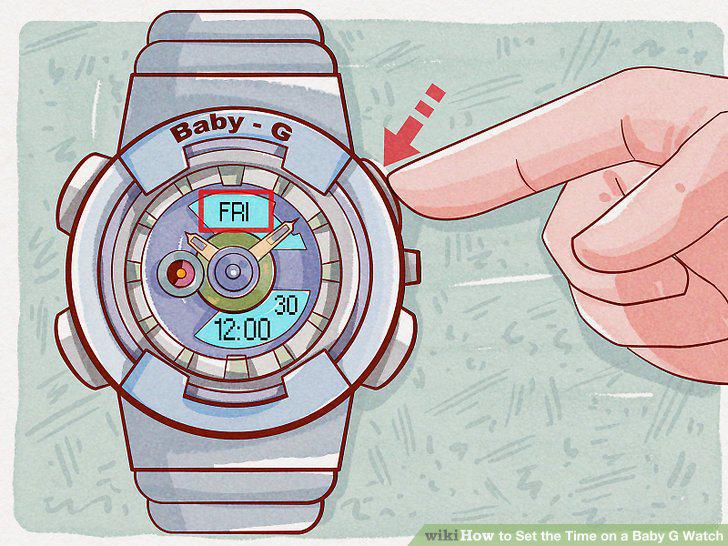
Adjust any flashing options.
10
Press the Adjust button.
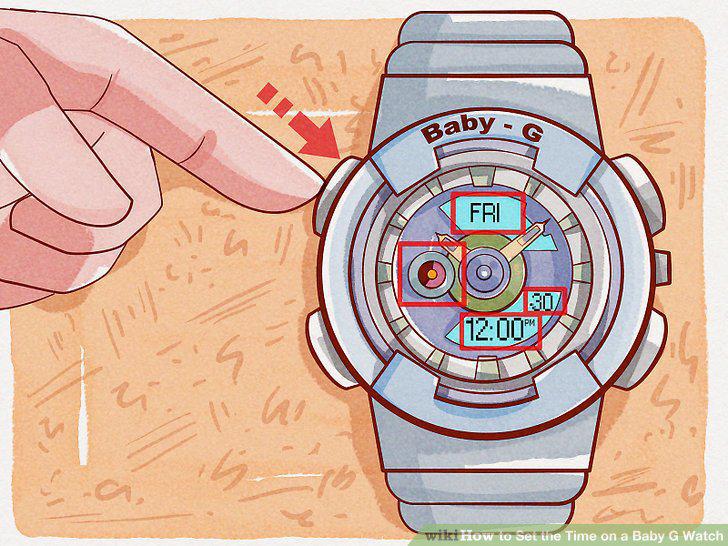
Press the Adjust button.
Comments (0)
No comments yet. Be the first to share your thoughts!