How to Post on Soundcloud on iPhone or iPad
Tap on the Soundcloud app to open it.. Tap on the name of a song to start playing it.. Tap on the name of the song on the bottom of the screen.
Steps
1
Tap on the Soundcloud app to open it.
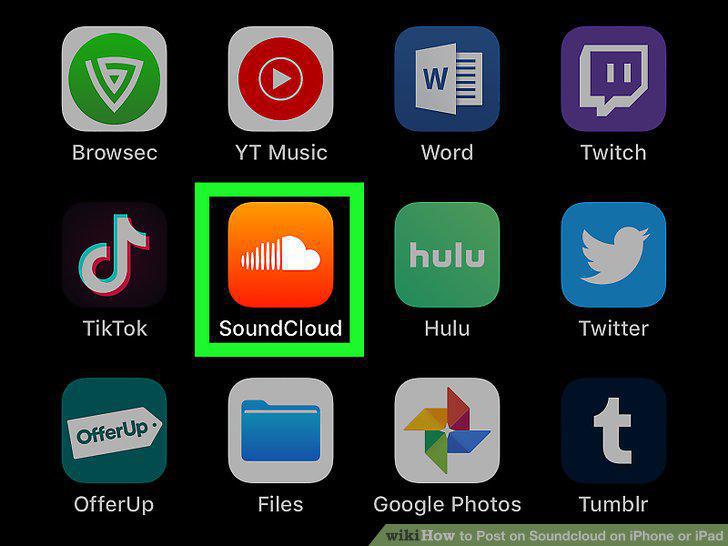
Tap on the Soundcloud app to open it.
2
Tap on the name of a song to start playing it.
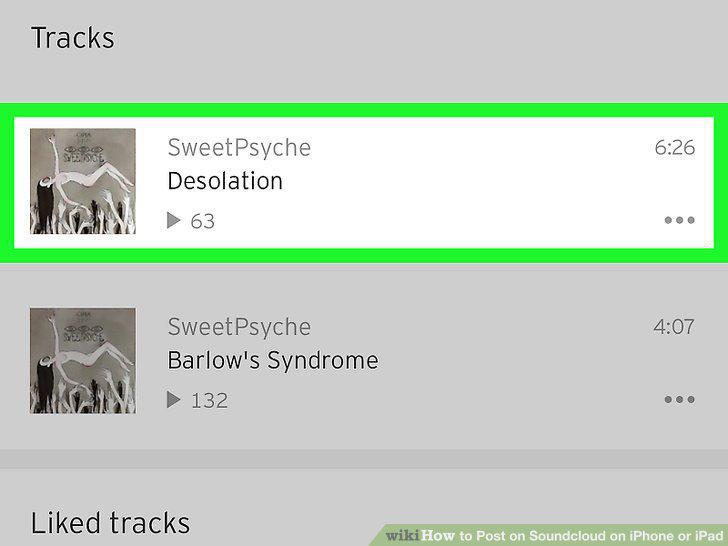
Tap on the name of a song to start playing it.
3
Tap on the name of the song on the bottom of the screen.
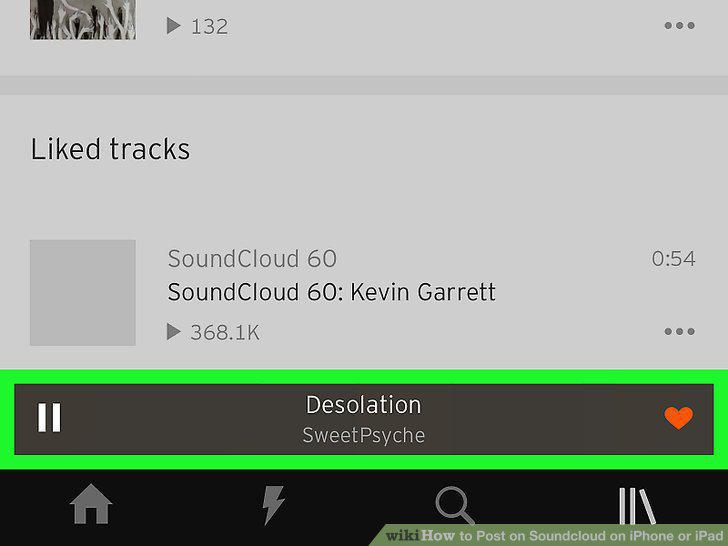
Tap on the name of the song on the bottom of the screen.
4
Tap on the comment icon to make a post.

Tap on the comment icon to make a post.
5
Tap on the "Add a comment at.
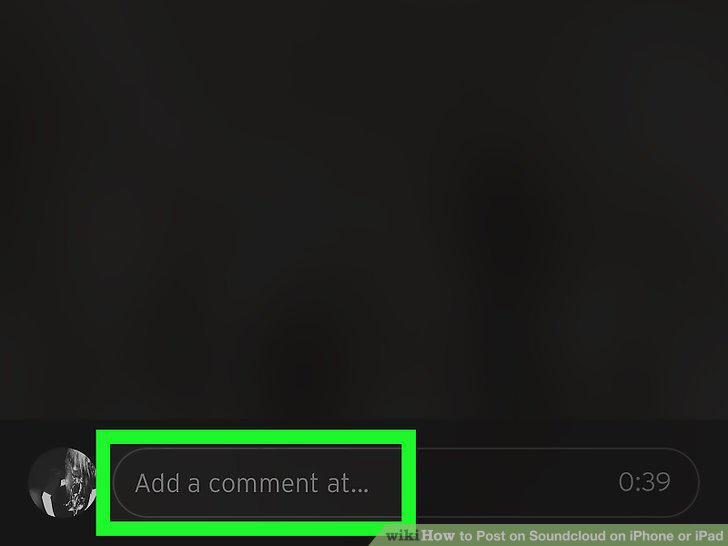
Tap on the "Add a comment at.
6
Type your text into the "Add a comment at.
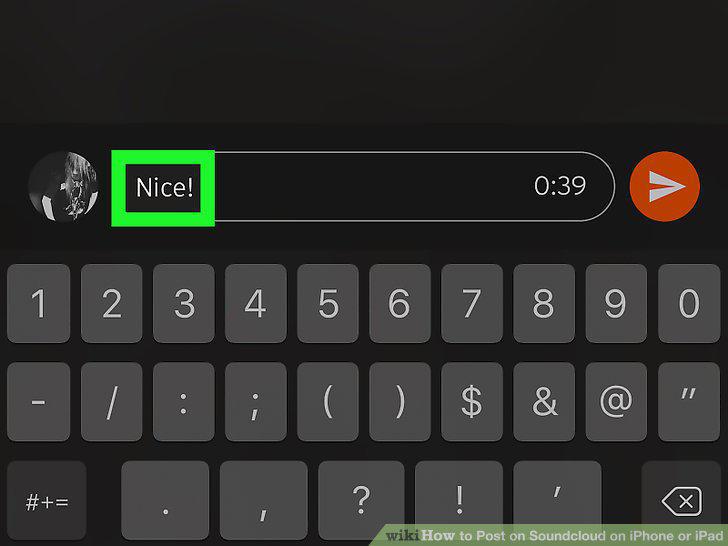
Type your text into the "Add a comment at.
7
Tap on the orange button at the end of the text field to post your comment.
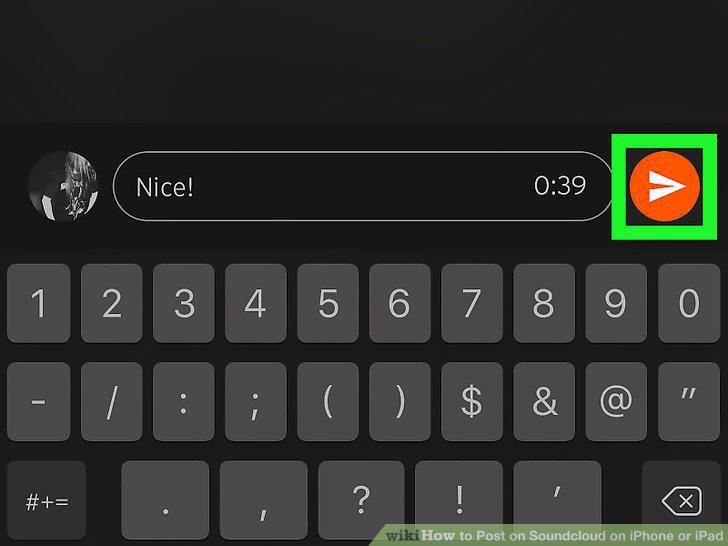
Tap on the orange button at the end of the text field to post your comment.
8
Tap on the name of a song to start playing it.
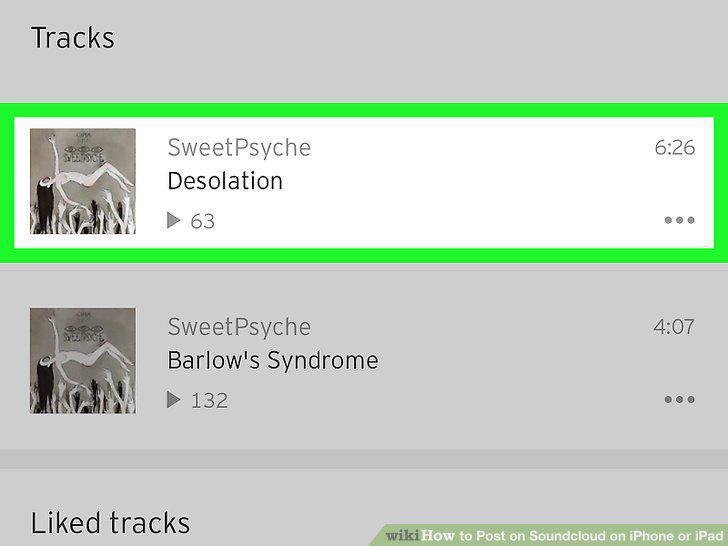
Tap on the name of a song to start playing it.
9
Tap on the name of the song on the bottom of the screen to bring up the song pag
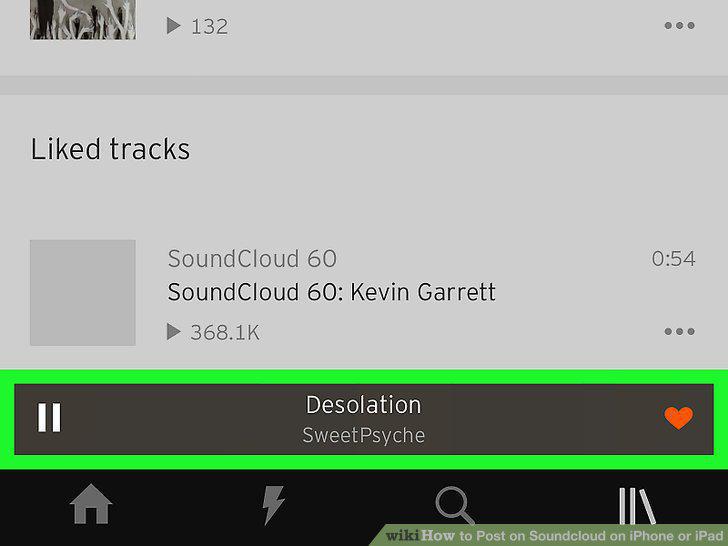
Tap on the name of the song on the bottom of the screen to bring up the song page.
10
Tap on the options icon to open a submenu.

Tap on the options icon to open a submenu.
11
Tap "Repost on SoundCloud" from the submenu.
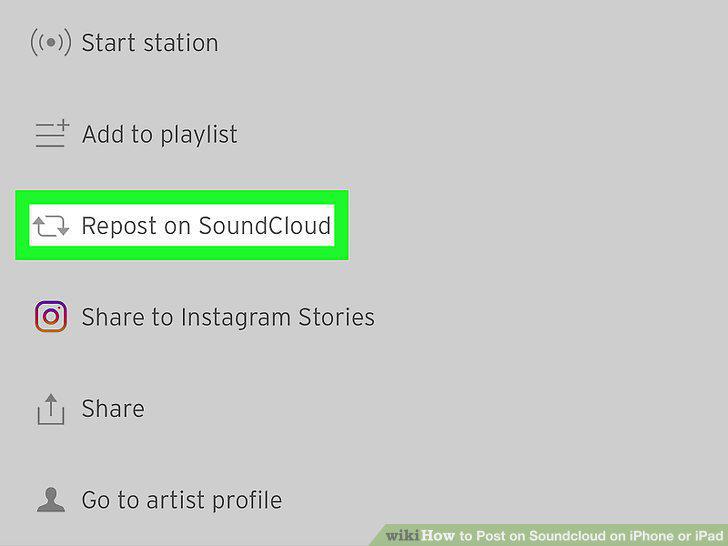
Tap "Repost on SoundCloud" from the submenu.
Comments (0)
No comments yet. Be the first to share your thoughts!