How to Contact Kim Kardashian for Business
Search online for a booking agency that will help you hire Kim for an event.. Write a pitch that includes information about the event and your budget.. Pay the booking agency to reach out to Kim's manager about your event.
Steps
Search online for a booking agency that will help you hire Kim for an event.
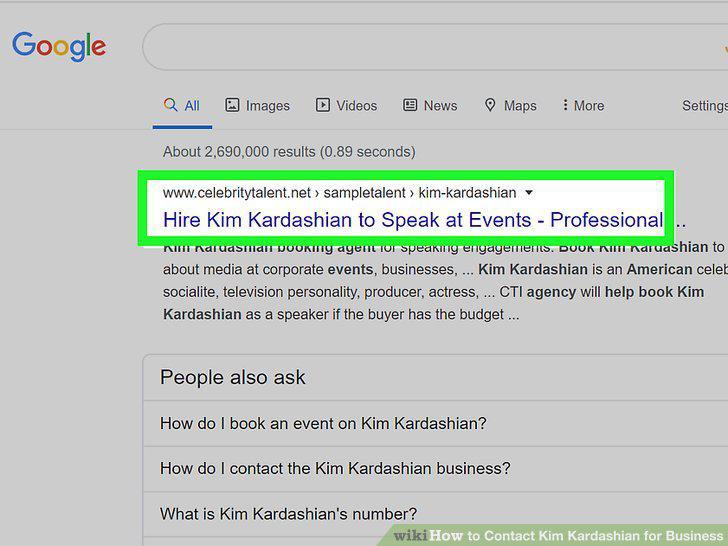
Search online for a booking agency that will help you hire Kim for an event.
Write a pitch that includes information about the event and your budget.
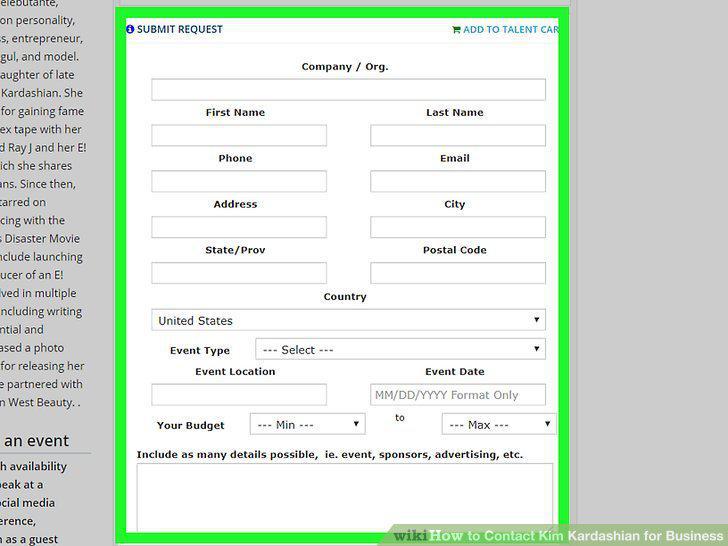
Write a pitch that includes information about the event and your budget.
Pay the booking agency to reach out to Kim's manager about your event.

Pay the booking agency to reach out to Kim's manager about your event.
Evaluate the fees and requirements for Kim to appear at your event.

Evaluate the fees and requirements for Kim to appear at your event.
Sign the contracts and pay the fees to secure Kim's appearance.

Sign the contracts and pay the fees to secure Kim's appearance.
Reach out to Kim's manager through her official Instagram account.
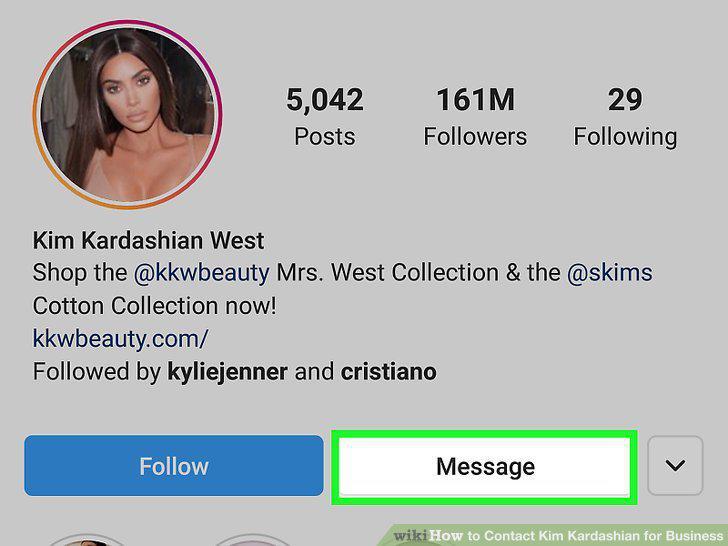
Reach out to Kim's manager through her official Instagram account.
Write a Facebook message to be forwarded to Kim's manager.
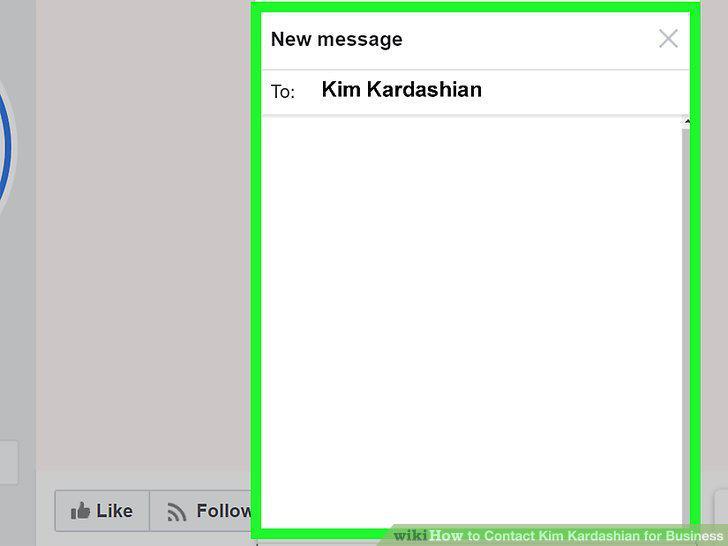
Write a Facebook message to be forwarded to Kim's manager.
Send a direct message to Kim's Twitter pitching your business idea.
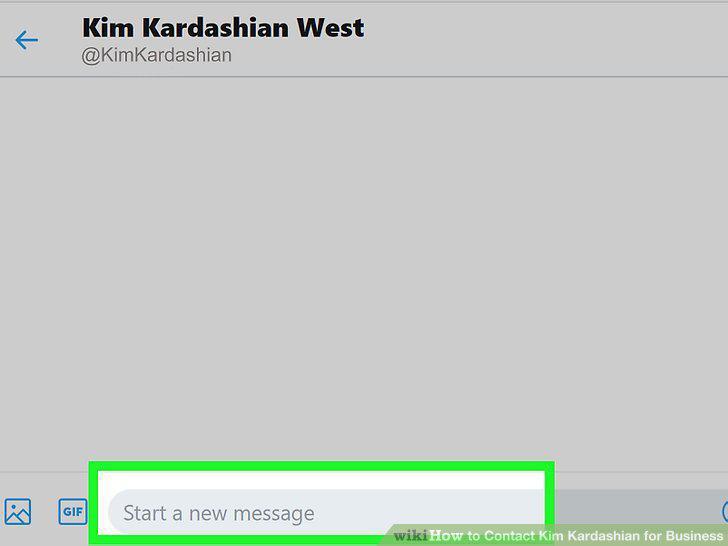
Send a direct message to Kim's Twitter pitching your business idea.
Comment on Kim's Pinterest board asking her manager to contact you.
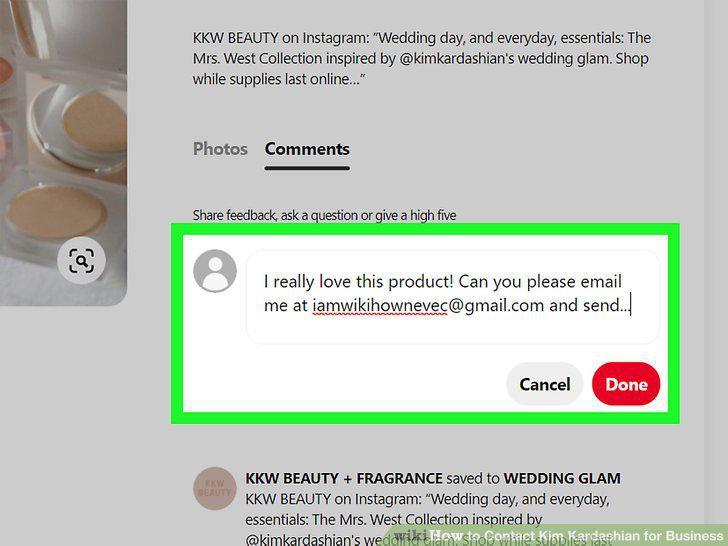
Comment on Kim's Pinterest board asking her manager to contact you.
Submit the online form at https://skims.com/pages/contact-us.
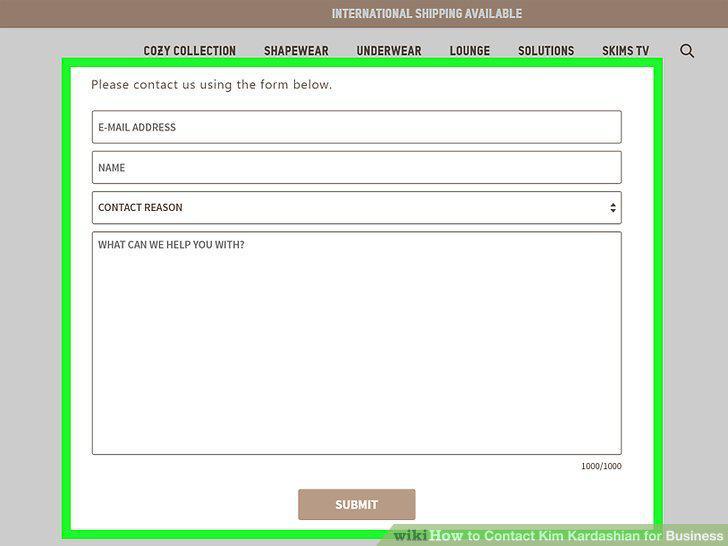
Submit the online form at https://skims.com/pages/contact-us.
Pitch beauty business ideas to Help@KKWBeauty.com.
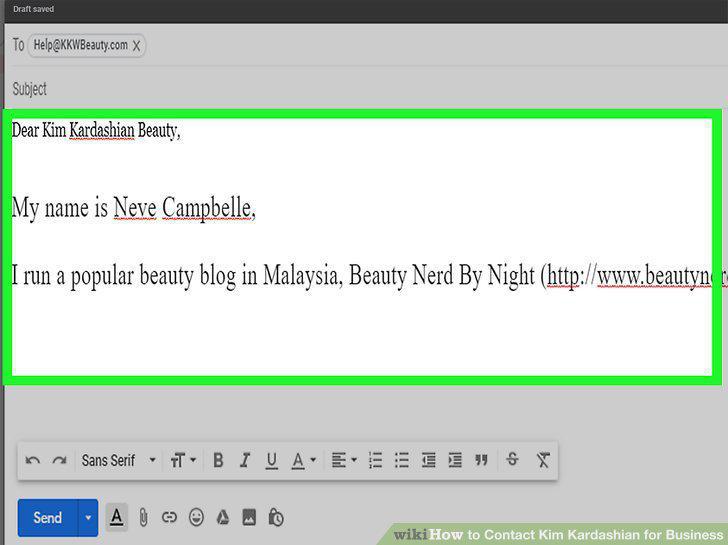
Pitch beauty business ideas to Help@KKWBeauty.com.
Send an email for Kim's manager to appsupport@eentertainment.com.
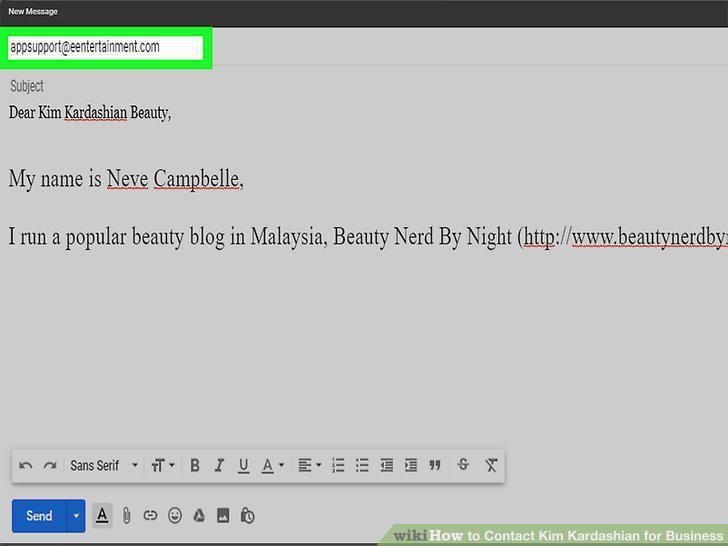
Send an email for Kim's manager to appsupport@eentertainment.com.
Comments (0)
No comments yet. Be the first to share your thoughts!