How to Delete Subscribers from YouTube
Sign into YouTube.. Click your profile photo.. Select My channel.
Steps
1
Sign into YouTube.
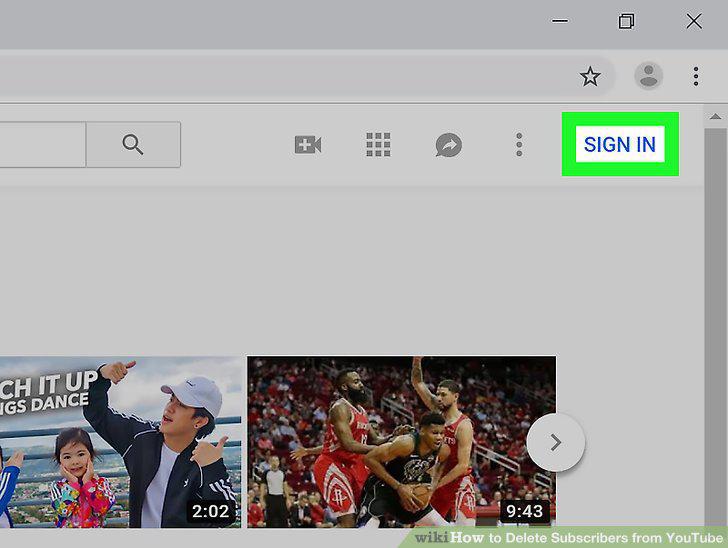
Sign into YouTube.
2
Click your profile photo.
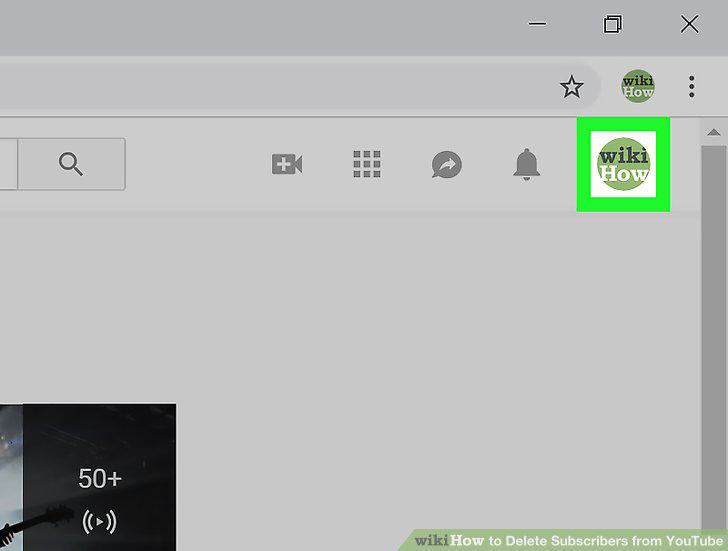
Click your profile photo.
3
Select My channel.
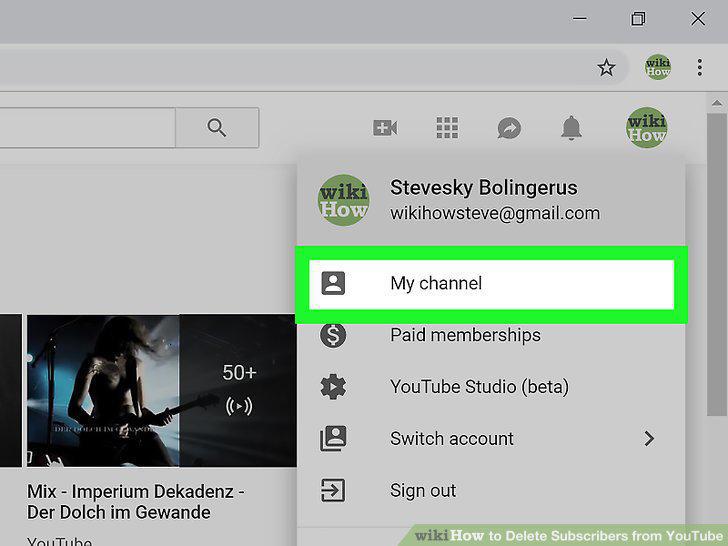
Select My channel.
4
Select the video on which the user commented.
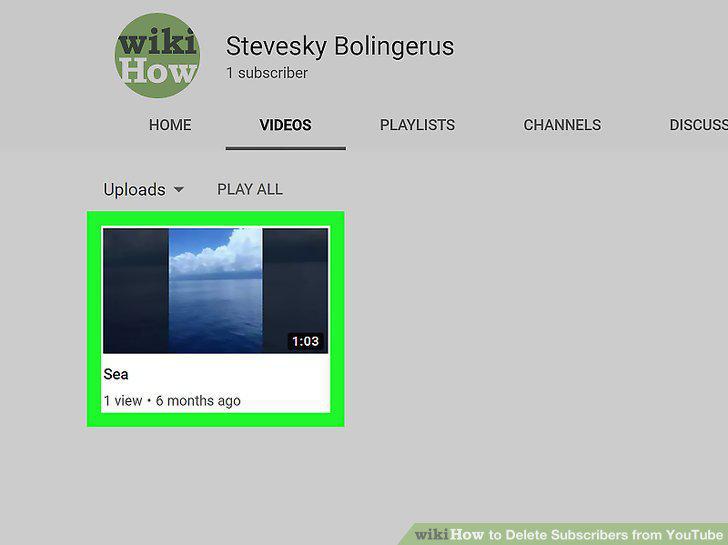
Select the video on which the user commented.
5
Block the user from the channel.
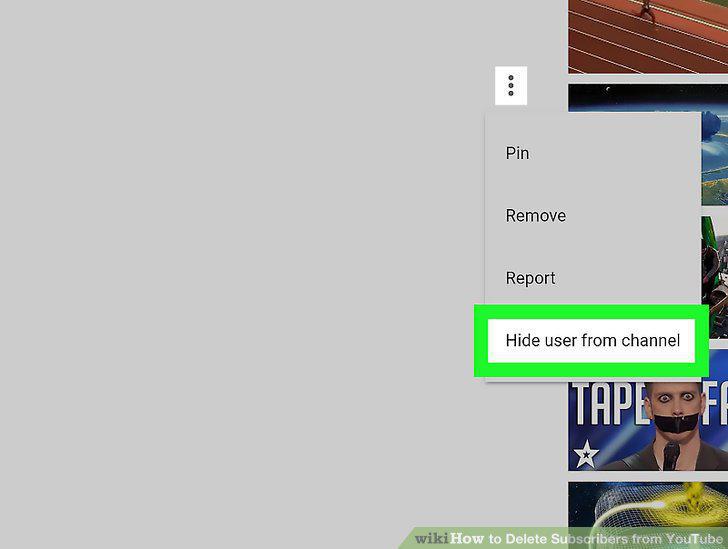
Block the user from the channel.
6
Sign into https://www.youtube.com.
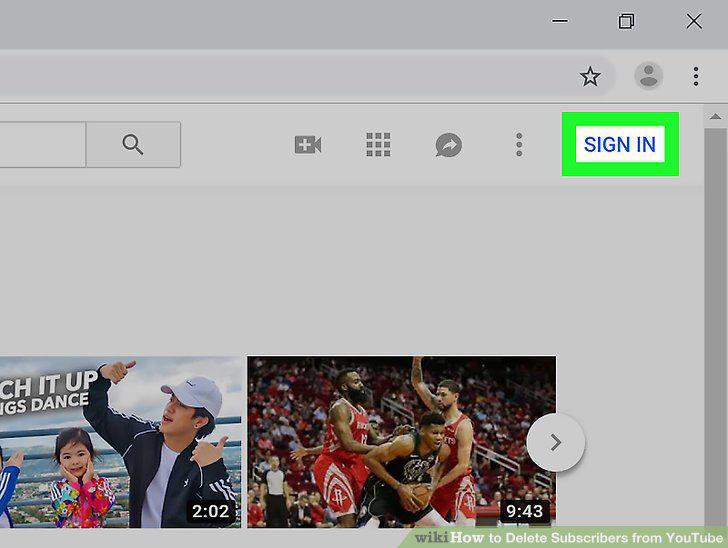
Sign into https://www.youtube.com.
7
Click your profile photo at the top-right corner.
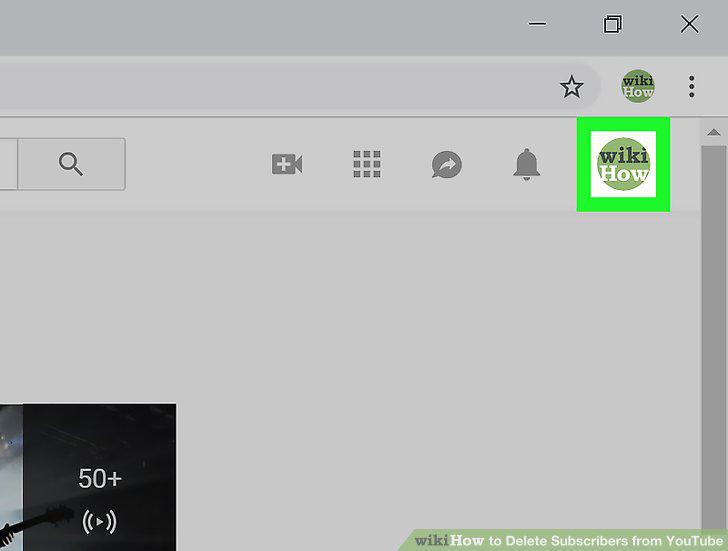
Click your profile photo at the top-right corner.
8
Click My Channel.
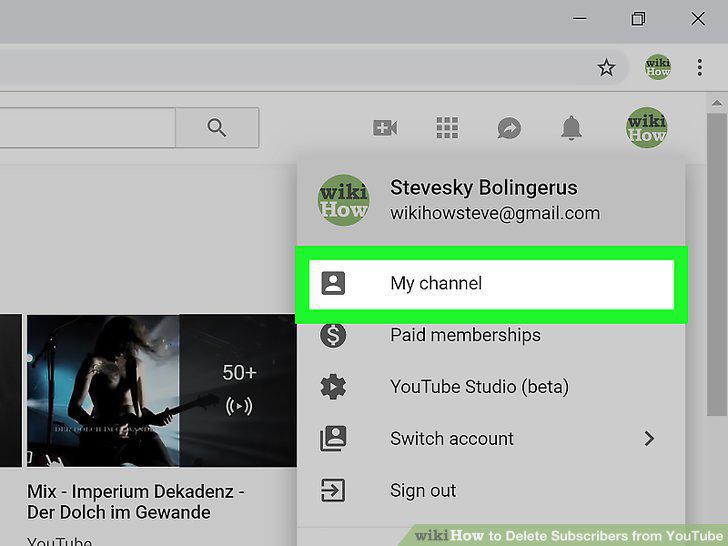
Click My Channel.
9
Click CUSTOMIZE CHANNEL.
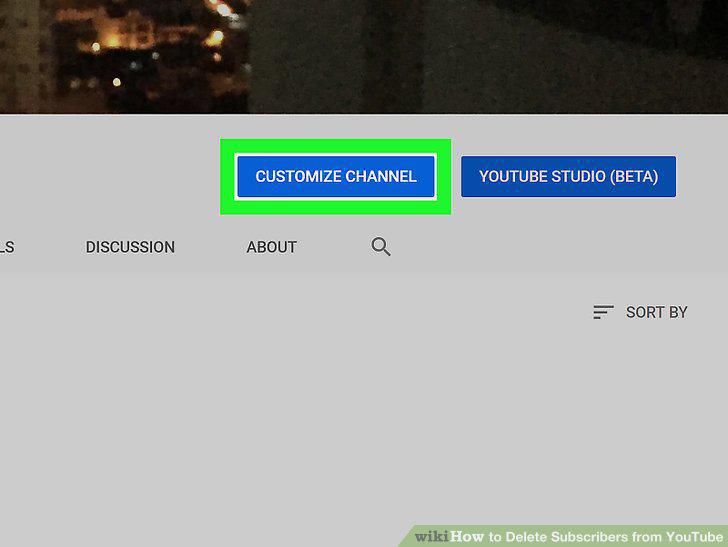
Click CUSTOMIZE CHANNEL.
10
Click (number of)subscribers.
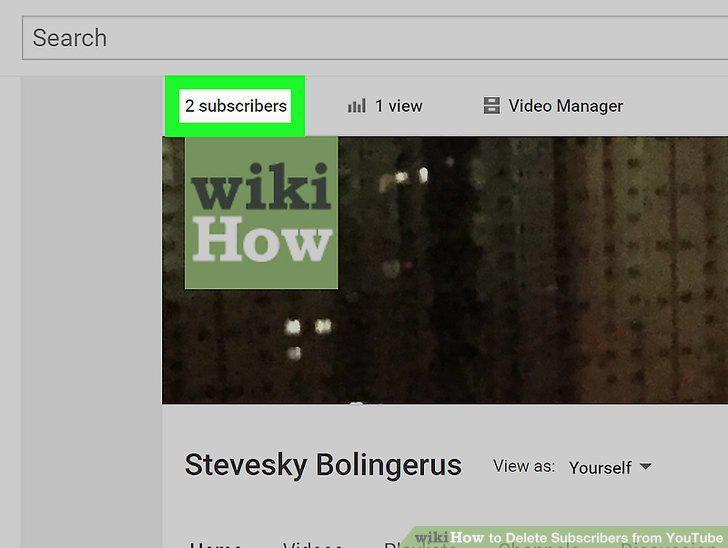
Click (number of)subscribers.
11
Click the name of the subscriber you want to remove.
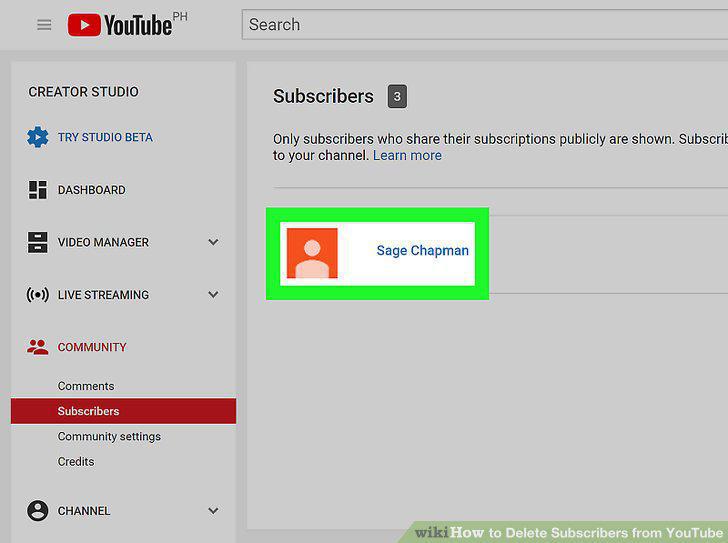
Click the name of the subscriber you want to remove.
12
Click the About tab.
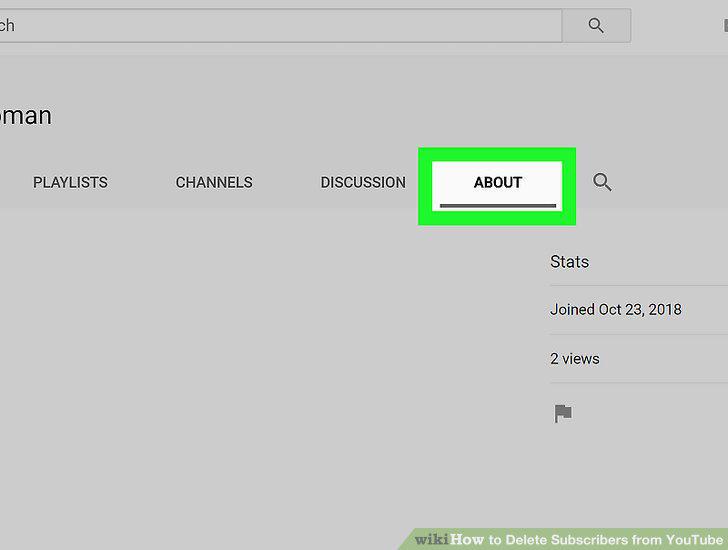
Click the About tab.
13
Click the flag icon.
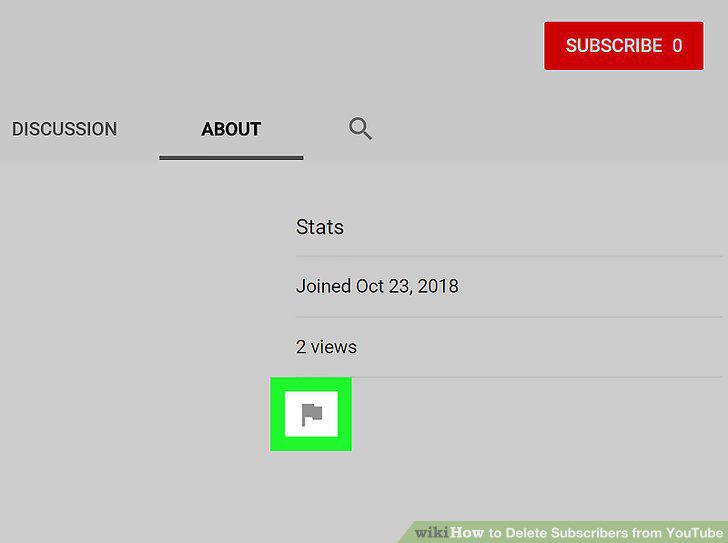
Click the flag icon.
14
Click Block user.
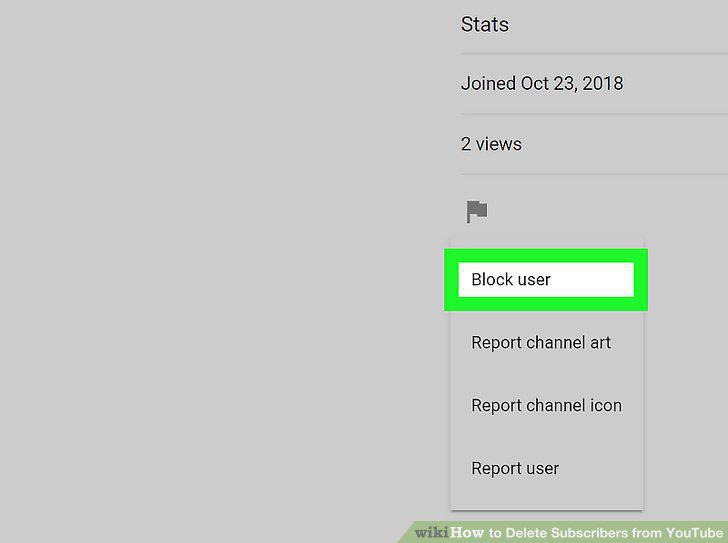
Click Block user.
Comments (0)
No comments yet. Be the first to share your thoughts!