How to Type in Excel on PC or Mac
Open Excel on your PC or Mac.. Click Blank workbook.. Click an empty cell.
Steps
1
Open Excel on your PC or Mac.
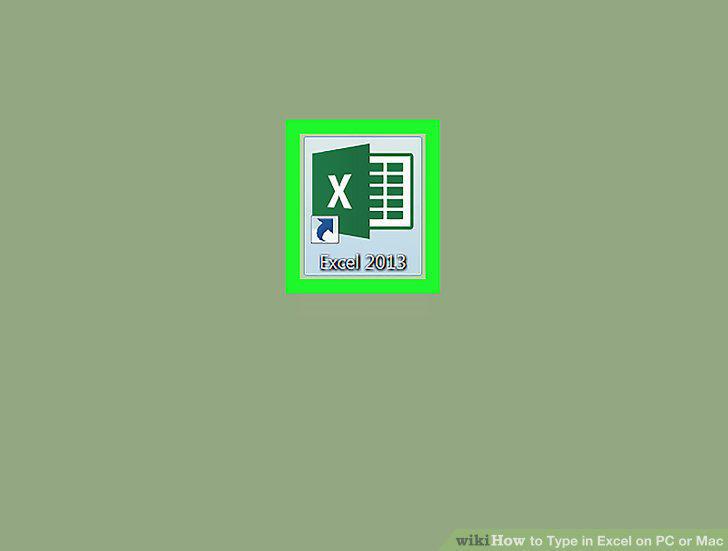
Open Excel on your PC or Mac.
2
Click Blank workbook.
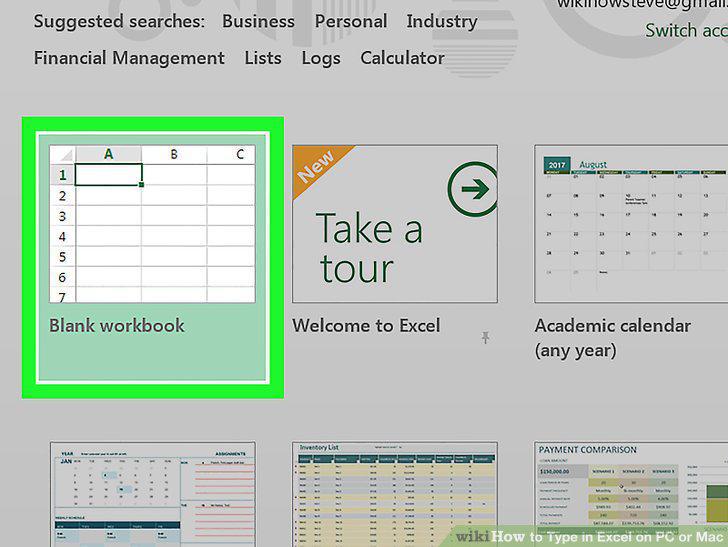
Click Blank workbook.
3
Click an empty cell.
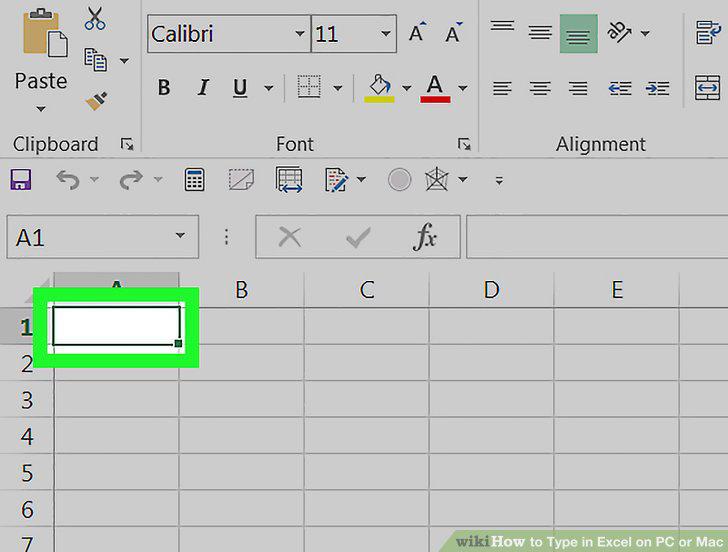
Click an empty cell.
4
Type your data or text.
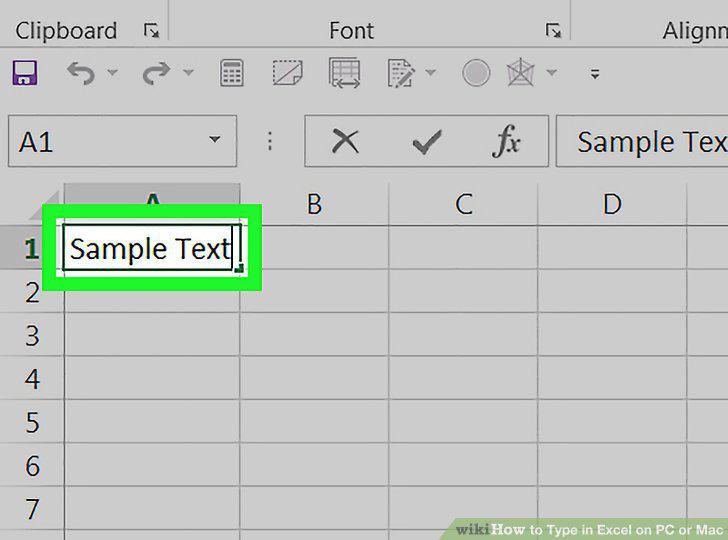
Type your data or text.
5
Customize the text.
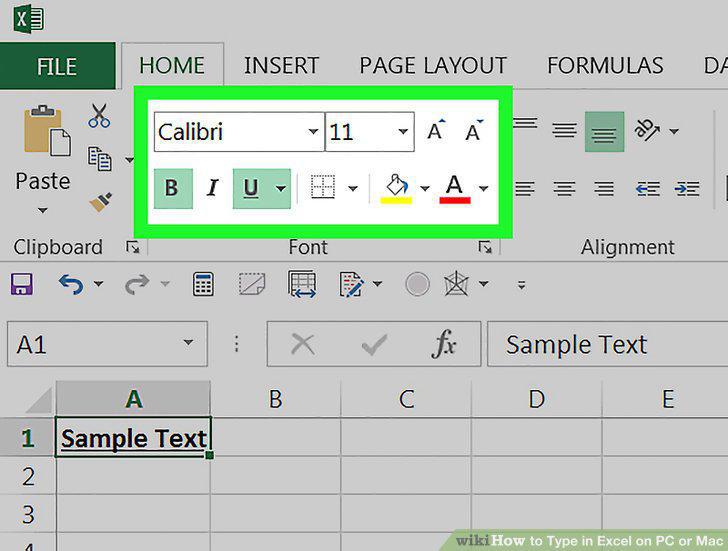
Customize the text.
6
Click anywhere else on the spreadsheet to exit the cell.
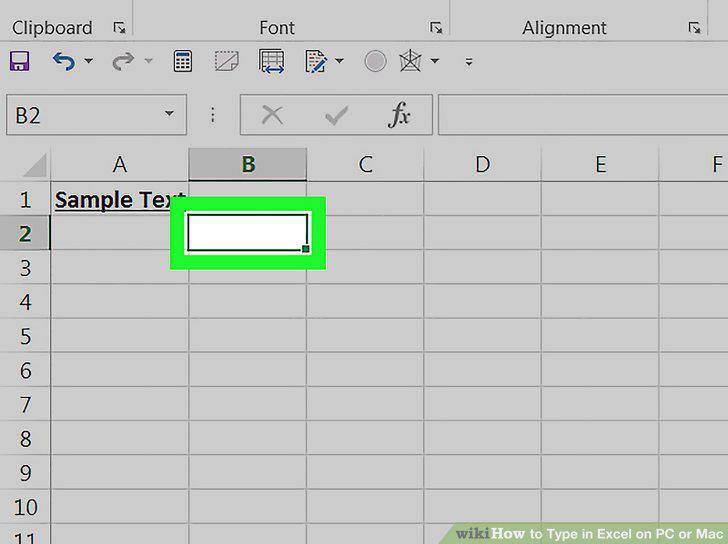
Click anywhere else on the spreadsheet to exit the cell.
7
Open the file with the text you want to edit.
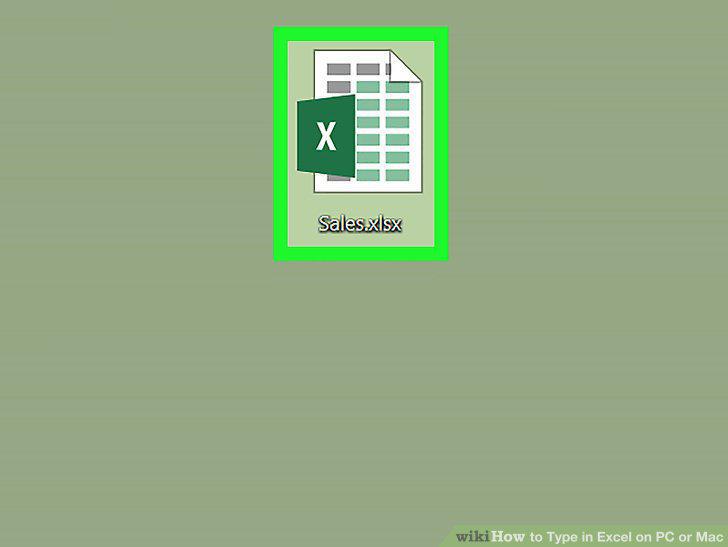
Open the file with the text you want to edit.
8
Click the cell with the text.
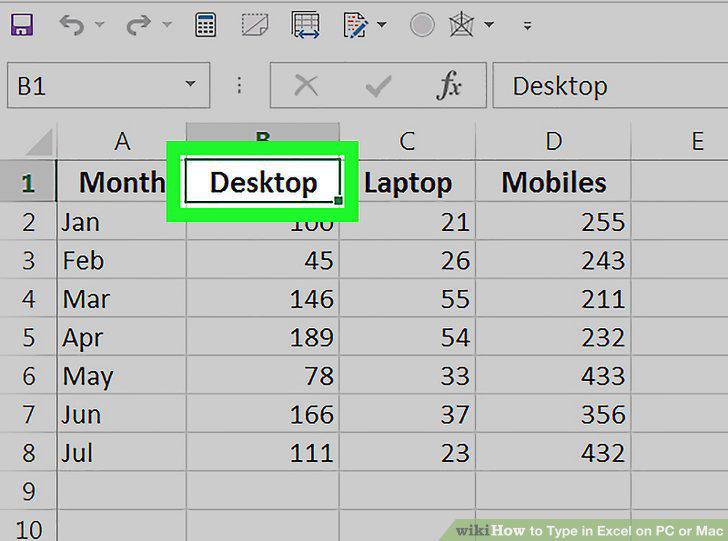
Click the cell with the text.
9
Click Format in the "Cells" group.
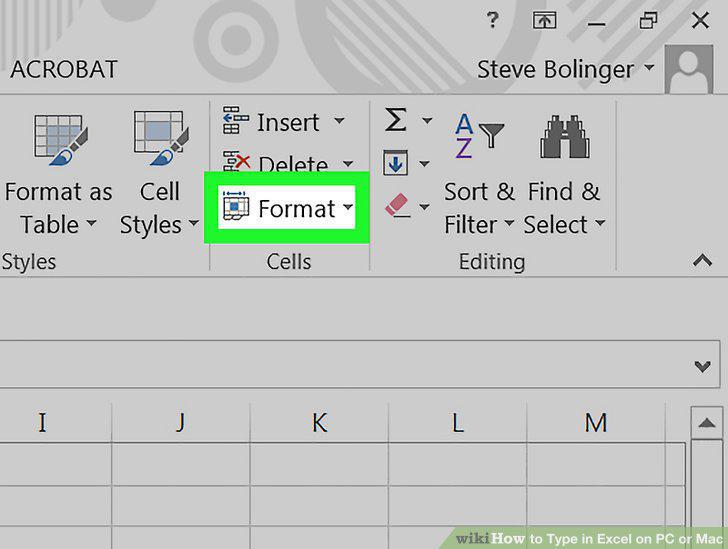
Click Format in the "Cells" group.
10
Select an option under "Cell Size.
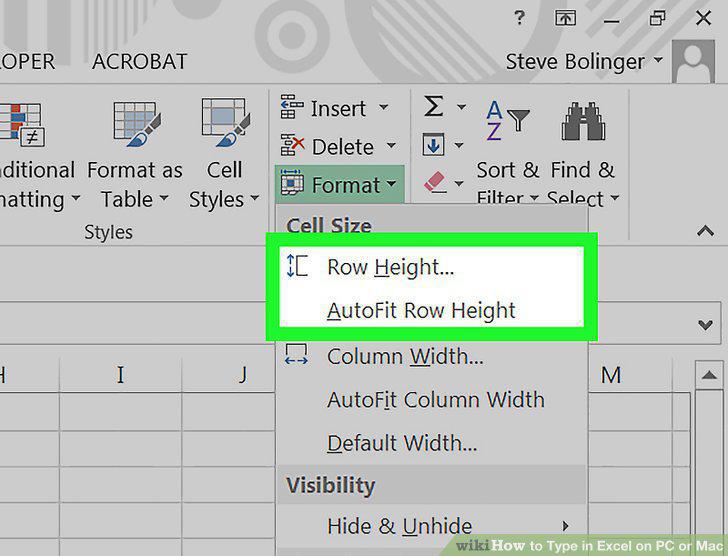
Select an option under "Cell Size.
Comments (0)
No comments yet. Be the first to share your thoughts!