How to Uninstall Google Pay
Open Settings.. Tap Apps & notifications.. Tap Google Pay.
Steps
1
Open Settings.
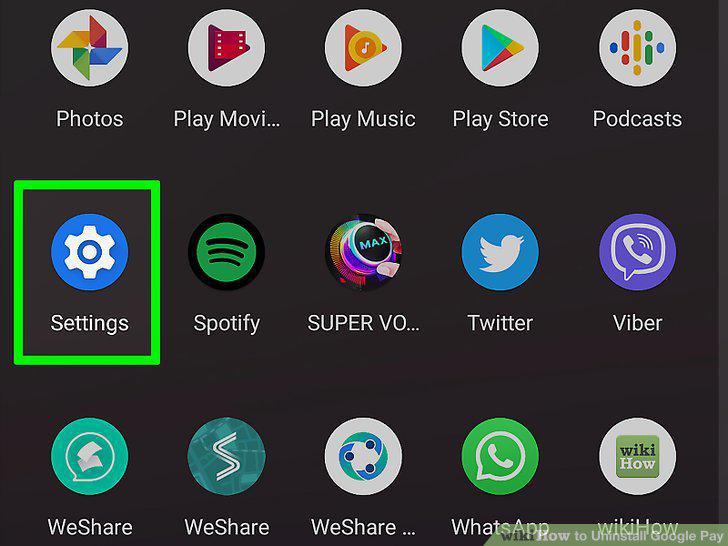
Open Settings.
2
Tap Apps & notifications.
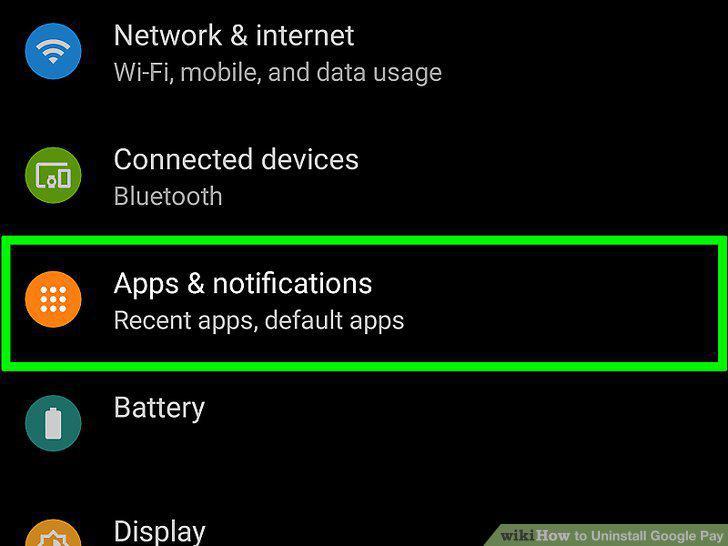
Tap Apps & notifications.
3
Tap Google Pay.
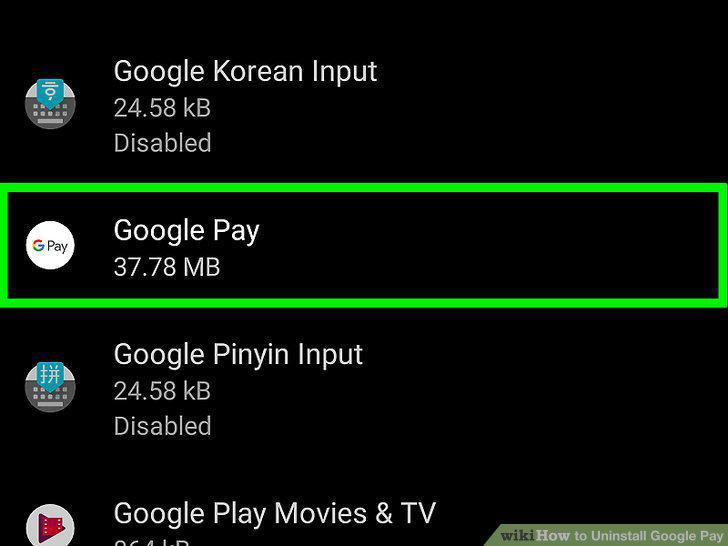
Tap Google Pay.
4
Tap Uninstall or Disable.
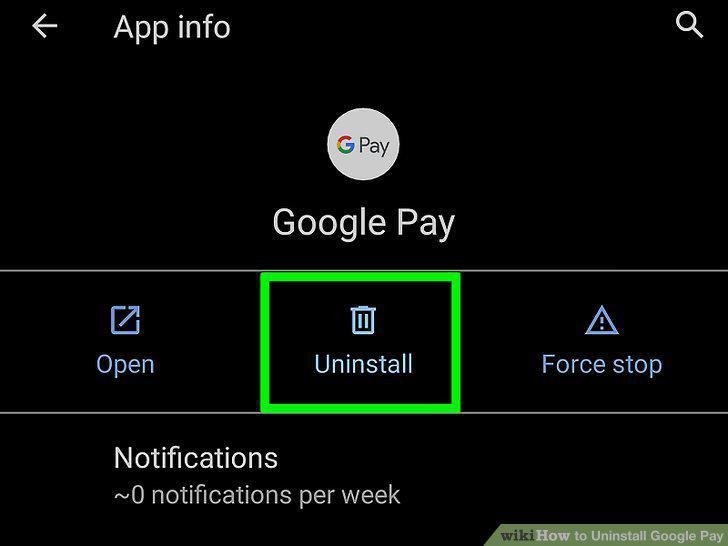
Tap Uninstall or Disable.
5
Go to https://myaccount.google.com/.
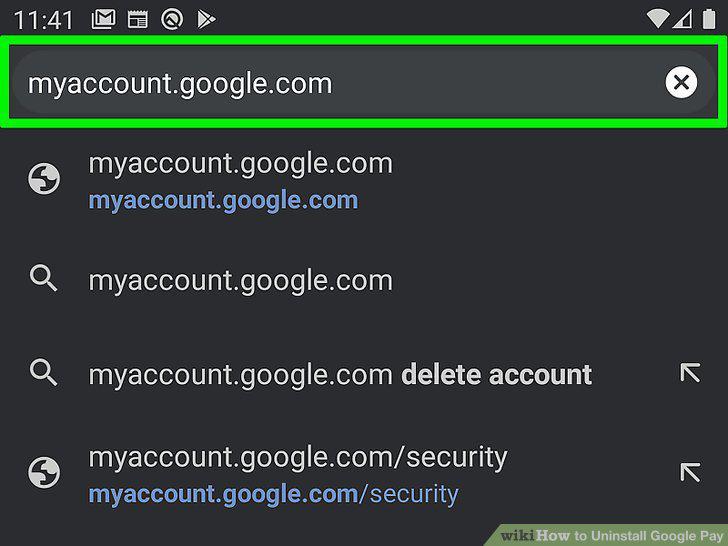
Go to https://myaccount.google.com/.
6
Click Manage your data & personalization.
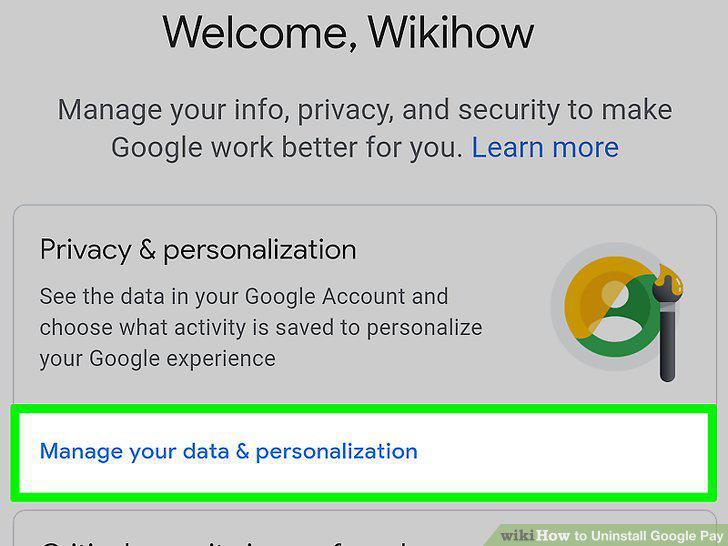
Click Manage your data & personalization.
7
Click Delete a service or your account.
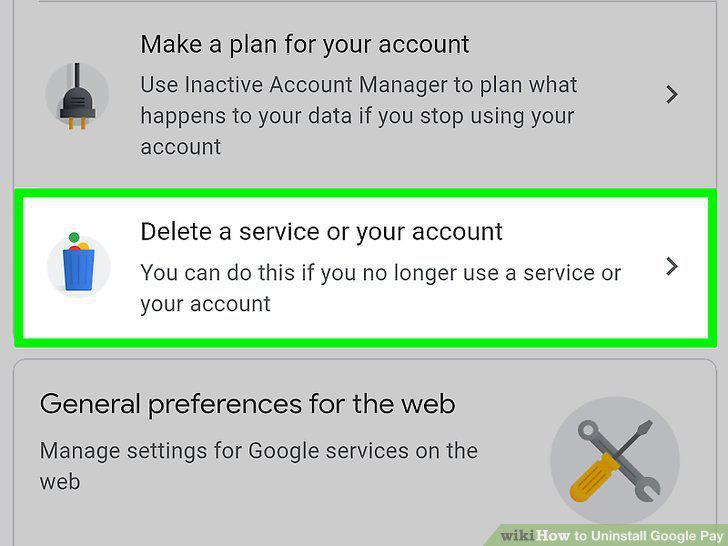
Click Delete a service or your account.
8
Click Delete a service.
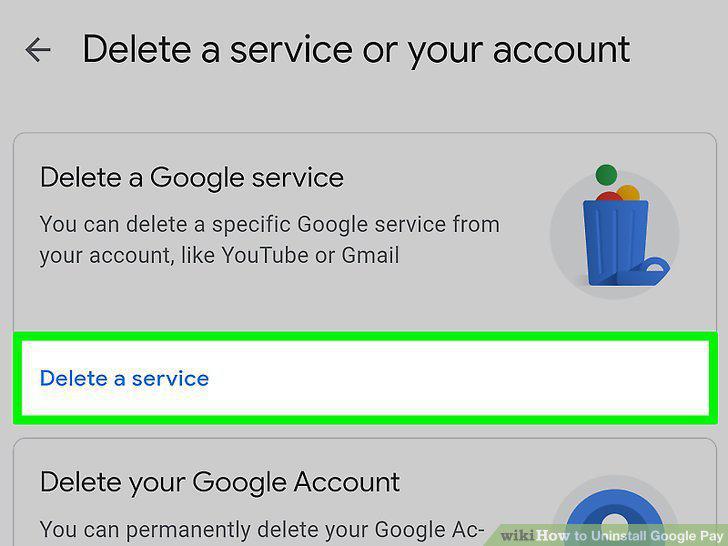
Click Delete a service.
9
Click next to "Google Pay.
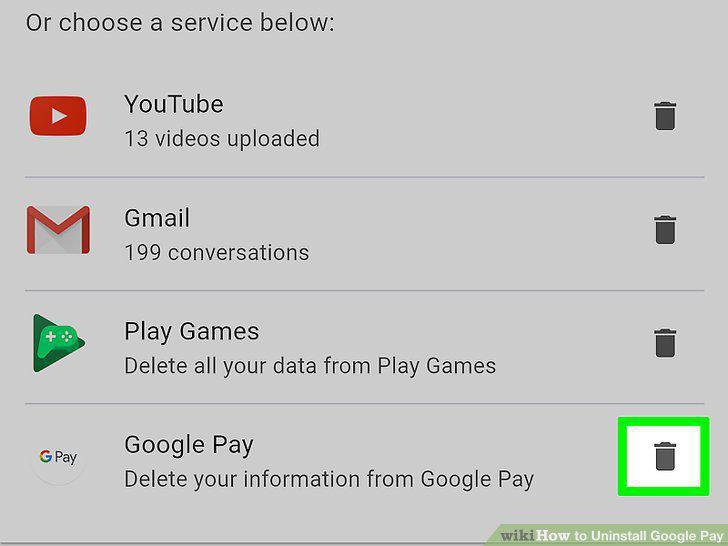
Click next to "Google Pay.
Comments (0)
No comments yet. Be the first to share your thoughts!