How to Delete Rows on Google Sheets on PC or Mac
Go to https://sheets.google.com in a web browser.. Click the Google Sheet document you want to open.. Click the row number you want to delete.
Steps
1
Go to https://sheets.google.com in a web browser.
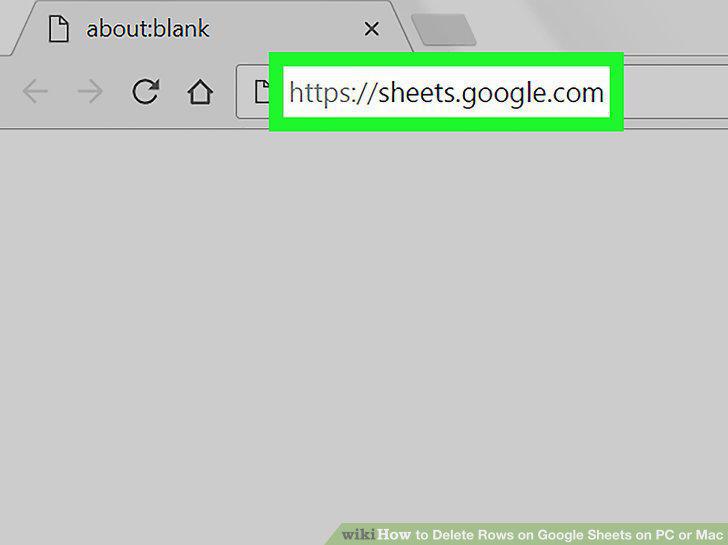
Go to https://sheets.google.com in a web browser.
2
Click the Google Sheet document you want to open.
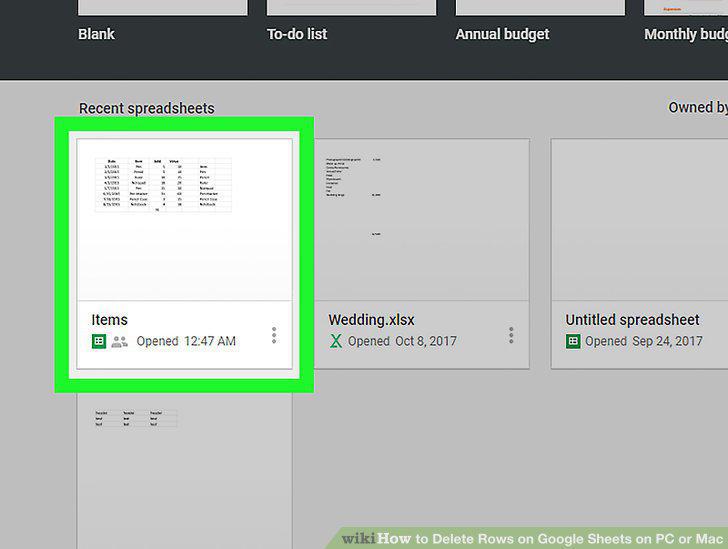
Click the Google Sheet document you want to open.
3
Click the row number you want to delete.
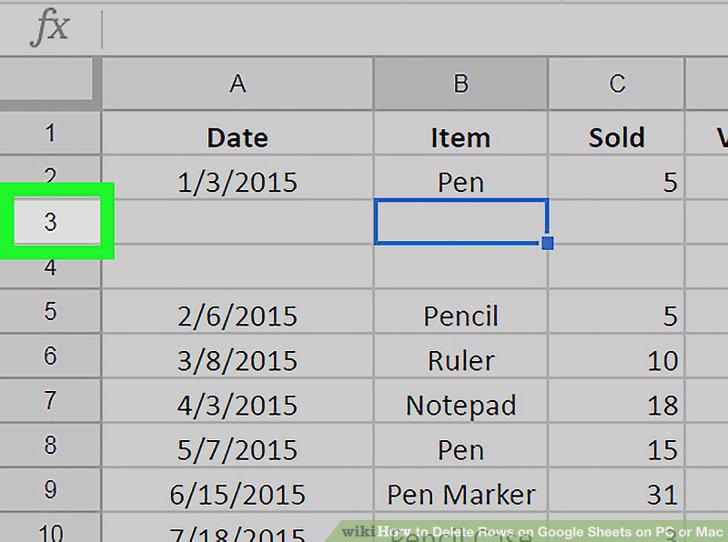
Click the row number you want to delete.
4
Click the Edit tab in the menu bar at the top.
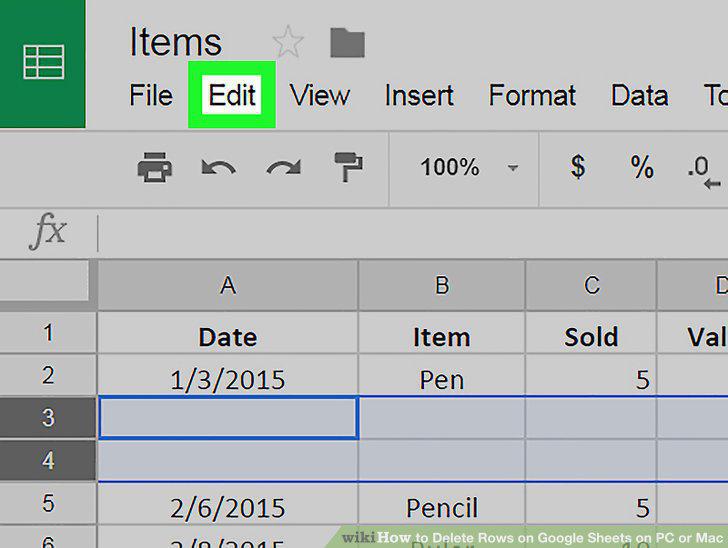
Click the Edit tab in the menu bar at the top.
5
Click Delete row(s).
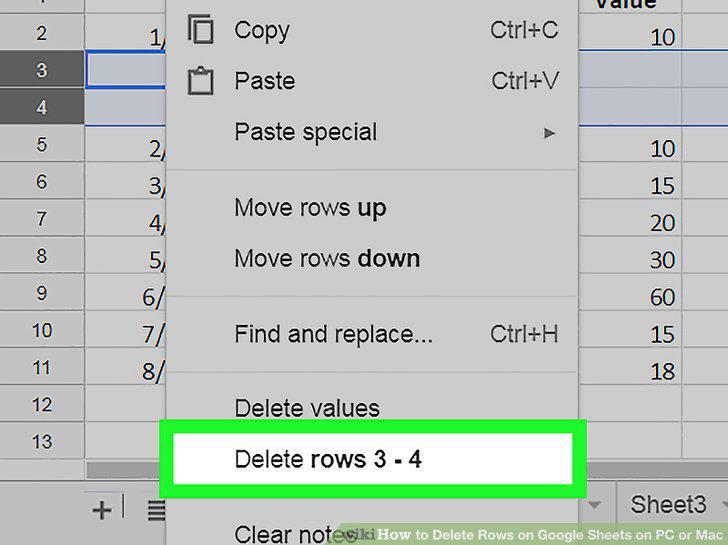
Click Delete row(s).
Comments (0)
No comments yet. Be the first to share your thoughts!