How to Total a Column on Google Sheets on Android
Open Google Sheets.. Tap the file you want to edit.. Tap an empty cell beneath the column.
Steps
1
Open Google Sheets.

Open Google Sheets.
2
Tap the file you want to edit.
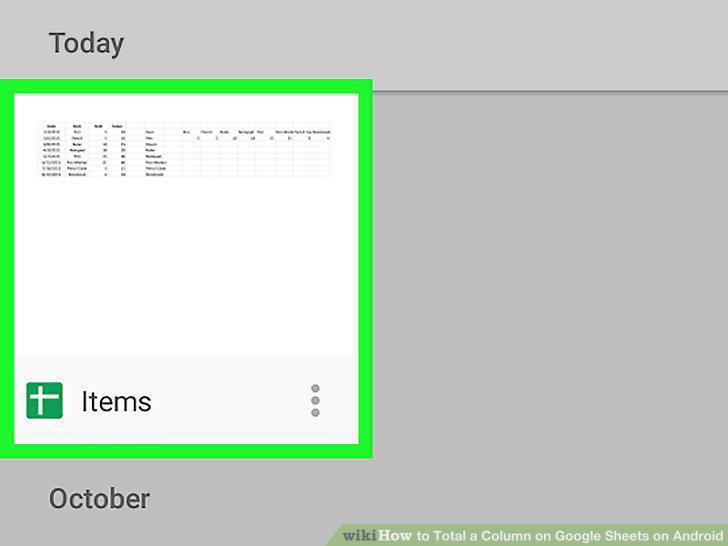
Tap the file you want to edit.
3
Tap an empty cell beneath the column.
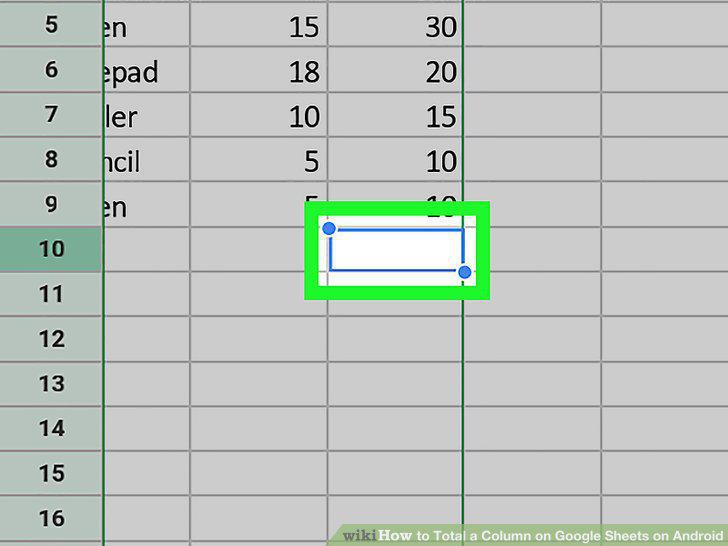
Tap an empty cell beneath the column.
4
Type =SUM.
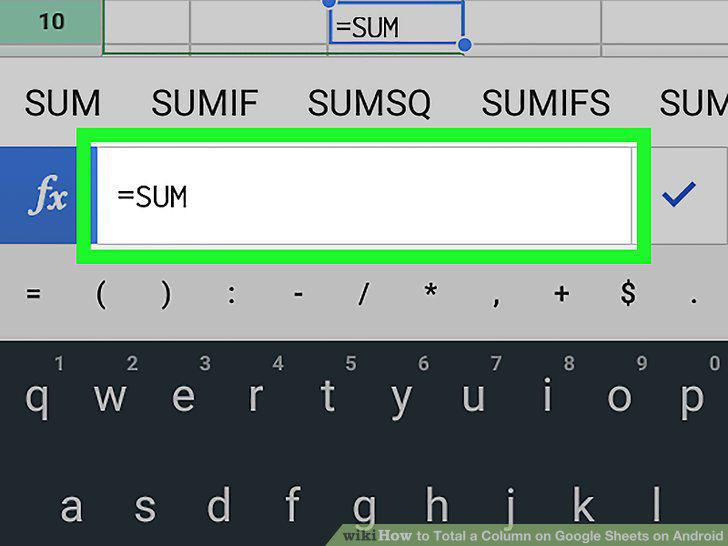
Type =SUM.
5
Tap SUM.
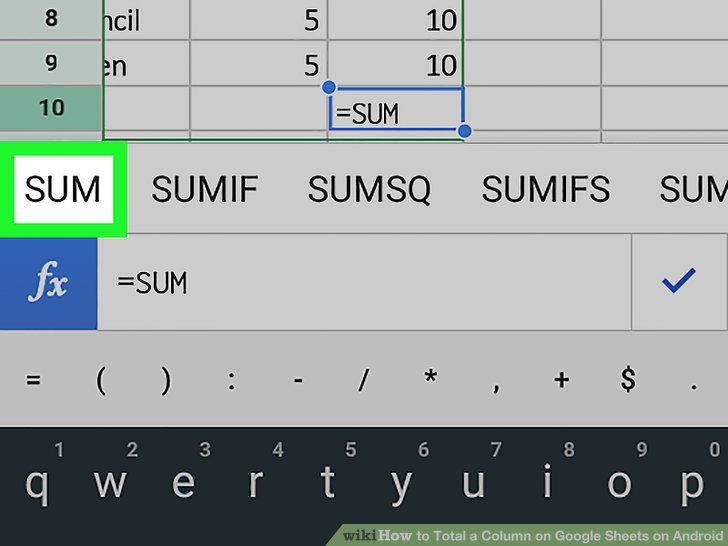
Tap SUM.
6
Tap () after "SUM.
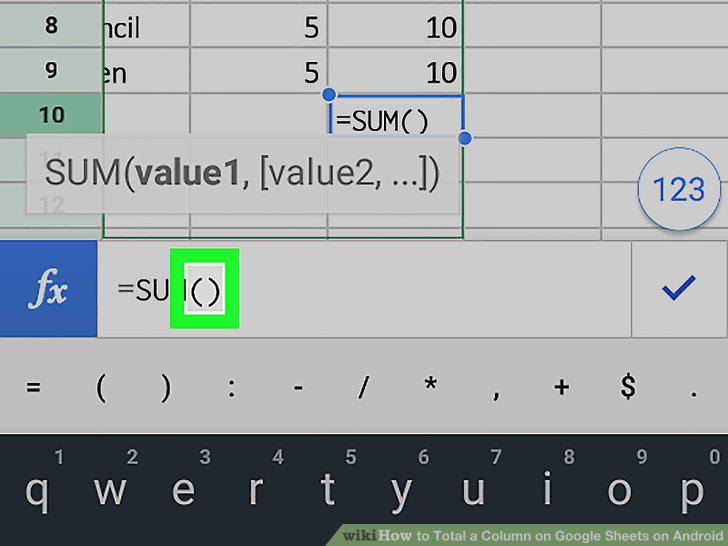
Tap () after "SUM.
7
Tap the first cell in the column.
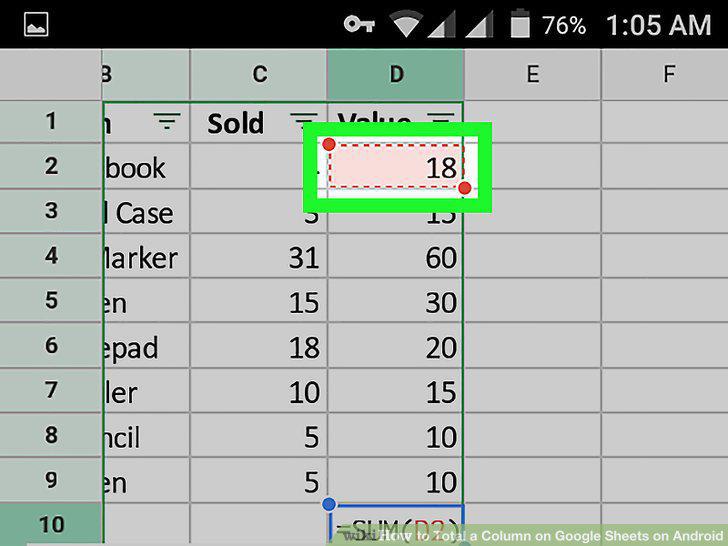
Tap the first cell in the column.
8
Drag the red circle to select all cells in the range.
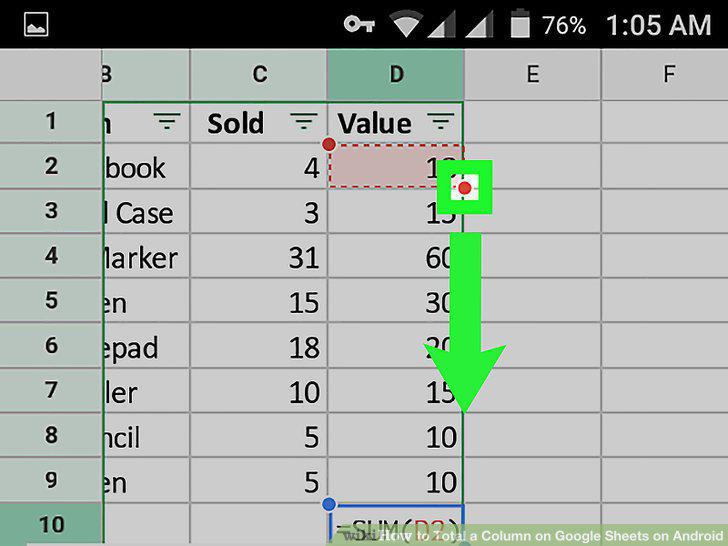
Drag the red circle to select all cells in the range.
9
Tap .
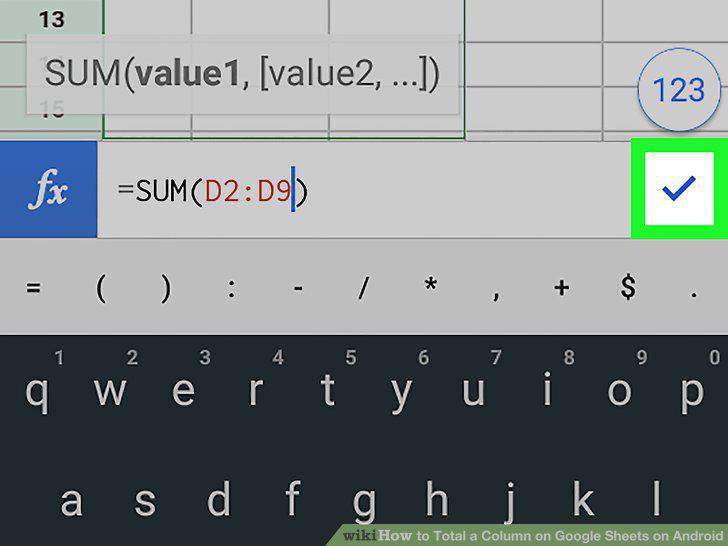
Tap .
Comments (0)
No comments yet. Be the first to share your thoughts!