Steps
1
Open Excel.
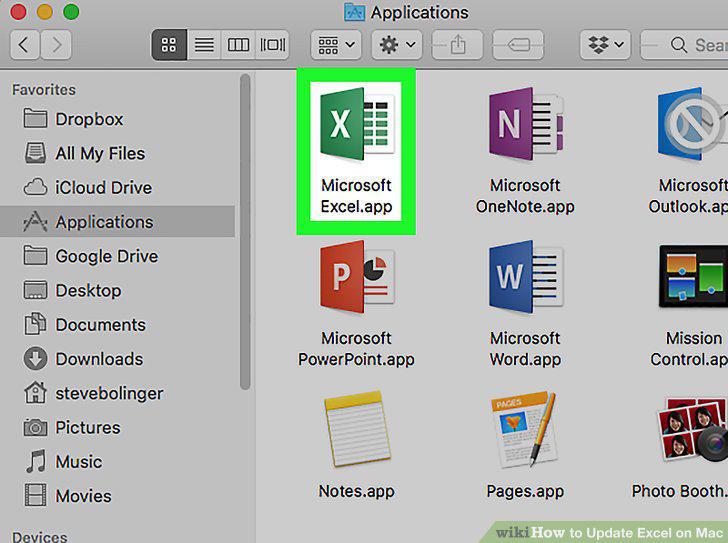
Open Excel.
2
Click Help.
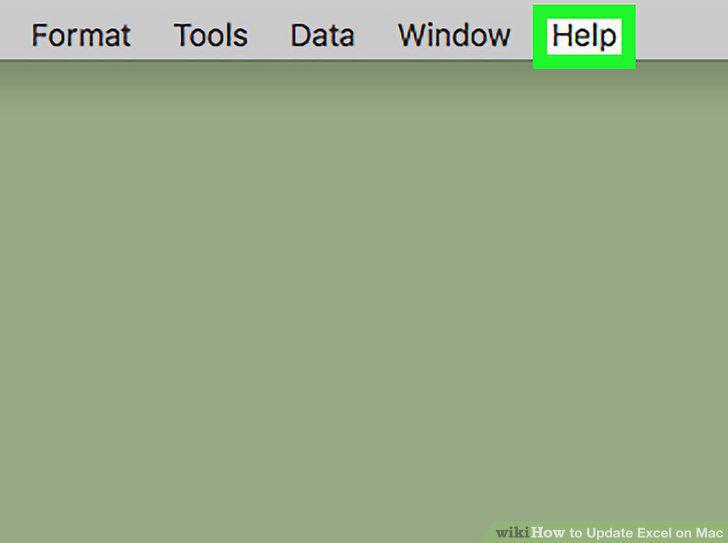
Click Help.
3
Click Check for Updates.
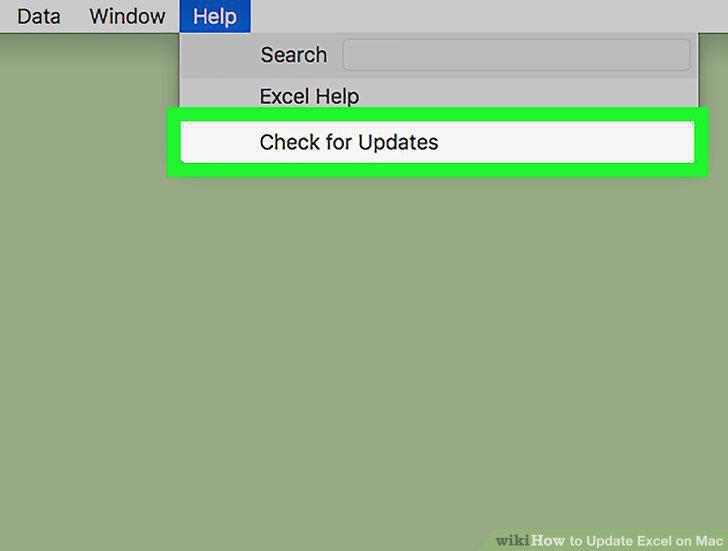
Click Check for Updates.
4
Select "Automatically Download and Install".
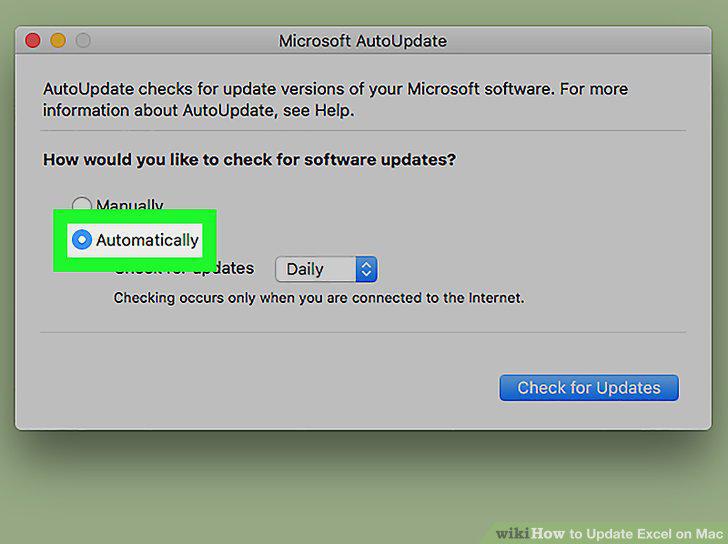
Select "Automatically Download and Install".
5
Click Check For Updates.
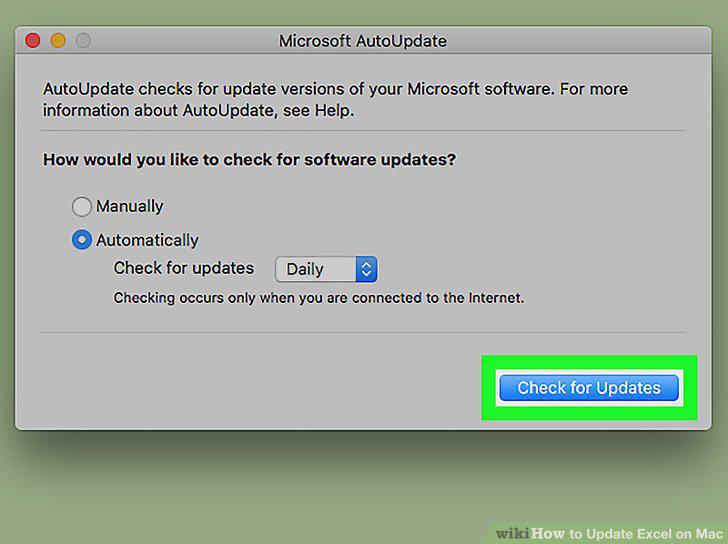
Click Check For Updates.
Comments (0)
No comments yet. Be the first to share your thoughts!