How to Add Highlights on Instagram
Open the Instagram app on your phone or tablet.. Tap the icon on the bottom-right.. Tap Story Highlights below your username and bio.
Steps
1
Open the Instagram app on your phone or tablet.

Open the Instagram app on your phone or tablet.
2
Tap the icon on the bottom-right.
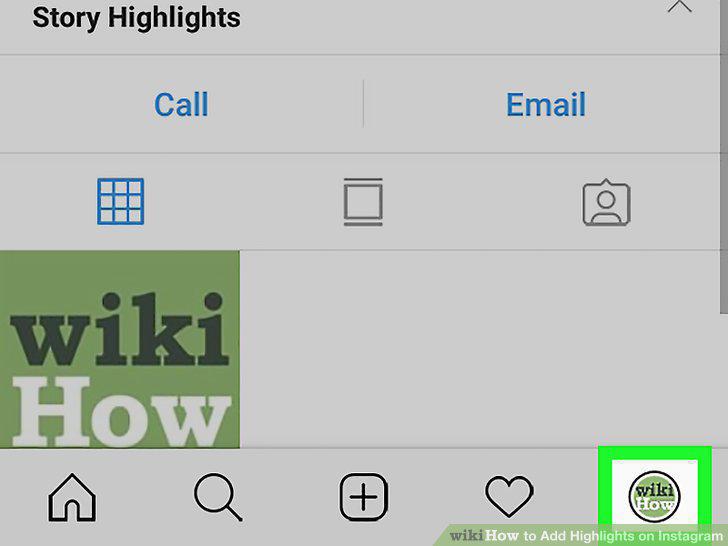
Tap the icon on the bottom-right.
3
Tap Story Highlights below your username and bio.
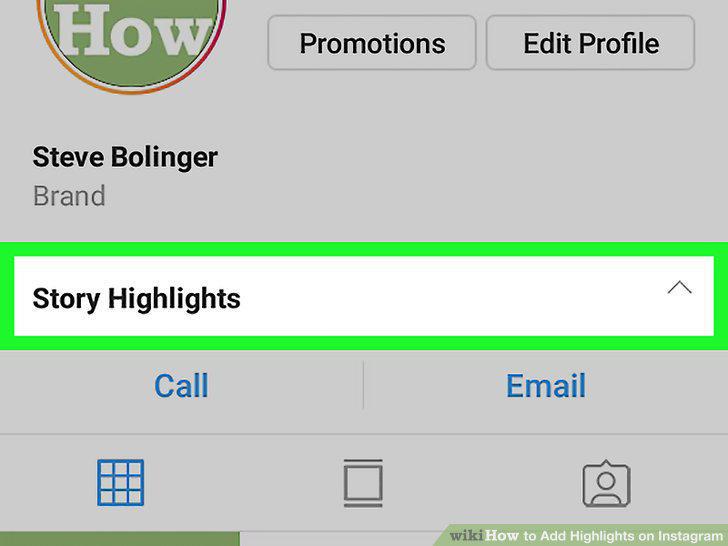
Tap Story Highlights below your username and bio.
4
Tap the New button under Story Highlights.

Tap the New button under Story Highlights.
5
Select the story you want to add as a highlight.
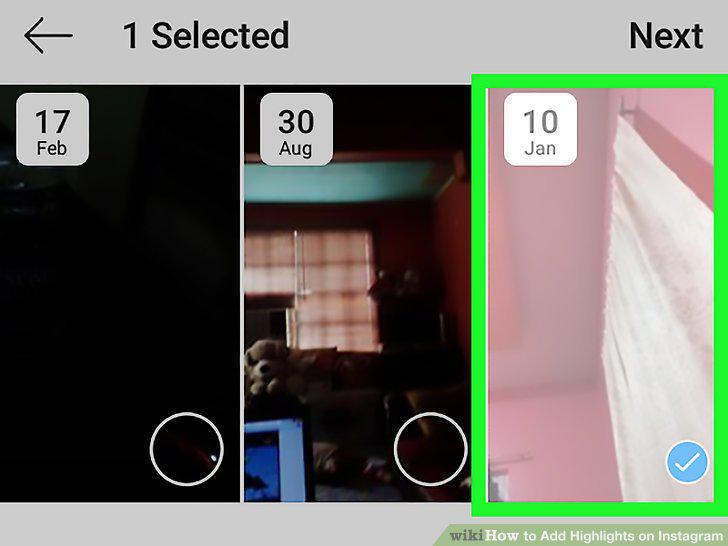
Select the story you want to add as a highlight.
6
Tap the Next button.
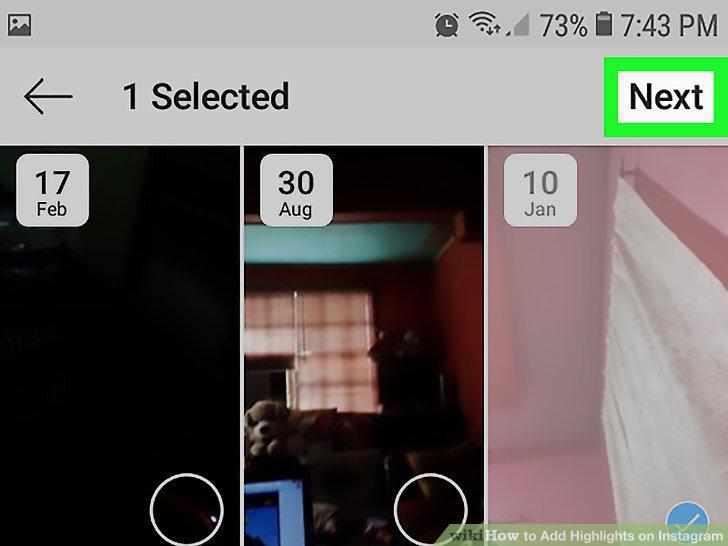
Tap the Next button.
7
Enter a story name for your highlight.
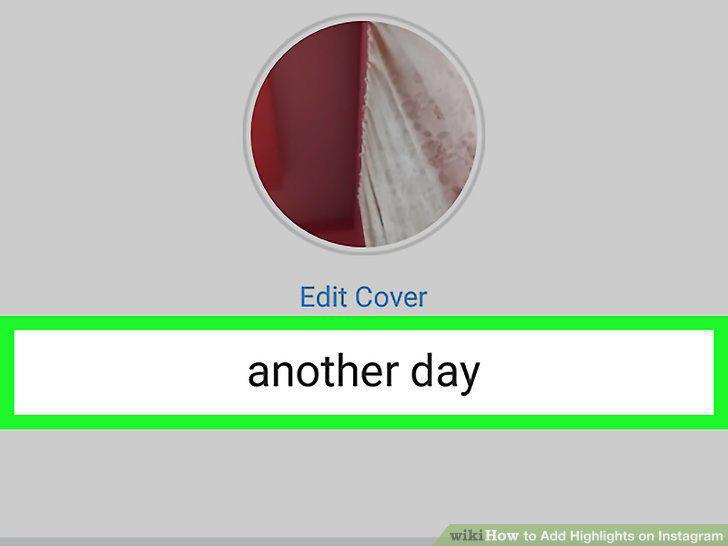
Enter a story name for your highlight.
8
Tap Add (iPhone) or Done (Android) on the top-right.
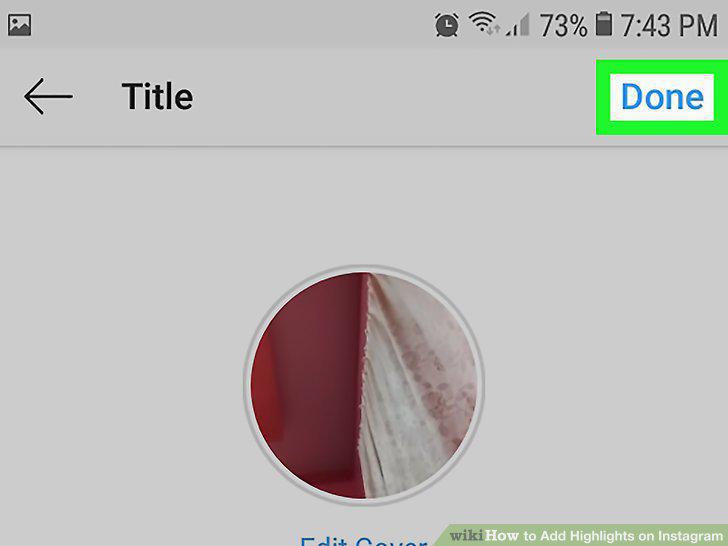
Tap Add (iPhone) or Done (Android) on the top-right.
Comments (0)
No comments yet. Be the first to share your thoughts!