How to Install Software in Debian Linux
Open the Synaptic graphical package manager.. Click Search.. Search for the software you want to install.
Steps
1
Open the Synaptic graphical package manager.
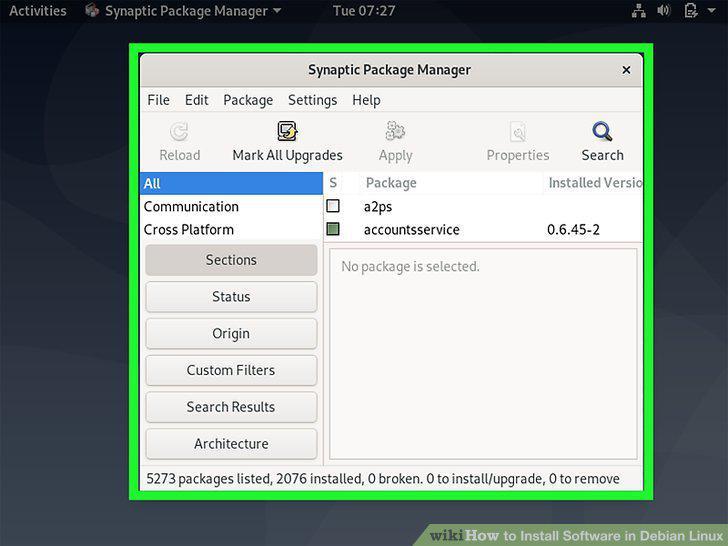
Open the Synaptic graphical package manager.
2
Click Search.
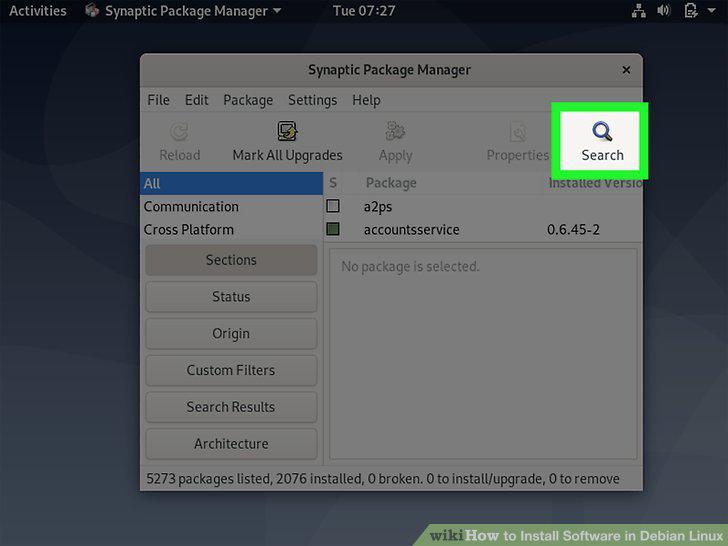
Click Search.
3
Search for the software you want to install.
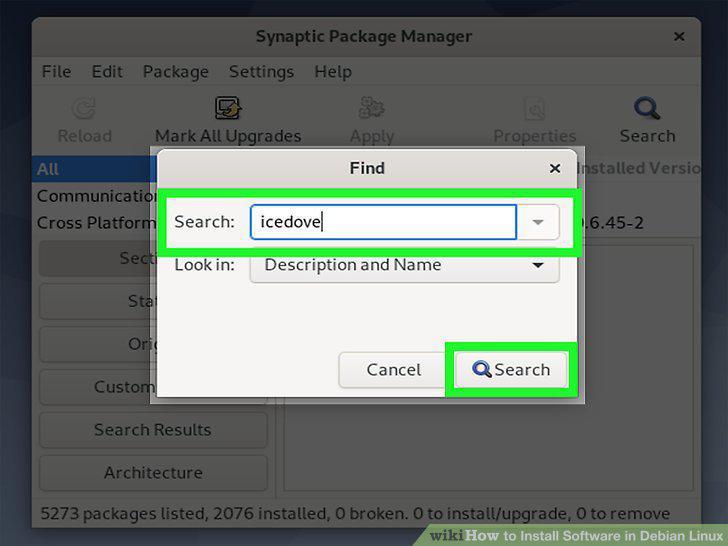
Search for the software you want to install.
4
Select the package(s) you want to install.
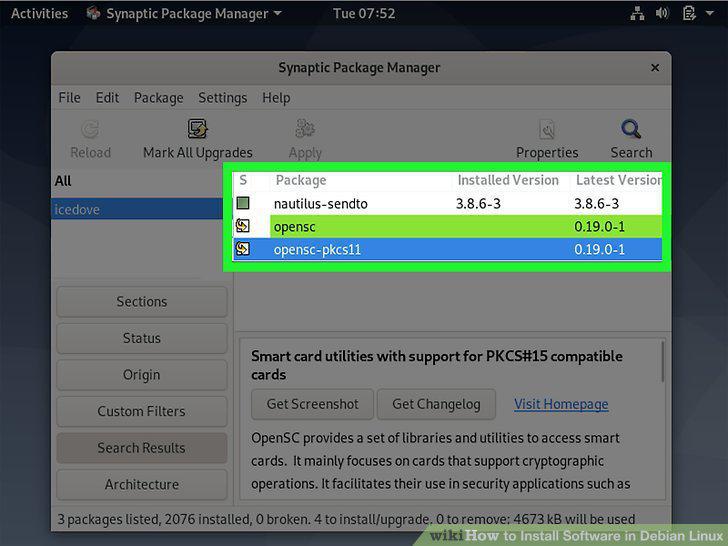
Select the package(s) you want to install.
5
Click the Apply button.
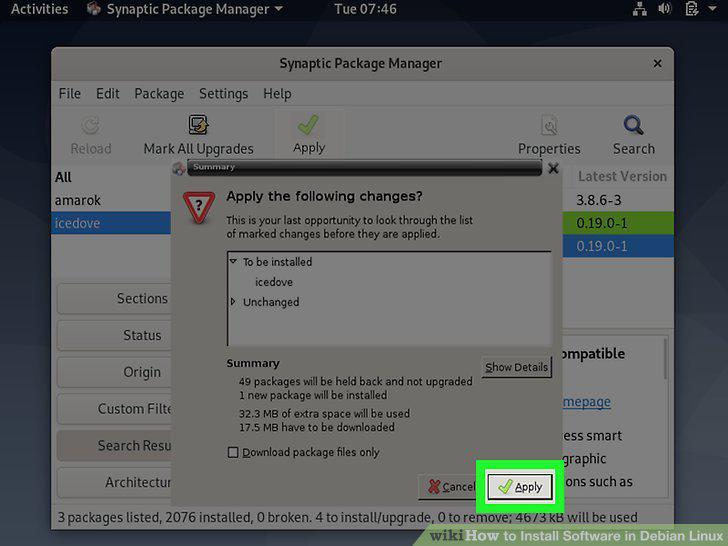
Click the Apply button.
6
Open a terminal.
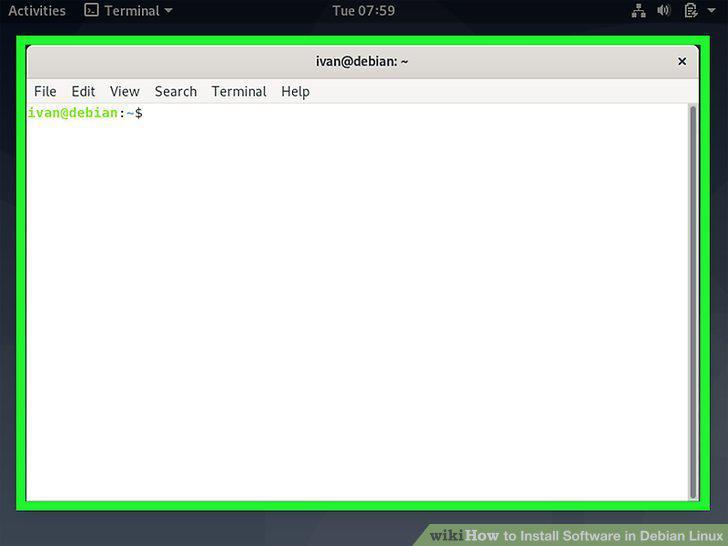
Open a terminal.
7
Run sudo apt-get update to update the package manager.
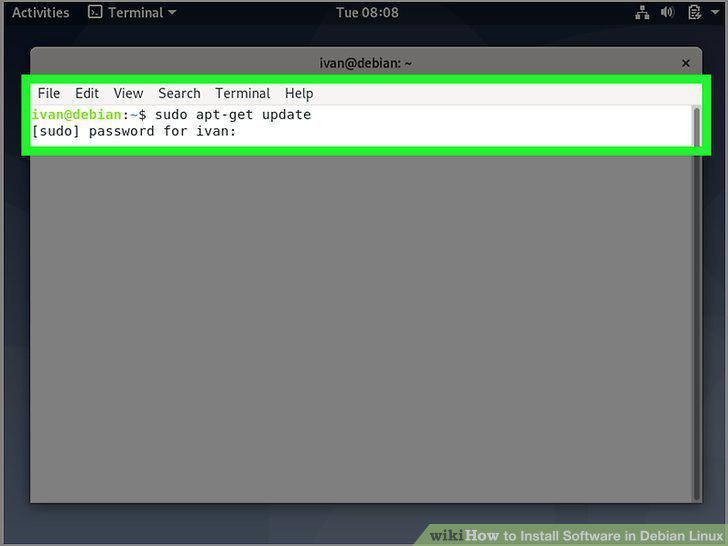
Run sudo apt-get update to update the package manager.
8
Search for the package you want to install.
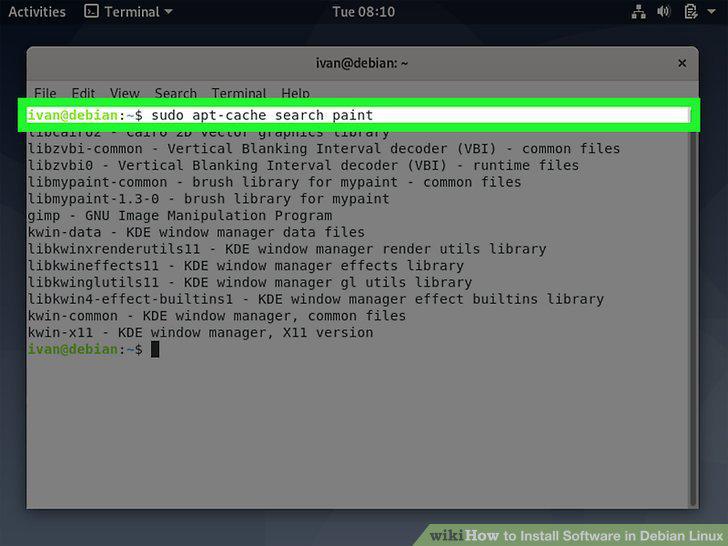
Search for the package you want to install.
9
Run sudo apt-get install packageName to install the package.
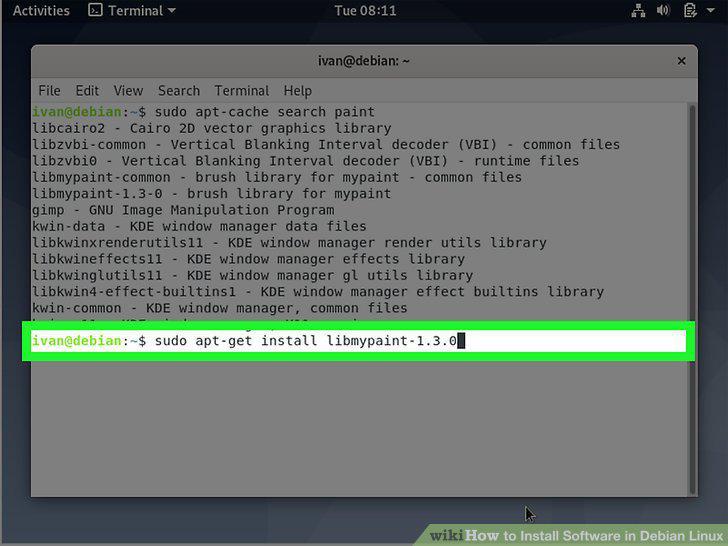
Run sudo apt-get install packageName to install the package.
10
Download a package file.
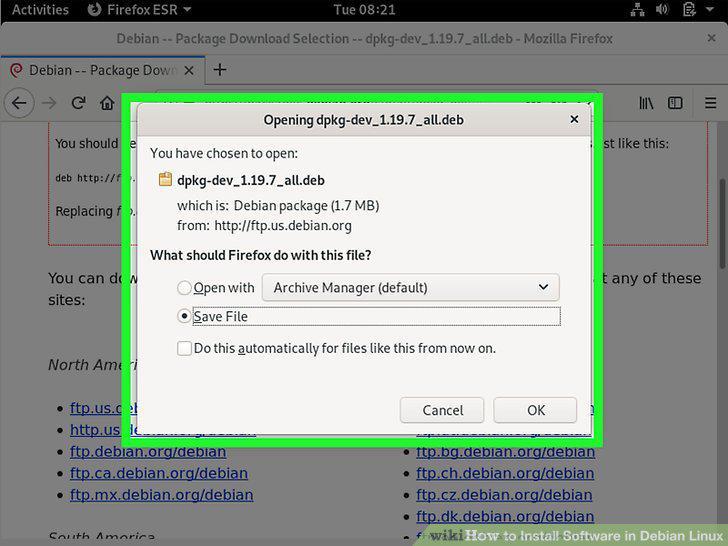
Download a package file.
11
Open a terminal.
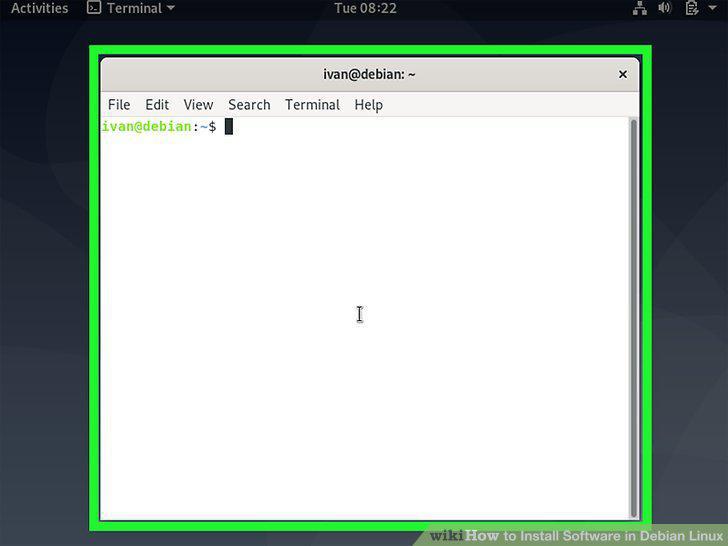
Open a terminal.
12
Use cd to enter the directory of the downloaded file.
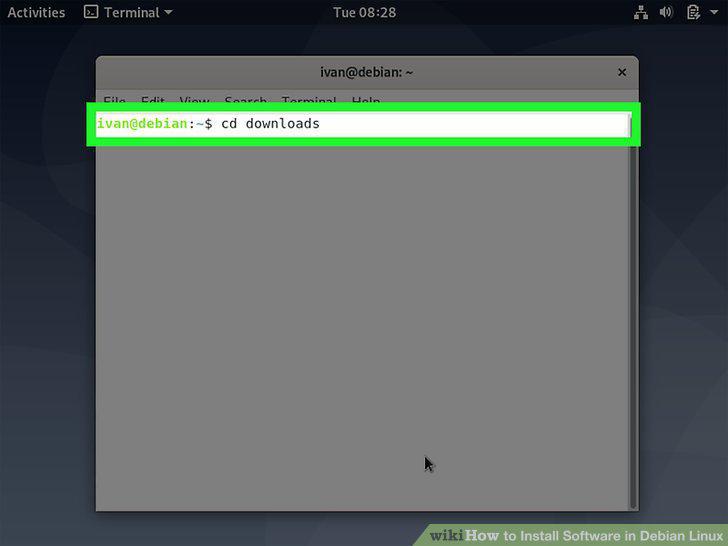
Use cd to enter the directory of the downloaded file.
13
Run sudo dpkg –i packageName.
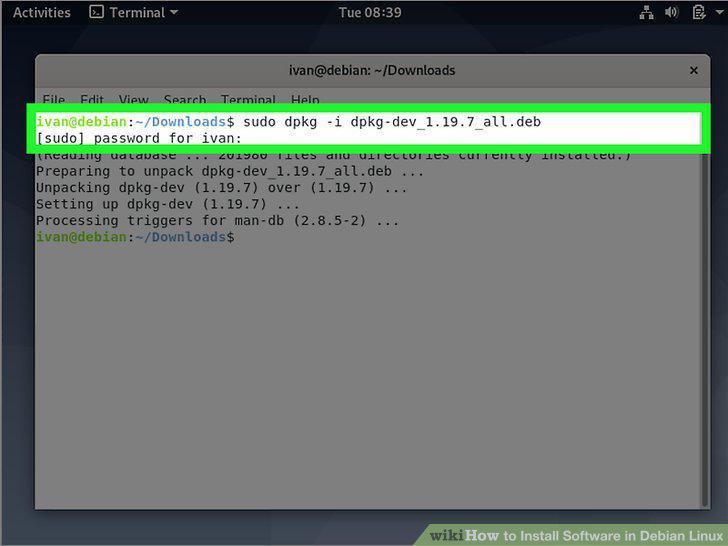
Run sudo dpkg –i packageName.
Comments (0)
No comments yet. Be the first to share your thoughts!