How to Use Connectify Hotspot
Check the version of your operating system.. Choose a version of Connectify to install.. Download Connectify from their website.
Steps
1
Check the version of your operating system.
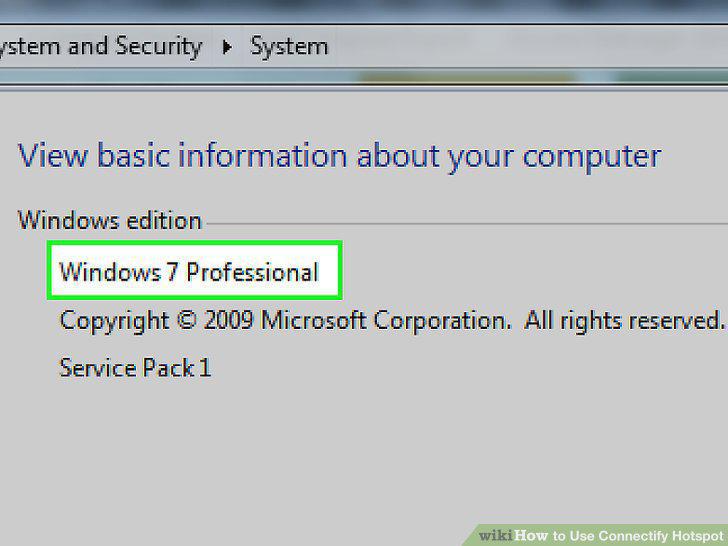
Check the version of your operating system.
2
Choose a version of Connectify to install.
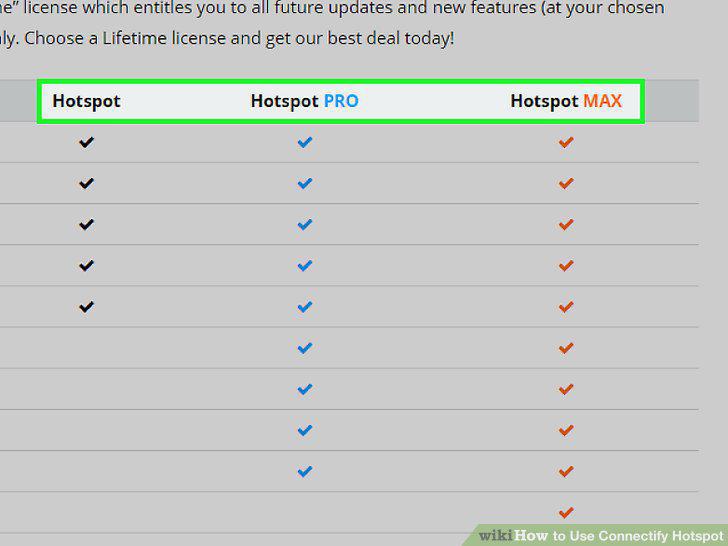
Choose a version of Connectify to install.
3
Download Connectify from their website.
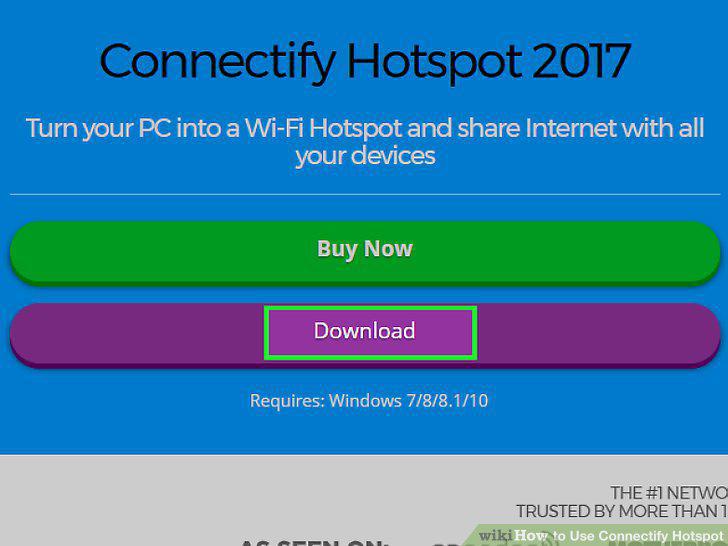
Download Connectify from their website.
4
Run the installer.
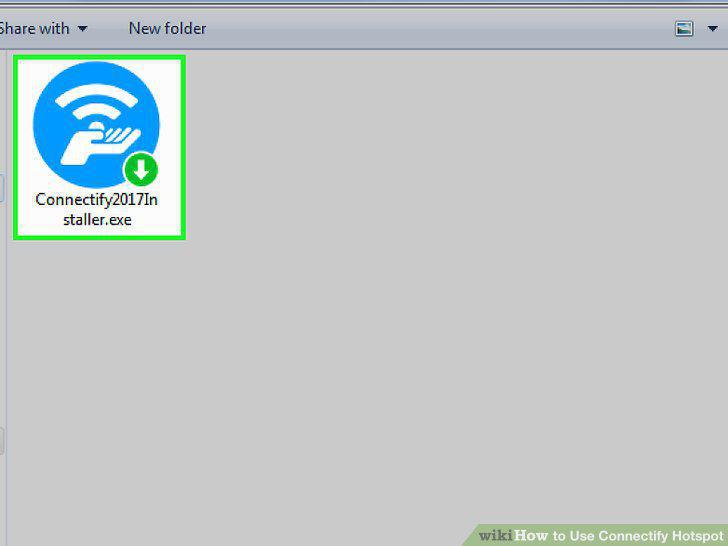
Run the installer.
5
Connect your computer to the Internet.
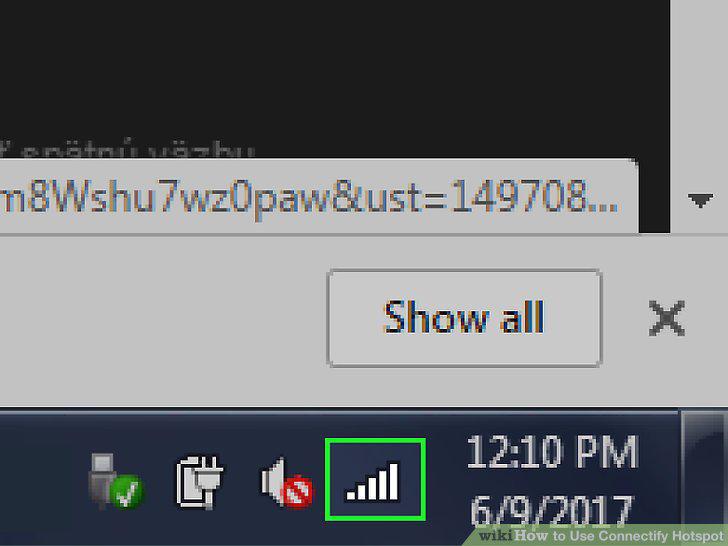
Connect your computer to the Internet.
6
Run Connectify.
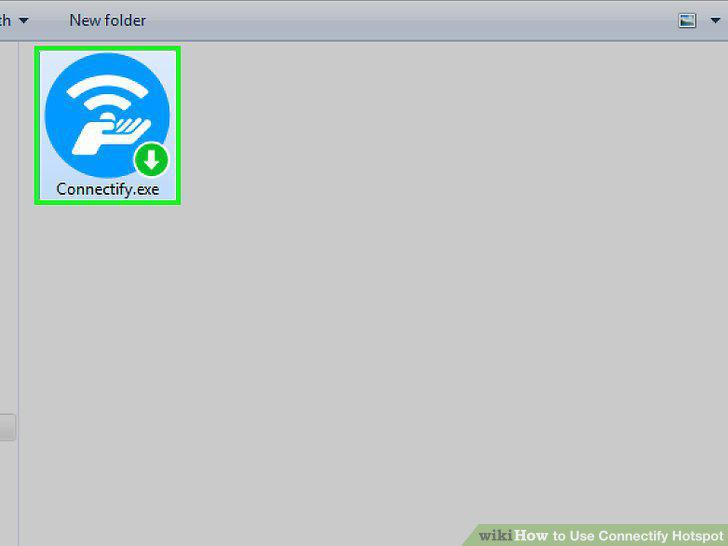
Run Connectify.
7
Select your network connection under "Internet to Share.
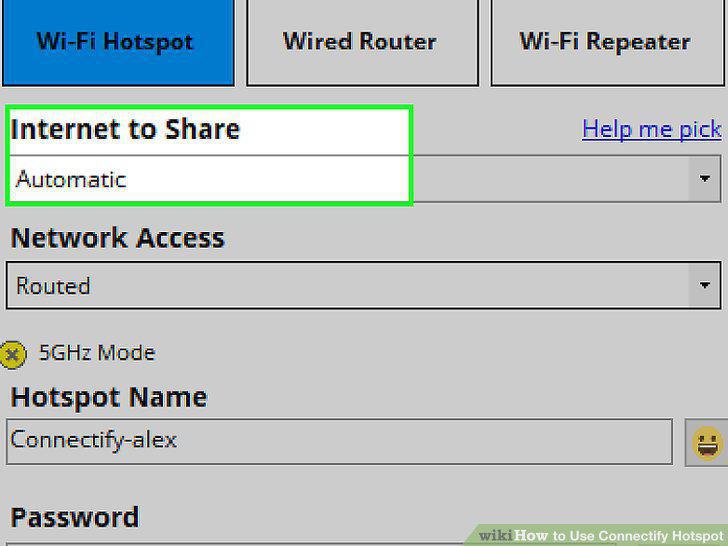
Select your network connection under "Internet to Share.
8
Choose a Password for your HotSpot.
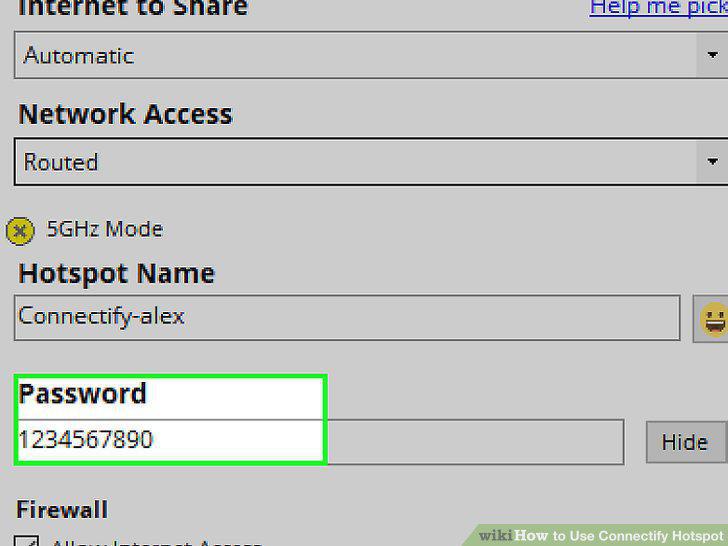
Choose a Password for your HotSpot.
9
Click "Start HotSpot.
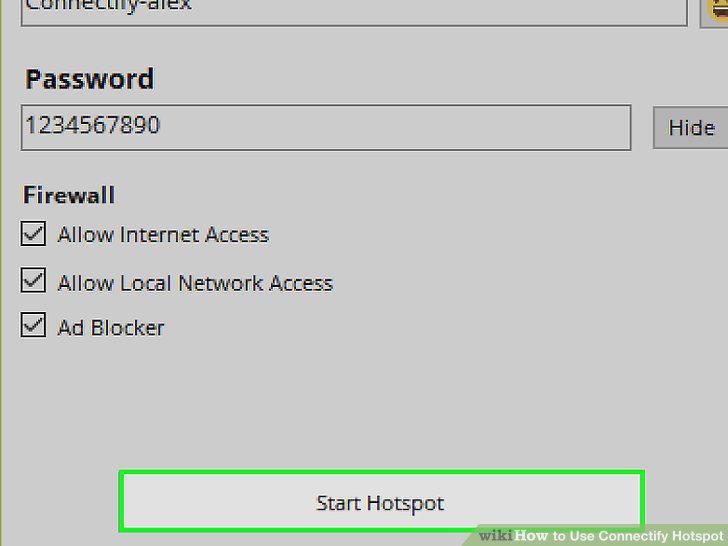
Click "Start HotSpot.
10
Connect other devices to your Connectify HotSpot.
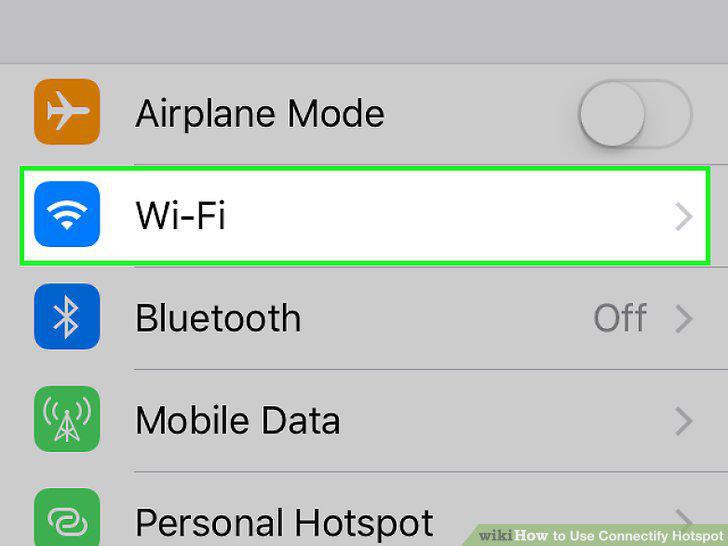
Connect other devices to your Connectify HotSpot.
Comments (0)
No comments yet. Be the first to share your thoughts!