How to See Street View on Google Maps on iPhone or iPad
Open the Google Maps app on your iPhone or iPad.. Find the location you want to view on the map.. Tap and hold the location you want to view.
Steps
1
Open the Google Maps app on your iPhone or iPad.
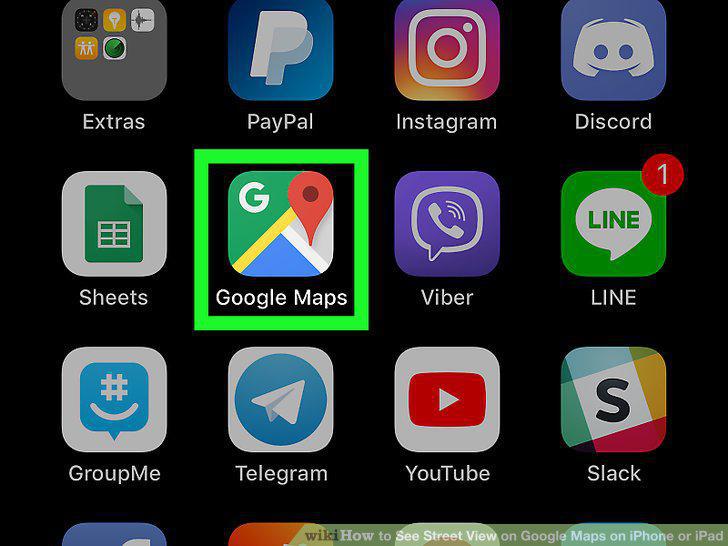
Open the Google Maps app on your iPhone or iPad.
2
Find the location you want to view on the map.
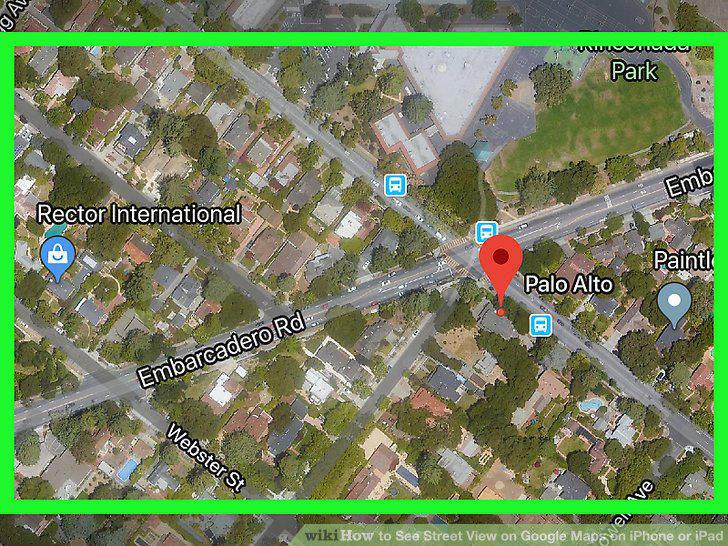
Find the location you want to view on the map.
3
Tap and hold the location you want to view.
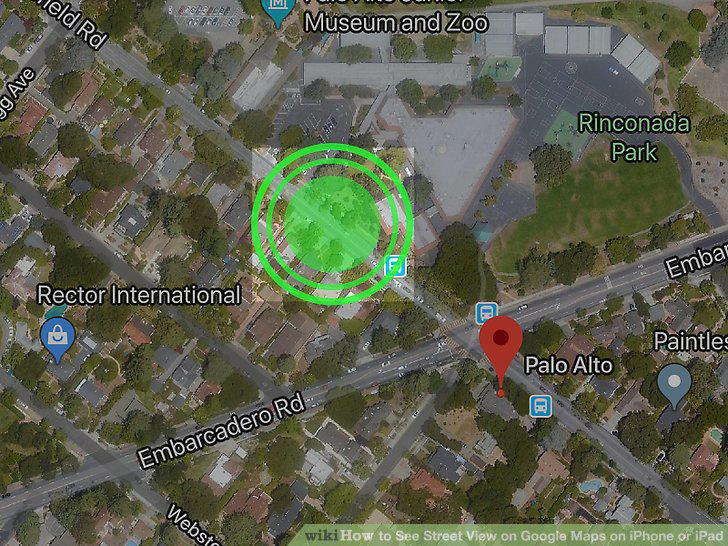
Tap and hold the location you want to view.
4
Tap the photo thumbnail on the bottom-left corner.
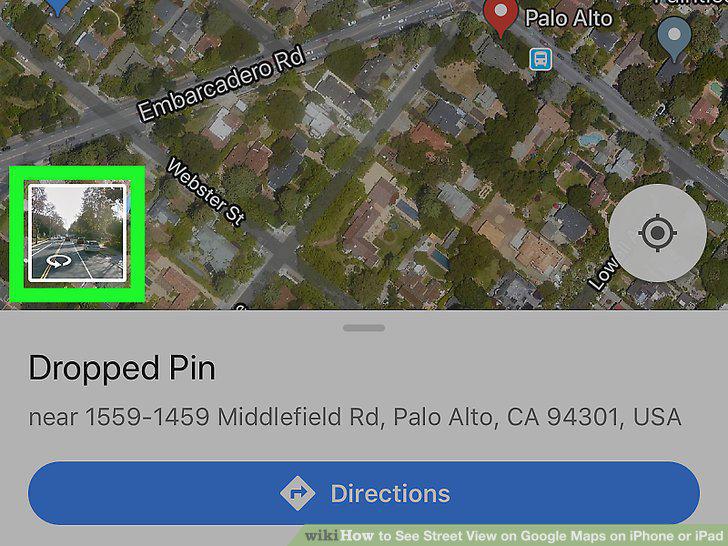
Tap the photo thumbnail on the bottom-left corner.
5
Swipe up and down along the blue road lines.
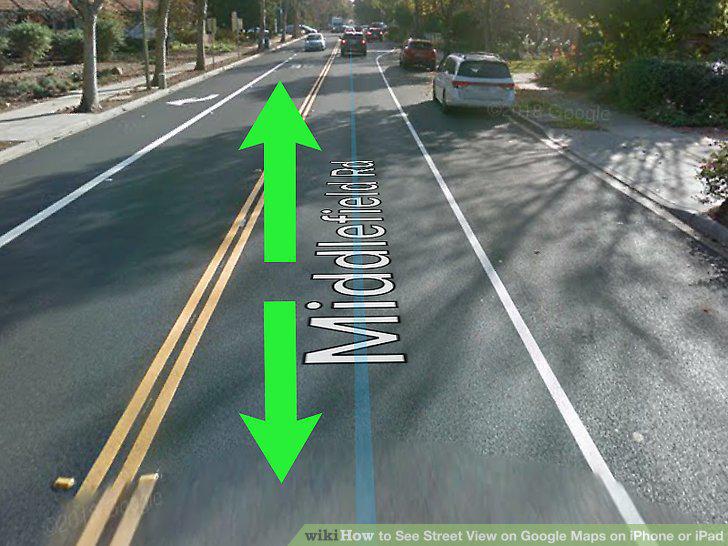
Swipe up and down along the blue road lines.
Comments (0)
No comments yet. Be the first to share your thoughts!