How to Share a Pinterest Account
Open Pinterest.. Navigate to a Pinterest profile that you want to share.. Tap or click the share icon that looks like an open box with an arrow pointing out of it (iOS and web) or (Android).
Steps
1
Open Pinterest.
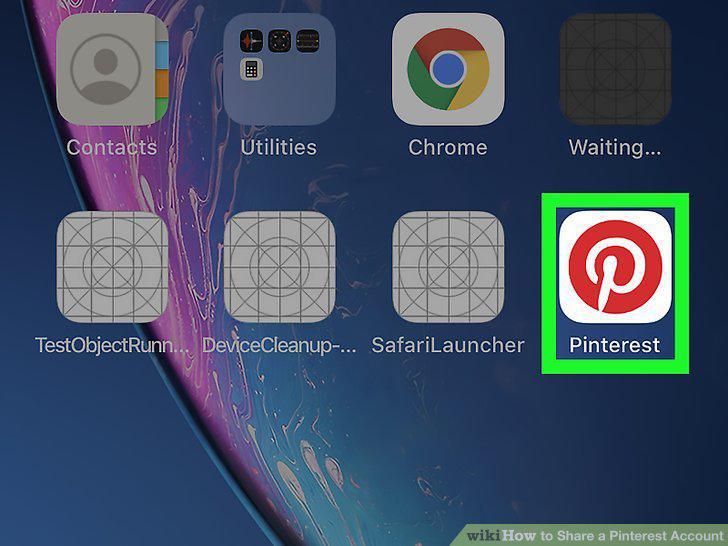
Open Pinterest.
2
Navigate to a Pinterest profile that you want to share.

Navigate to a Pinterest profile that you want to share.
3
Tap or click the share icon that looks like an open box with an arrow pointing o

Tap or click the share icon that looks like an open box with an arrow pointing out of it (iOS and web) or (Android).
4
Select a method to share.
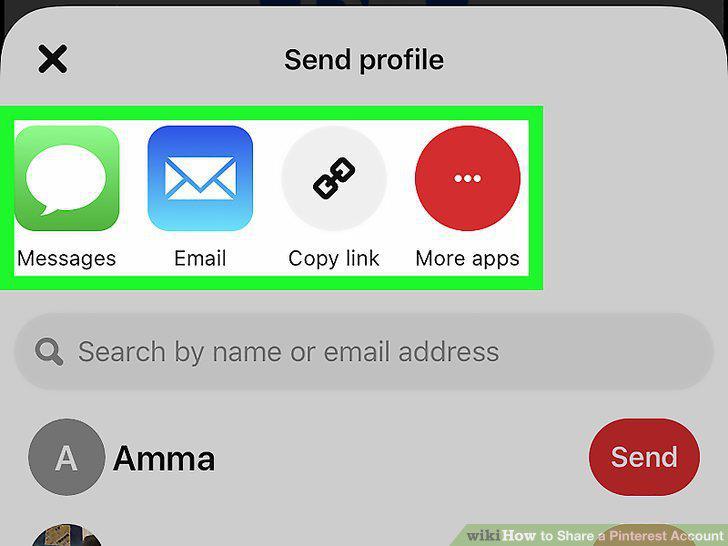
Select a method to share.
Comments (0)
No comments yet. Be the first to share your thoughts!