Steps
1
Open your Excel document.
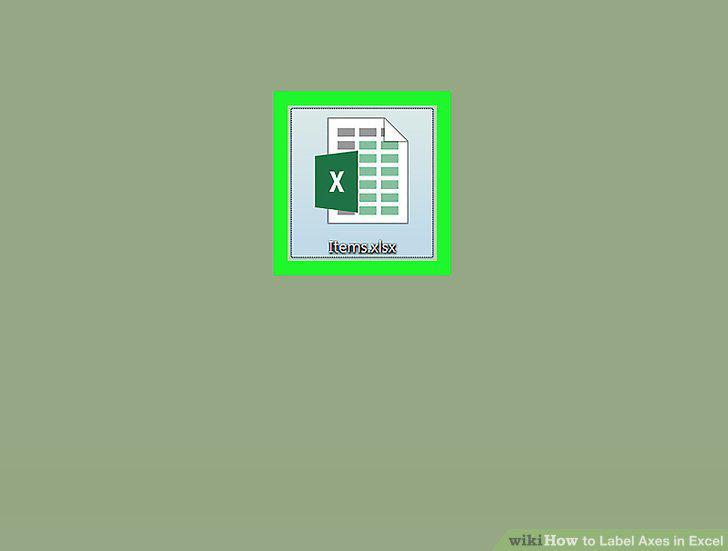
Open your Excel document.
2
Select the graph.
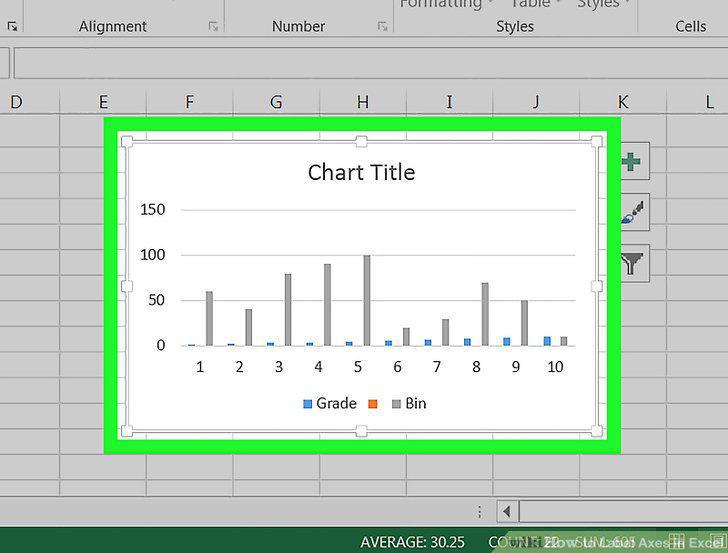
Select the graph.
3
Click +.
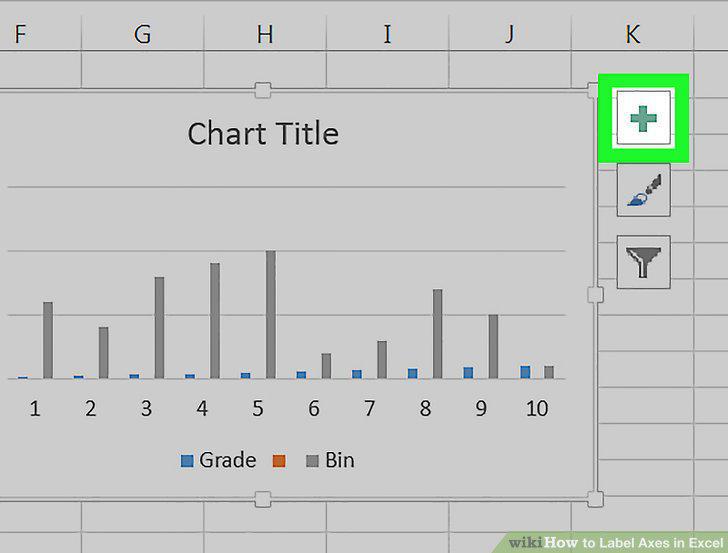
Click +.
4
Click the Axis Titles checkbox.
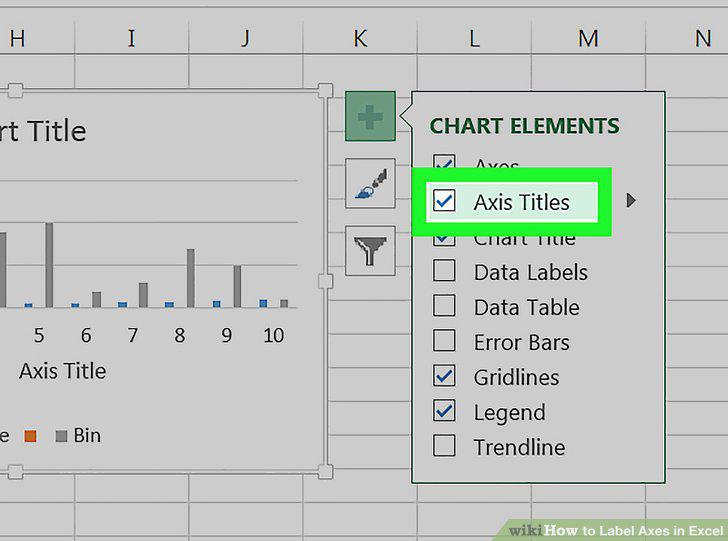
Click the Axis Titles checkbox.
5
Select an "Axis Title" box.
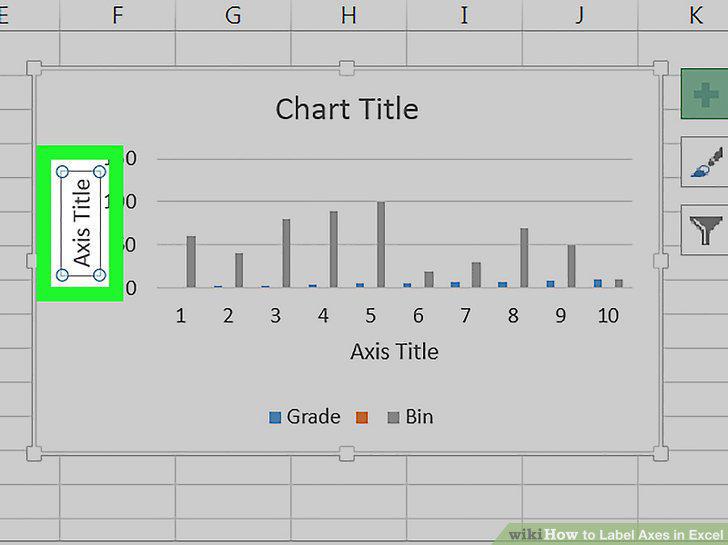
Select an "Axis Title" box.
6
Enter a title for the axis.
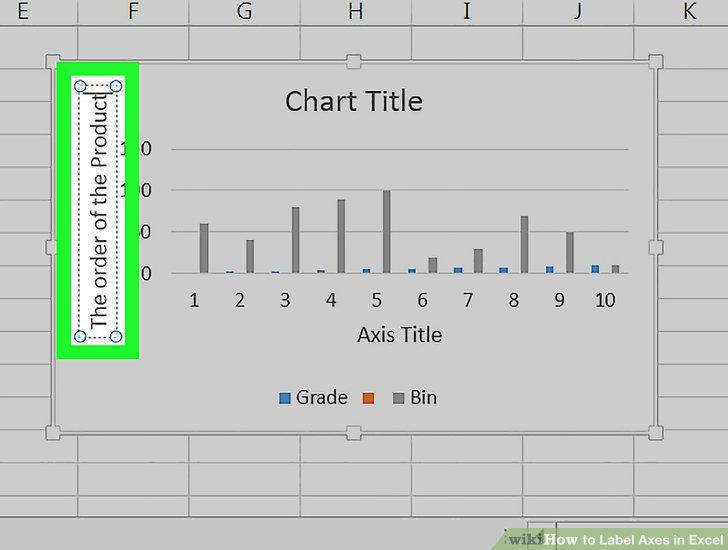
Enter a title for the axis.
Comments (0)
No comments yet. Be the first to share your thoughts!